🌍 Multilingual/Localization
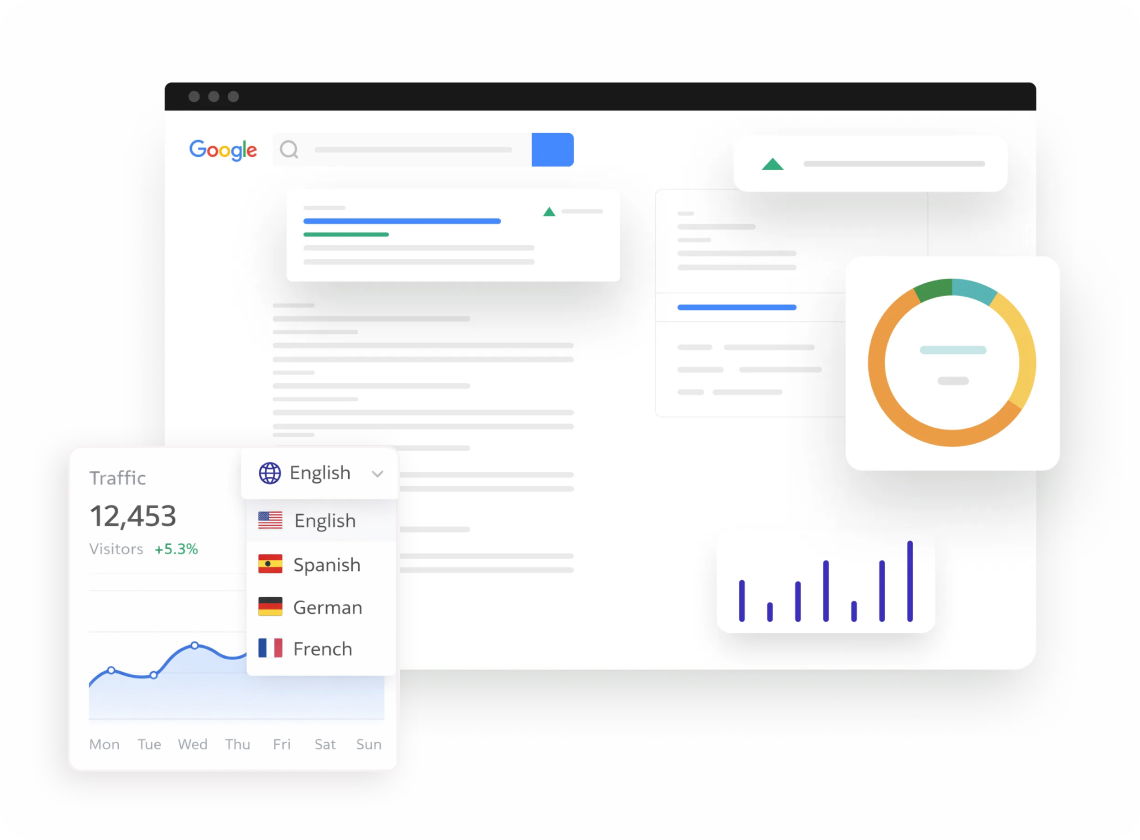
Your business has no borders. Your website shouldn't either. Create multilingual sites with proper hreflang tags so Google shows the right version to the right audience. One website, every language, zero duplicate content penalties.
Dorik gives you the tools to reach audiences worldwide. Create separate pages for each language version. Maintain full design control across all translations. Your brand stays consistent in every market.
Create dedicated pages for each language your audience speaks. Duplicate your existing designs. Then translate content manually for accuracy. This approach ensures cultural nuances stay intact.
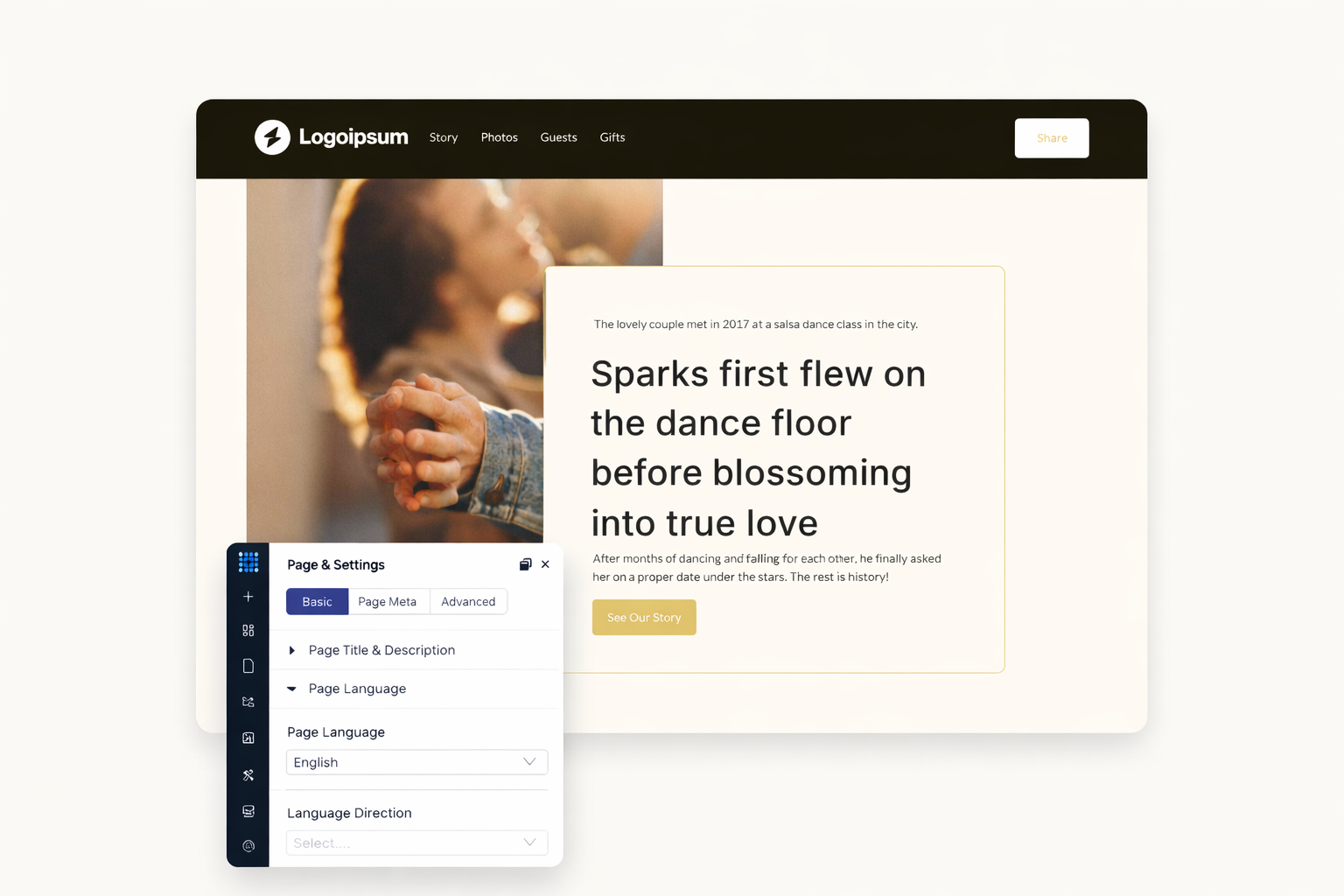
Dorik supports hreflang attributes for multilingual SEO. Search engines understand which language version to show each visitor. Your French content appears in France. German pages rank in Germany.
Build clean URLs for each language version. Use custom slugs like "/es/about" or "/fr/services". Search engines index each version separately. Your international SEO improves with proper URL organization.
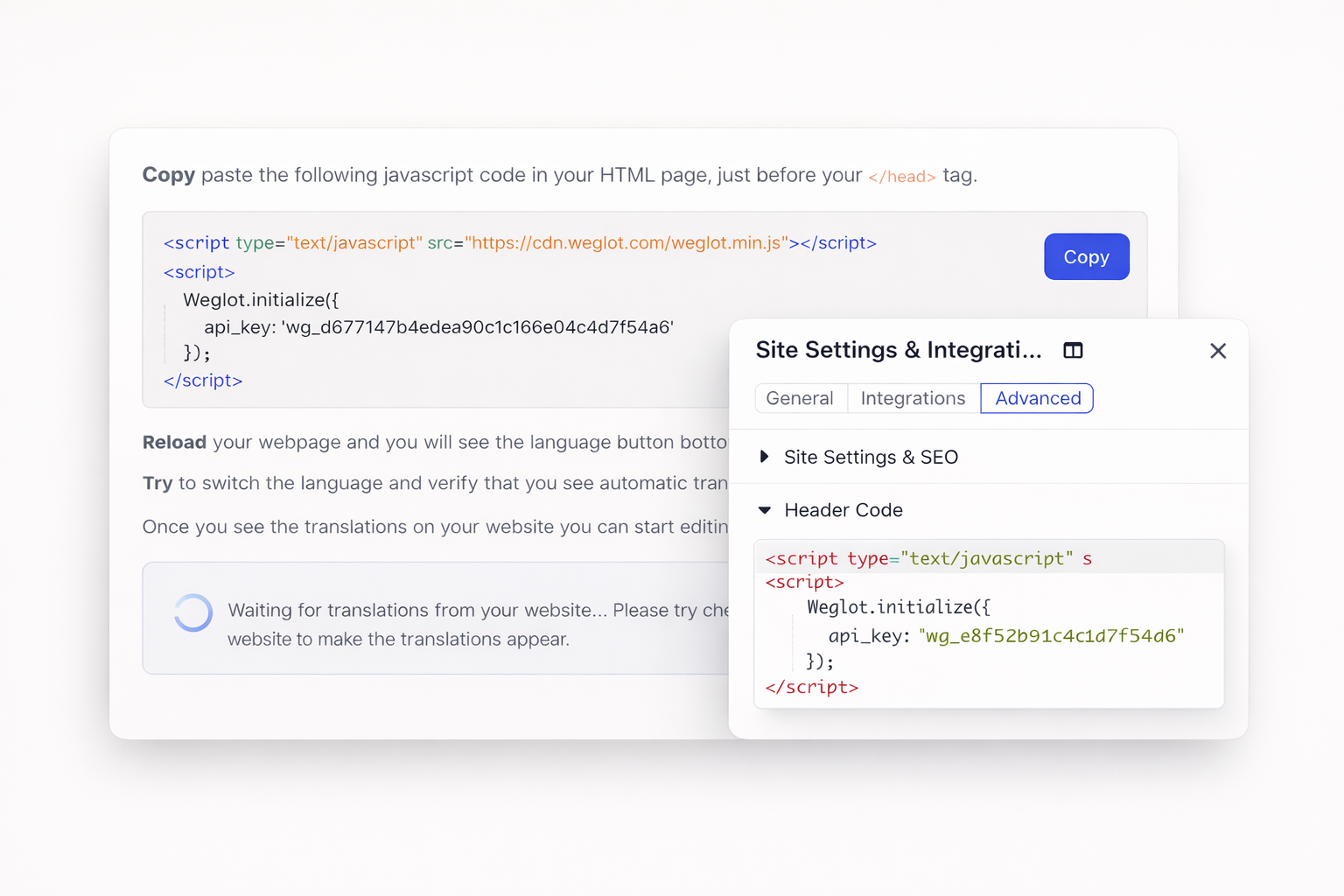
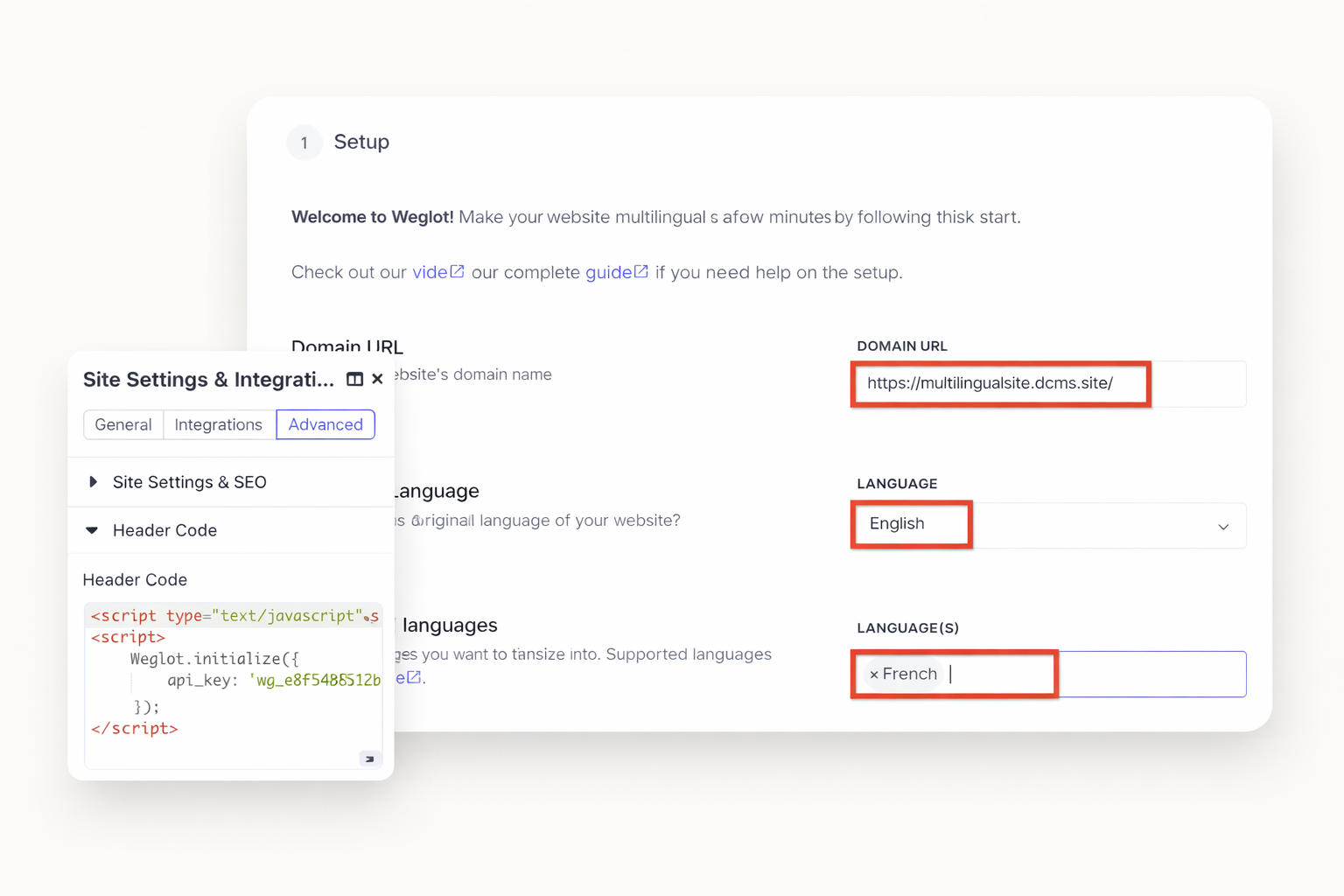
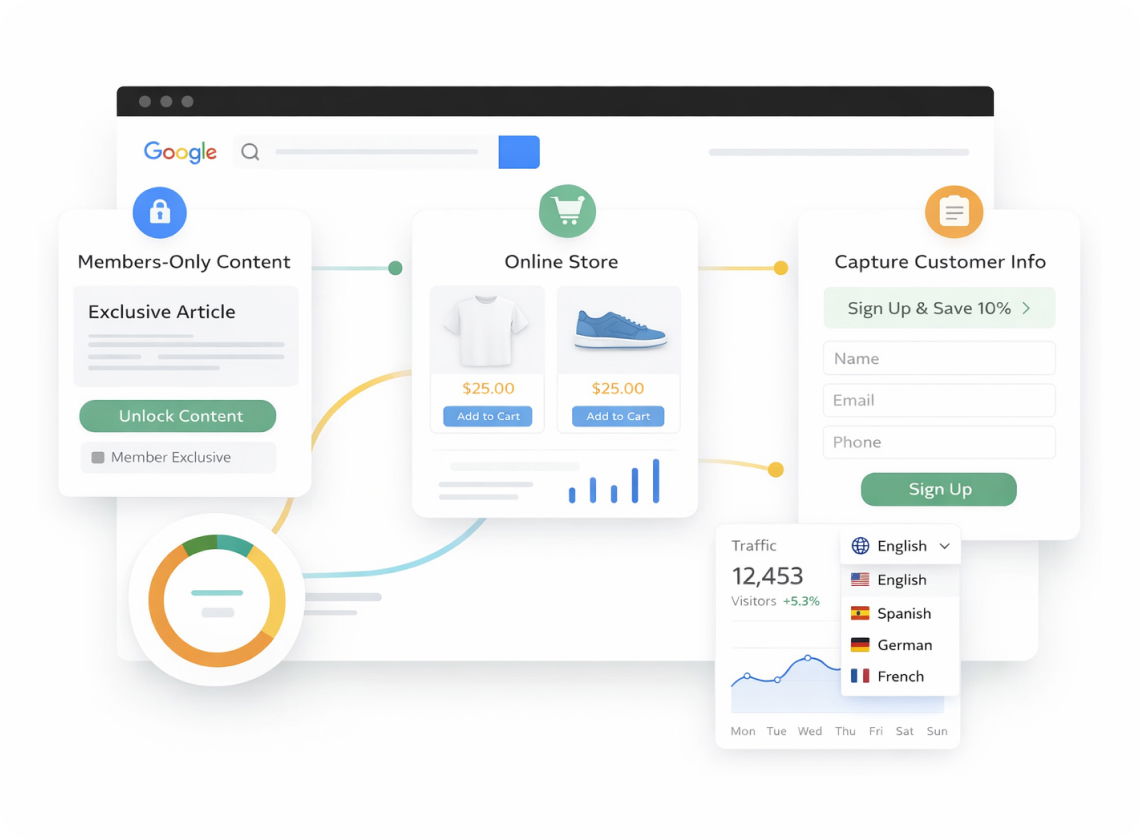
Add Weglot to your Dorik site through custom code injection. Get instant machine translations across your entire site. Edit translations manually when needed. A language switcher appears automatically for visitors.
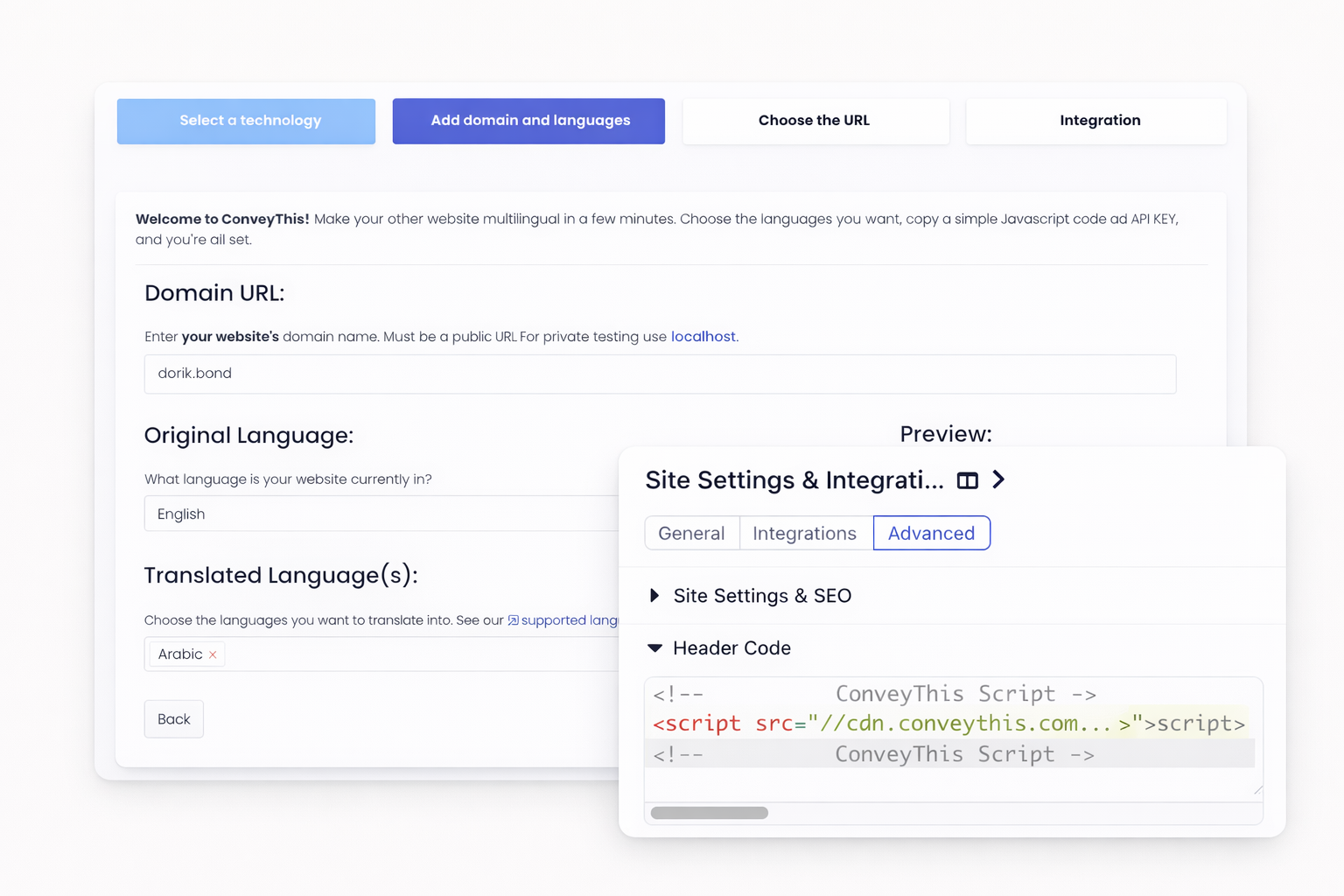
ConveyThis works seamlessly with Dorik through custom code. Manage all translations from one dashboard. The tool handles hreflang tags automatically. Your multilingual SEO stays optimized without extra work.
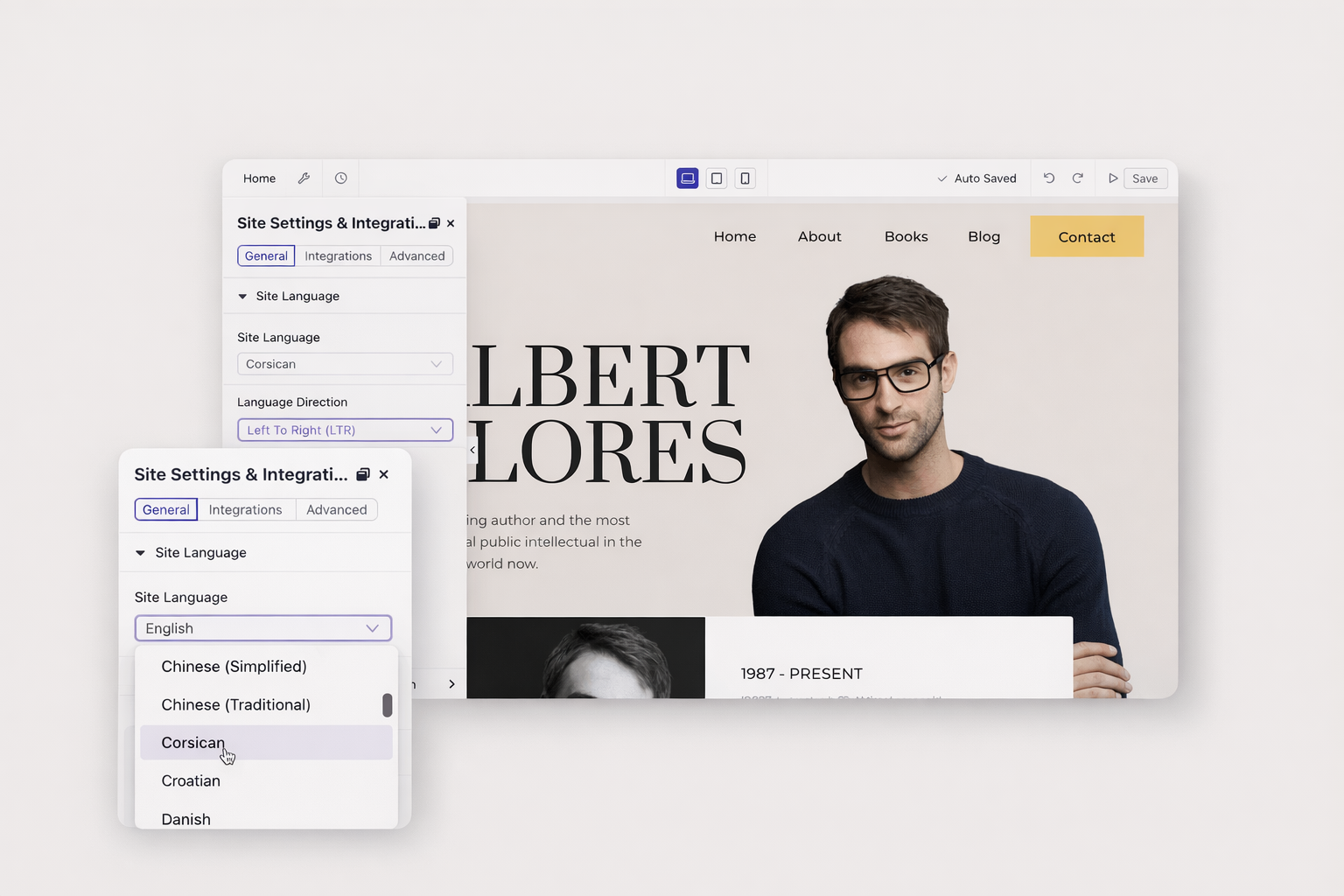
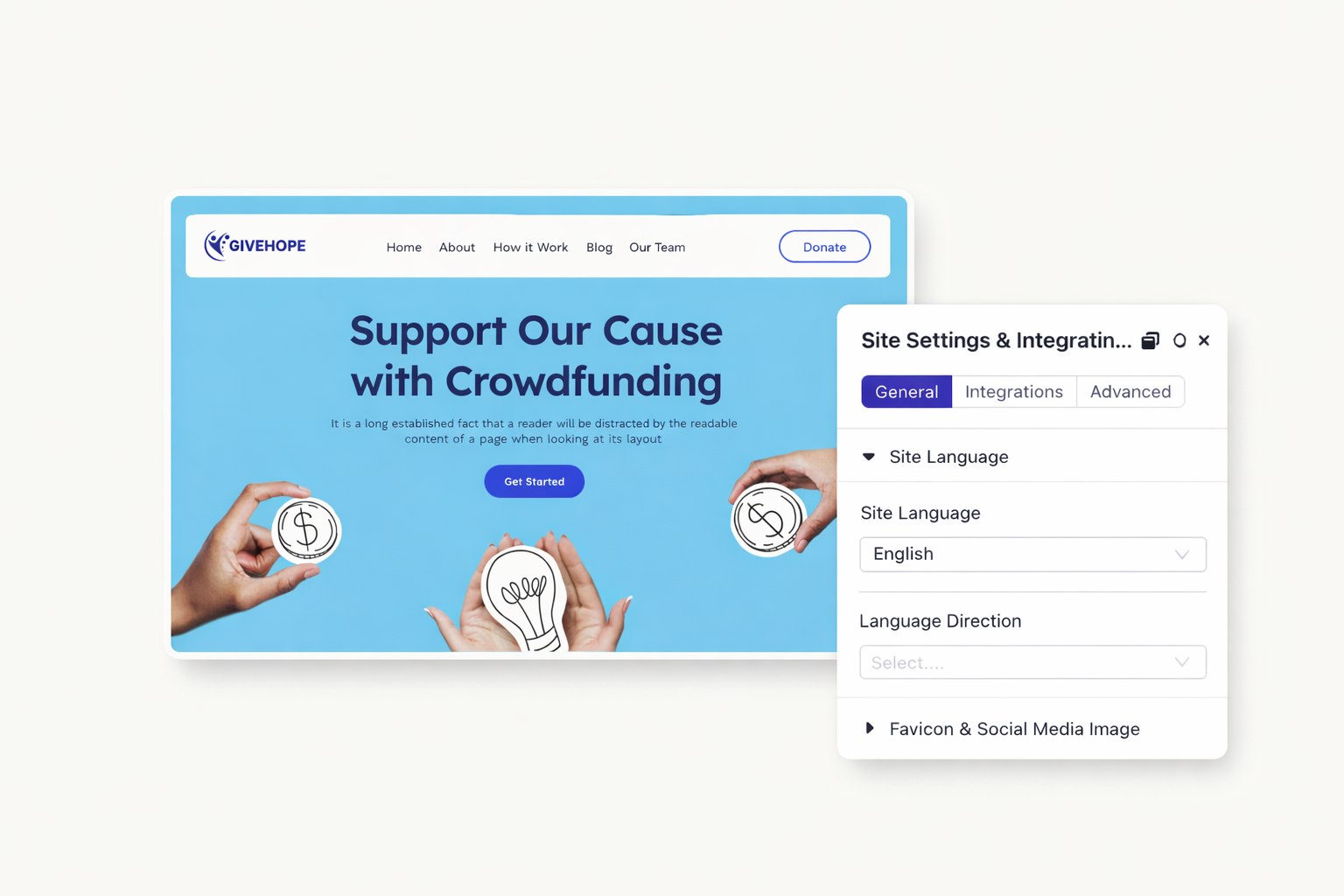
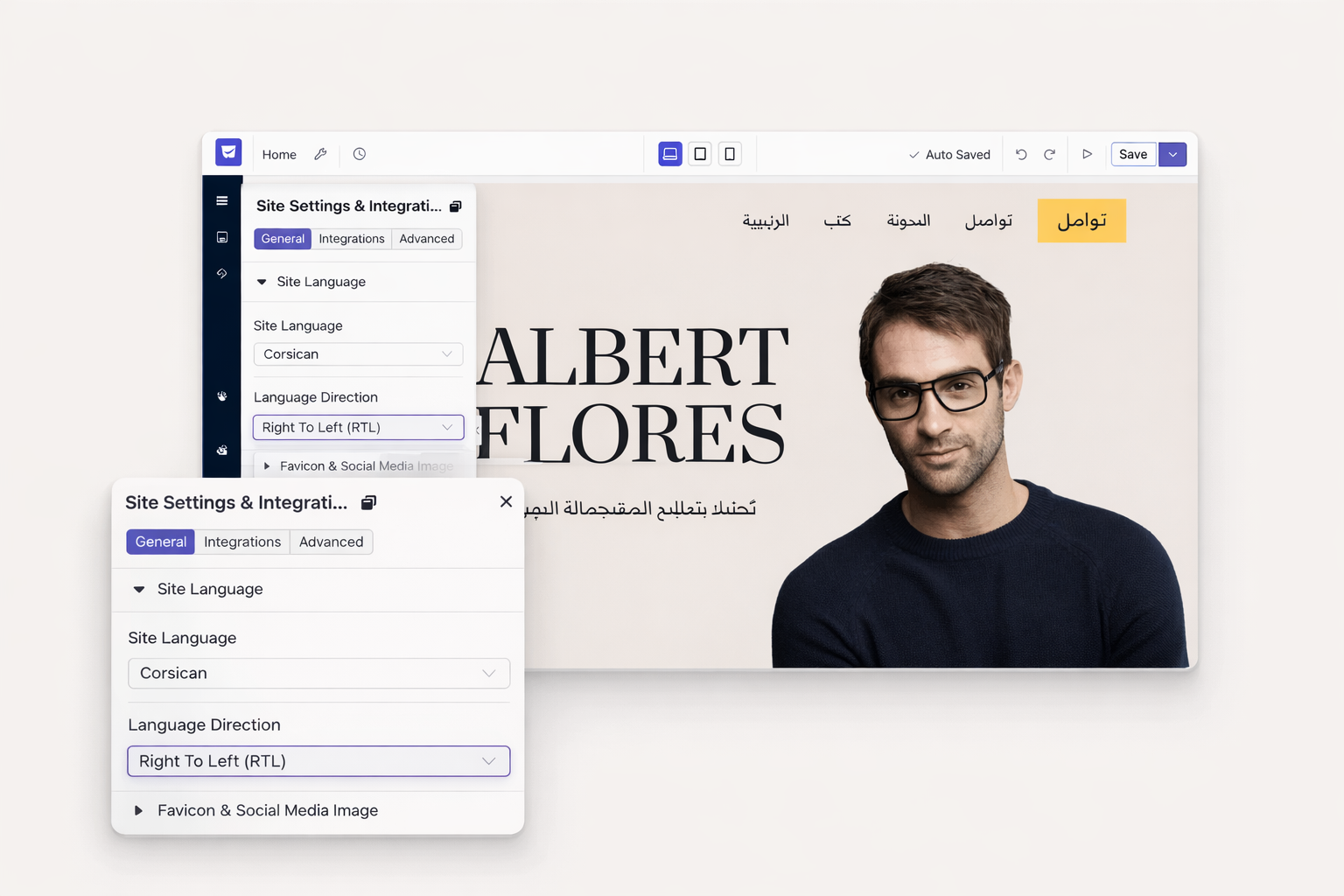
The Dorik builder interface supports multiple languages. Select your preferred language in settings. Navigate the editor in a language you understand. Build websites more comfortably and efficiently.
Reach new markets with a professionally translated website. Set up your multilingual Dorik site in minutes using hreflang support and third-party integrations.
Dorik doesn't include native automatic translation. You can integrate third-party tools like Weglot or ConveyThis through custom code. These services provide machine translation with manual editing options.
Language switchers come from third-party translation tools. When you integrate Weglot or ConveyThis, they add a customizable language selector. You can also build a manual switcher using links between language pages.
Yes, with proper setup. Use hreflang attributes in your page settings. Create dedicated URLs for each language. Submit separate sitemaps for each language version to Google Search Console.
Absolutely. Create duplicate pages for each language. Translate the content yourself or hire professional translators. Manual translation ensures accuracy and captures cultural nuances that machines miss.
No, separate domains aren't required. Use subdirectories like "yoursite.com/fr/" or "yoursite.com/es/". This approach keeps your domain authority consolidated while serving language-specific content.
There's no limit on language versions. Create as many page sets as you need. Third-party tools like Weglot support over 100 languages. Manual translation works for any language.

❤️ This website is built with Dorik, without writing any code

© 2026 Dorik, Inc. All rights reserved