🛠️ Templates & UI Components
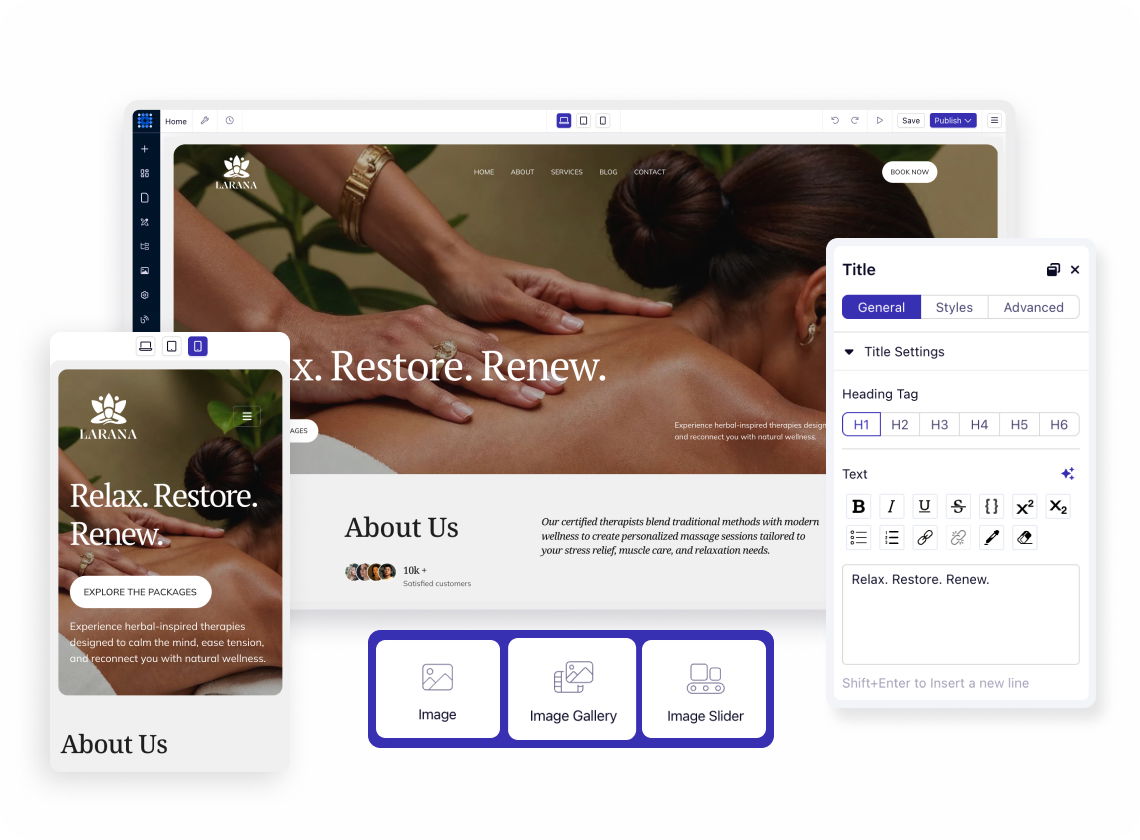
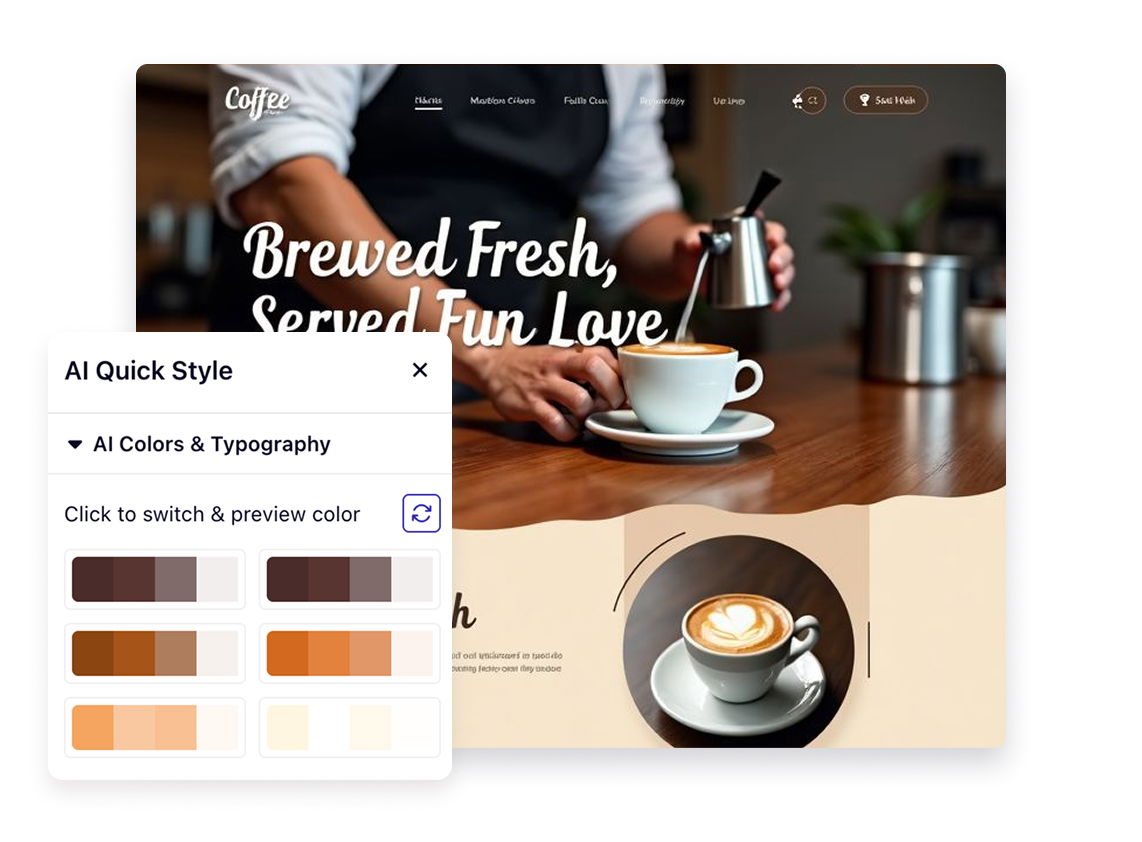
Stop staring at blank screens. Start with 110+ designer-made templates and 250+ pre-built UI blocks. Drag, drop, and make it yours. Your website looks custom-built without the custom price tag.
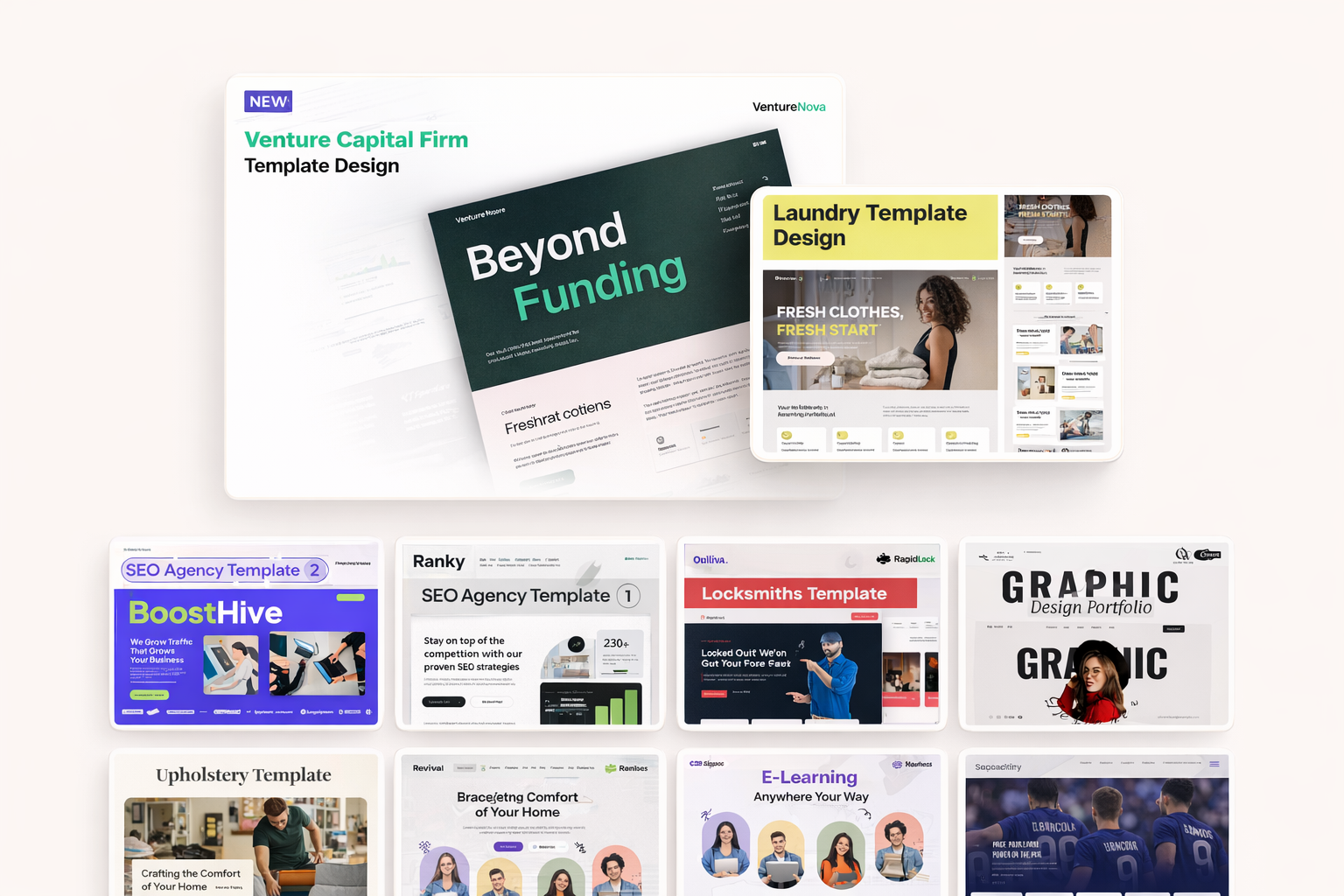
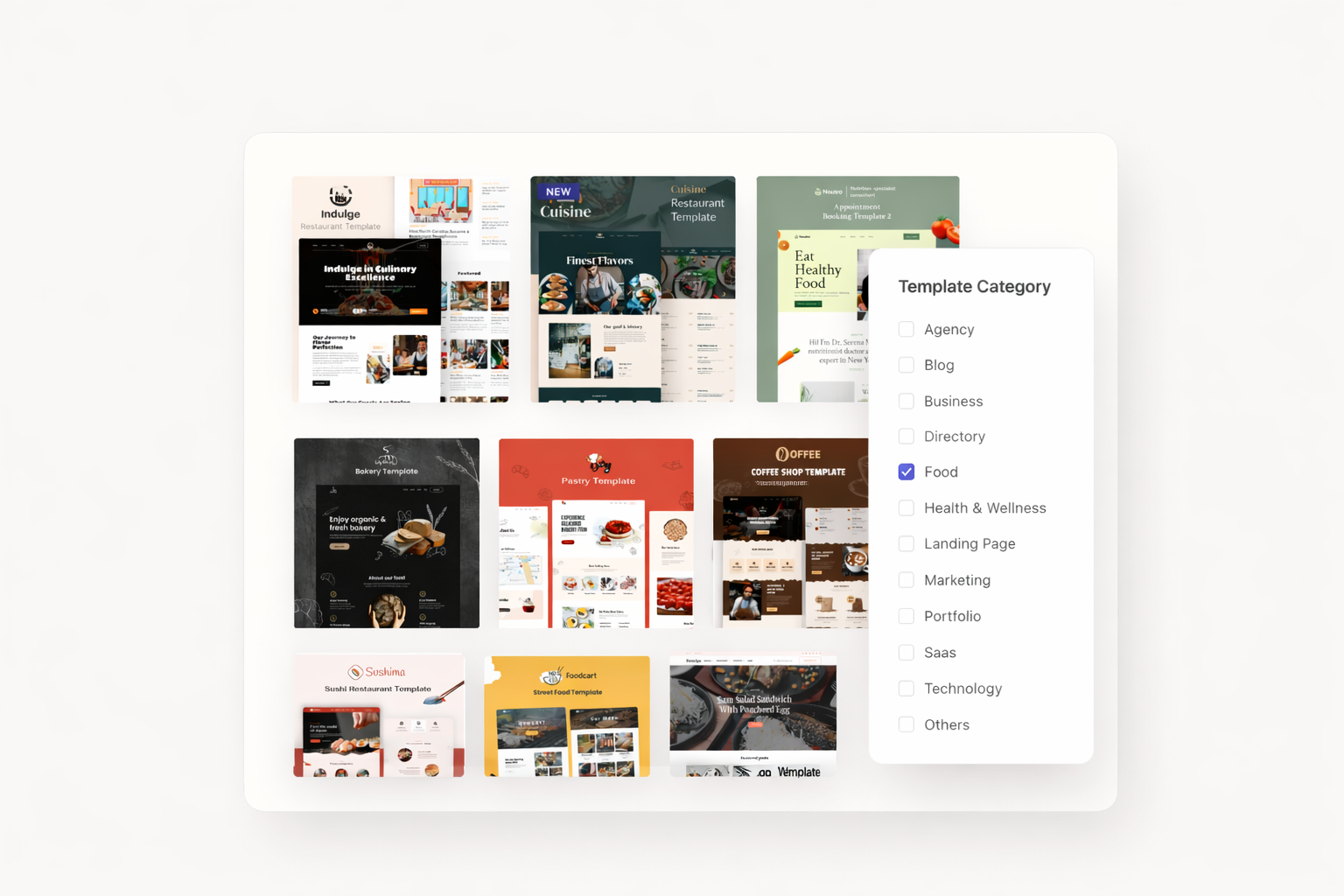
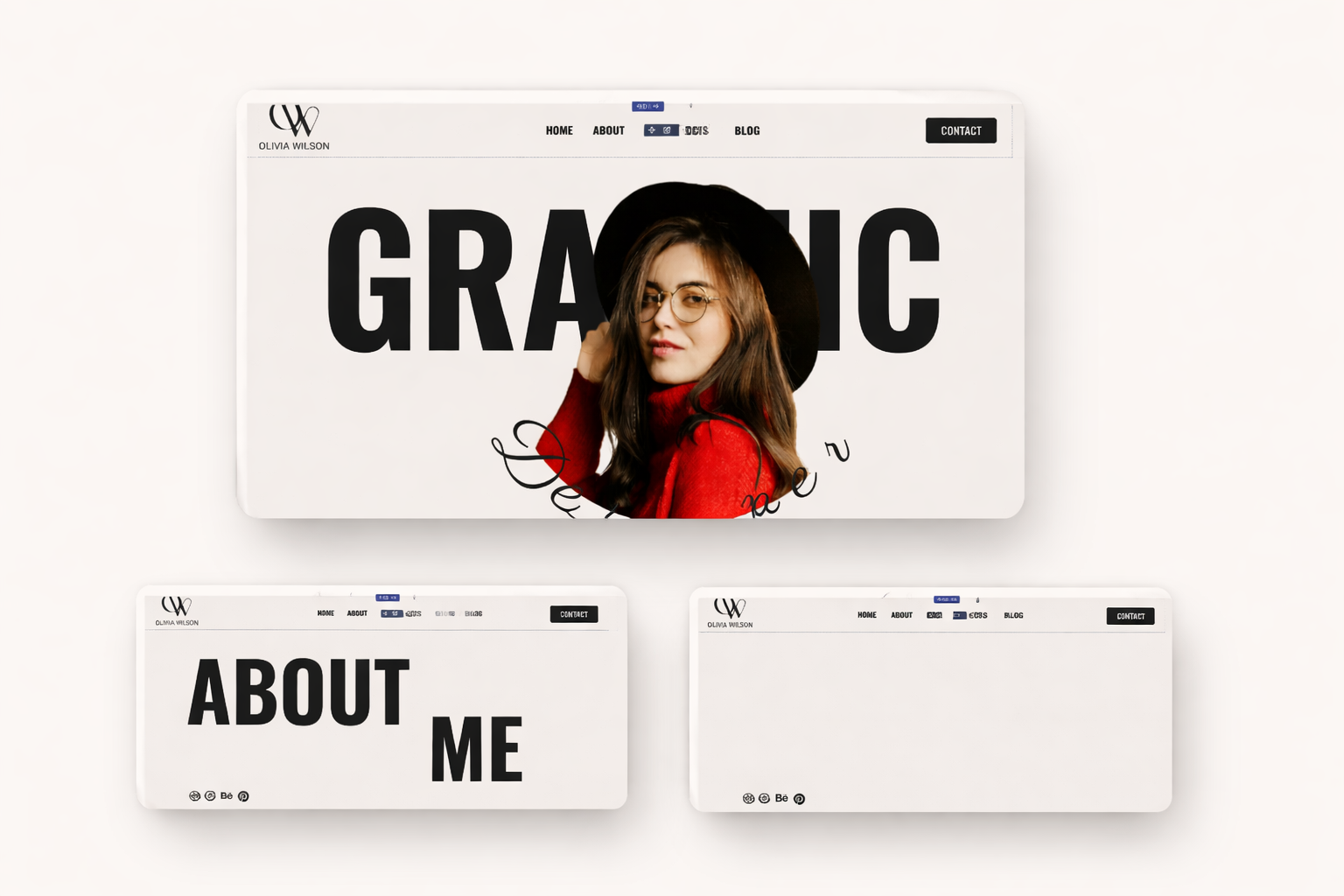
Your industry deserves a template built for it. Browse designs for SaaS, agencies, portfolios, blogs, restaurants, podcasts, and more. Each template comes ready for your content.
Launch faster with niche-specific layouts. Dorik offers templates across 14 categories, including SaaS websites, agency sites, photography portfolios, membership platforms, and affiliate marketing sites. Pick one that fits your goals.
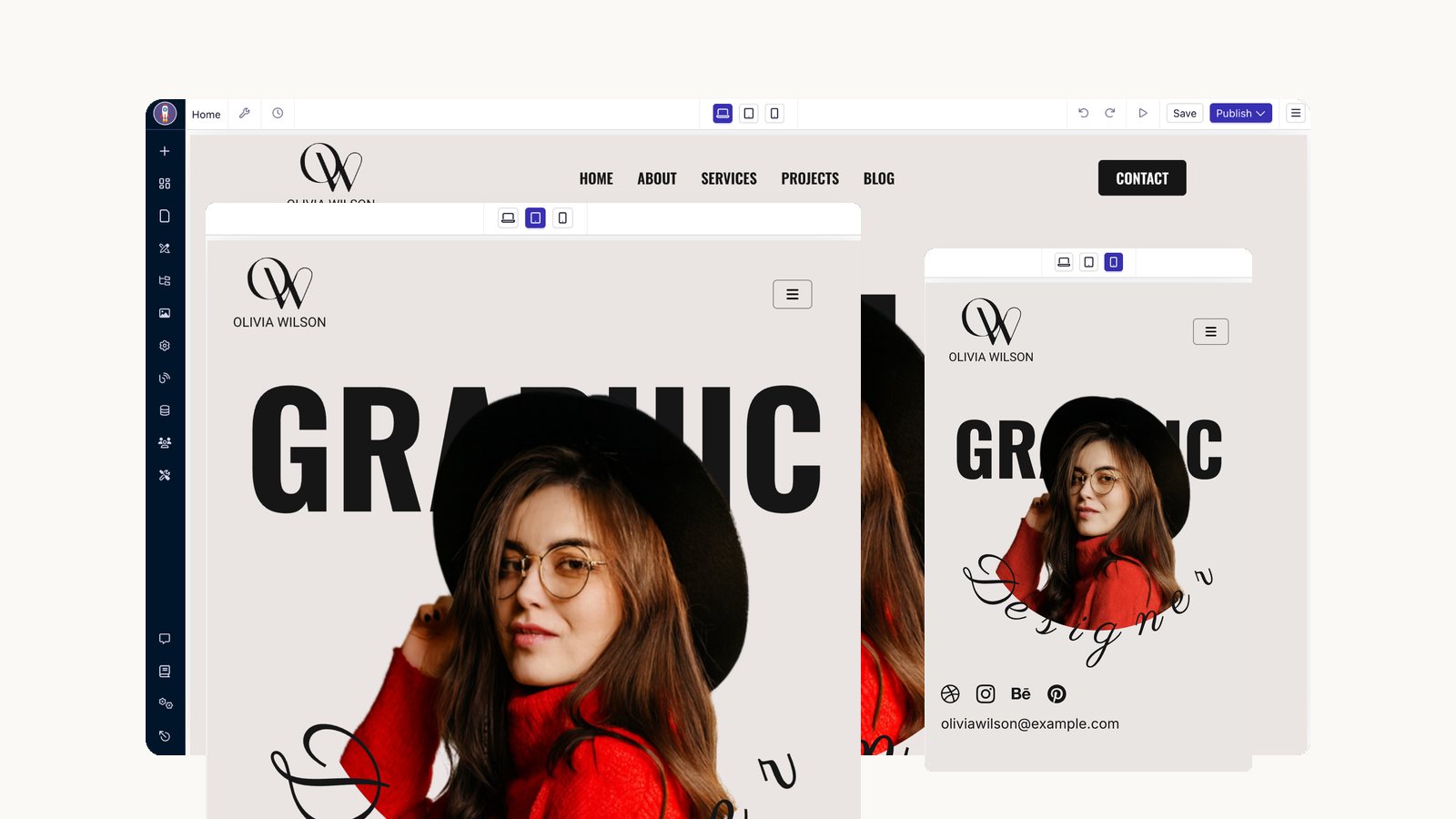
Your visitors browse on phones. Every Dorik template automatically adapts to mobile, tablet, and desktop screens. No extra work required. Test your design across devices with one click.
Templates are optional. Choose a blank canvas and build your vision from the ground up. Combine sections however you want. Create something completely unique to your brand.
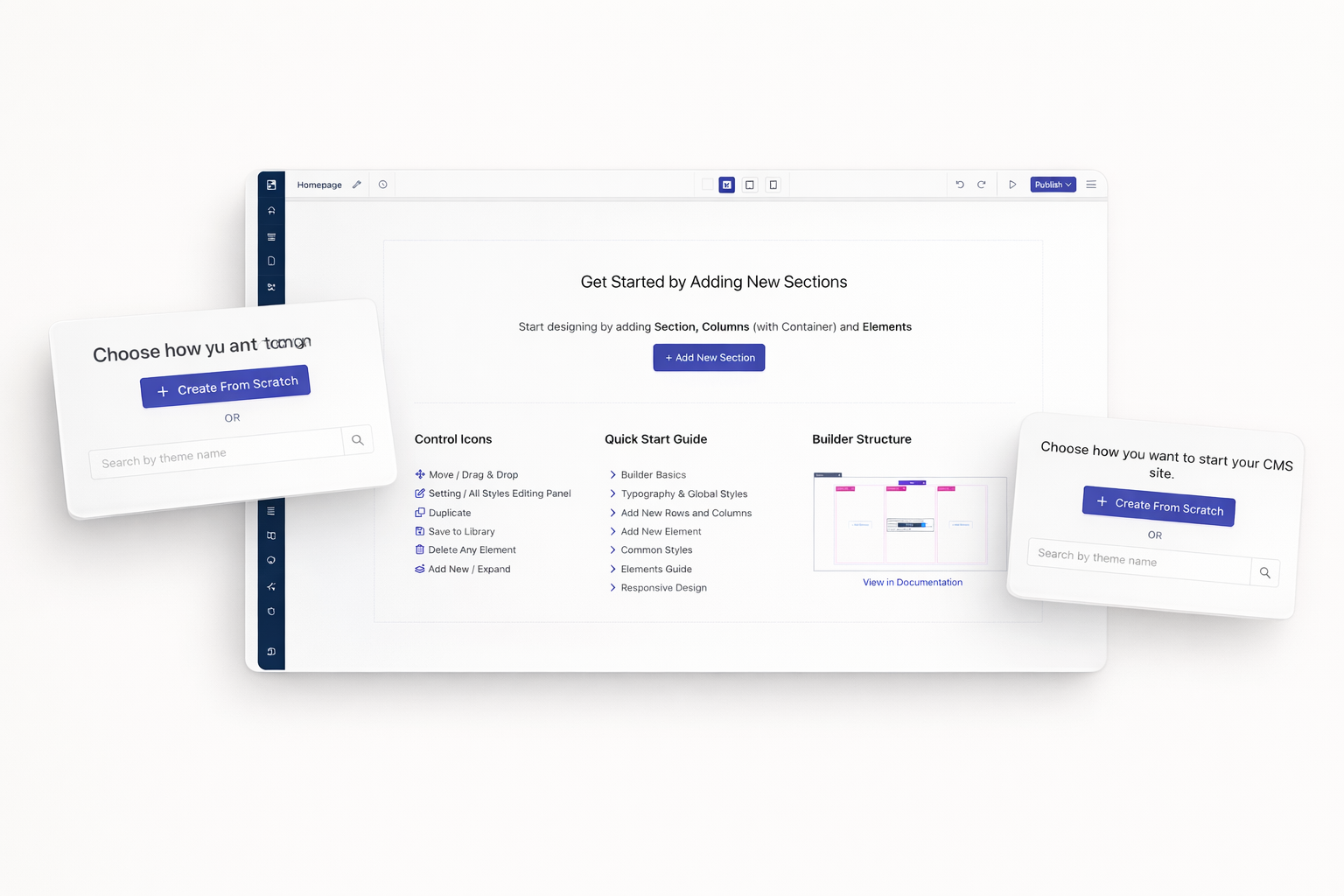
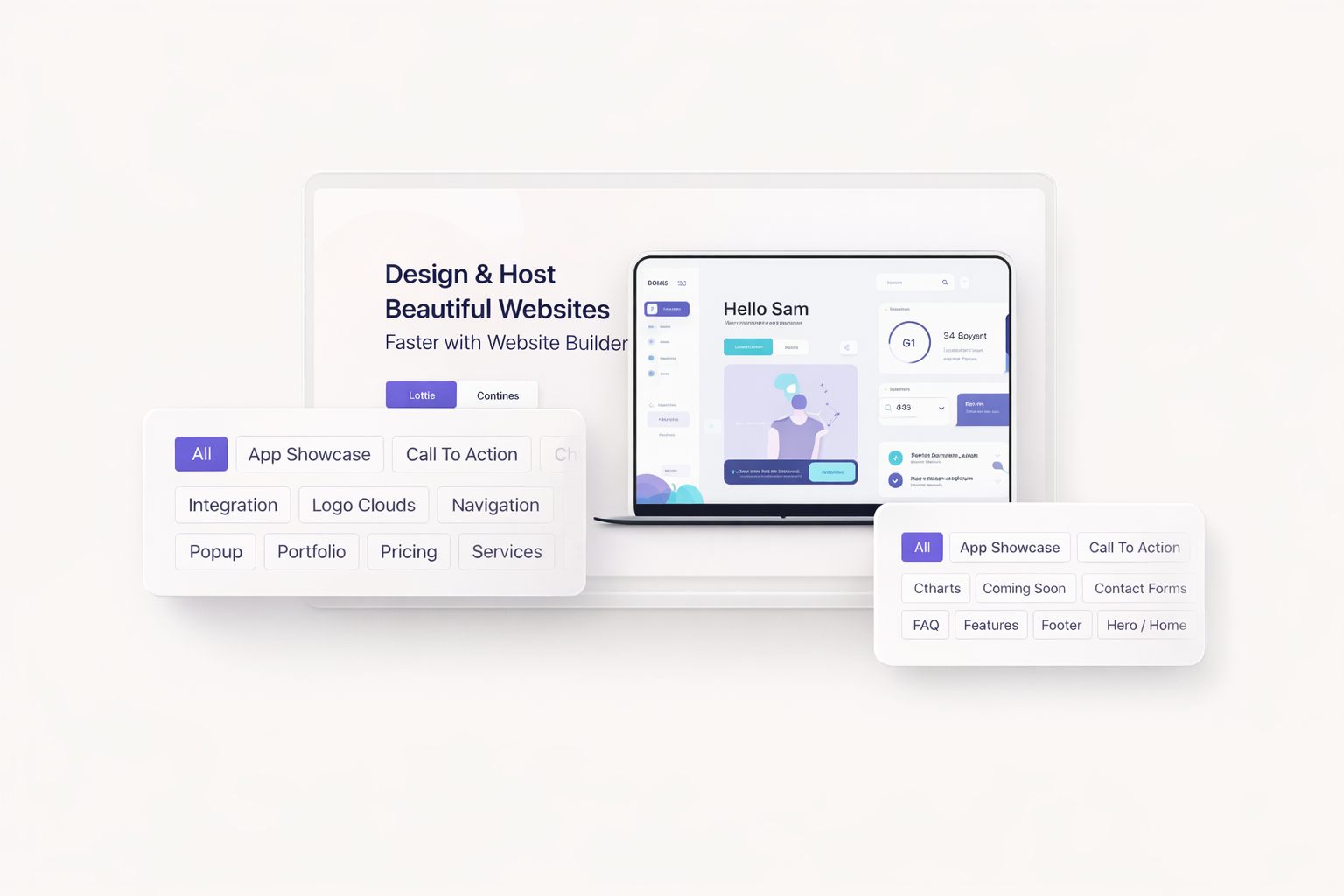
Stop recreating common layouts. Dorik's block library includes 20+ categories of ready-made sections. Add a hero section in seconds. Insert pricing tables instantly. Build complete pages in minutes.
Your site needs specific elements. Dorik delivers blocks for hero sections, feature showcases, pricing tables, testimonial displays, FAQ accordions, team grids, contact forms, footers, and more. Each block is professionally designed.
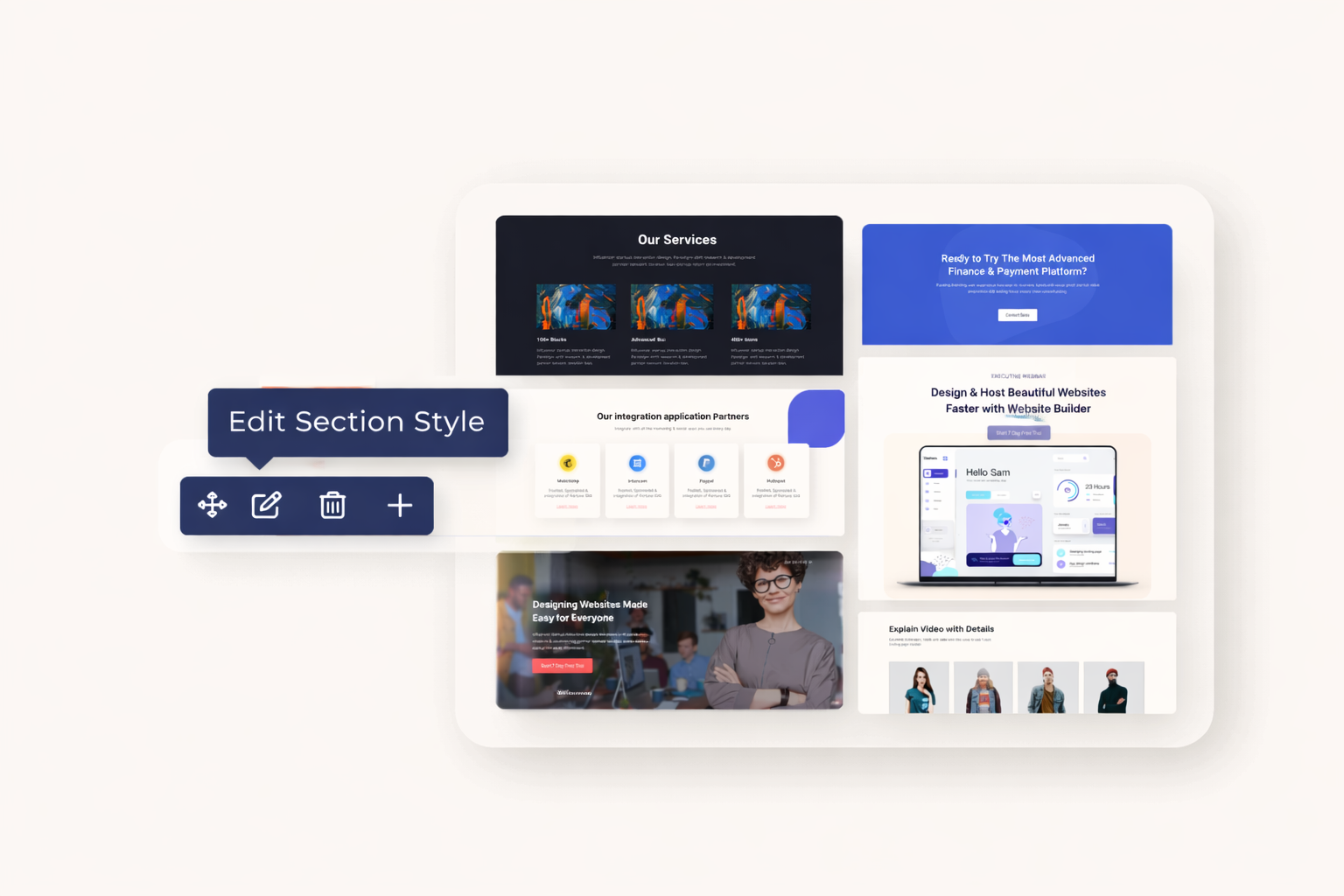
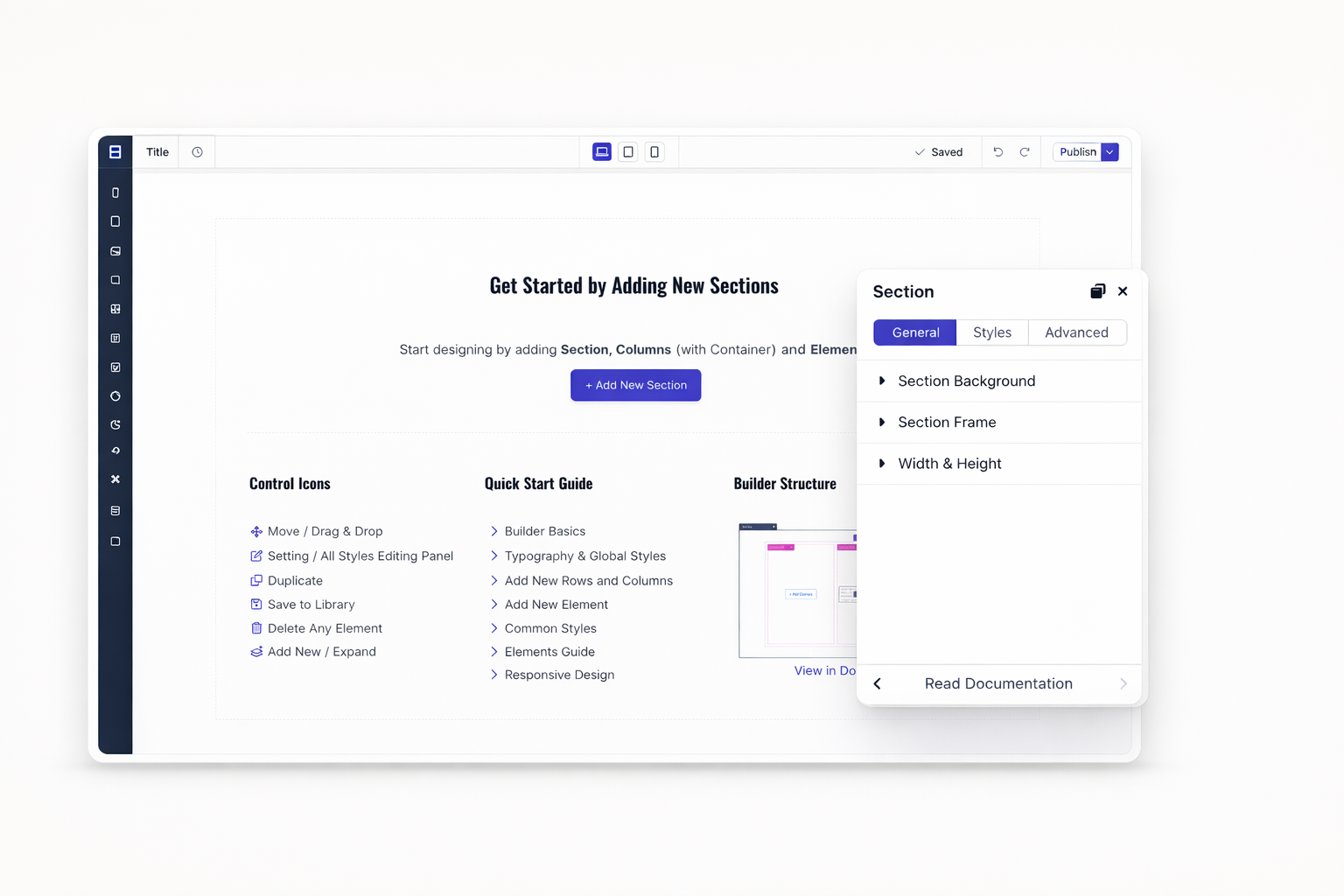
Blocks are starting points, not limits. Change colors, fonts, spacing, and layouts. Replace placeholder content with your own. Make each section uniquely yours while keeping professional structure.
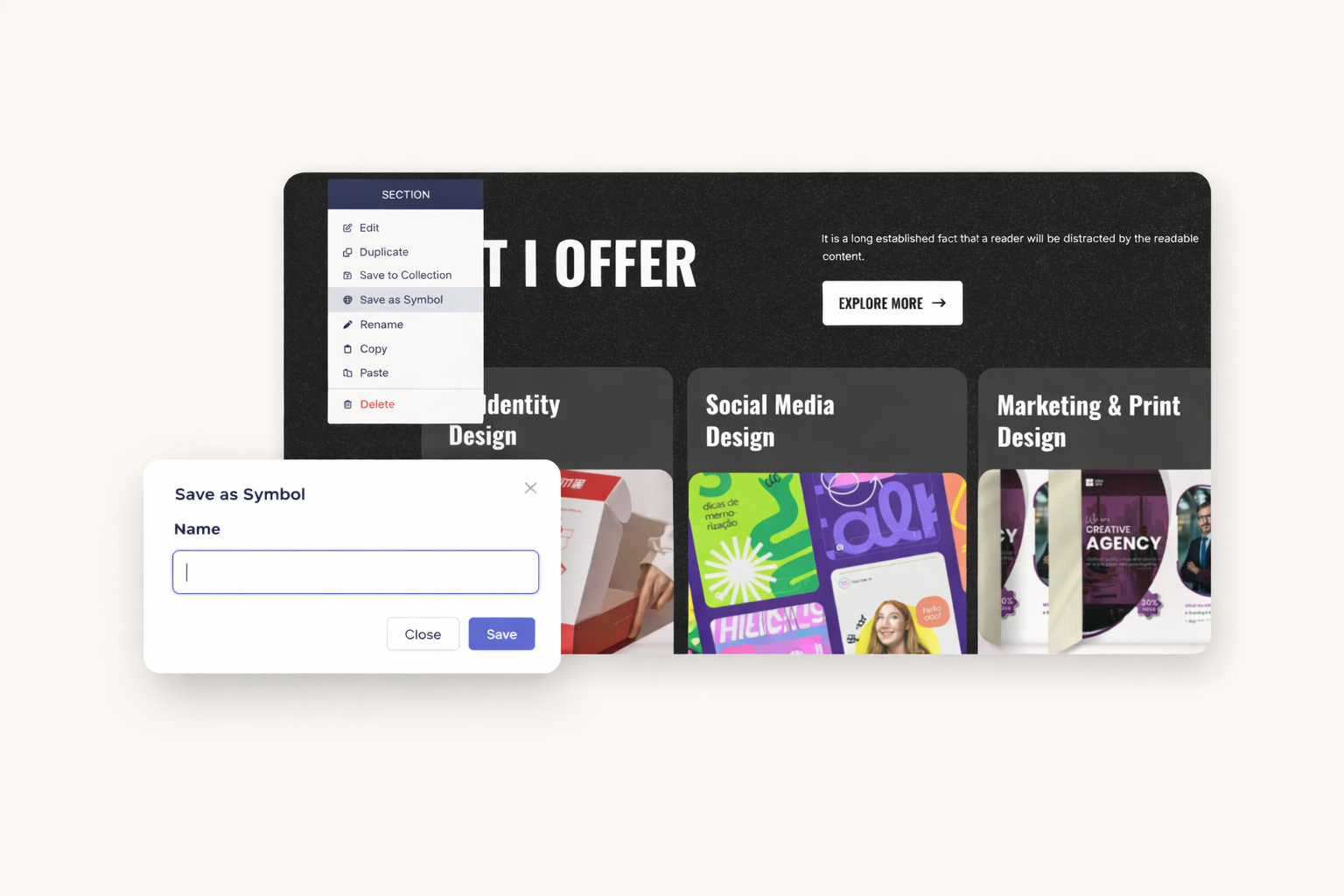
Headers, footers, and CTAs appear on multiple pages. Create a Symbol to sync them automatically. Change your Symbol once. Watch every instance update across your entire website.
Your navigation bar should match on every page. Save it as a Symbol. Add new menu items in one place. Every page reflects your changes instantly. Keep your site consistent without manual updates.
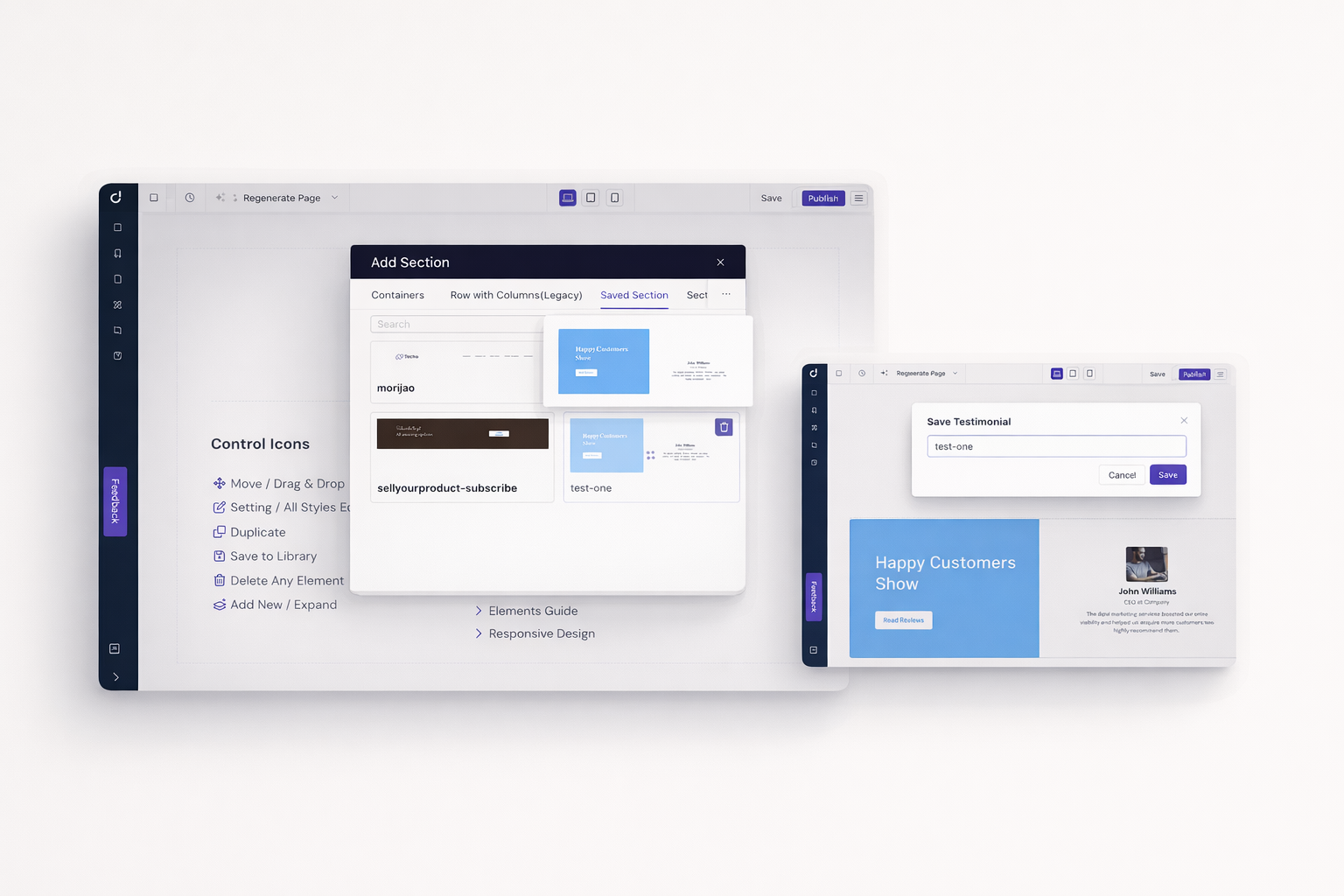
Save your best designs as Collections. Reuse them across different Dorik projects. Build a library of proven layouts. Launch new sites faster with components you know work.
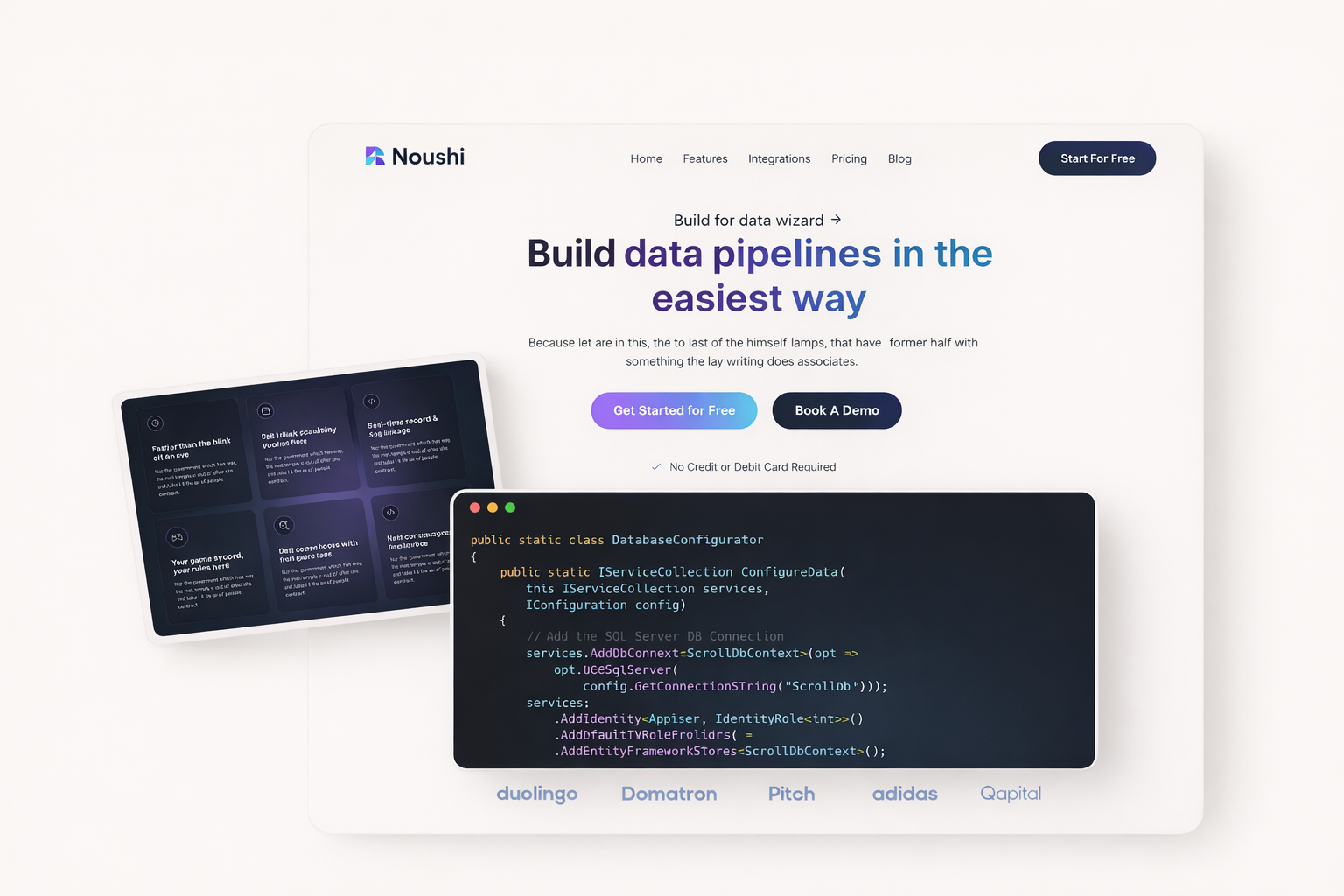
Showcase your software with templates designed for tech companies. Feature your product, highlight benefits, and convert visitors with optimized layouts.
Present your services professionally. Agency templates include portfolio sections, team displays, case studies, and clear calls-to-action.
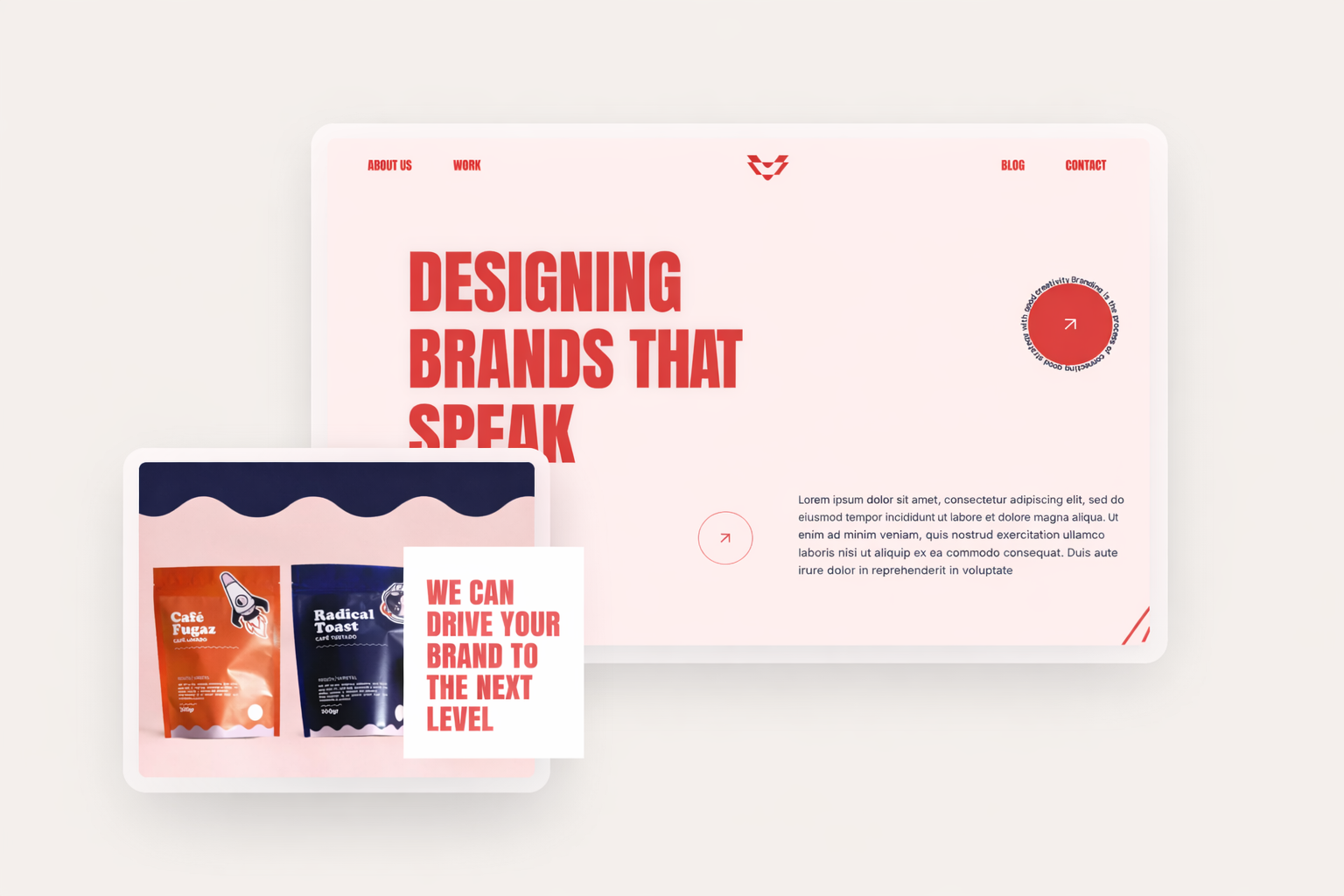
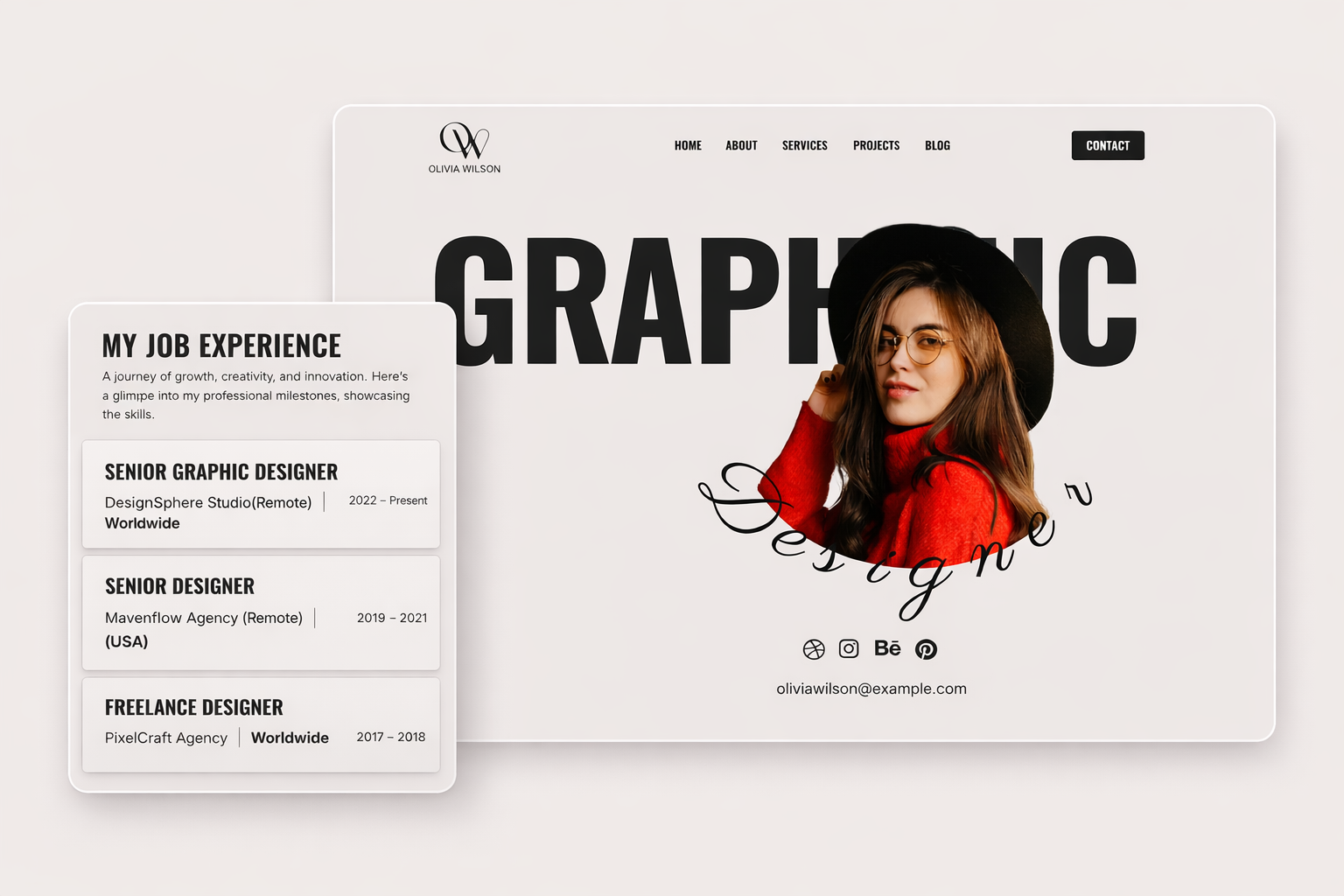
Display your work beautifully. Photography, design, and creative templates put your projects front and center with stunning galleries.
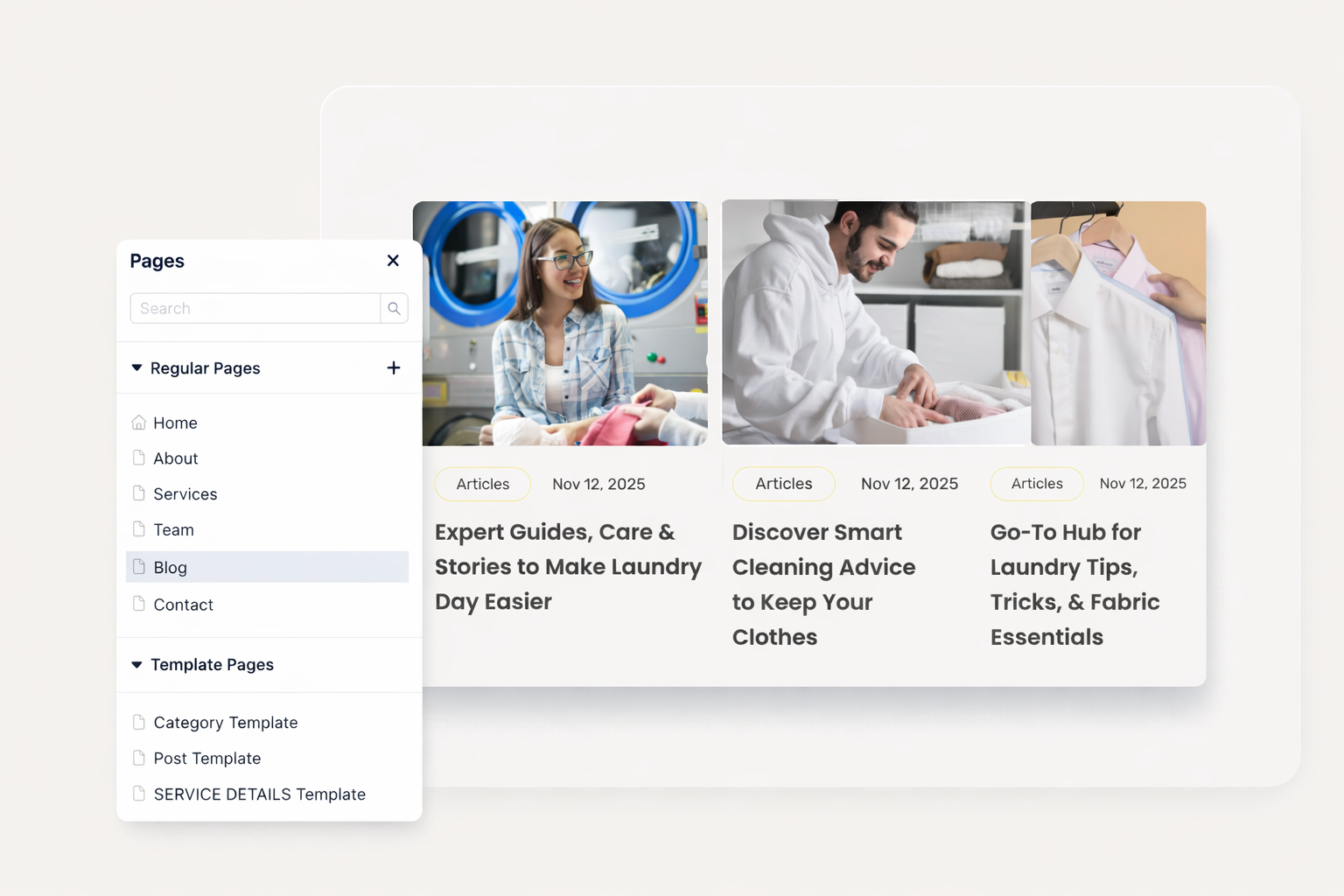
Share your ideas with purpose-built blog layouts. Multi-author support, category pages, and optimized reading experiences come standard.
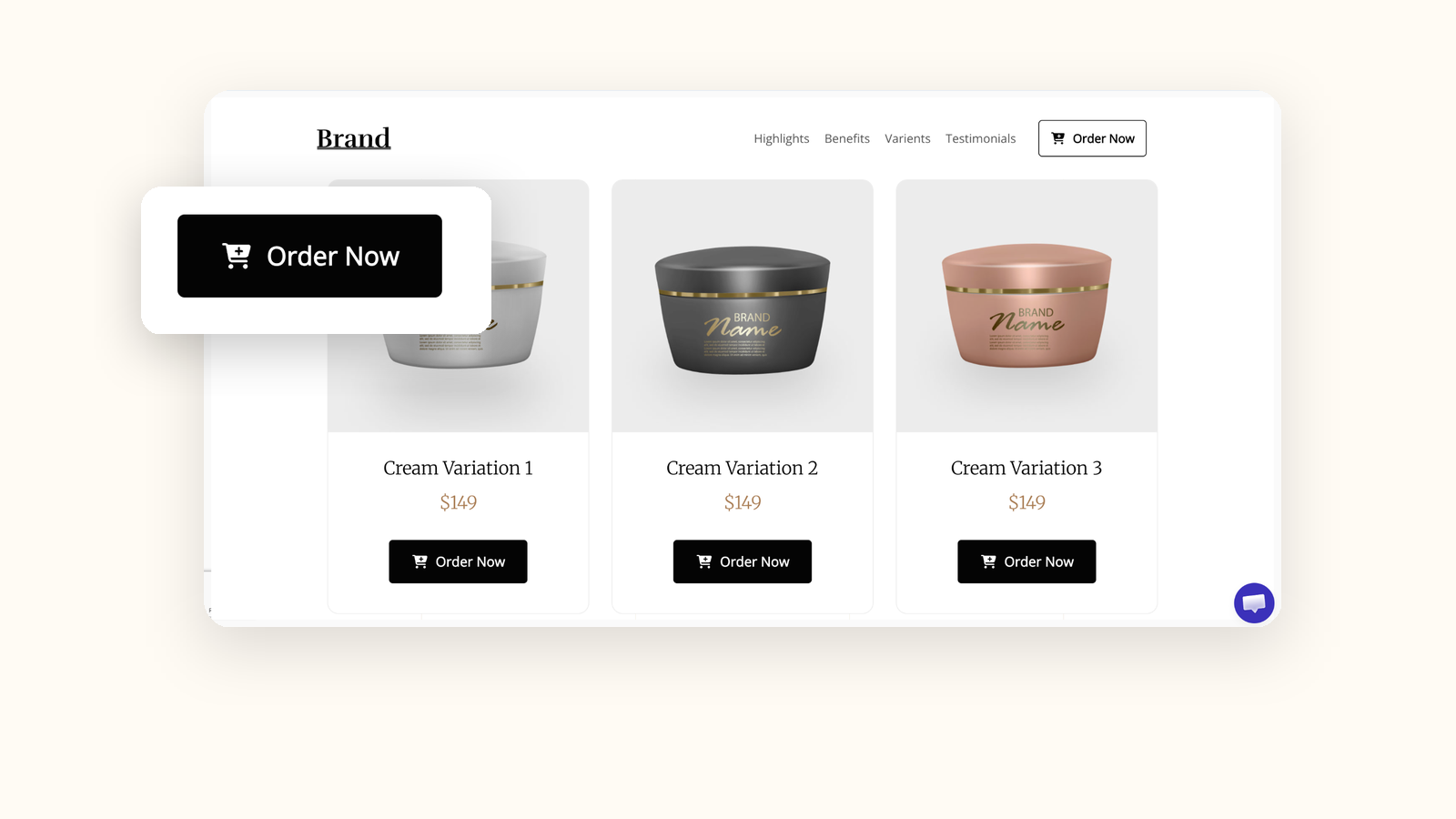
Sell products with commerce-ready templates. Payment integration and product showcases.
Join thousands of creators launching websites faster. Pick a template. Customize it with your brand. Publish in minutes, not months.
No. You cannot switch templates after starting your website. Templates serve as starting points. Once you begin customizing, your design becomes unique. Start with the template closest to your vision. Use Symbols and Collections to preserve elements you want to reuse.
Absolutely not. Every template customizes with drag-and-drop. Change colors, fonts, images, and layouts visually. The editor shows your changes in real-time. No code touches required.
Yes. Access the complete library of 110+ templates on any plan. No hidden costs or premium template fees. Choose any design and start building immediately.
Symbols sync elements within a single website. Collections let you reuse components across multiple websites. Use Symbols for headers and footers. Use Collections to build faster on future projects.
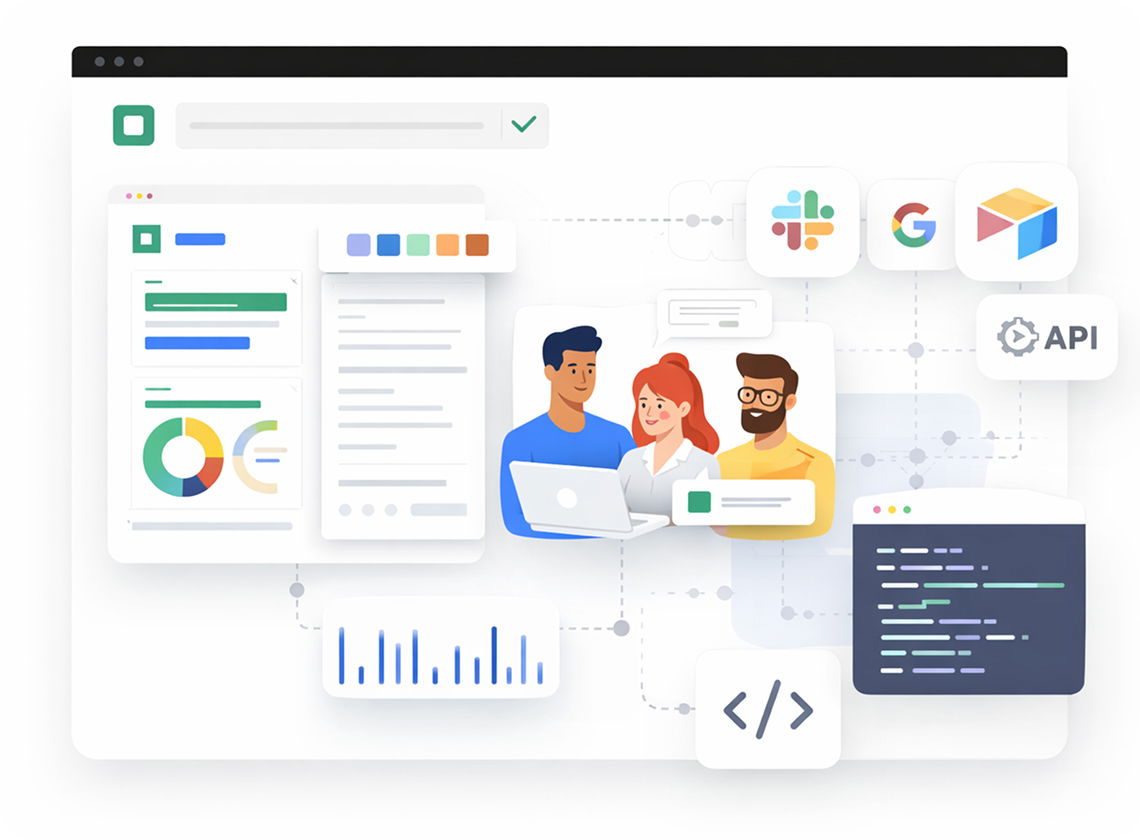
Custom code support lets you add HTML, CSS, and JavaScript to any section. Extend templates with your own elements. Combine Dorik's blocks with custom components seamlessly.
Every template integrates with Dorik's CMS. Add blogs, collections, and dynamic content to any design. Templates adapt to your content automatically.
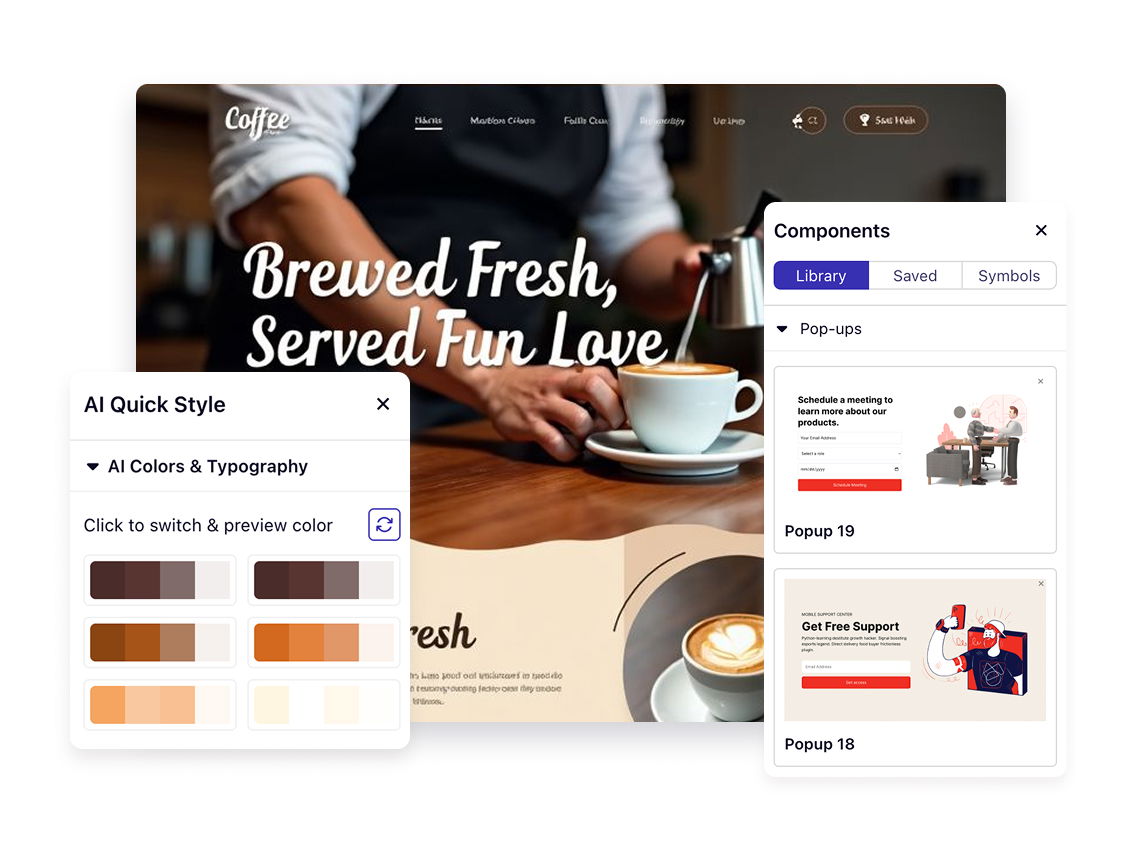

❤️ This website is built with Dorik, without writing any code

© 2026 Dorik, Inc. All rights reserved