⚙️ Public API
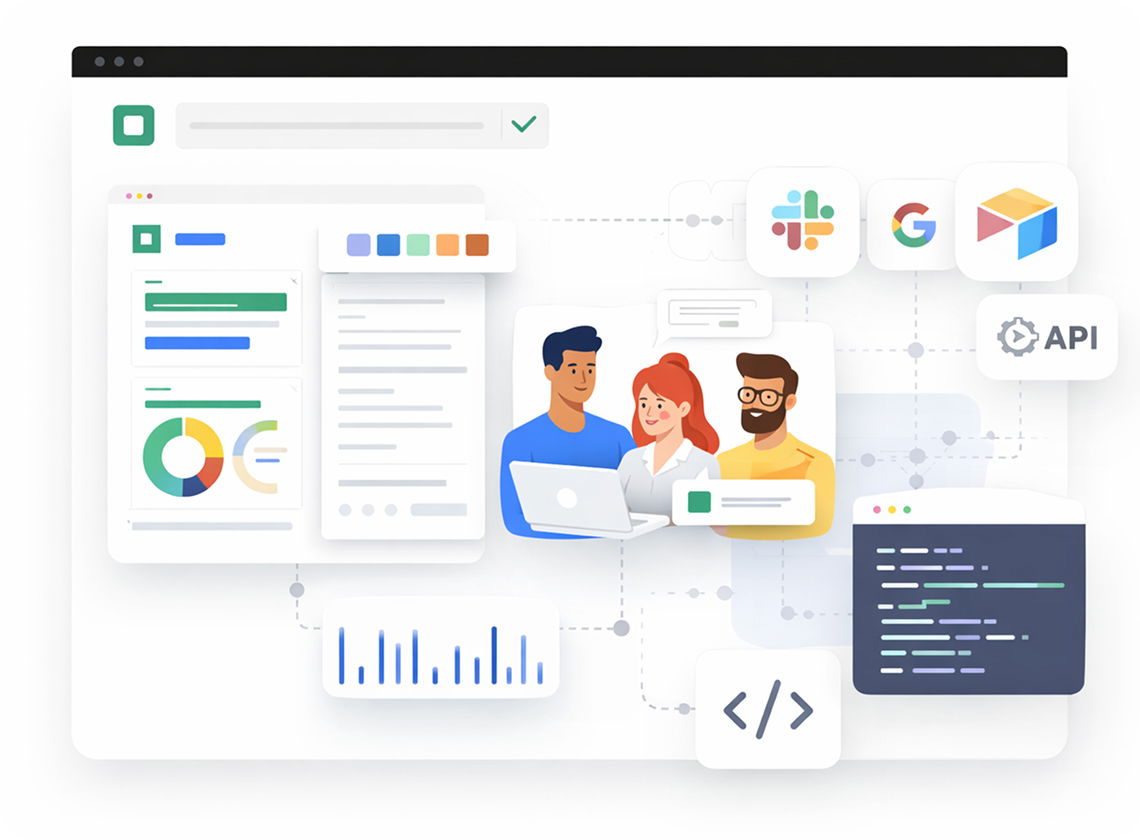
Your website data shouldn't be trapped. Dorik's Public API lets developers access CMS collections, update SEO fields, and build custom integrations. Connect your site to external tools and automate workflows without limitations.
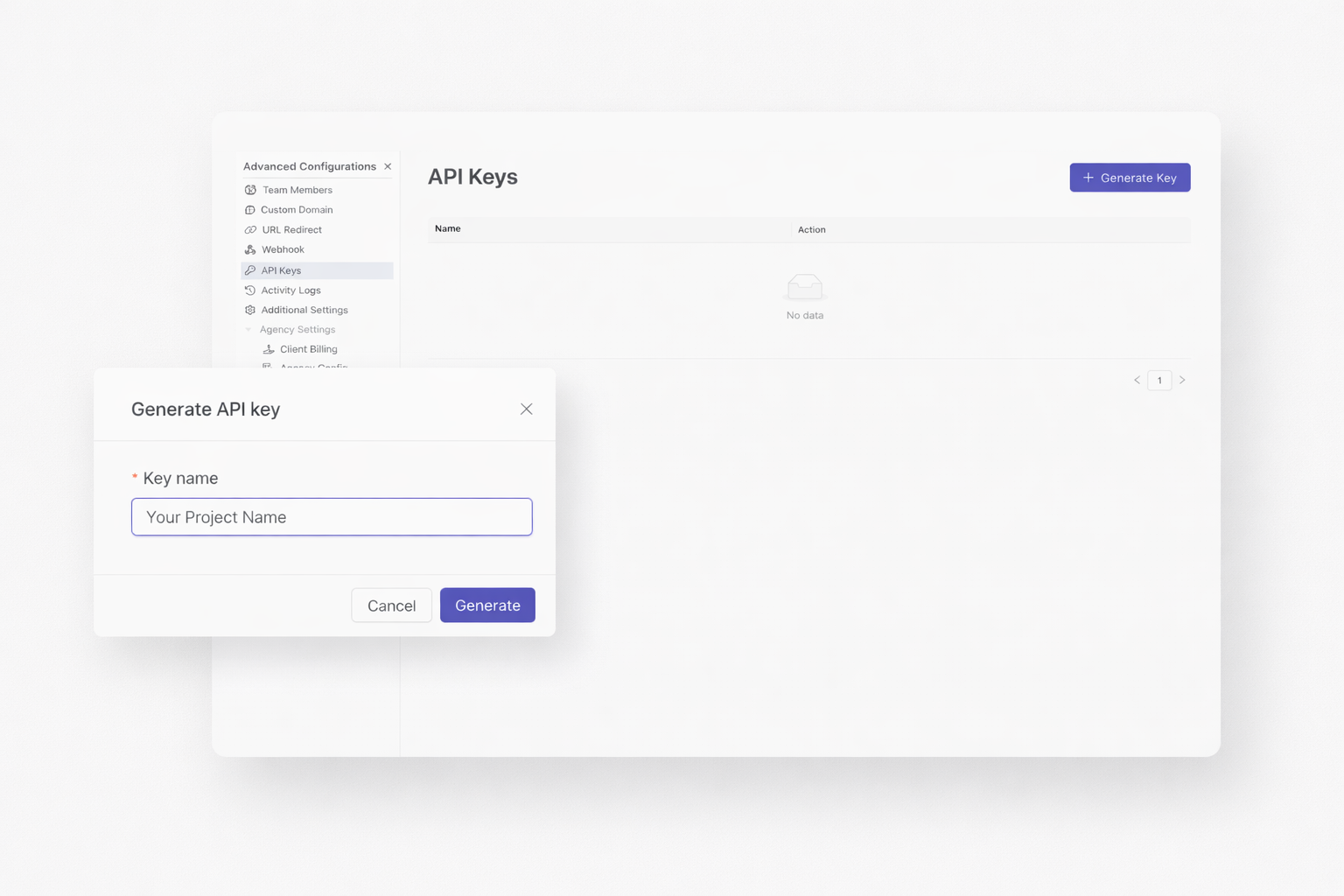
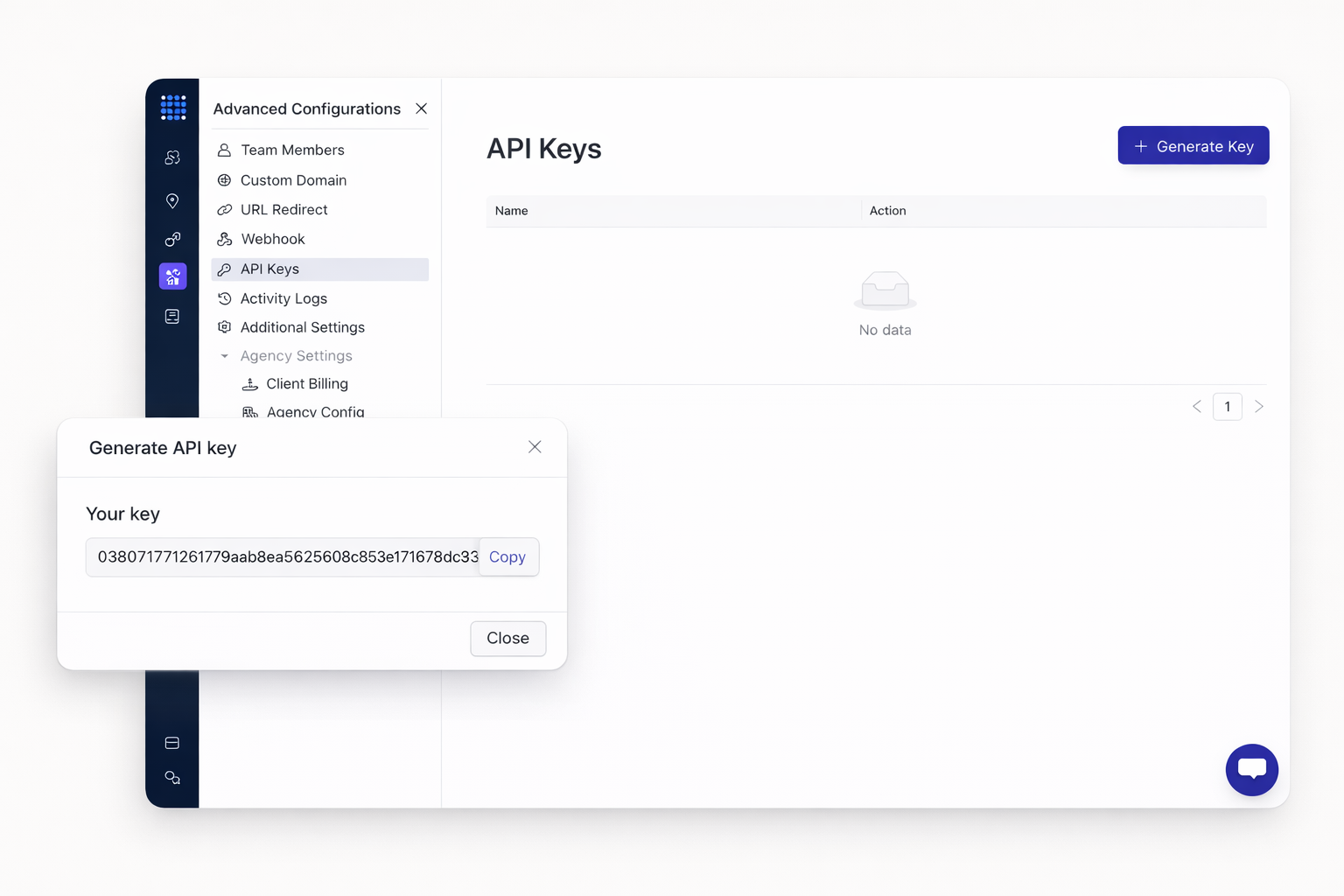
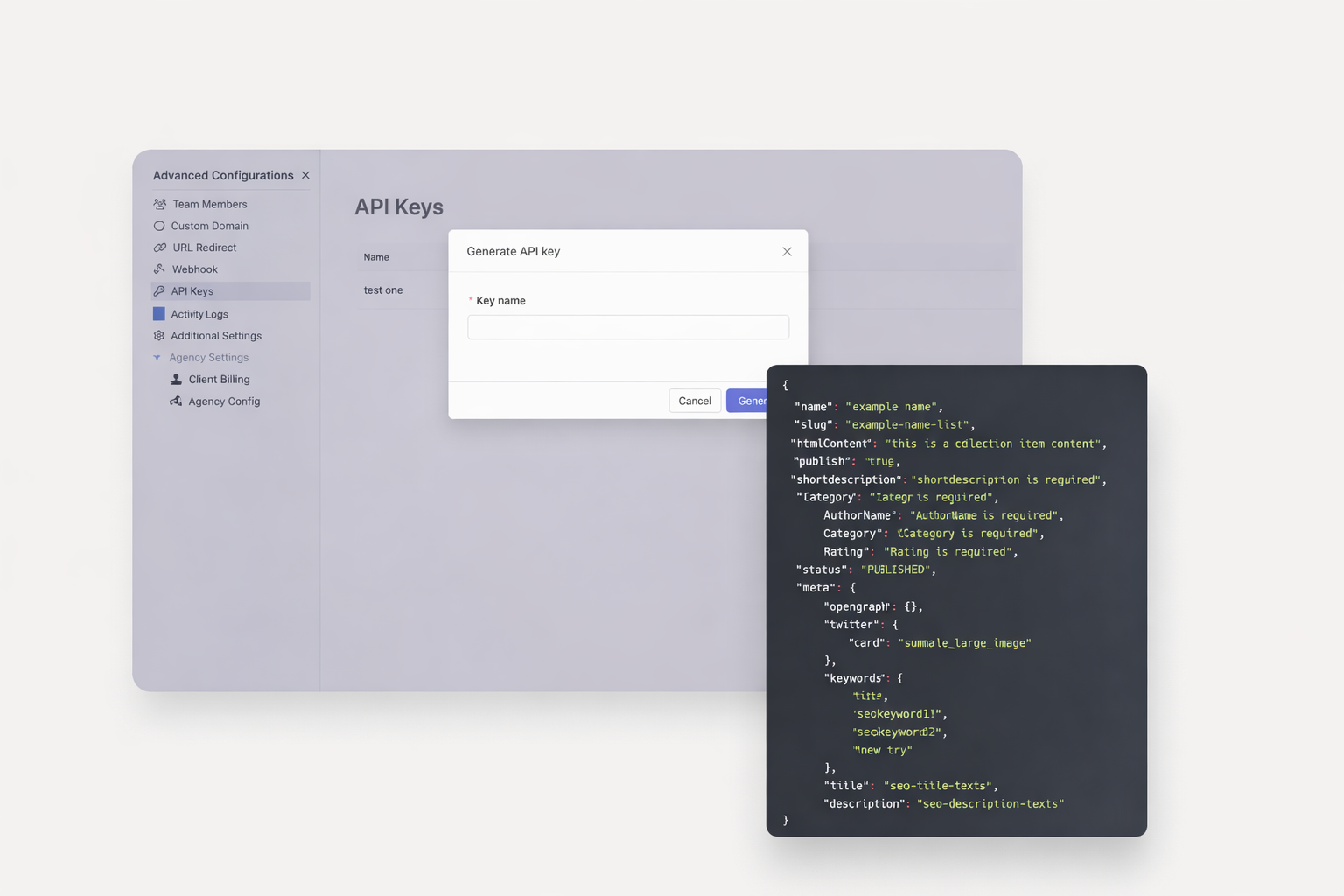
Getting started takes minutes. Generate API keys from your site settings. Each key provides authenticated access to your data. Manage multiple keys for different applications or team members.
Security comes first. Revoke keys instantly when needed. Create separate keys for development and production. Monitor usage through your dashboard. Your data stays protected.
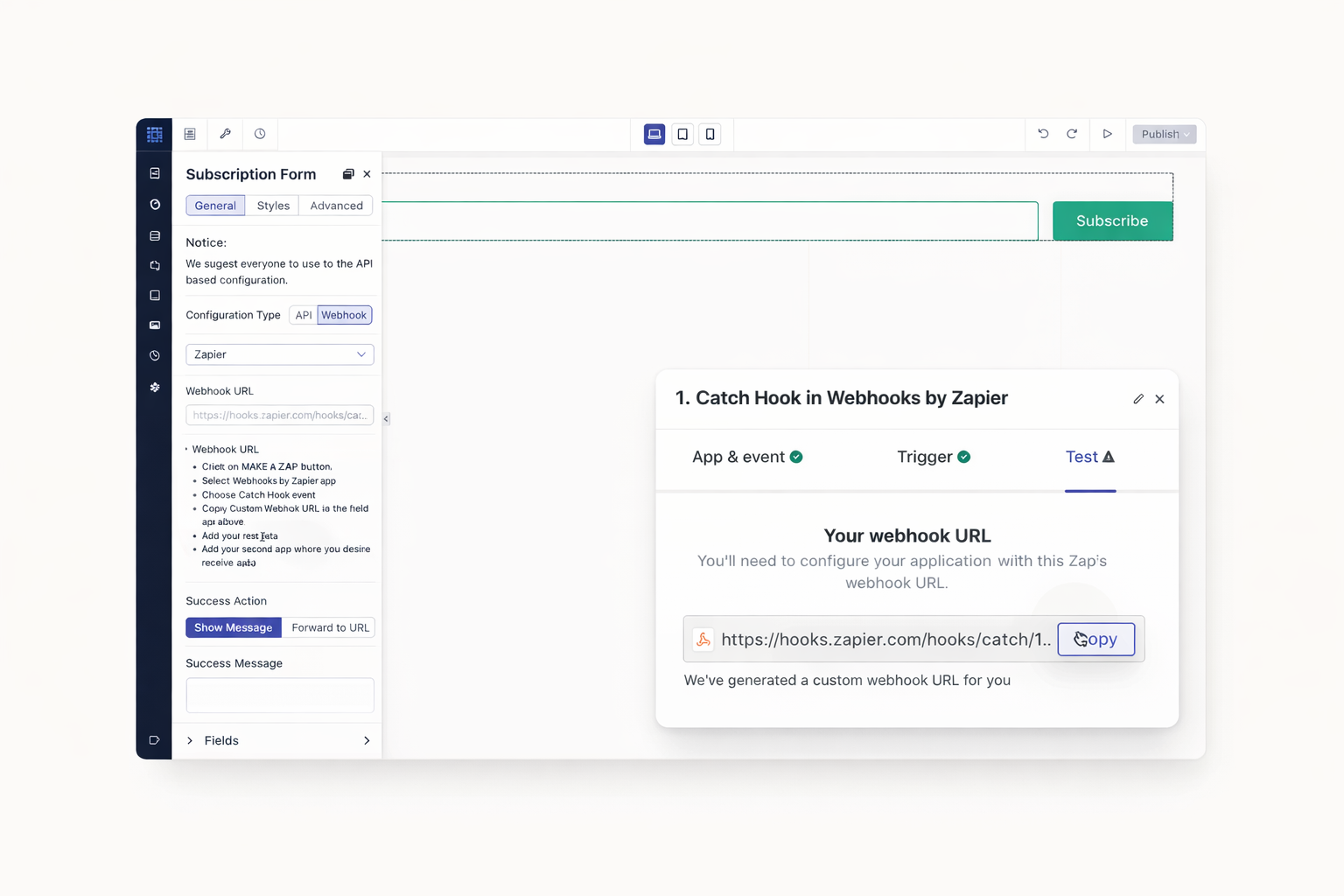
Extend functionality without coding. Connect Dorik forms to your CRM automatically. Sync new subscribers to email platforms. Trigger actions when collection items are added. Build powerful workflows in minutes.
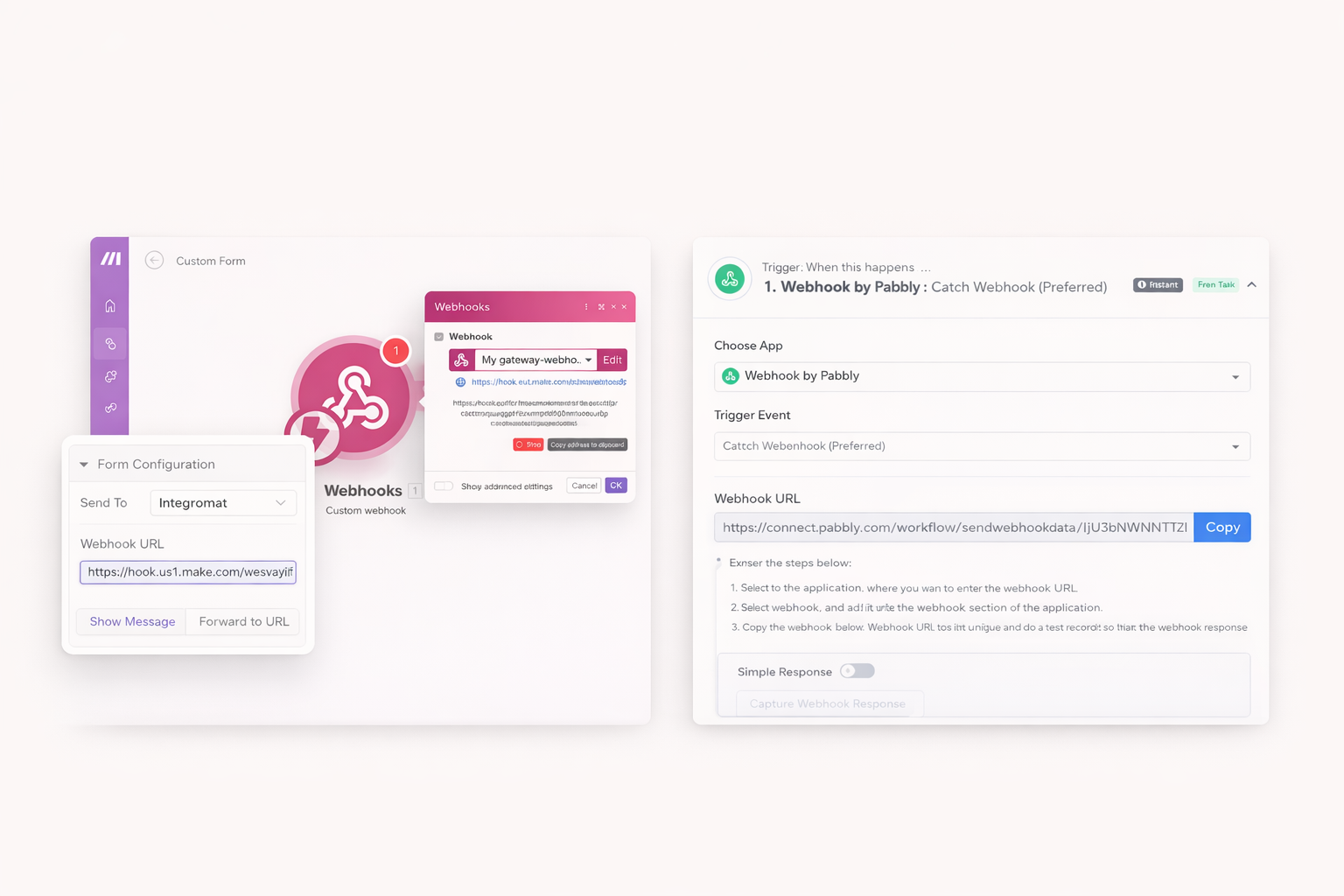
Choose your preferred automation platform. Make (formerly Integromat) offers visual workflow building. Pabbly Connect provides cost-effective automation. Both platforms connect seamlessly with Dorik's API and forms.
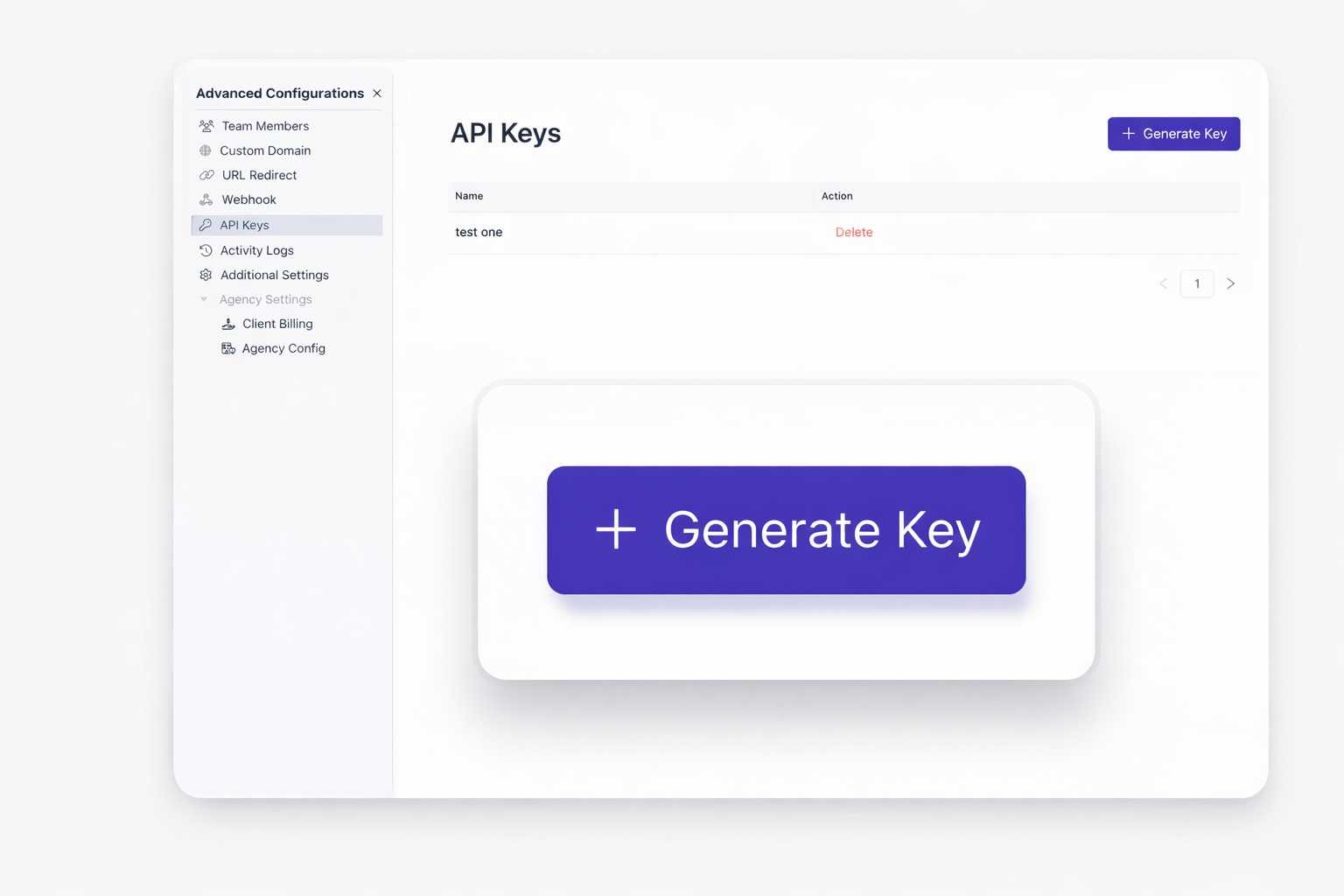
Control your content from external applications. Create new collection items programmatically. Update existing entries without logging into the dashboard. Delete outdated content automatically. Your CMS responds to your code.
Bulk operations become possible. Import hundreds of items from spreadsheets or databases. Sync content between platforms automatically. Build custom admin tools tailored to your workflow needs.
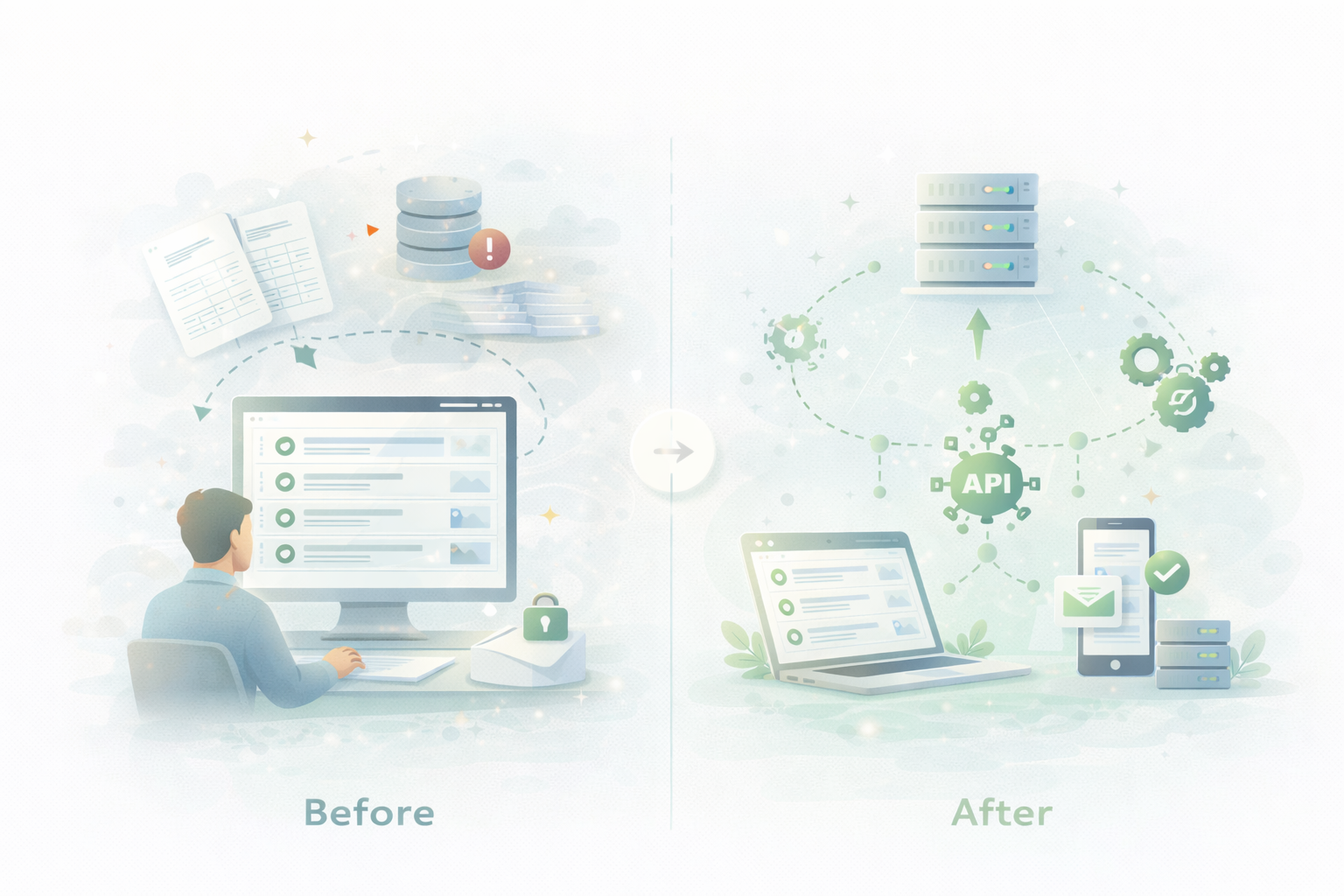
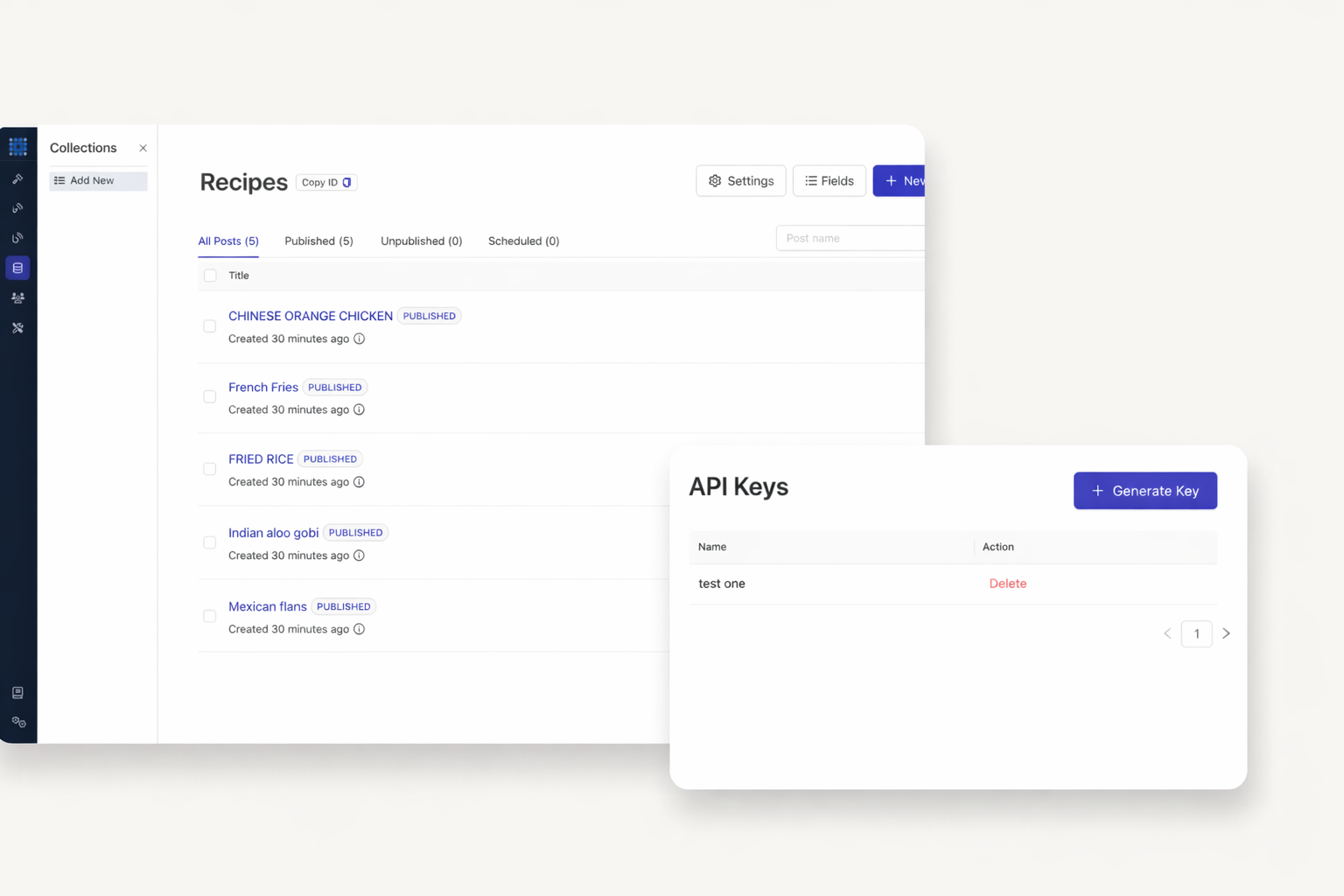
Your custom collections become accessible endpoints. Fetch all collection data with a single API call. Query specific items by ID. Filter results to get exactly what you need. Build dynamic applications powered by your Dorik content.
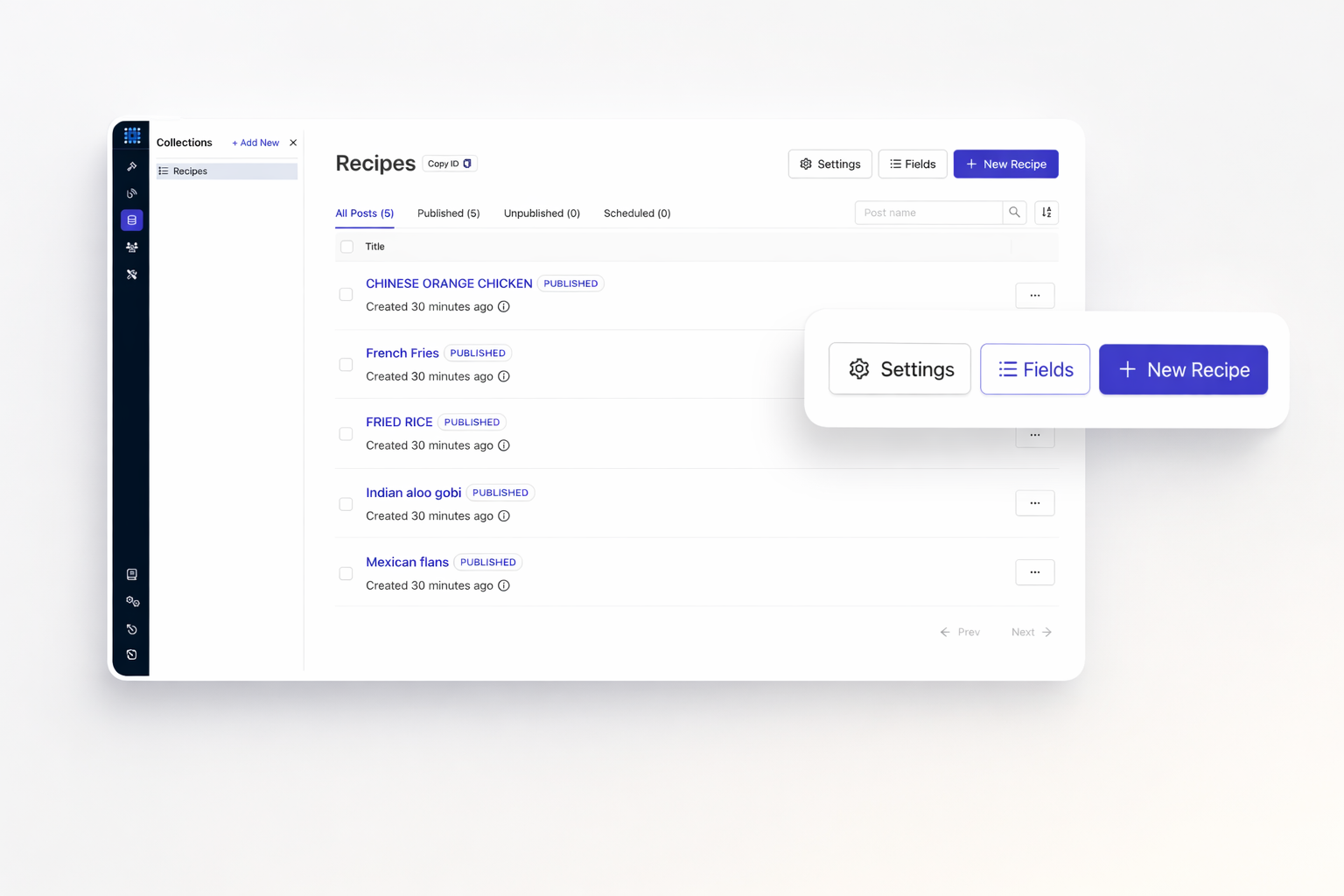
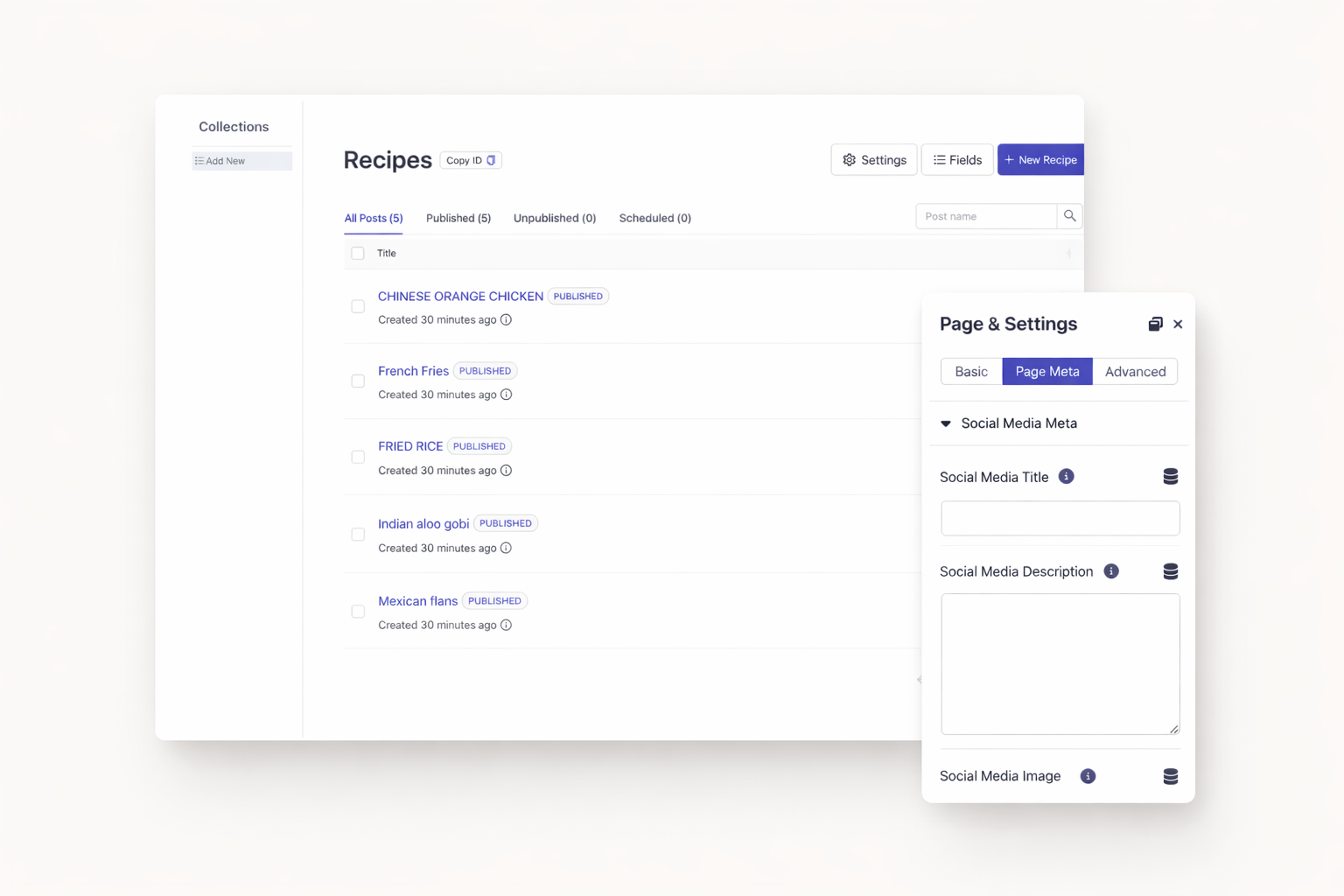
SEO optimization scales with your content. Update meta titles programmatically across pages. Change meta descriptions in bulk. Keep SEO data synchronized with your content strategy. No manual editing required.
Manage multiple sites efficiently. Push SEO updates from a central database. Ensure brand consistency across all pages. Track and update focus keywords programmatically.
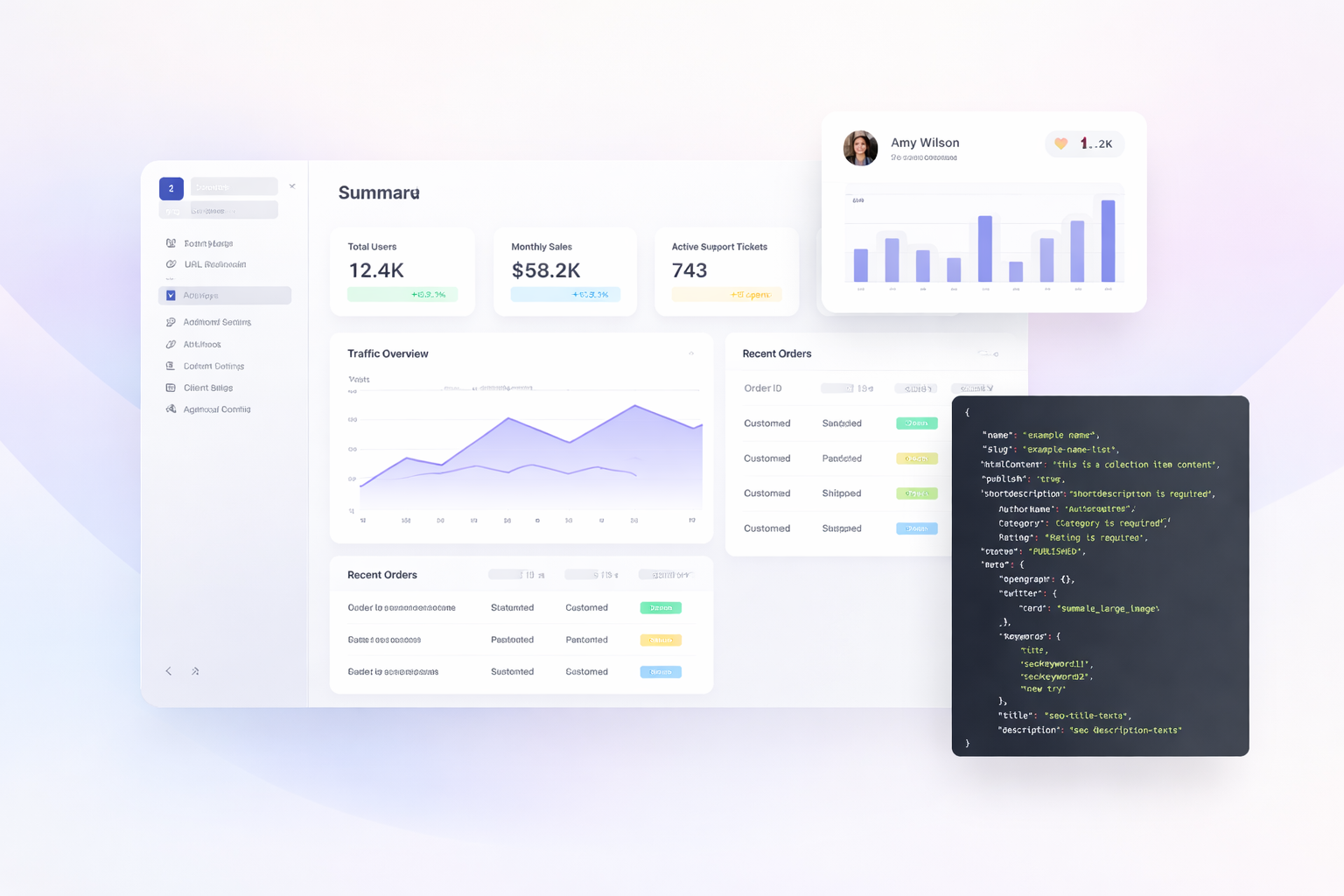
Standard tools have limits. Build exactly what your business needs. Create custom dashboards pulling live data. Develop mobile apps powered by your CMS. Design internal tools that match your workflow.
Separate content from presentation. Use Dorik as your content backend. Deliver data to any frontend framework. Build websites, apps, and digital experiences from one source.
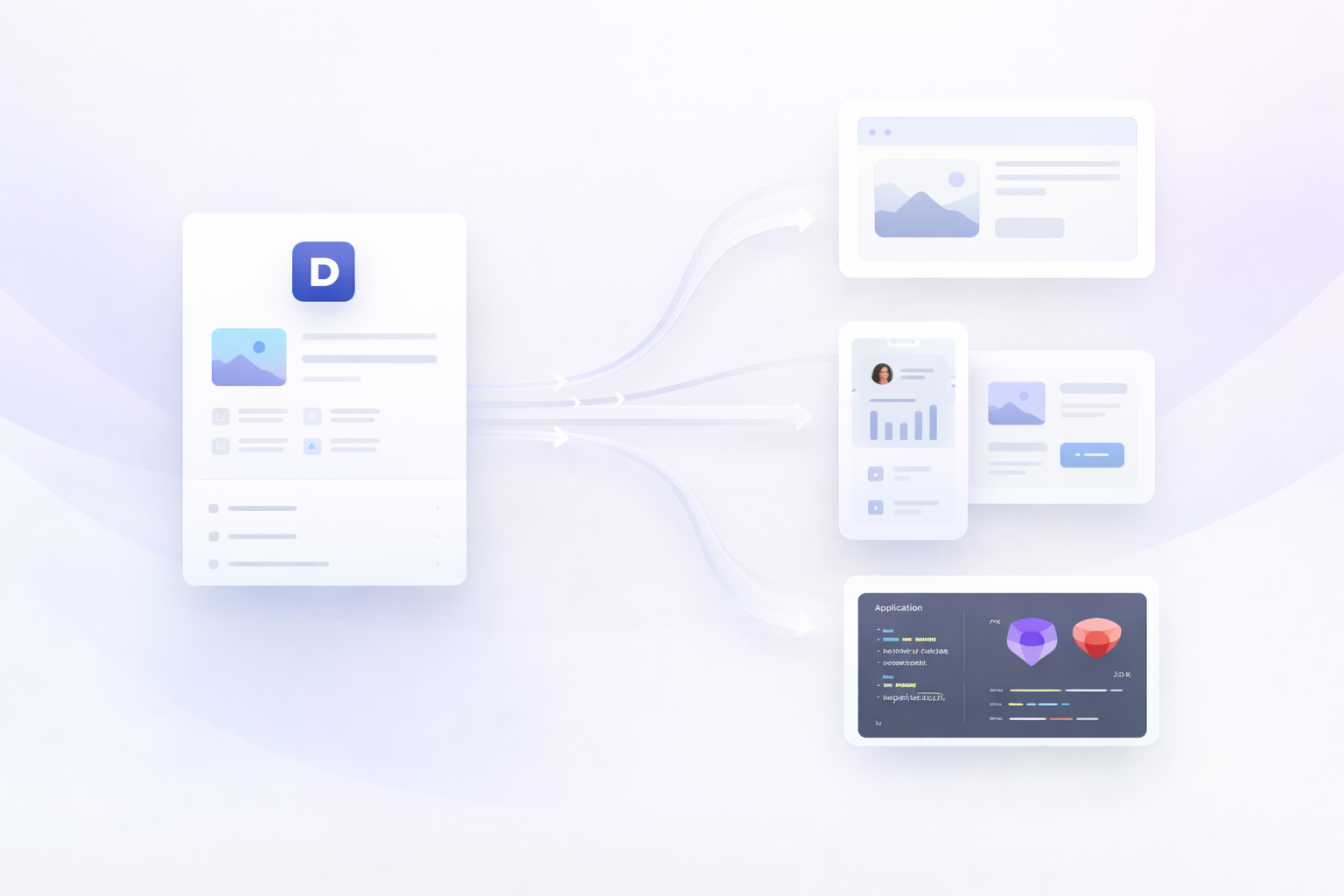
Your CMS data is ready for integration. Generate your first API key today. Connect your website to the tools and workflows you already use. Build custom solutions that grow with your business.
The Public API is available on Business and Agency plans. Free trial and Personal plan do not include API access. Upgrade to unlock programmatic access to your CMS data.
The Dorik Public API is currently in beta. Core functionality works reliably. Anthropic continues improving and expanding capabilities. Check documentation for the latest updates.
You can fetch CMS collections, collection items, and collection fields. CRUD operations let you create, read, update, and delete content. SEO field updates are also supported.
Generate an API key in your site settings. Include this key in your request headers. Each site has its own unique keys. Manage and revoke keys from your dashboard.
Yes. Zapier, Make, and Pabbly Connect all work with Dorik. These platforms handle API connections visually. No coding knowledge is required for most automations.
The API has usage guidelines to ensure performance. Check the official documentation for current limits. Contact support for high-volume requirements.

❤️ This website is built with Dorik, without writing any code

© 2026 Dorik, Inc. All rights reserved