🔍 SEO Tools
Search engines need to understand your website. Dorik gives you complete control over meta tags, sitemaps, redirects, and structured data. No plugins required. No coding needed.
Your meta title is your first impression in search results. Set custom titles. Add focus keywords for better targeting. Preview how pages appear before publishing.
Meta descriptions convince users to click. Write compelling summaries up to 155 characters. Each page gets its own unique description. Control exactly what searchers see.
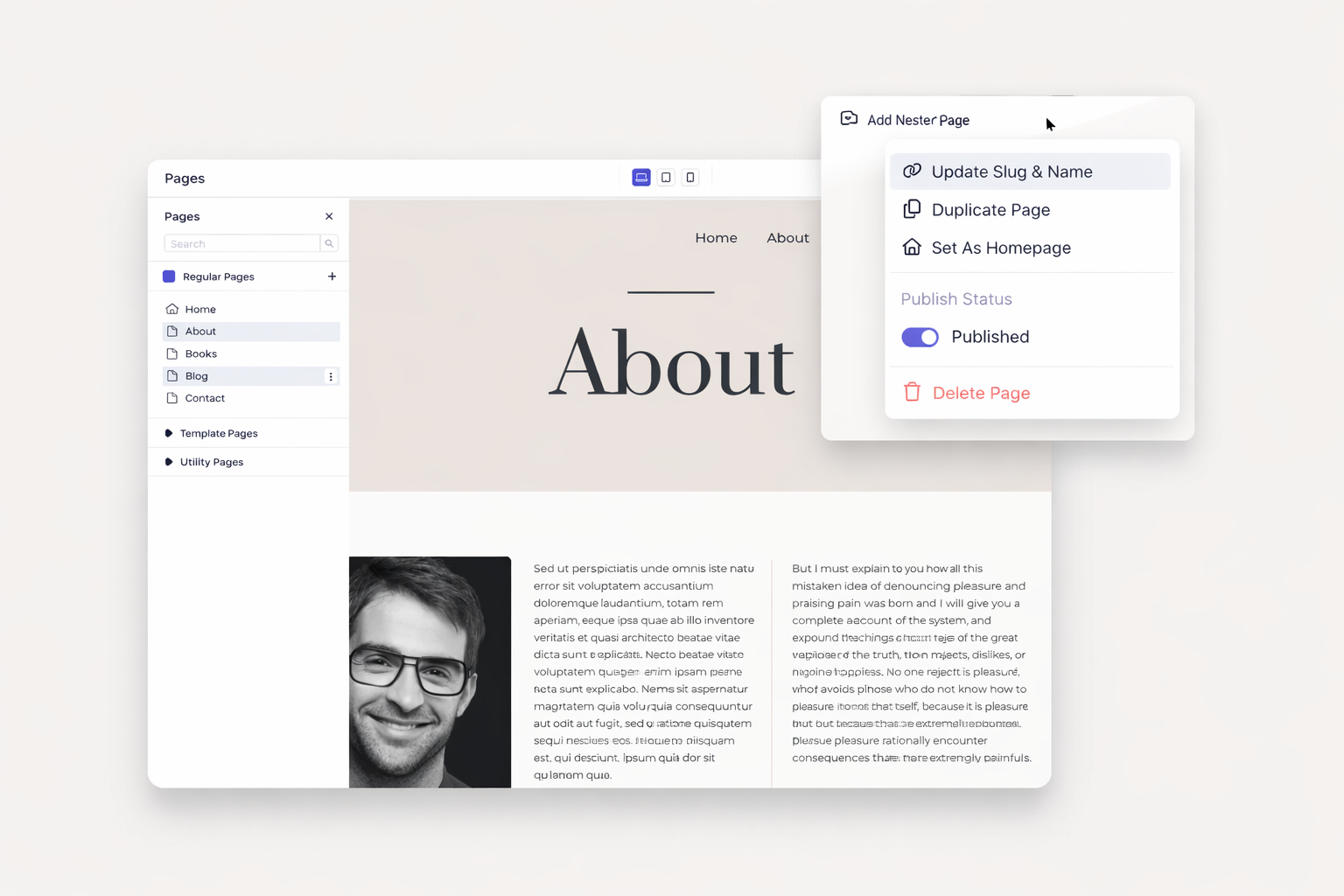
Readable URLs help search engines and visitors alike. Customize slugs for every page. Support multiple slugs for the same content. Build logical URL structures that make sense.
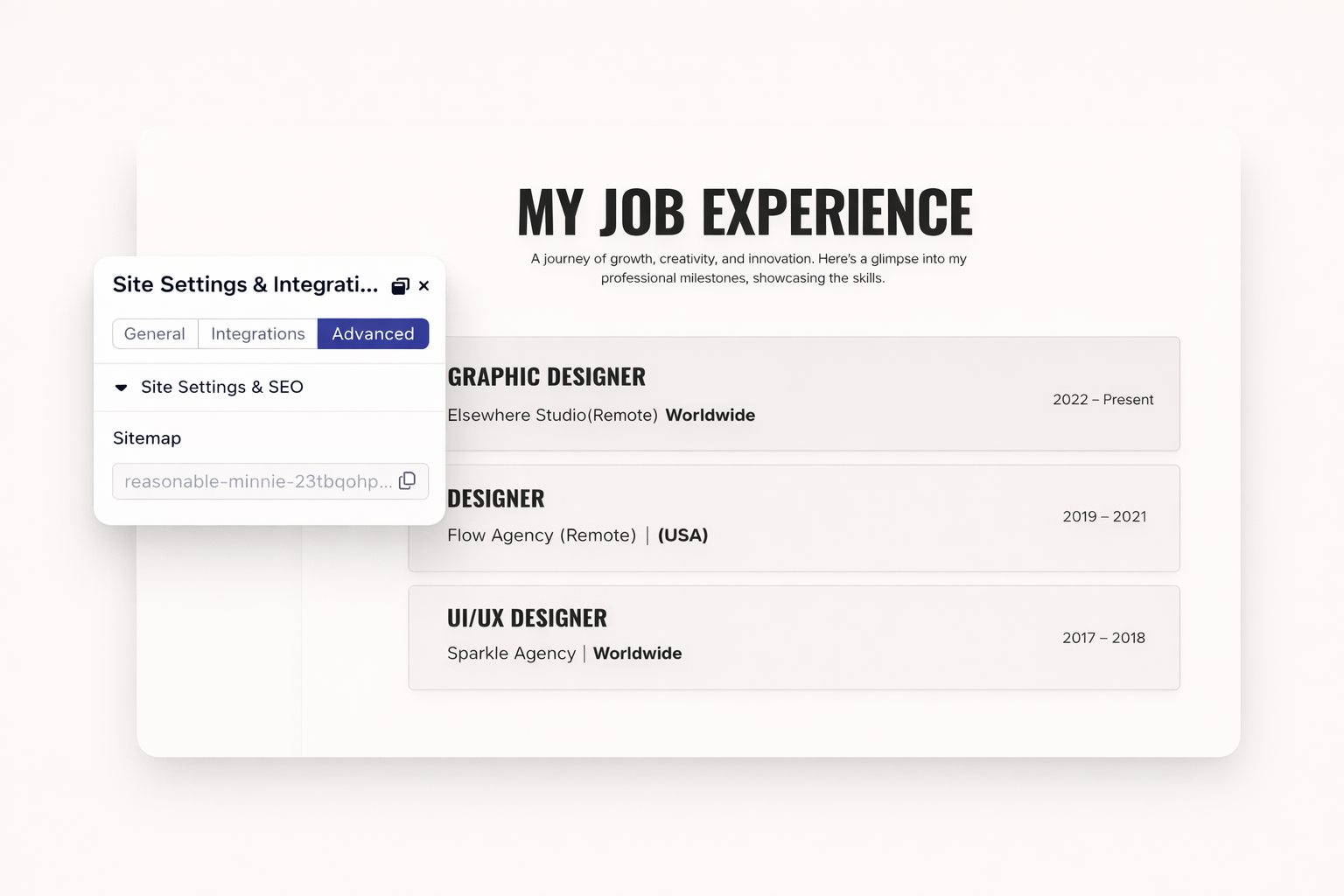
Dorik creates your XML sitemap automatically. Every page gets indexed. Every update syncs instantly. Submit directly to Google Search Console.
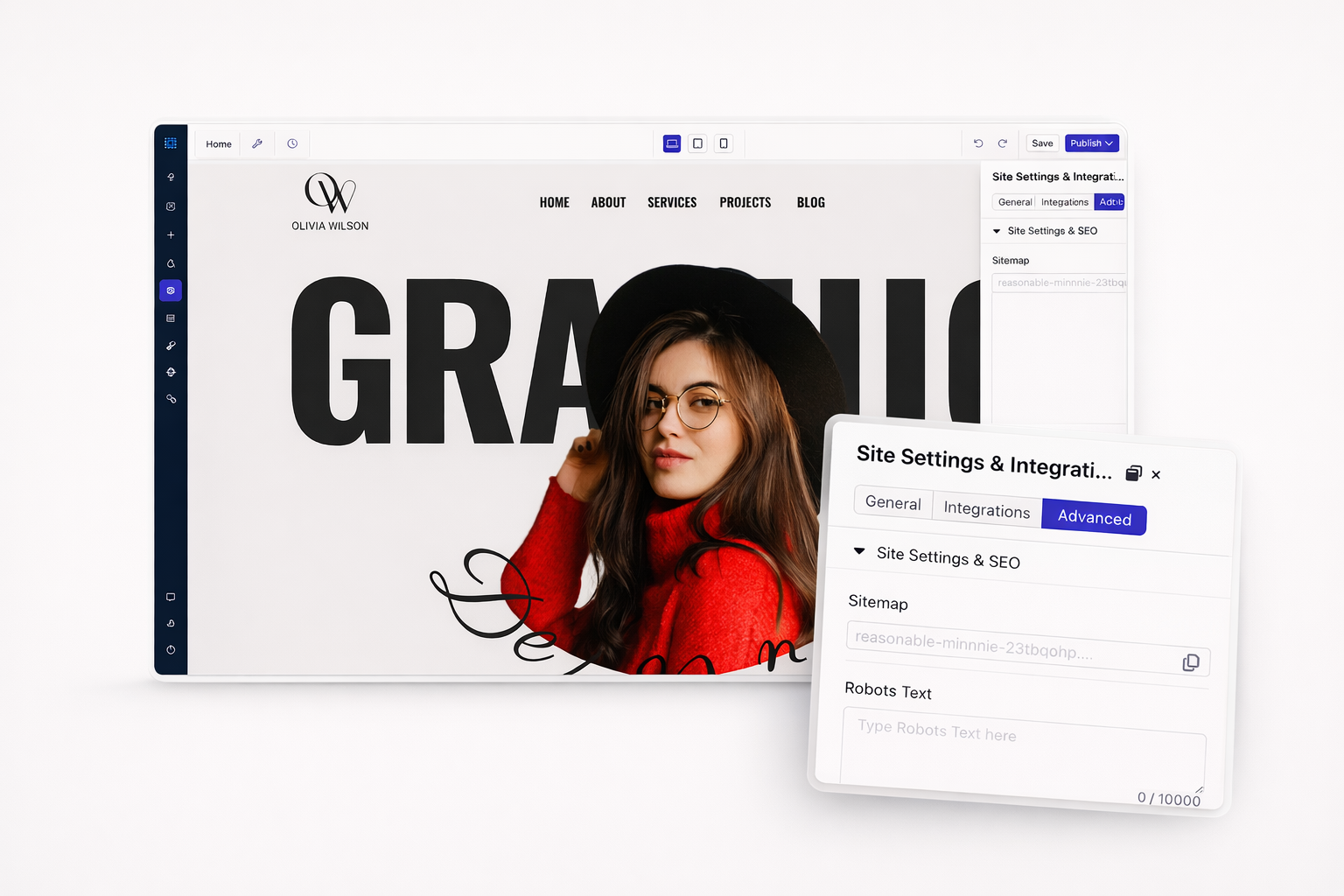
Edit your robots.txt file directly from the dashboard. Block pages from indexing when needed. Allow specific crawlers while restricting others. Full control, zero complexity.
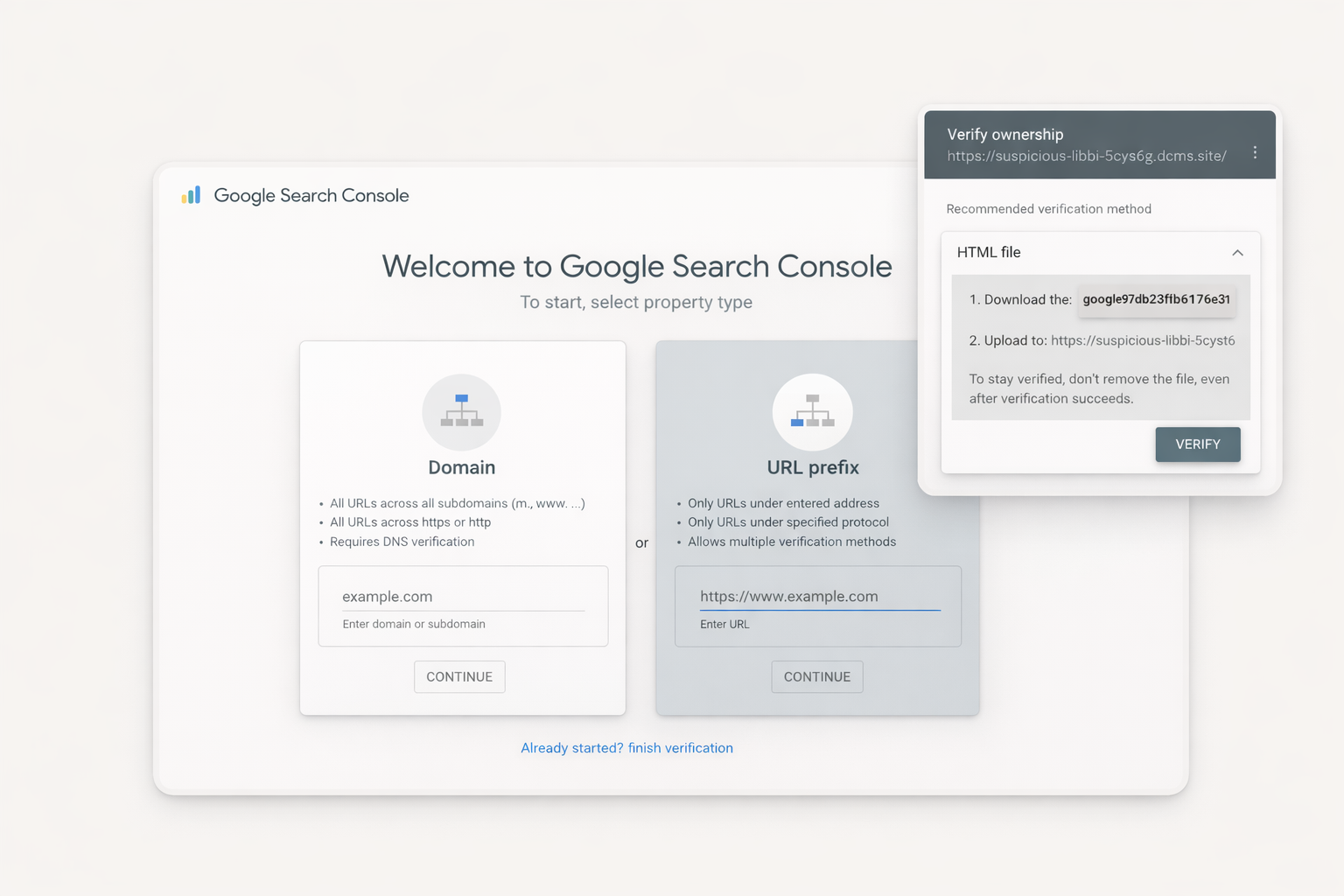
Verify your site ownership in minutes. Monitor search performance from one dashboard. Track which pages get indexed. Identify issues before they hurt rankings.
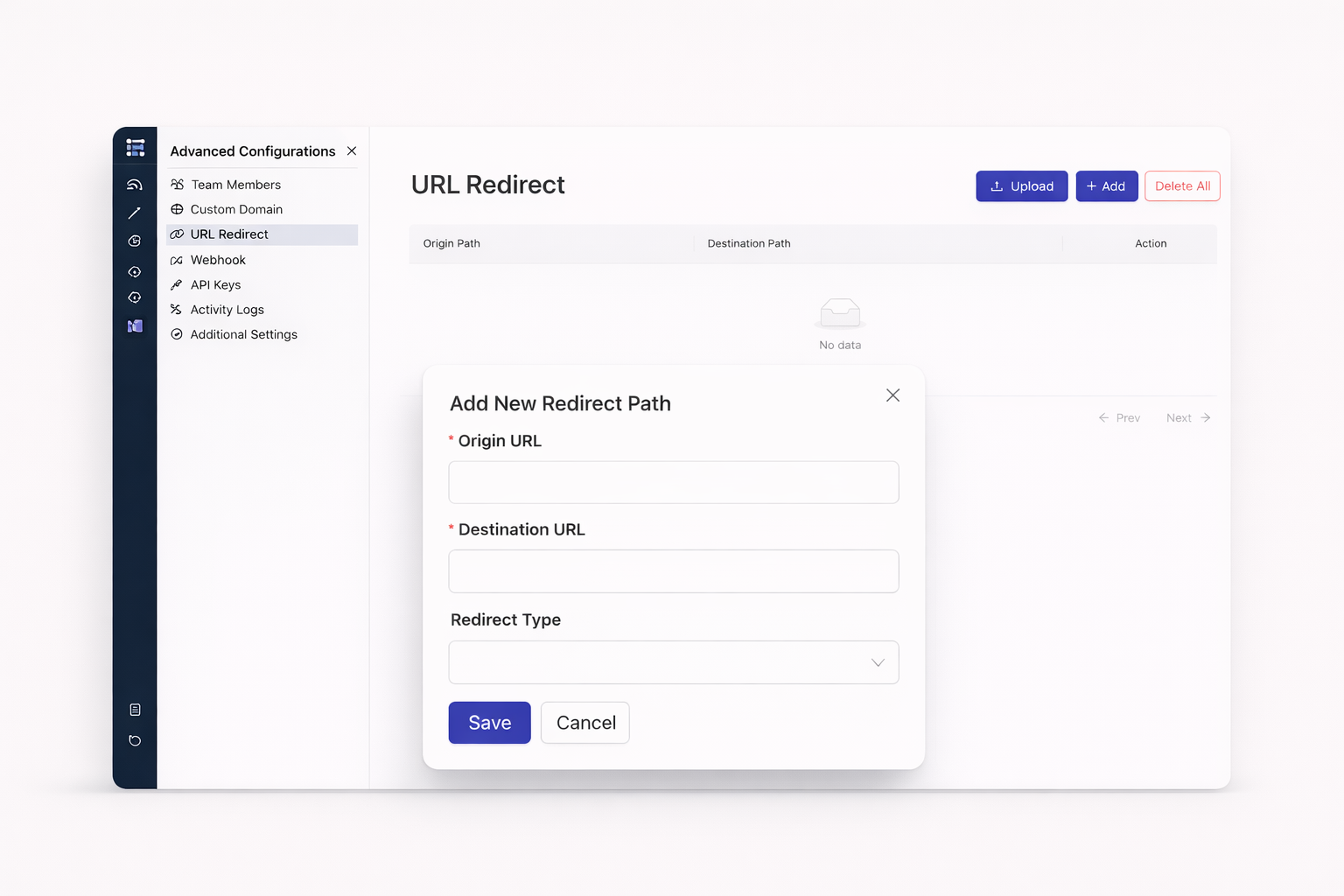
Changed your URL structure? 301 redirects transfer all link equity. Search engines update their index automatically. Visitors land where they belong. Rankings stay intact.
Running a promotion or testing a new page? 302 redirects signal temporary moves. Search engines keep your original URL indexed. Switch back anytime without losing ground.
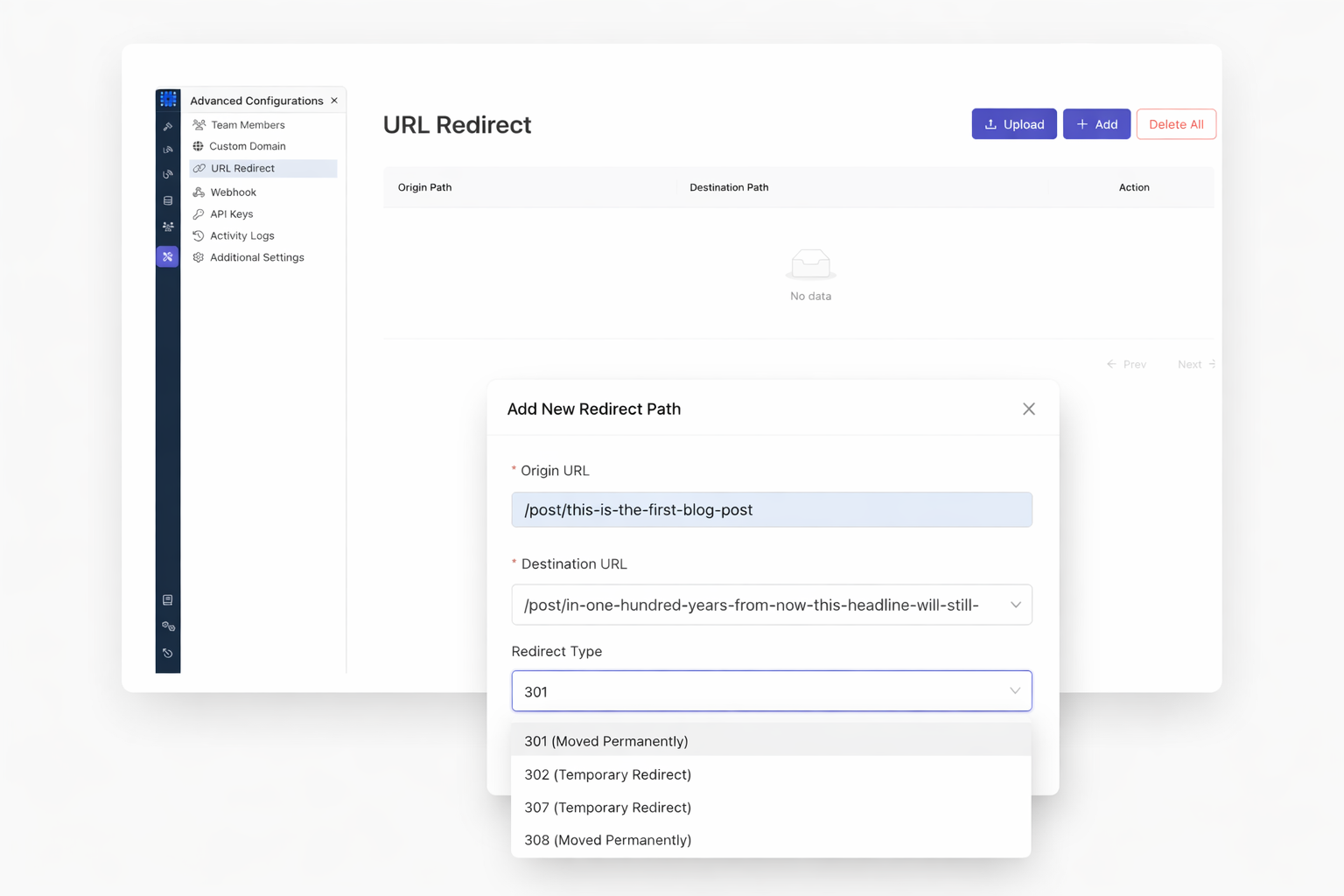
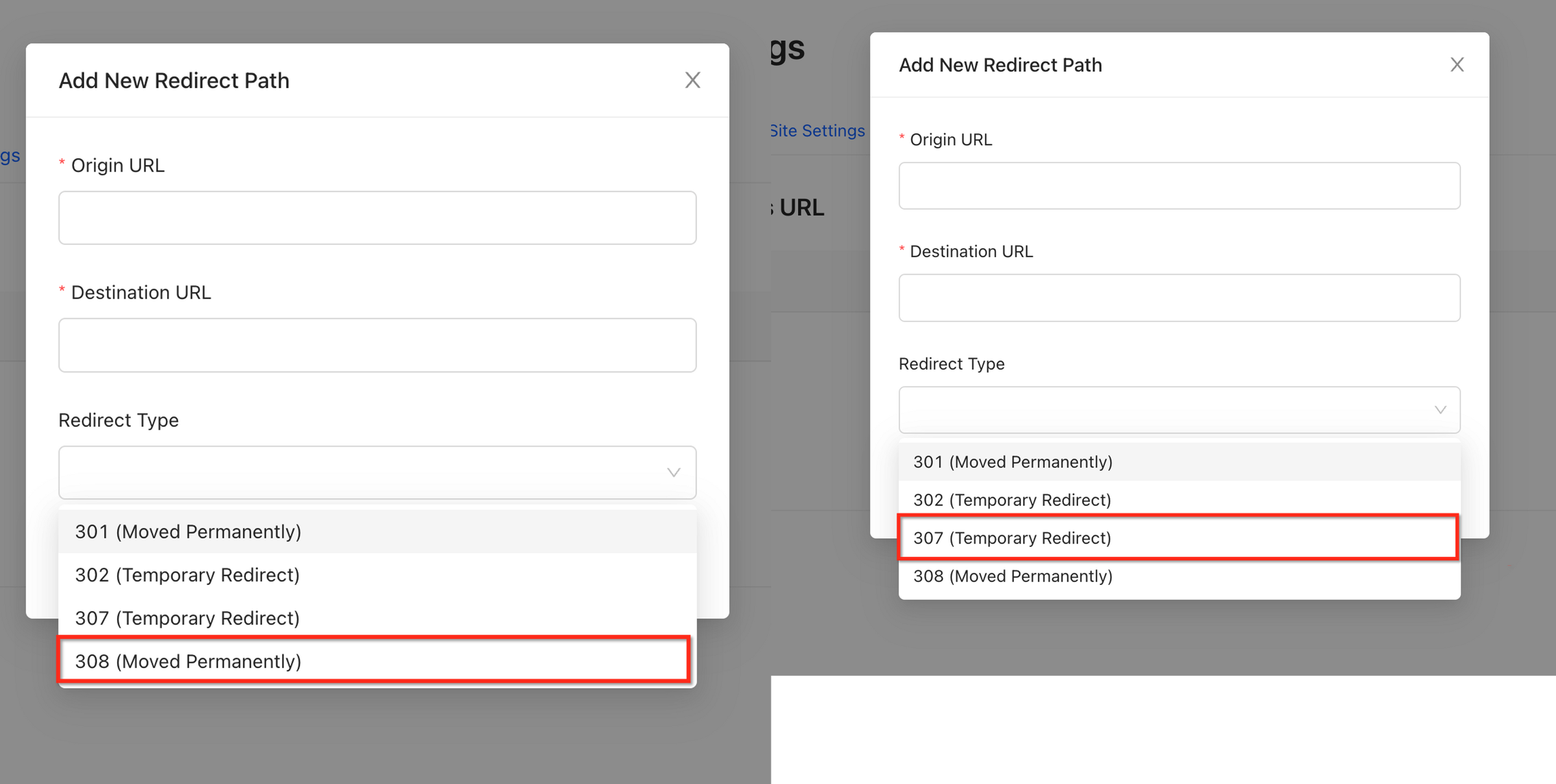
Form submissions and API calls need special handling. Use 307 for temporary redirects that preserve POST requests. Use 308 for permanent redirects that do the same. Both maintain the original HTTP method intact.
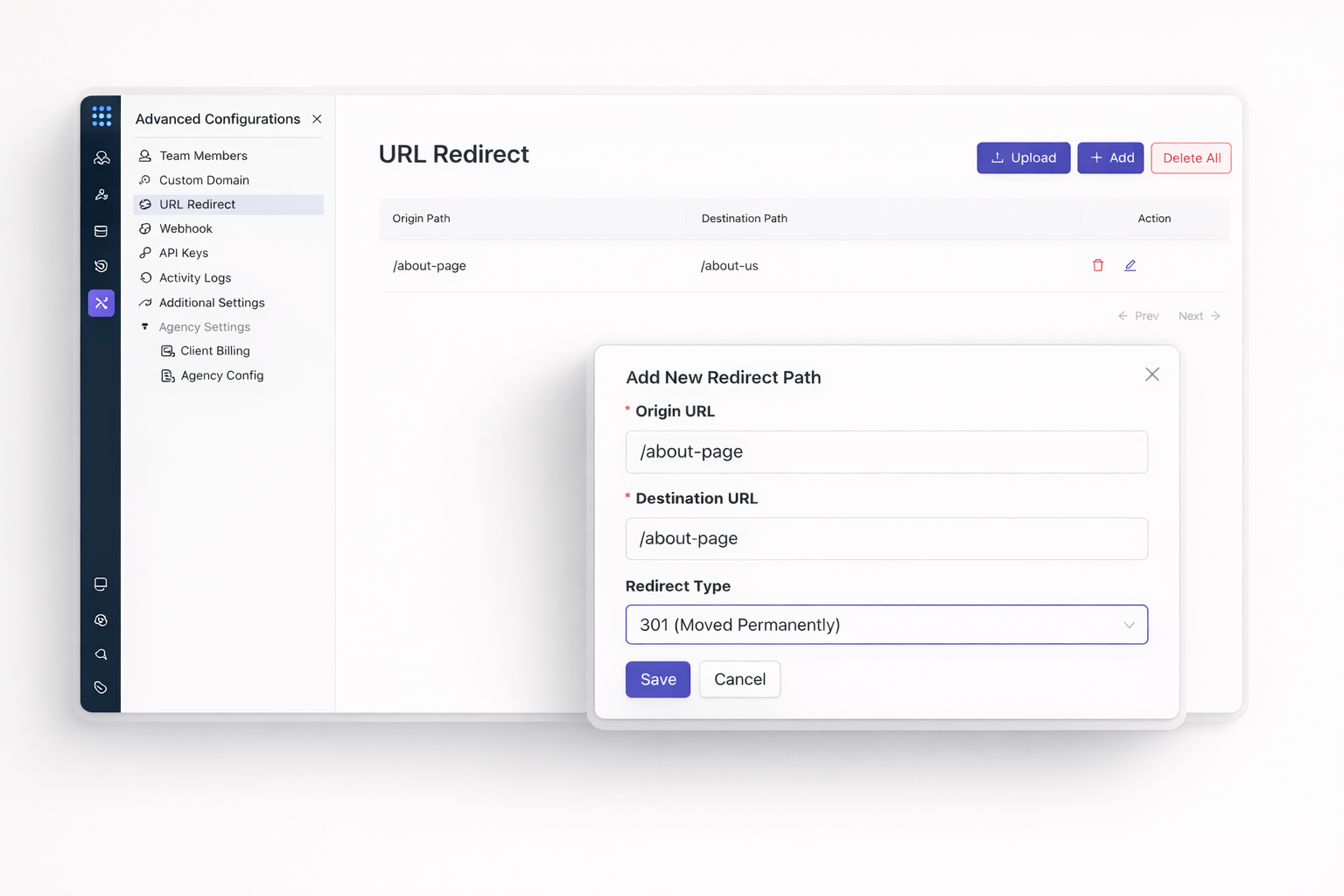
View every redirect at a glance. Edit or delete redirects instantly. No server access required. No technical knowledge needed.
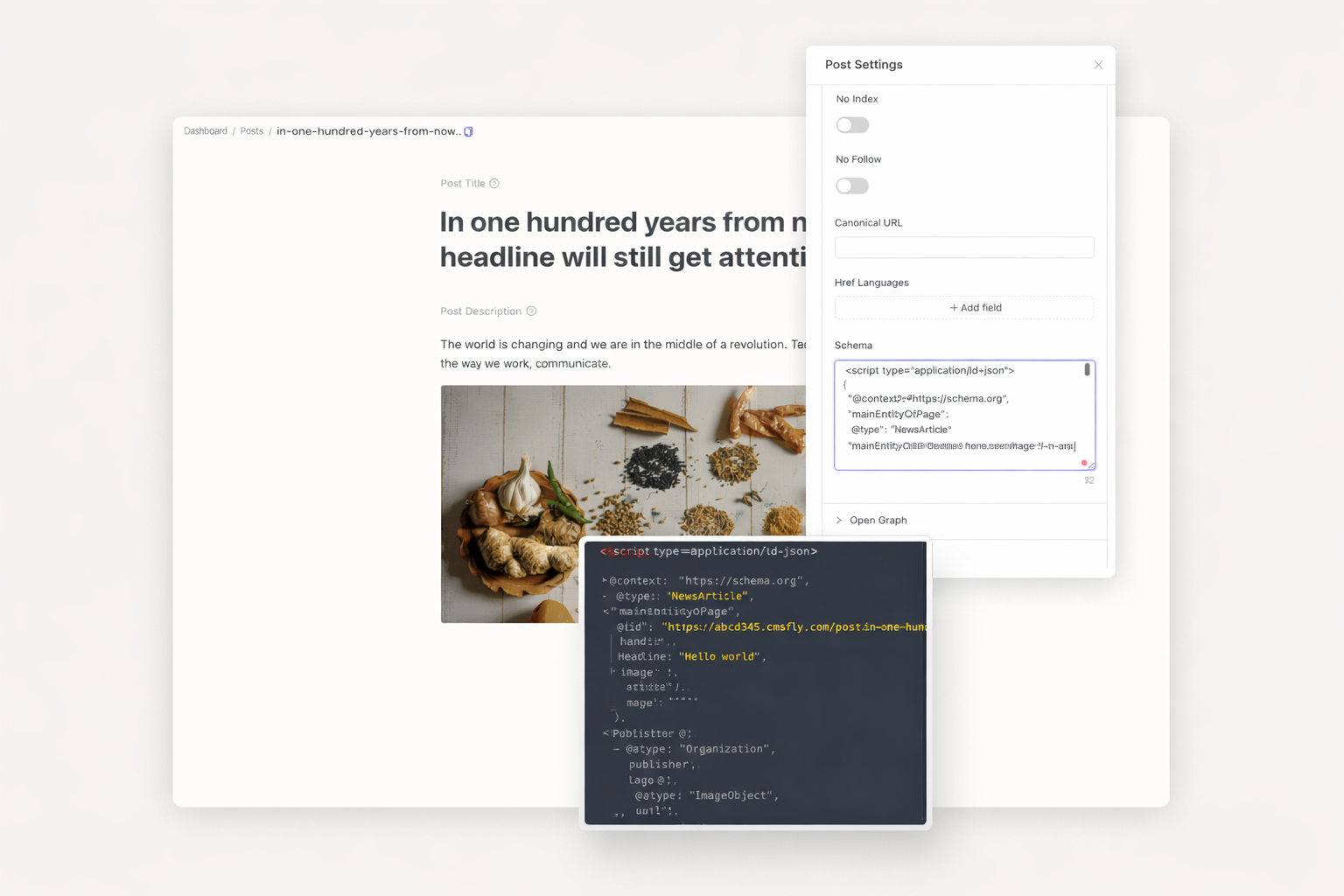
Help Google understand your content deeply. Add structured data for articles, products, events, and more. Become eligible for rich snippets. Stand out in search results.
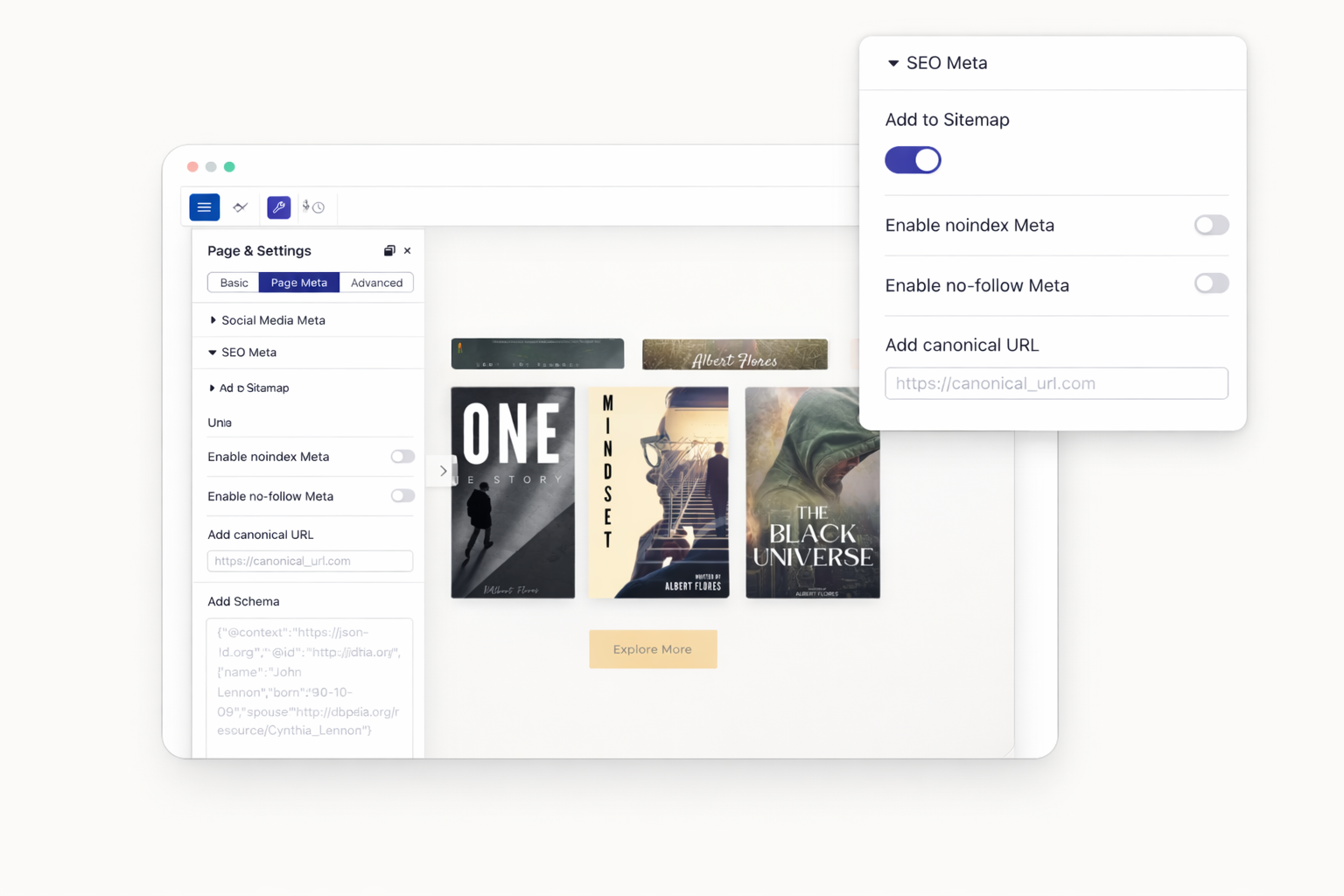
Tell search engines which version of a page is the "original." Consolidate link signals to one URL. Prevent duplicate content penalties and maintain clean site architecture.
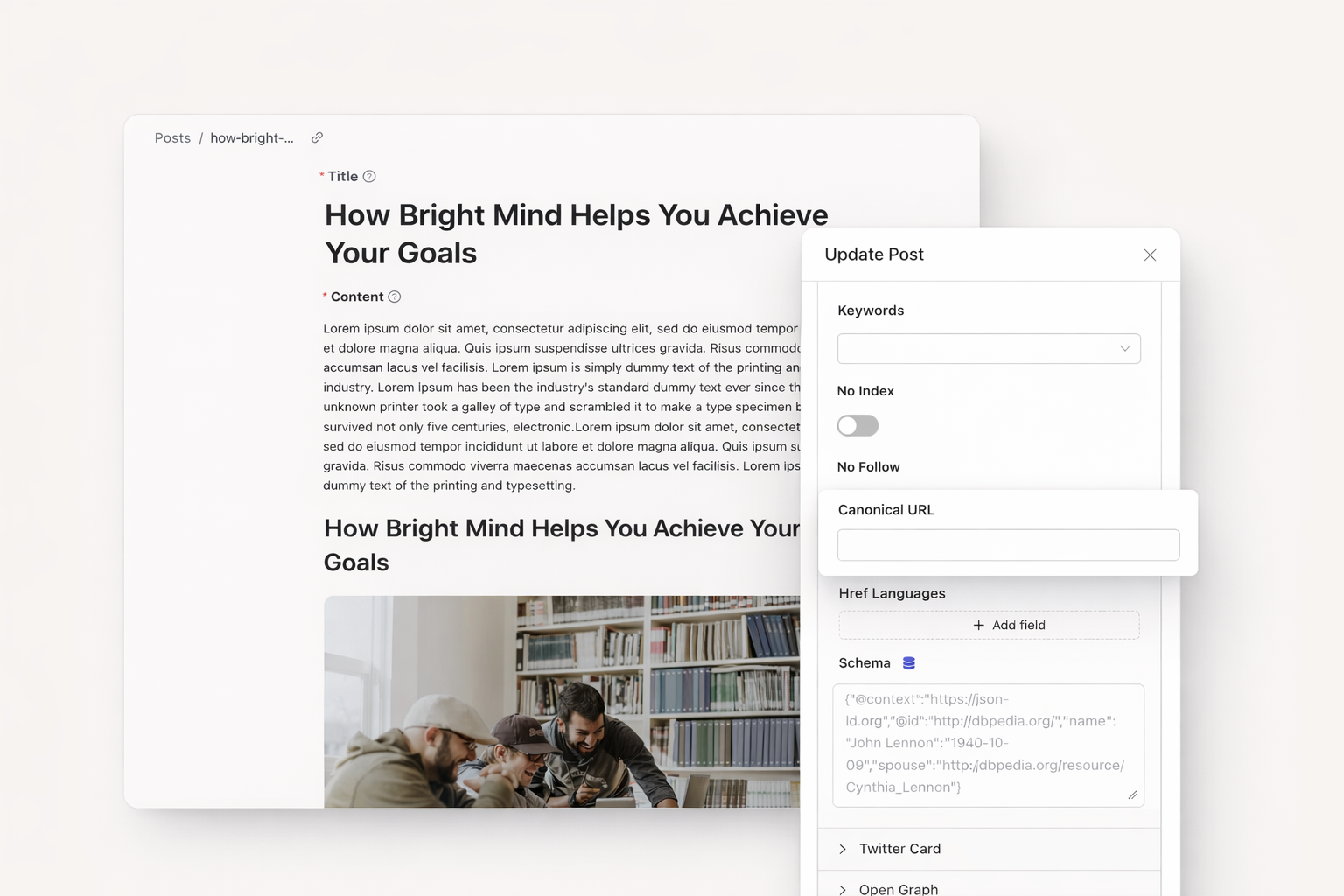
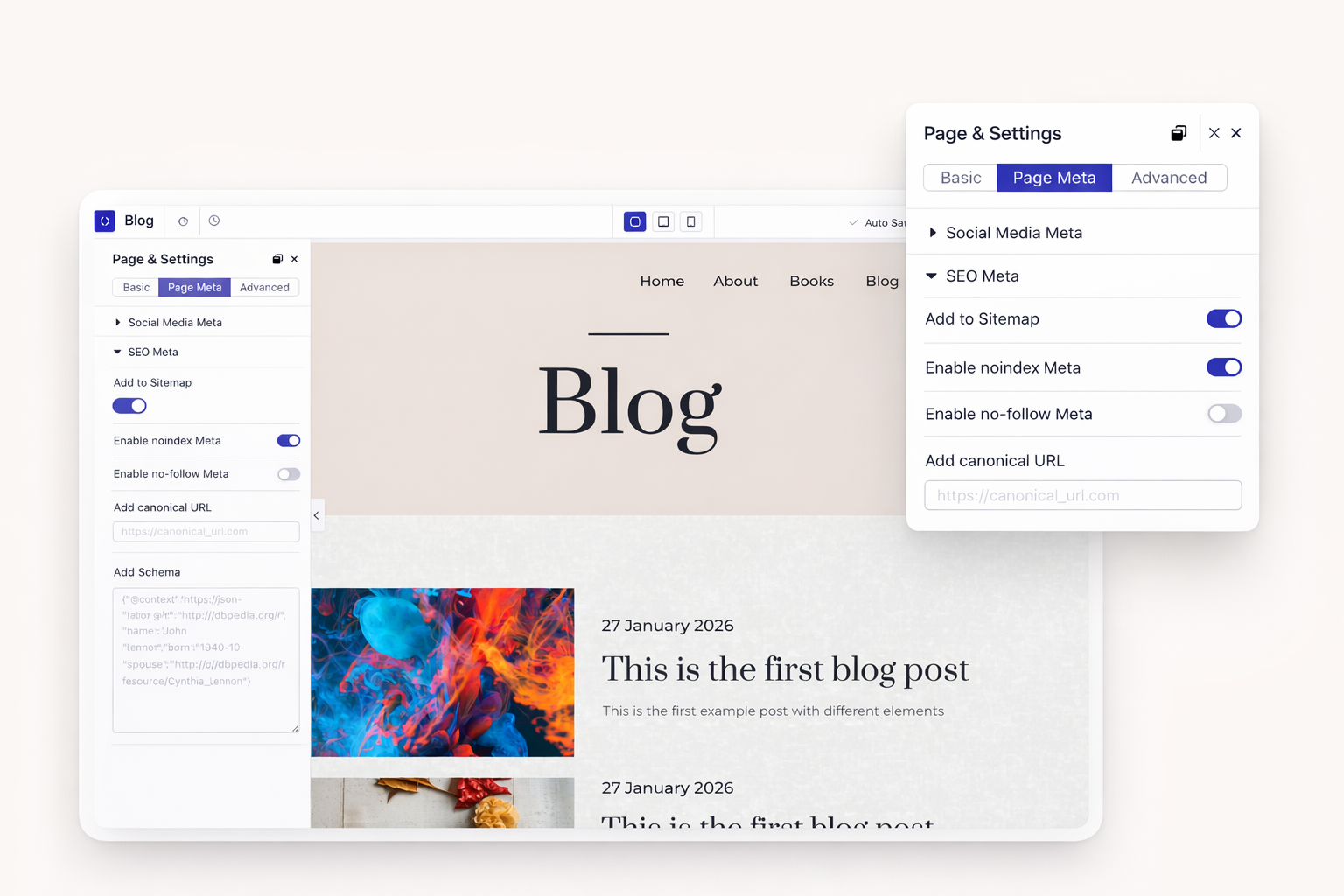
Keep staging pages private with noindex tags. Add nofollow to specific links. Exclude posts or collection items from sitemaps. Decide what search engines see.
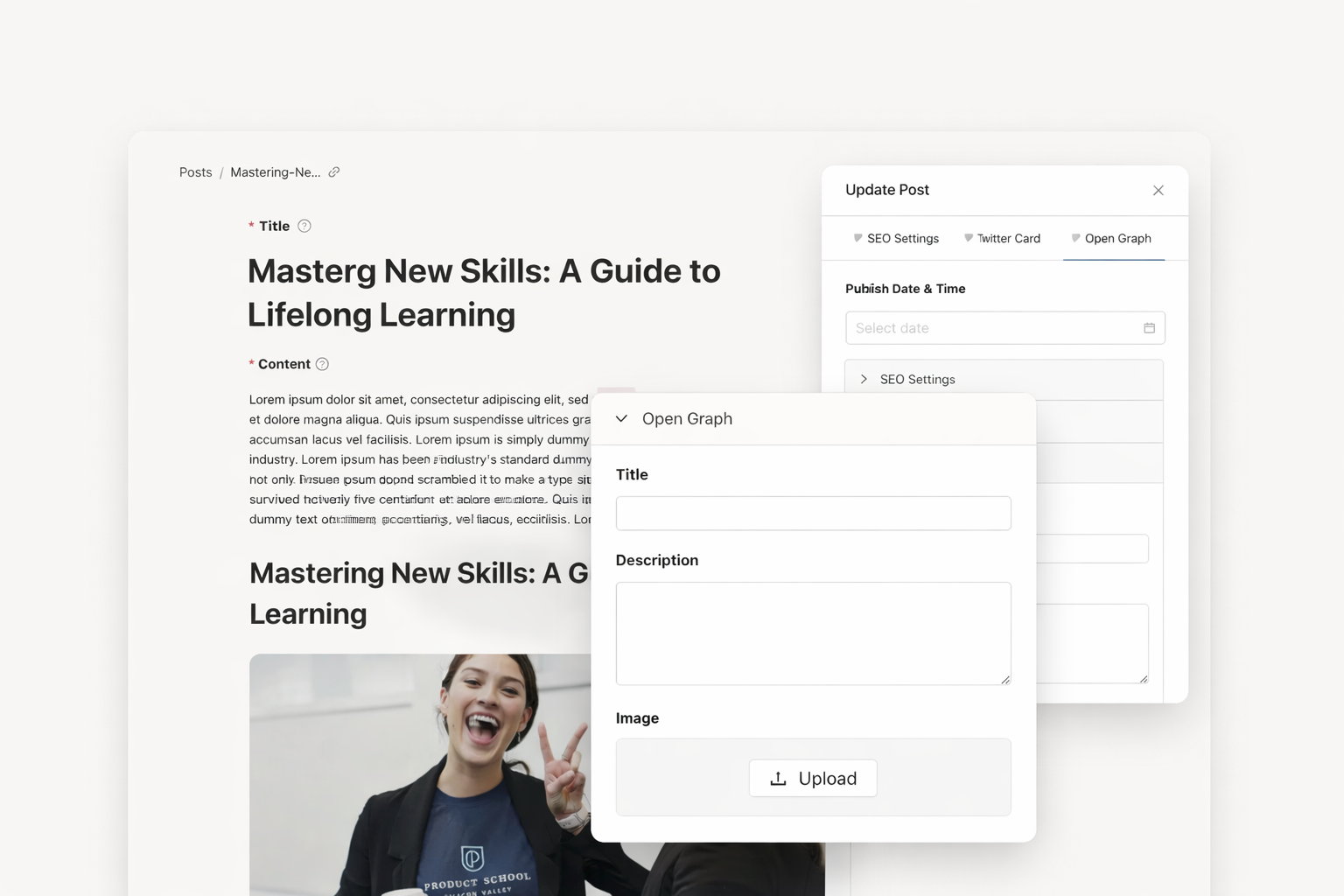
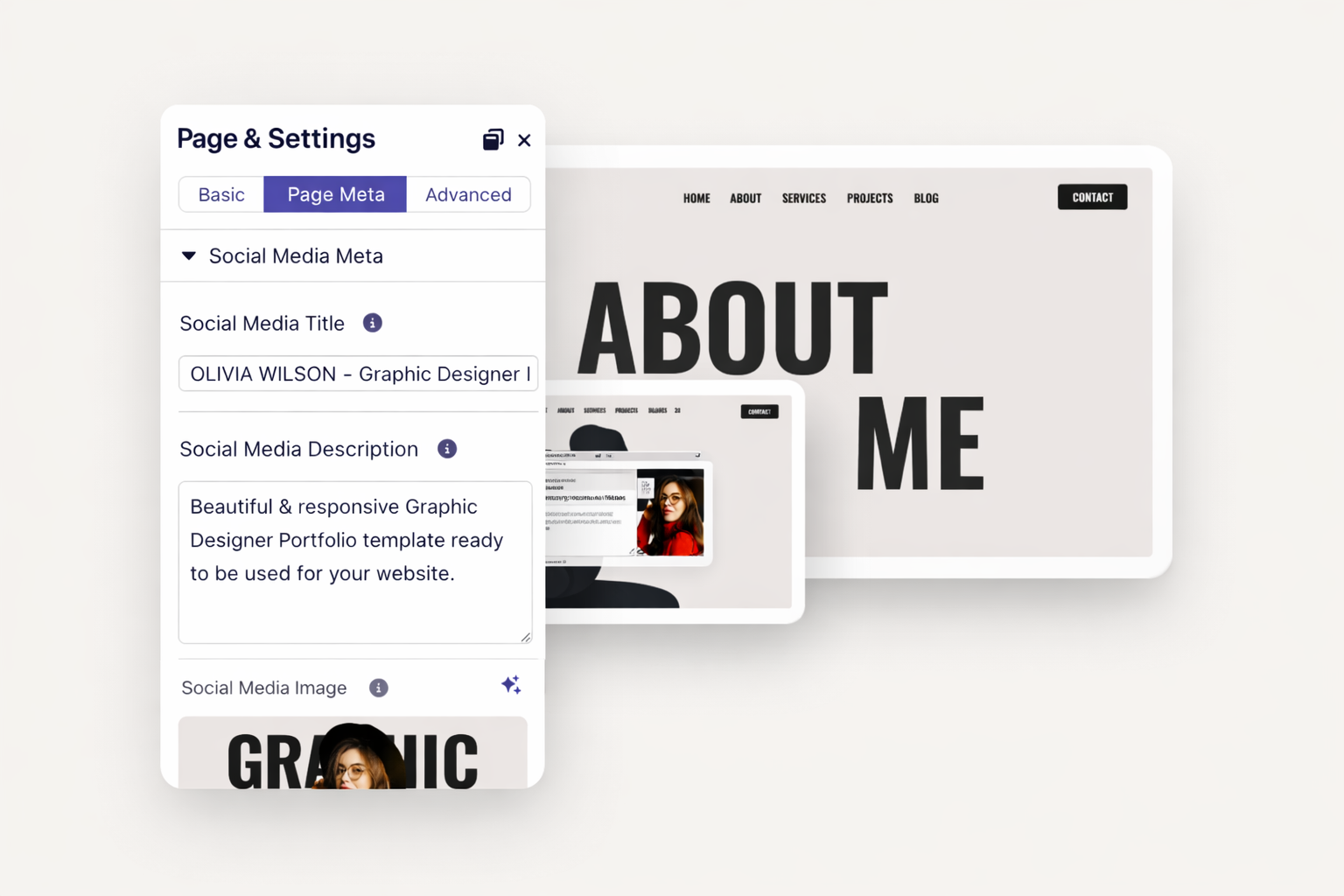
Control how your content appears when shared. Set custom titles, descriptions, and images. Make every share look professional. Drive more clicks from social platforms.
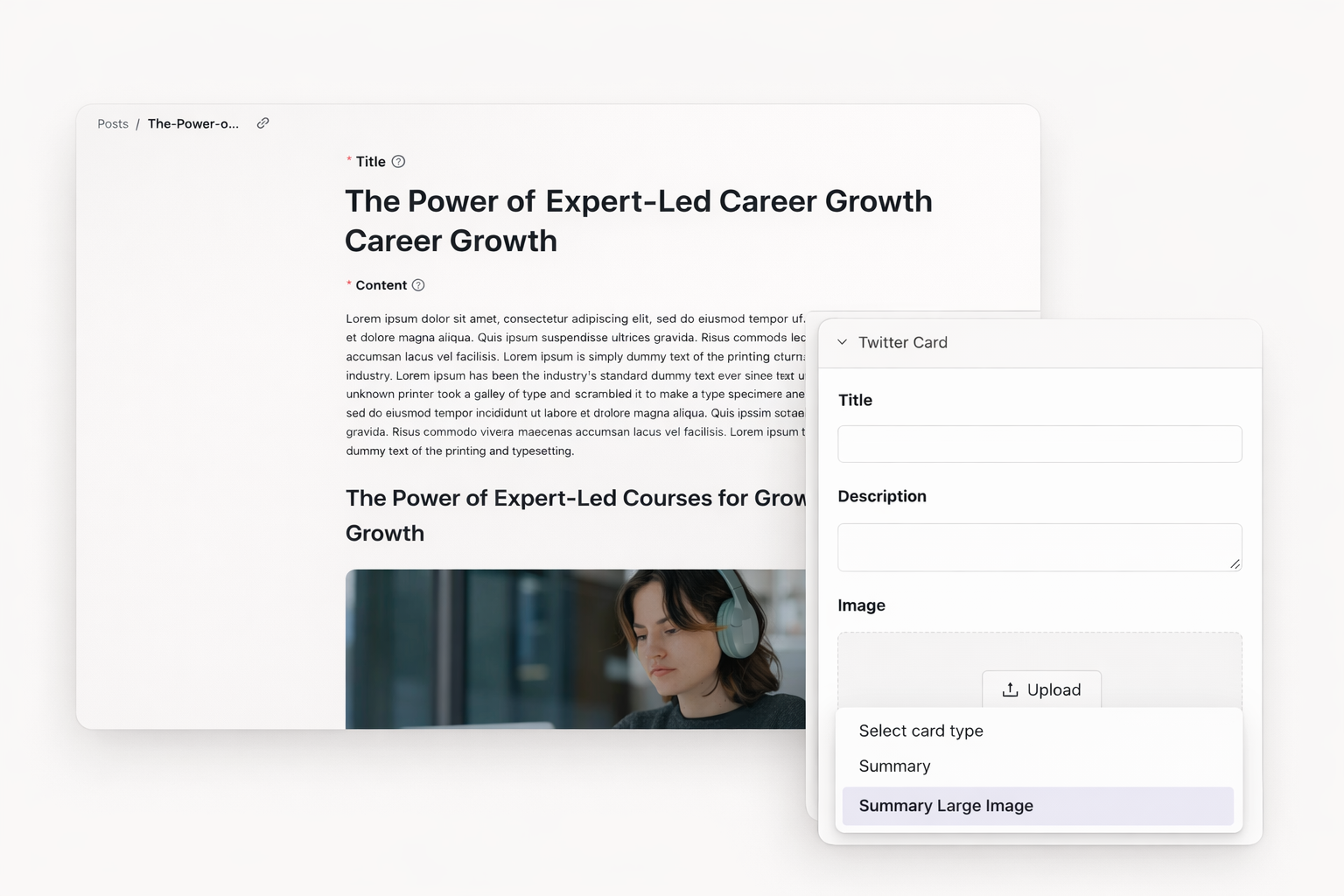
Optimize how links display on Twitter. Choose between summary and large image cards. Add custom preview images. Maximize engagement on every tweet.
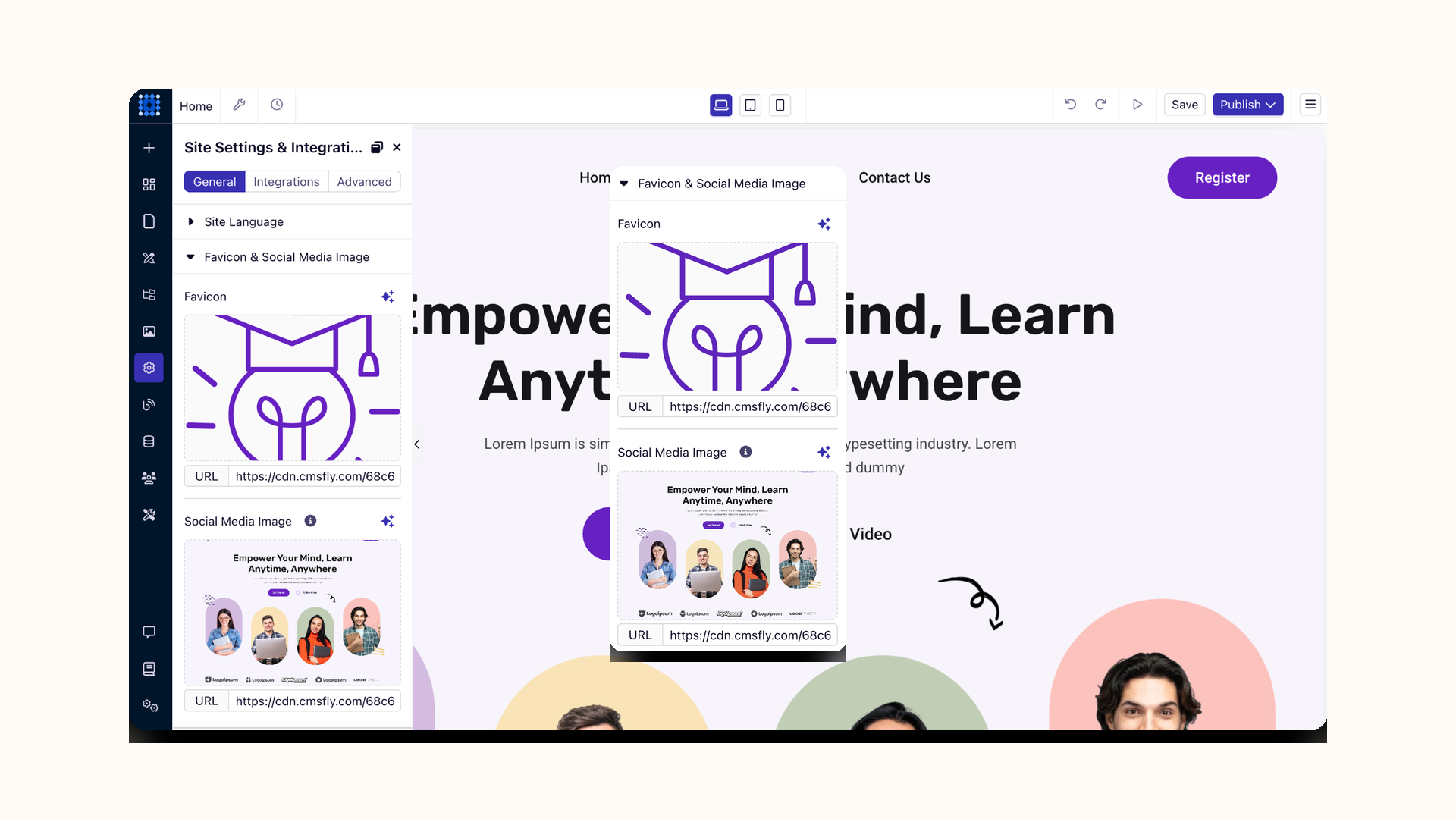
Upload a default social sharing image. Apply it across all pages automatically. Ensure consistent branding everywhere. Change it anytime from one location.
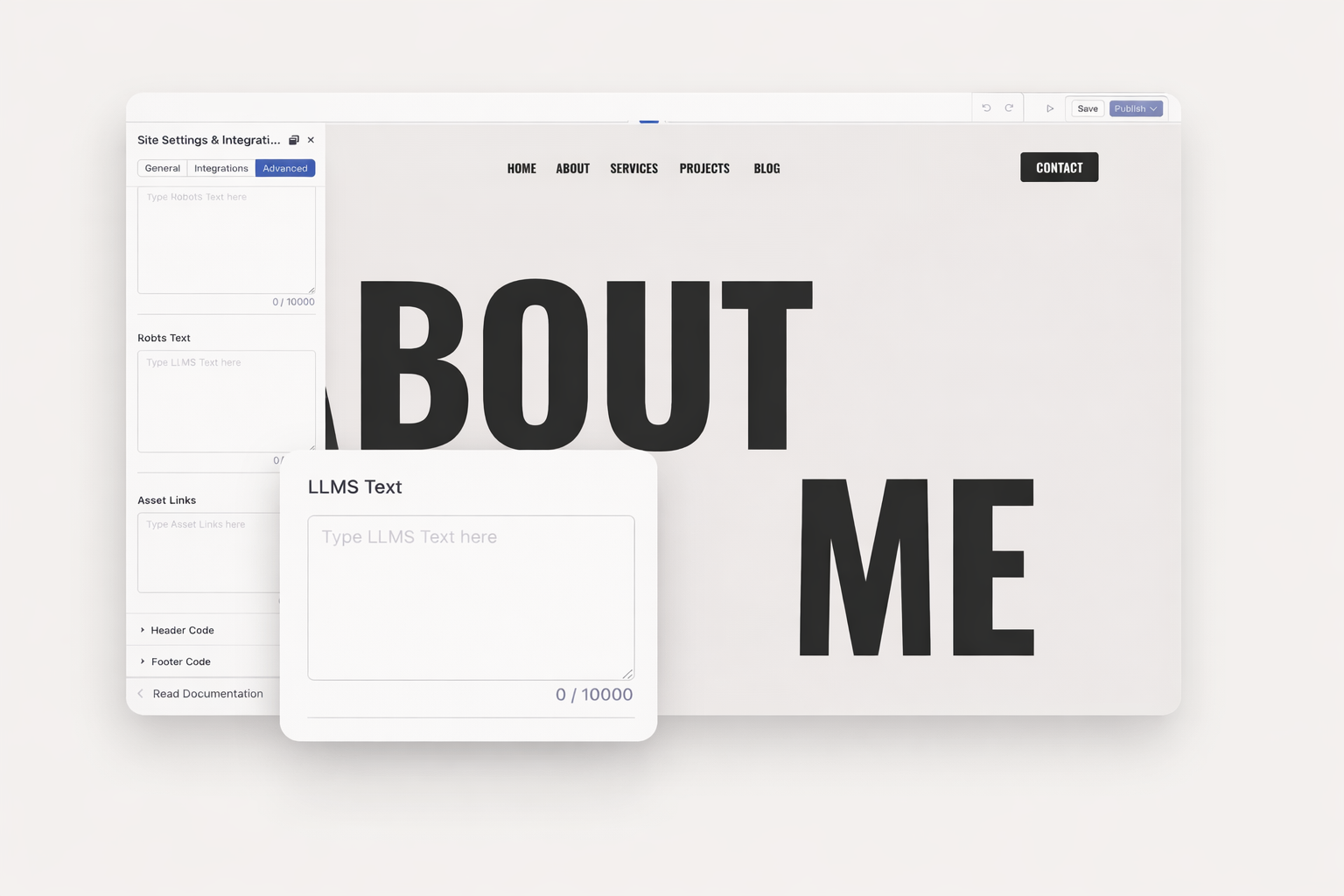
AI search engines like ChatGPT and Perplexity need help understanding your site. Add an LLMs.txt file to guide them. Control which content AI models prioritize. Stay visible as search evolves.
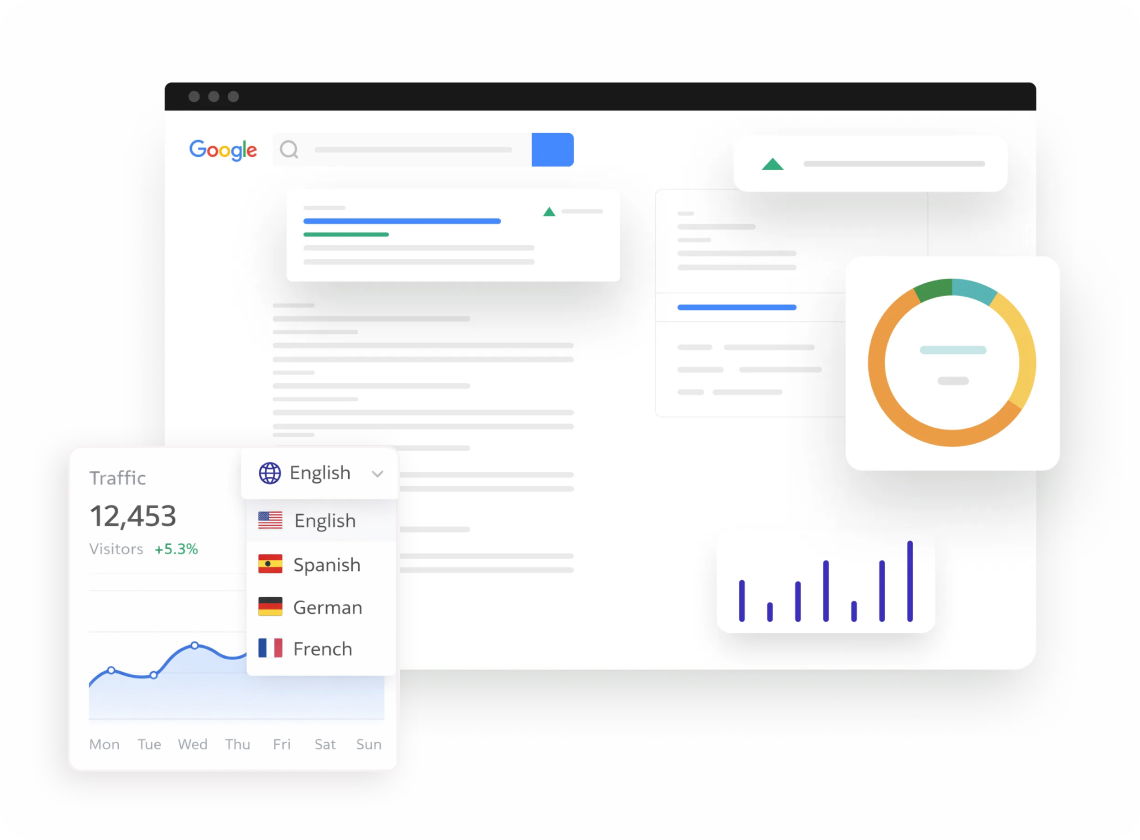
Target international audiences with the right language versions. Add hreflang attributes to signal language and region. Help traditional and AI search engines serve the correct pages. Expand your global reach.
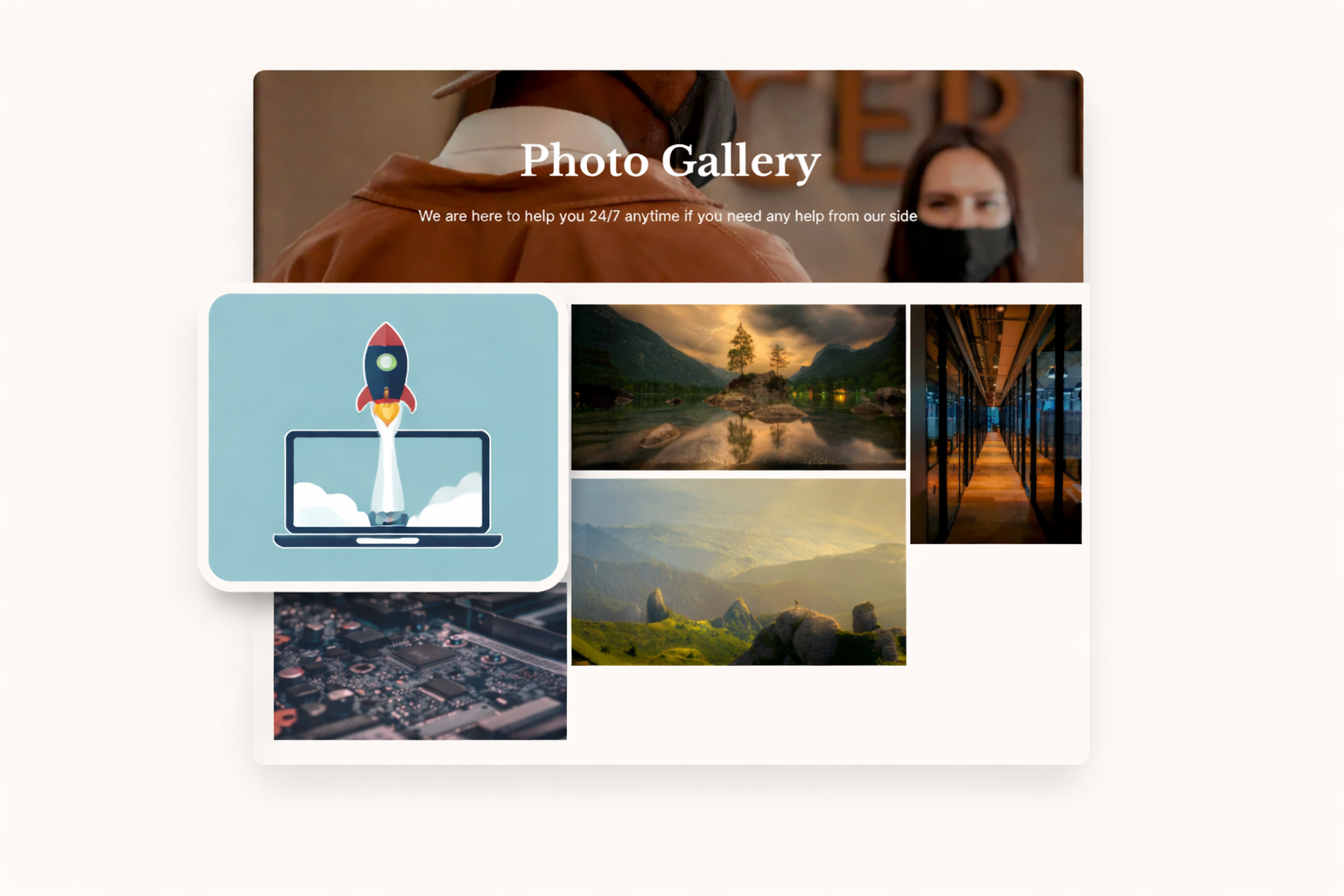
Large images slow down websites and hurt rankings. Dorik compresses every image without quality loss. Lazy loading delays offscreen images. Pages load faster automatically.
Your site loads from 150+ server locations worldwide. Visitors get content from the nearest server. Page speed improves for every audience. No configuration required.
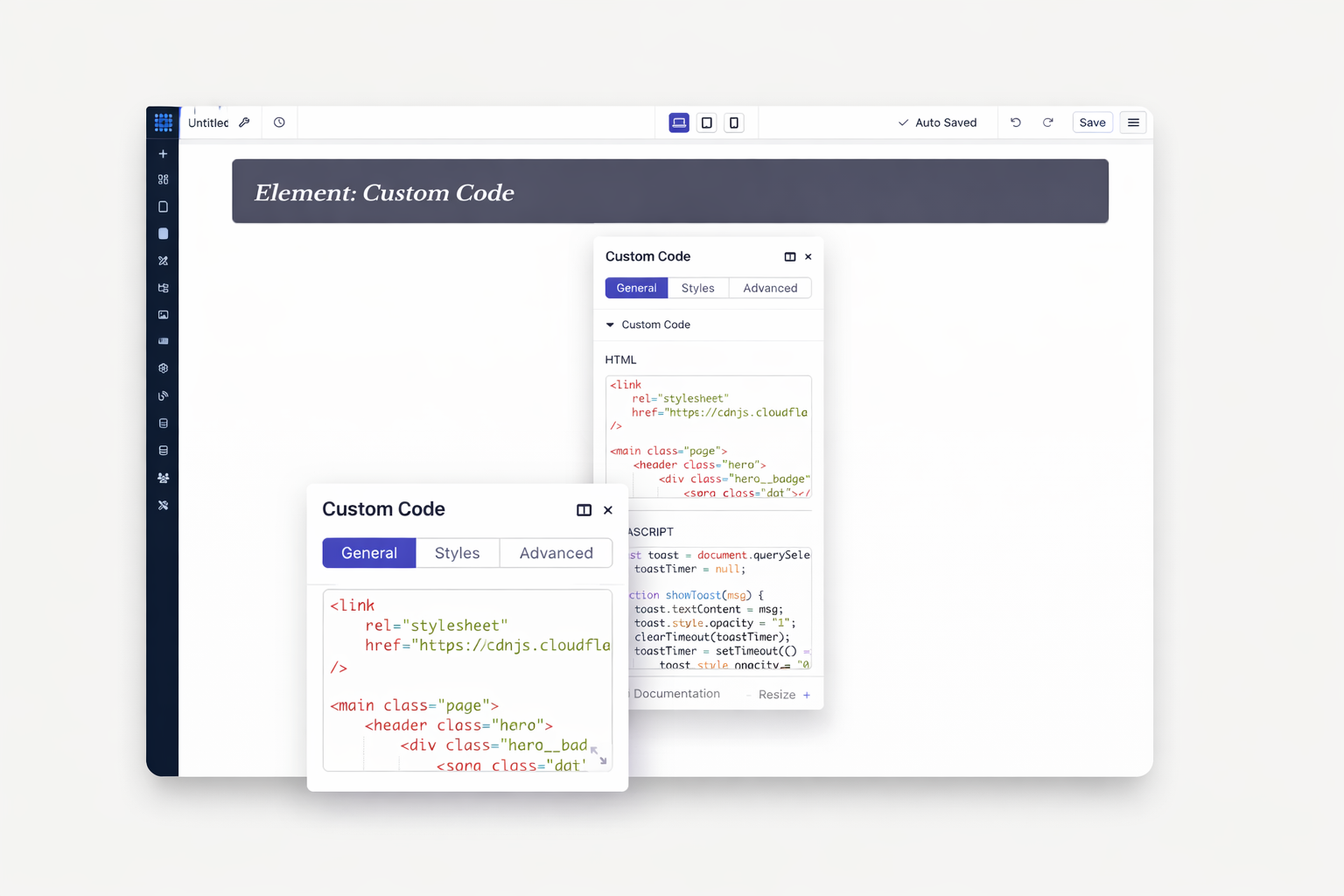
CSS and JavaScript files get compressed automatically. Gzip compression reduces file sizes further. Clean code architecture keeps pages light. Speed optimization happens behind the scenes.
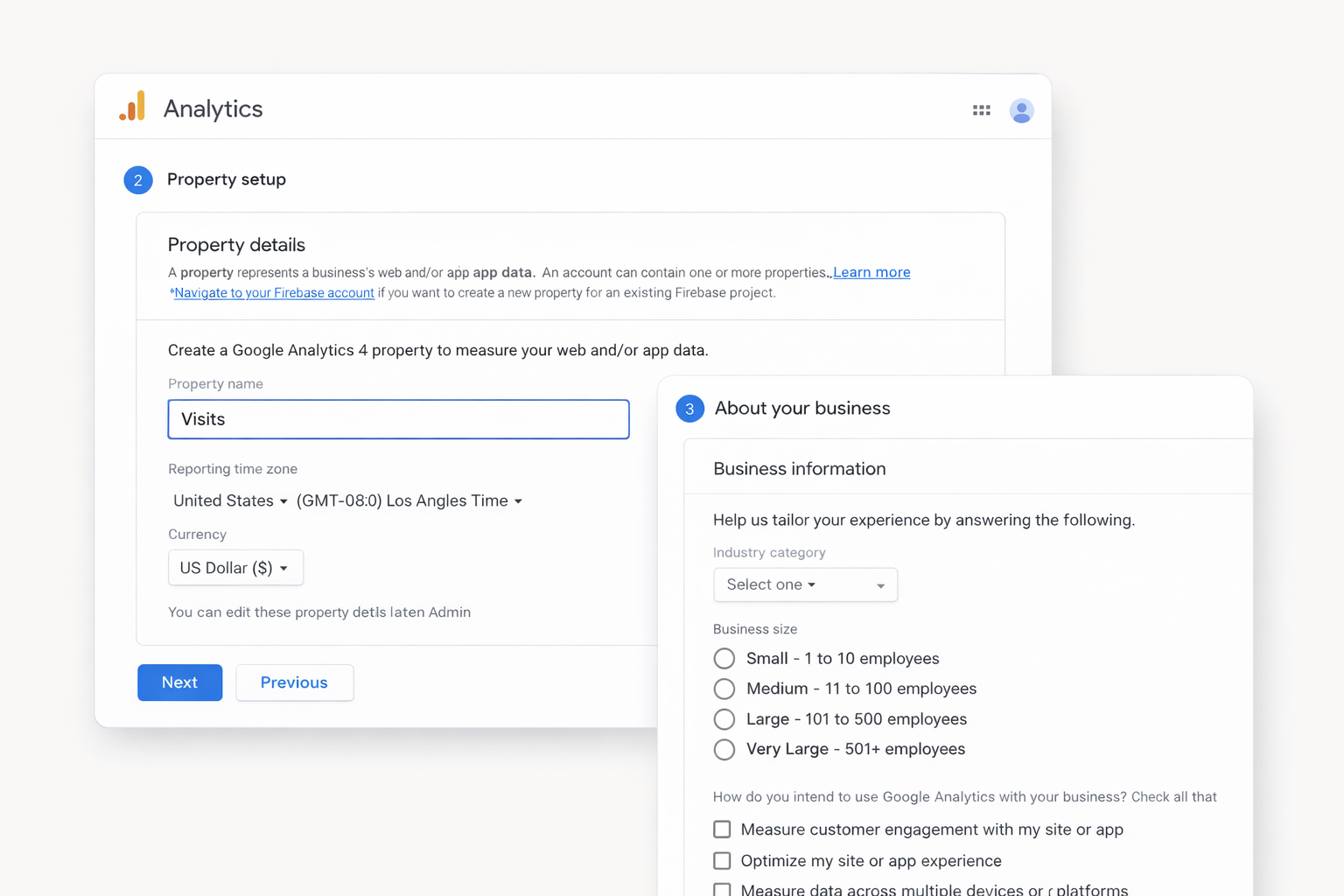
Add your GA4 tracking code from the dashboard. Monitor traffic sources and user behavior. Track conversions and goals. Make data-driven decisions.
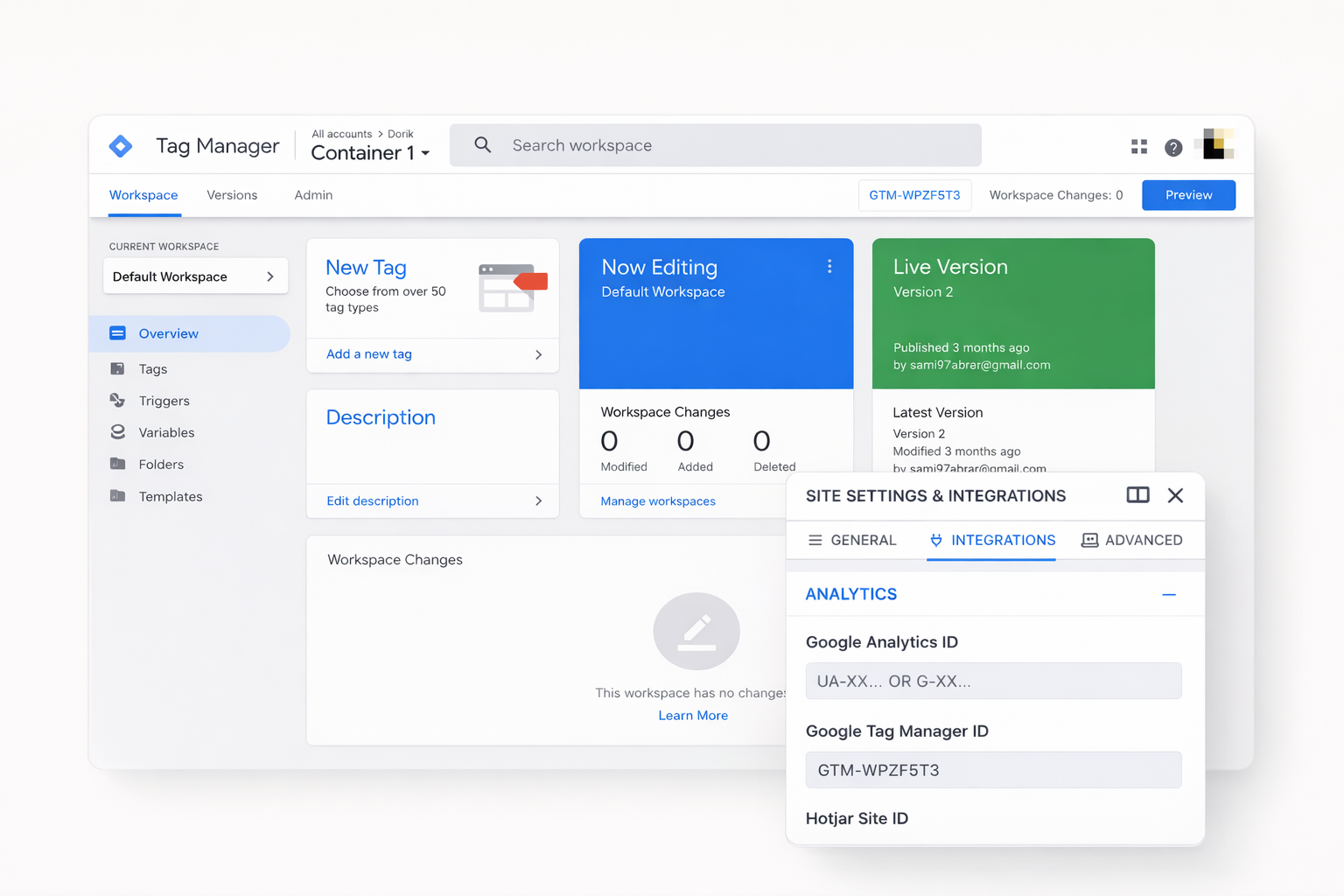
Manage all your tracking tags from one container. Add pixels and scripts without touching code. Deploy changes instantly. Keep your site clean and fast.
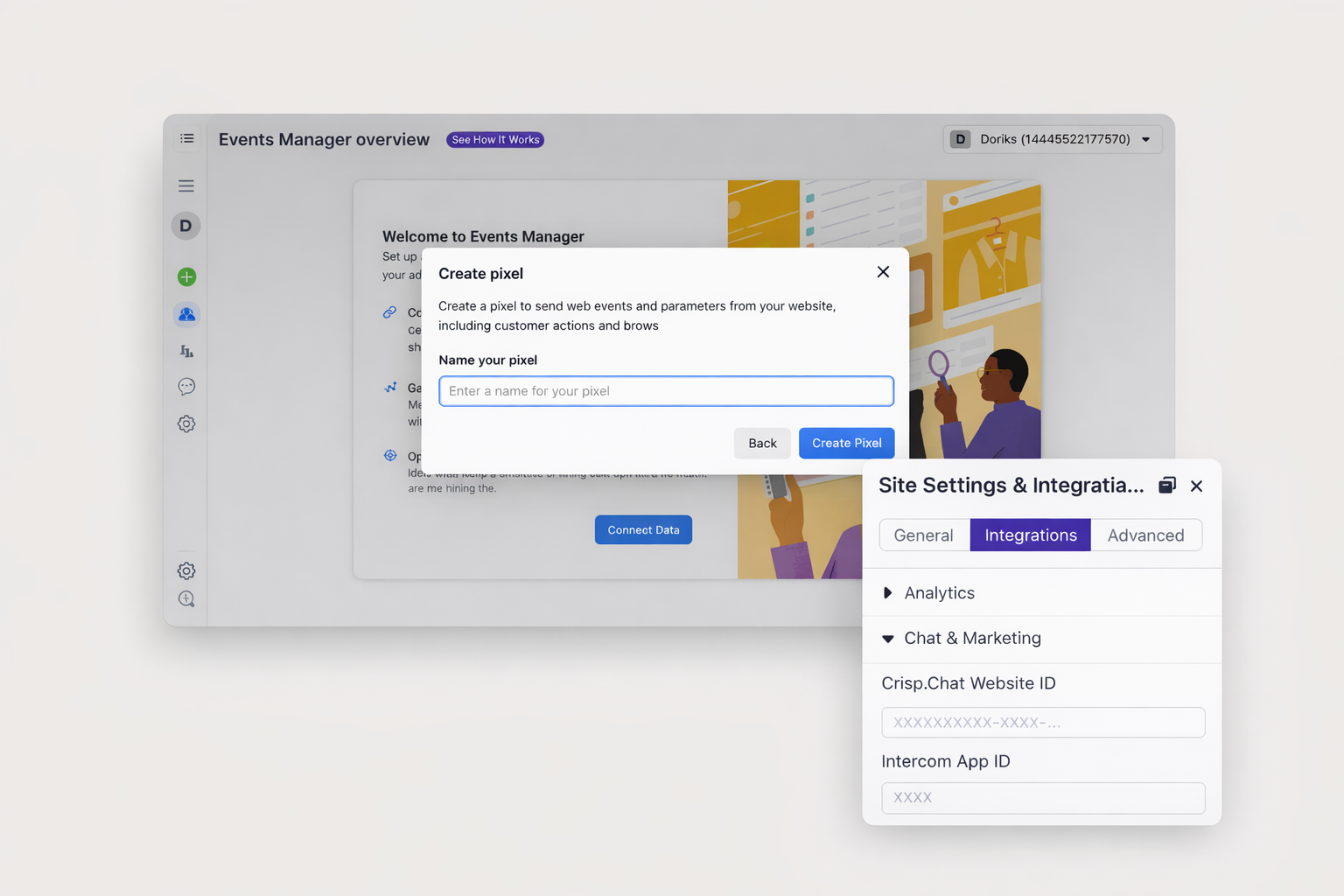
Track conversions from Facebook and Instagram ads. Retarget visitors who browsed your site. Measure campaign performance accurately. Optimize ad spend with real data.
Use the Dorik API to update SEO fields across multiple pages. Sync meta titles and descriptions from external systems. Automate routine updates. Save hours on large sites.
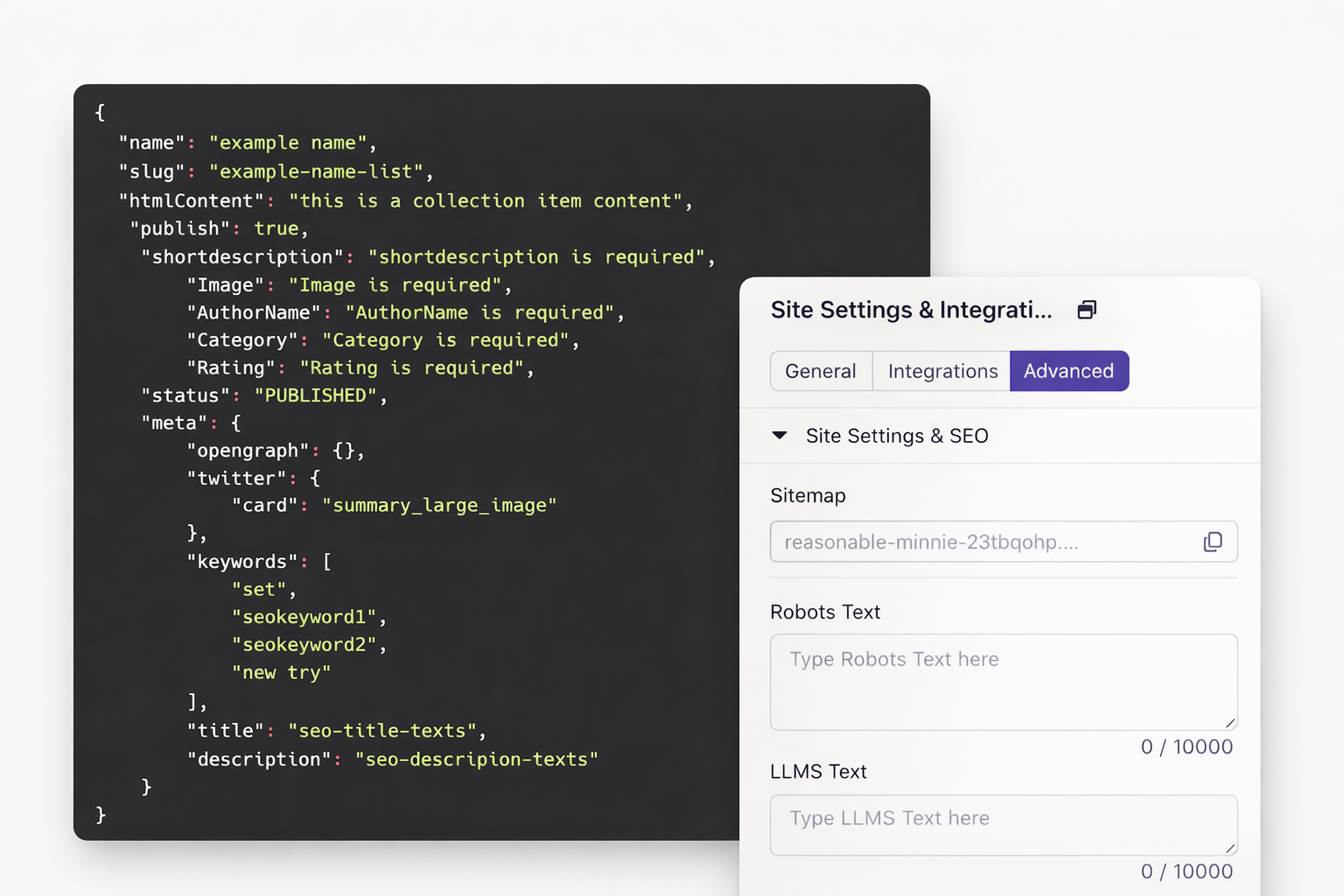
Every SEO tool you need is built into Dorik. No plugins to install. No code to write. Just powerful, no-code search optimization.
Yes. Dorik generates and updates your XML sitemap automatically whenever you publish or update content. Submit it to Google Search Console directly from your dashboard.
Absolutely. Add JSON-LD structured data to any page for articles, products, events, FAQs, and more. Custom schema helps you qualify for rich results in search.
Go to your site settings and open the redirect manager. Enter your old URL and new destination. Select 301 for permanent redirects. Dorik handles the rest.
Use 307 or 308 when you need to preserve the HTTP request method. Forms and API endpoints often require this. Choose 307 for temporary changes and 308 for permanent moves.
Yes. Add hreflang attributes to signal language and regional targeting. Create separate pages for each language. Help search engines serve the right version to each visitor.
Yes. Add noindex tags to any page, blog post, or collection item. Excluded pages stay private and won't appear in search results.
LLMs.txt is a new file format that helps AI search engines like ChatGPT understand your site. Dorik lets you create one easily. It's recommended for future-proofing your visibility.
Very fast. Dorik uses a global CDN with 150+ locations. Images compress automatically. Code minifies on publish. Speed is a ranking factor and Dorik optimizes it by default.
Yes. Verify your domain directly from Dorik. Monitor performance, track indexing, and identify issues without leaving your dashboard.
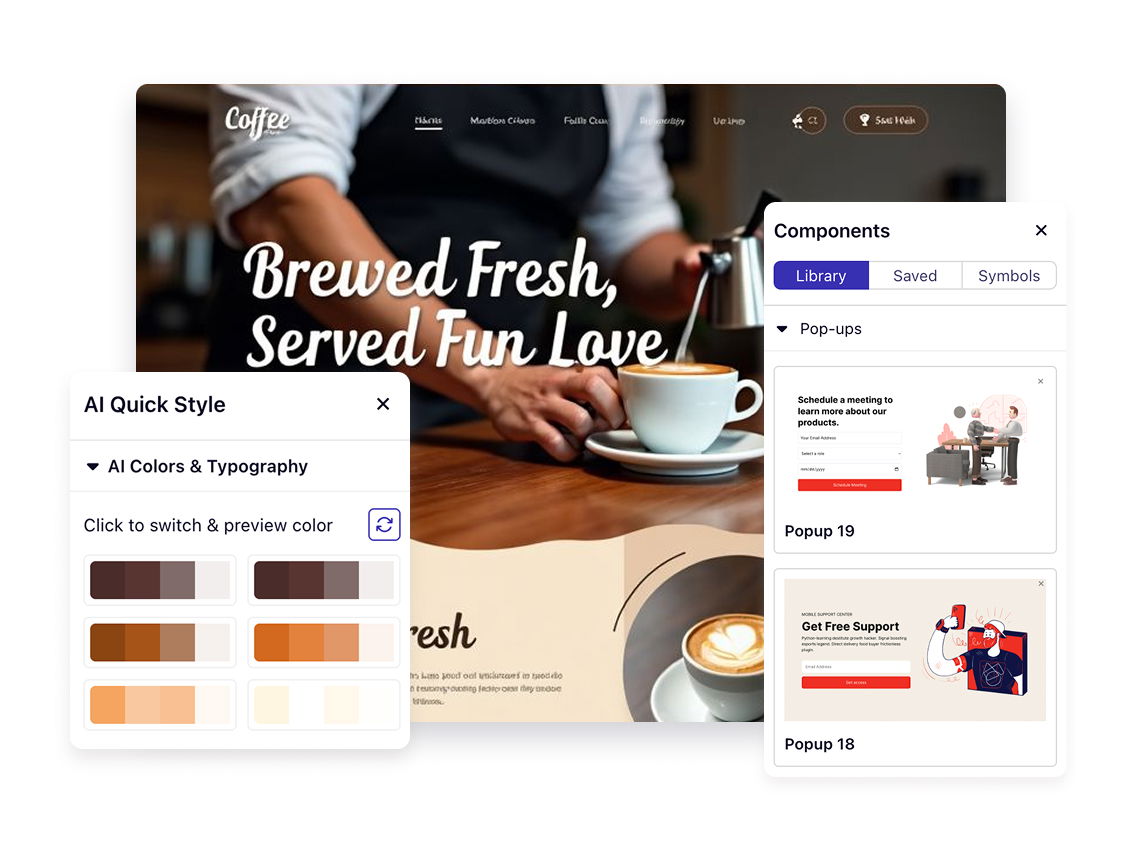
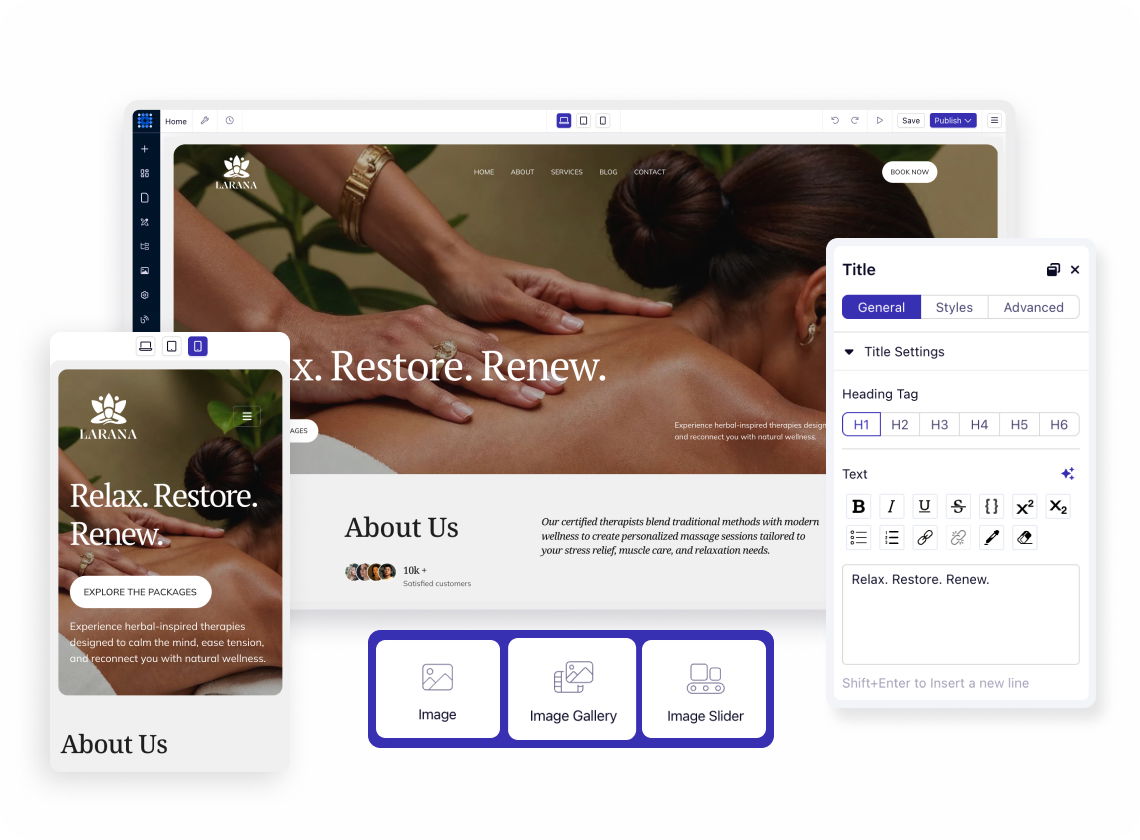

❤️ This website is built with Dorik, without writing any code

© 2026 Dorik, Inc. All rights reserved