</> Code Export
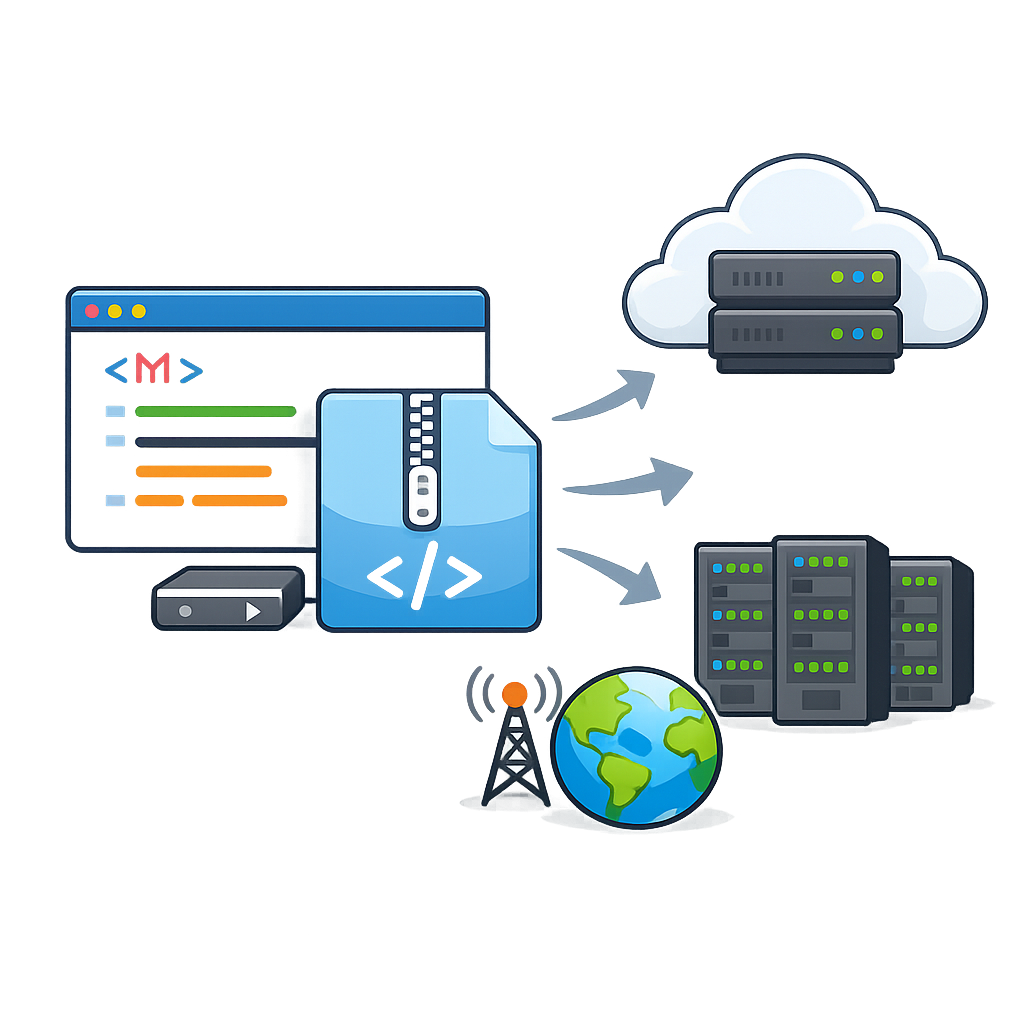
Never feel trapped by a platform again. Dorik exports your entire site as clean, readable HTML, CSS, and JavaScript files. Move to any host, edit any line, or hand it off to a developer. Your website, your rules.
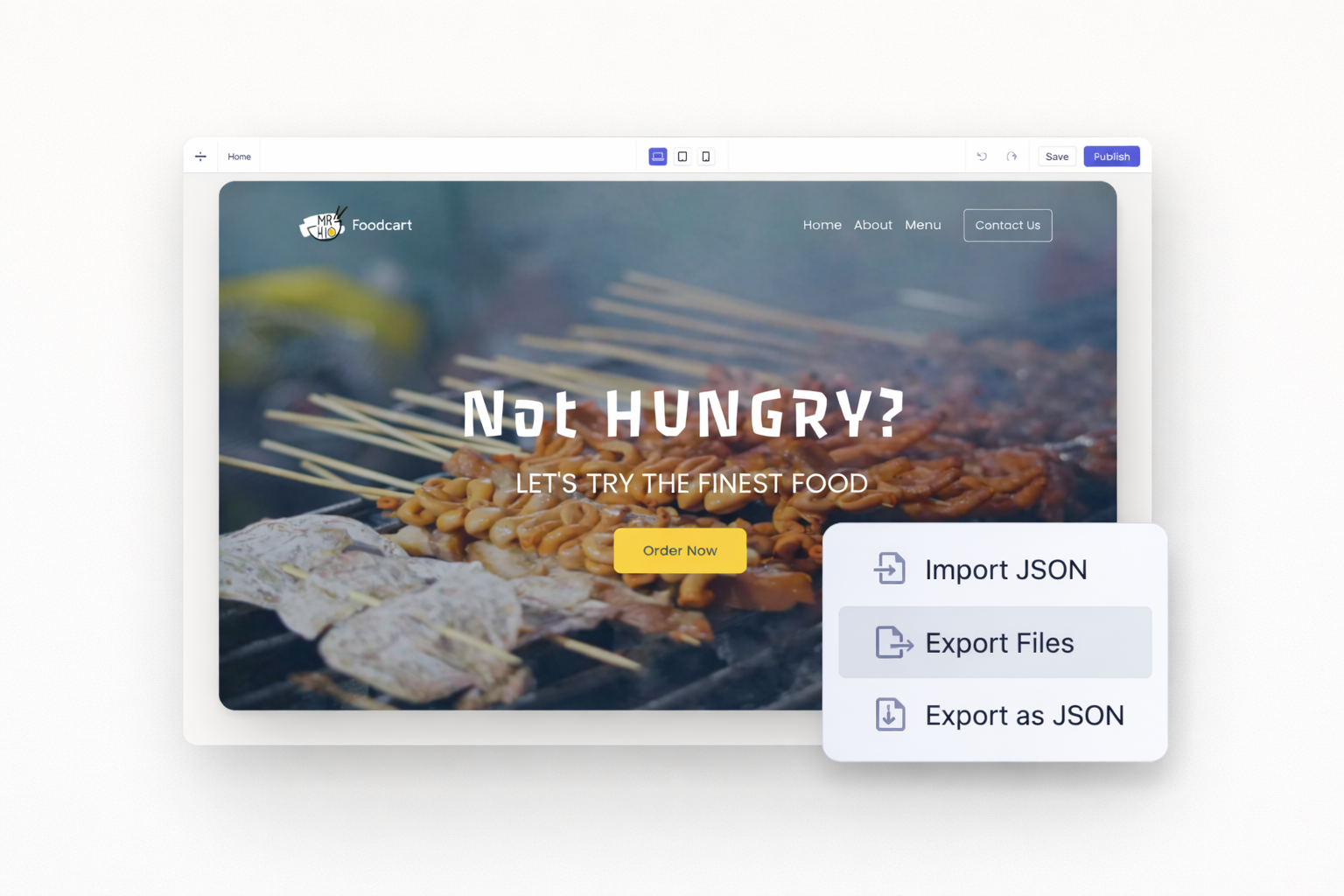
Export your entire static website with one click. Get organized folders containing HTML pages, CSS stylesheets, JavaScript files, and all media assets. Every file downloads ready for immediate deployment.
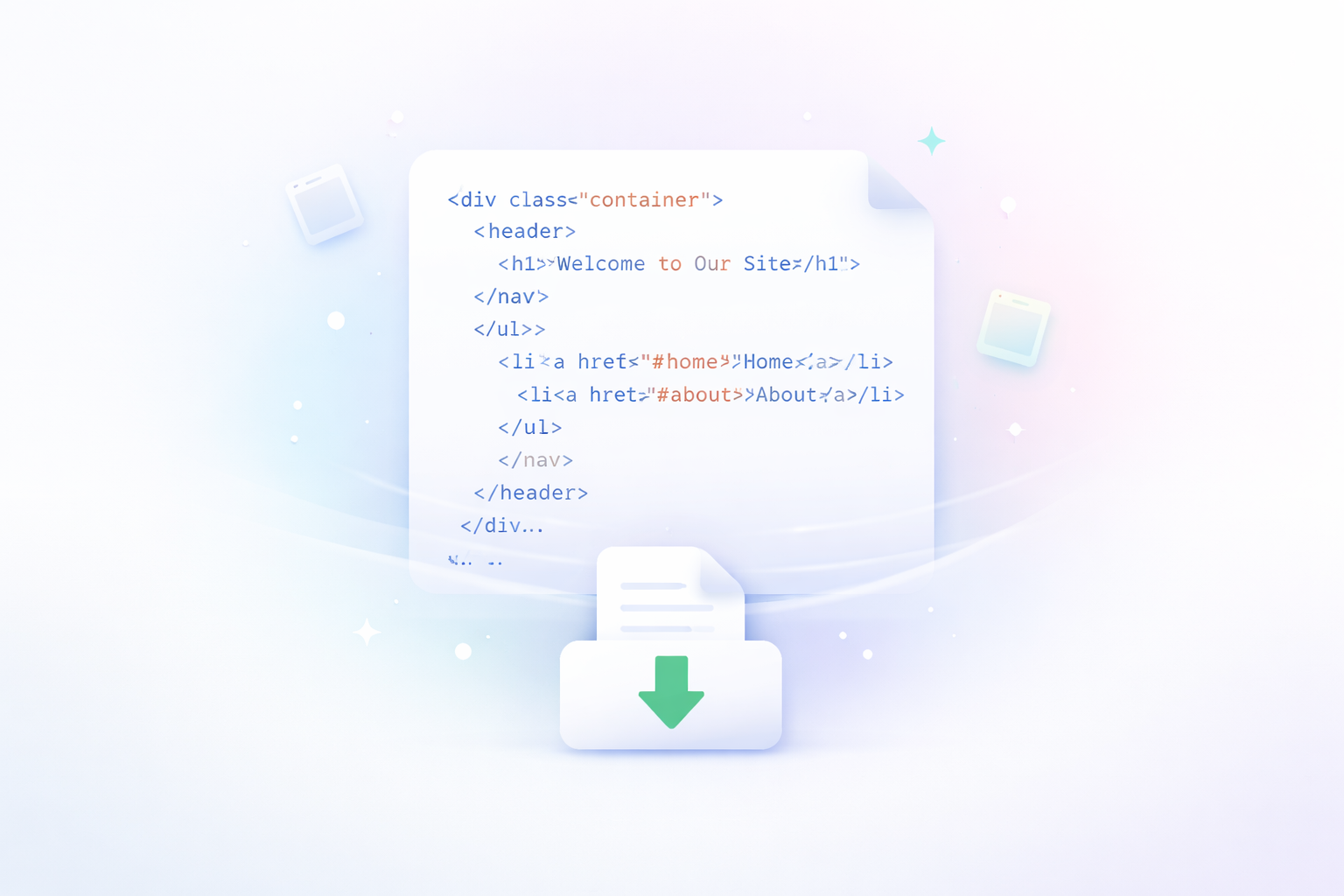
Your exported code stays human-readable. Unlike competitors who minify everything, Dorik preserves formatting and structure. Developers can open files immediately and understand the codebase without running beautifiers first.

Images, icons, and other media files export alongside your code. The folder structure stays organized and logical. No hunting for missing assets or broken image links after deployment.
Upload exported files to AWS, DigitalOcean, Netlify, Vercel, or traditional web hosts. Your site runs independently without requiring Dorik infrastructure. Switch hosting providers whenever you want.


Your website belongs to you. Export your work anytime and take it elsewhere. No proprietary formats or hidden dependencies keep you tied to our platform. Build confidently knowing you always have an exit strategy.
Download your entire site as a safety net. Store backups locally or in cloud storage. Restore quickly if anything goes wrong. Protect your investment with files you physically control.

Deliver client projects as standalone code packages. Developers receive clean files they can immediately integrate with backend systems, APIs, or custom applications. No Dorik expertise required on their end.
Add custom functionality after export. Integrate third-party scripts, connect to external databases, or modify styling extensively. Your exported code accepts any standard web development additions.
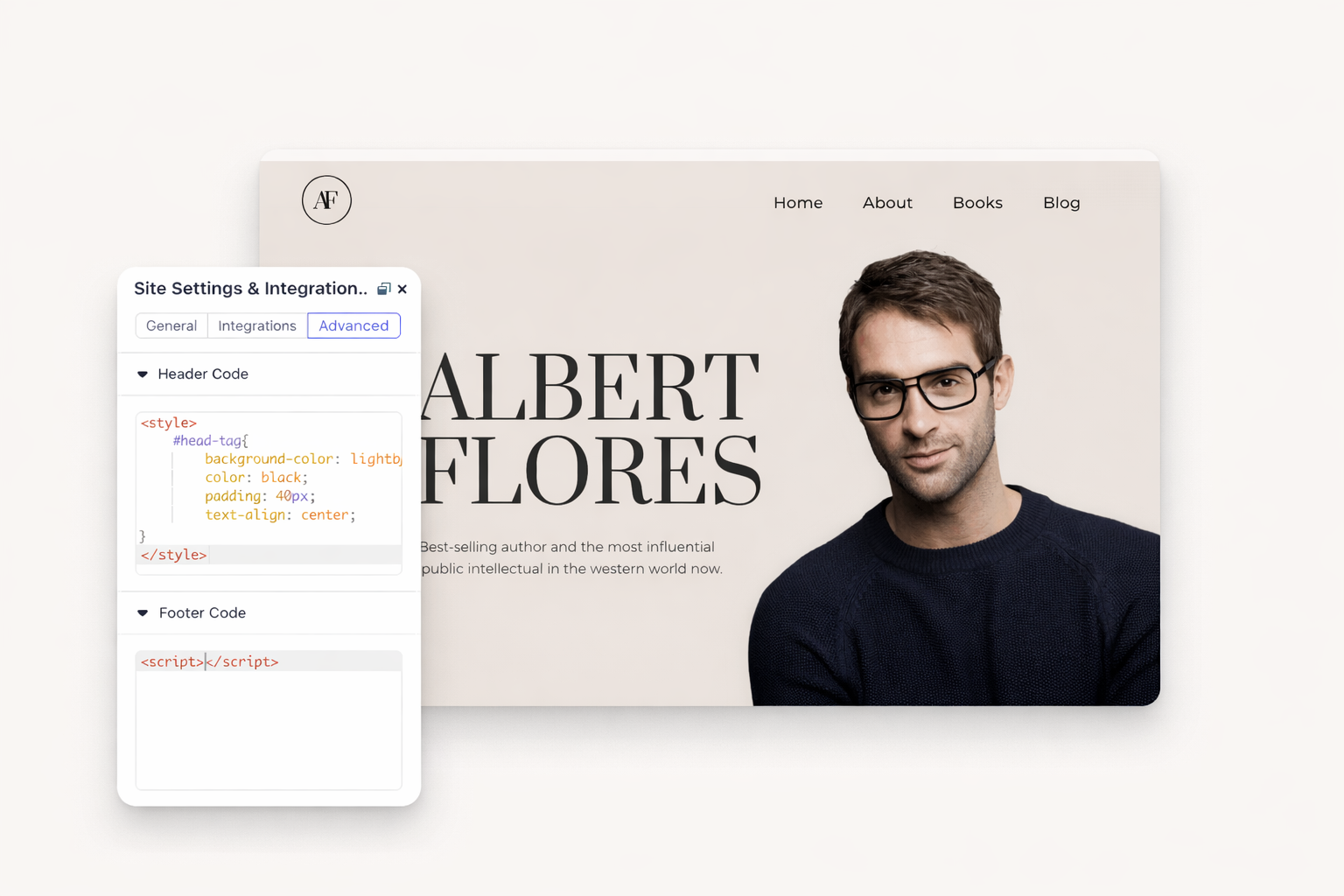

Use Dorik for rapid prototyping and design. Export the front-end, then integrate with your preferred backend stack. Match your existing development workflows without learning new systems.
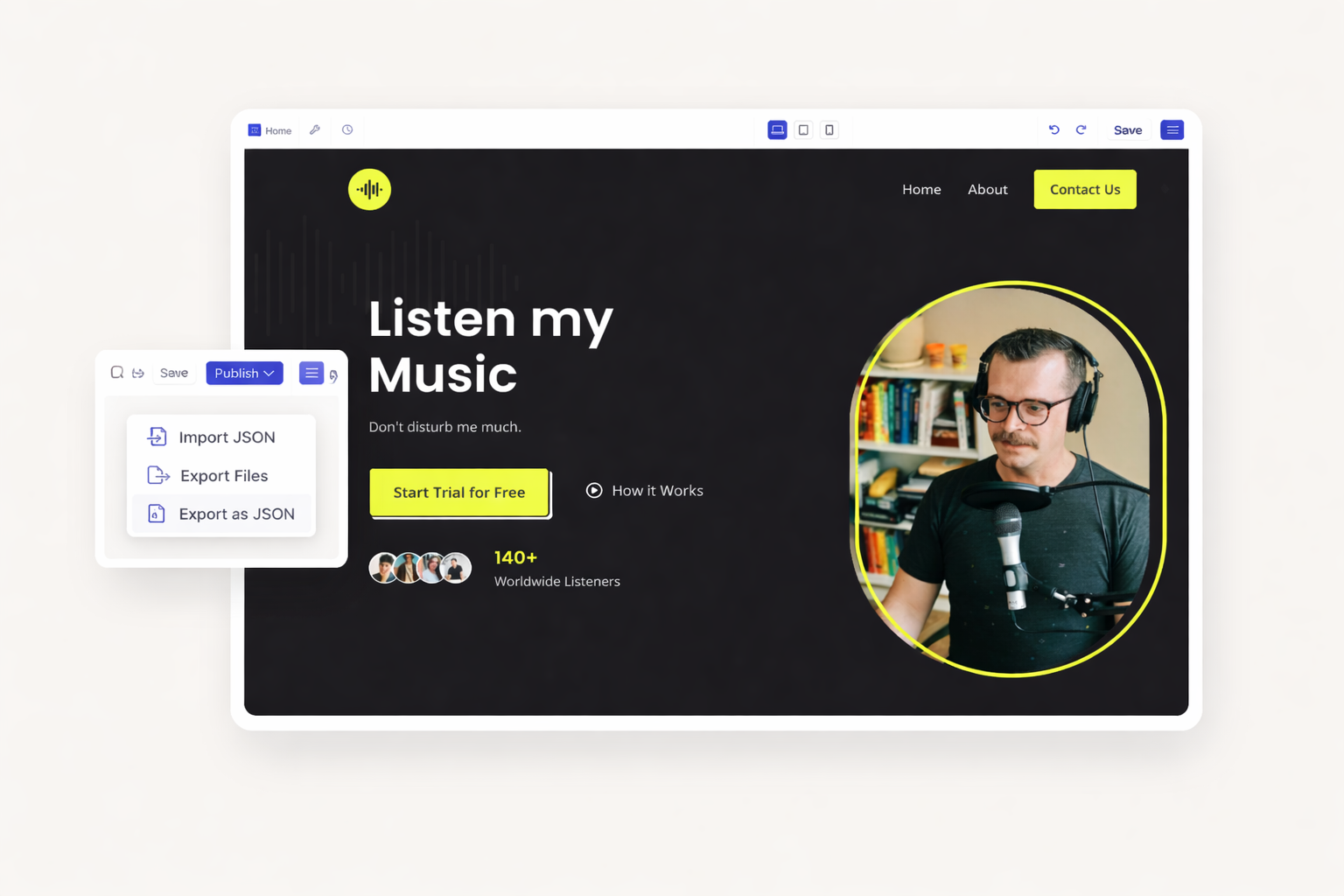
Export your website as a JSON file containing complete site structure. Import into another Dorik account for seamless project transfers. Move sites between personal and agency accounts easily.
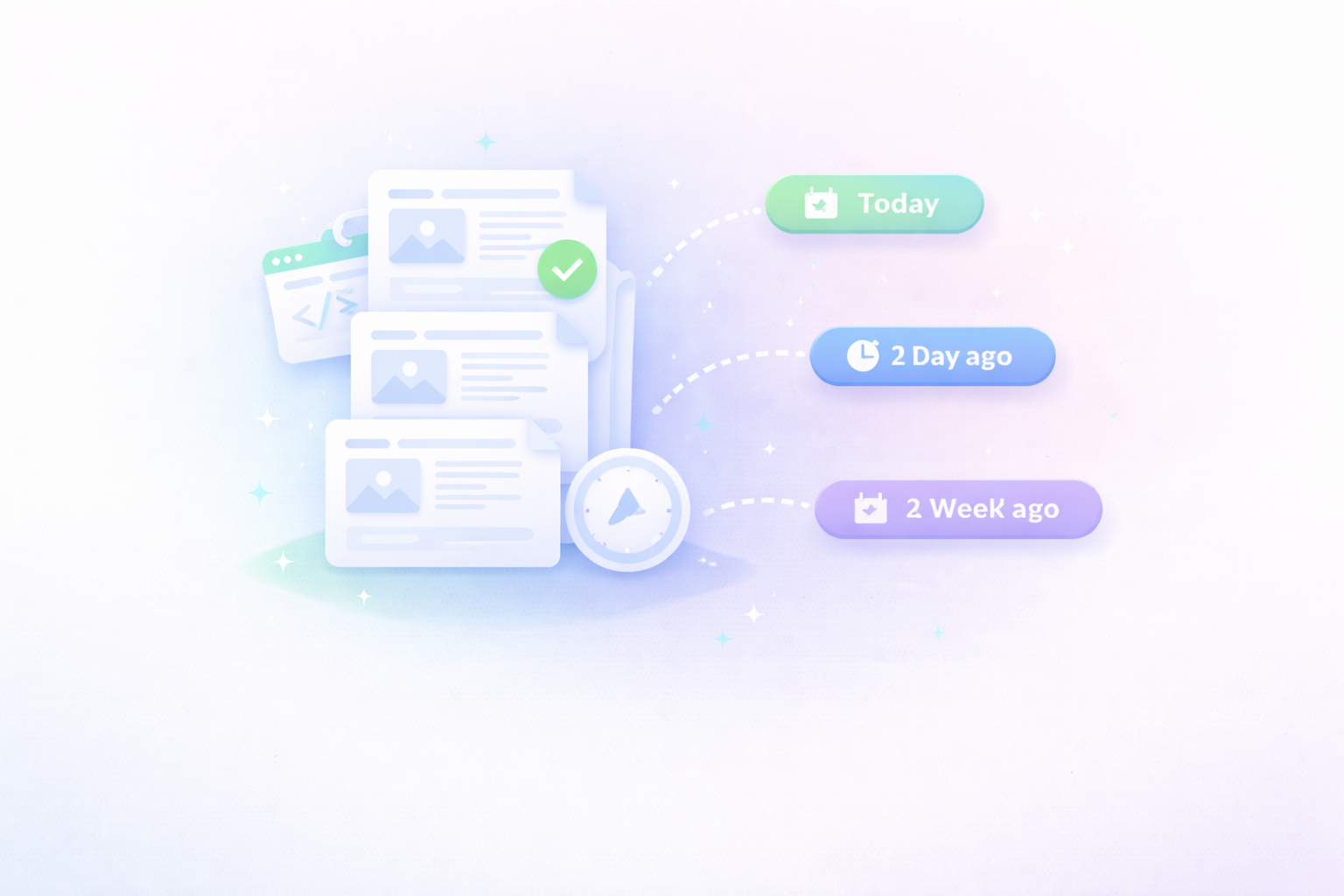
Save JSON exports as version checkpoints. Restore previous site states if needed. Track major changes by keeping dated backups of your site structure.
Export clean, professional code from any static site you build. Own your work completely. Start with Dorik free, then upgrade to unlock code export.
Code export is available on Business and Agency plans. The Pro plan allows up to 60 exports per month. Agency plans include unlimited exports.
Code export works with static sites only. JSON export is also unavailable for CMS sites. Contact support for manual assistance. Only static pages transfer; CMS content and pages cannot be imported.
Exports include HTML files for each page, CSS stylesheets, JavaScript files, and all uploaded media. Files come un-minified and ready to edit.
Basic web hosting knowledge helps. Upload files to any web server using FTP or hosting dashboards. No coding changes required for basic deployment.
Exported sites contain front-end code only. Form submissions, analytics tracking, and third-party integrations need reconfiguration on your new hosting platform.
No. Exported HTML/CSS/JS cannot be imported back into Dorik. Use JSON export for transferring editable sites between Dorik accounts.


❤️ This website is built with Dorik, without writing any code

© 2026 Dorik, Inc. All rights reserved