🗂️ CMS
Your content deserves more than static pages. Create custom databases, design flexible templates, and display dynamic content exactly how you want. No coding required.
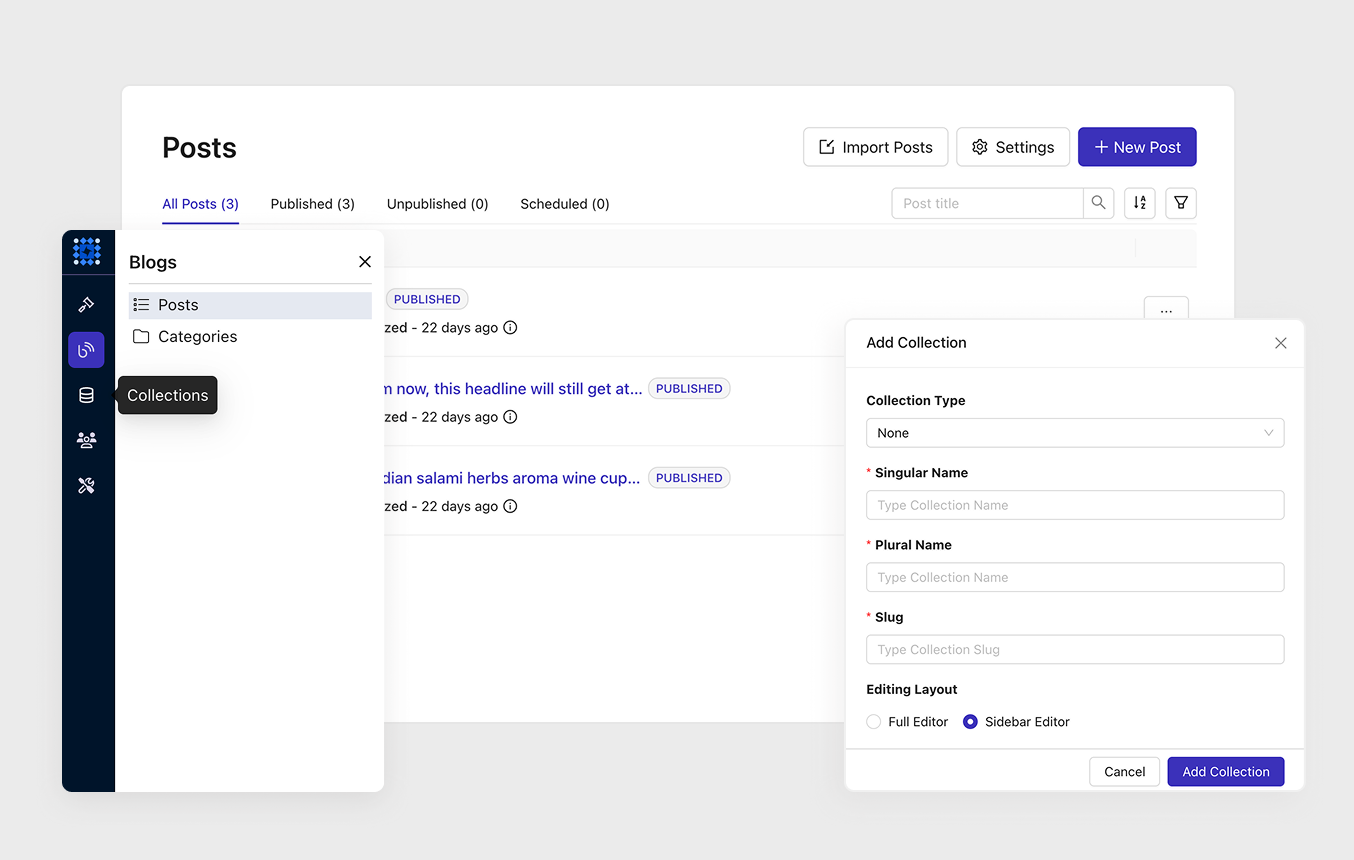
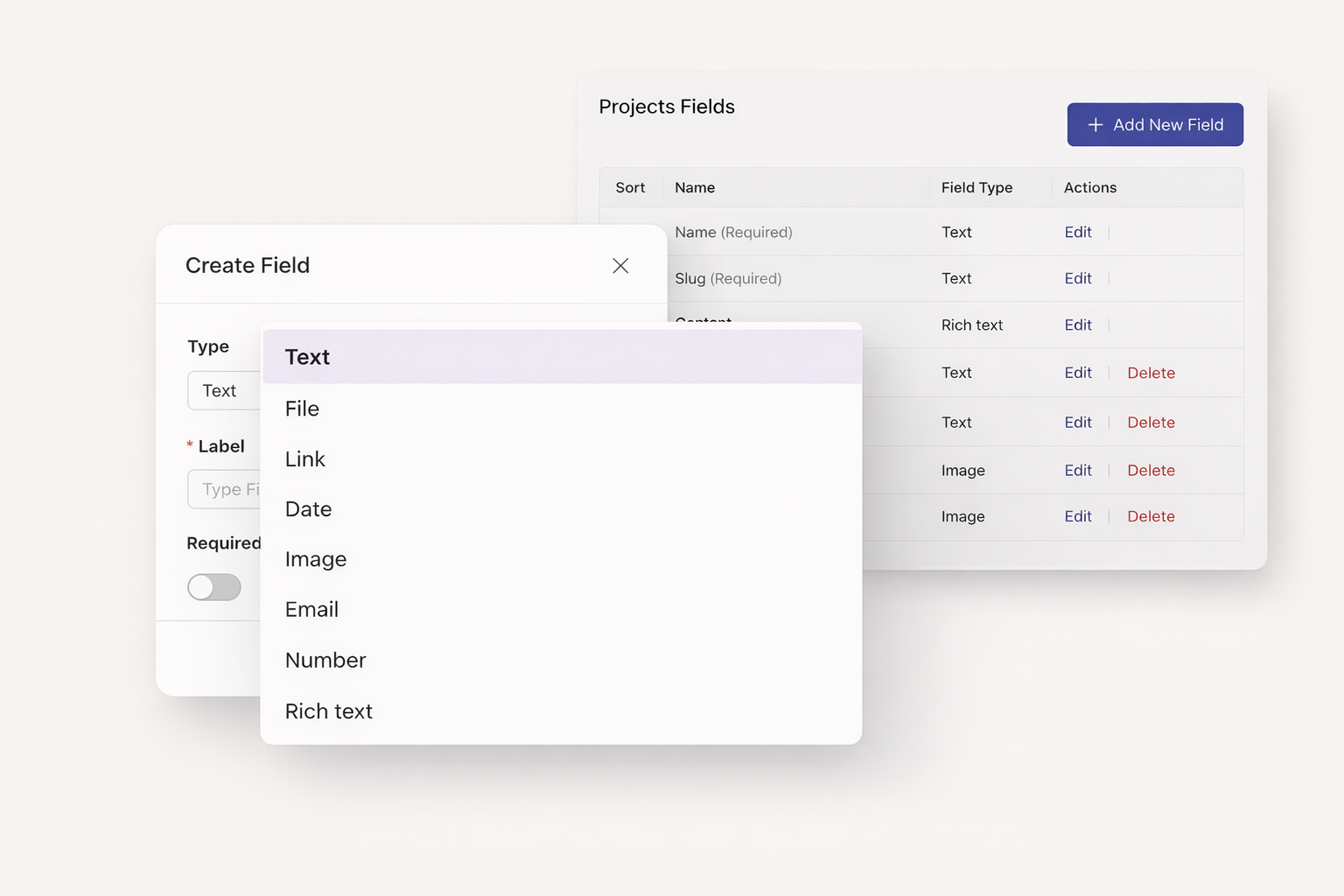
Define your own data structures with 12 field types. Store products, team members, projects, or any content you need. Each collection becomes a powerful mini-database for your website.
Text, Rich Text, Image, Select, Date, Link, Number, Email. Plus Single Reference and Multiple Reference for connecting content. Build exactly the data structure your project requires.
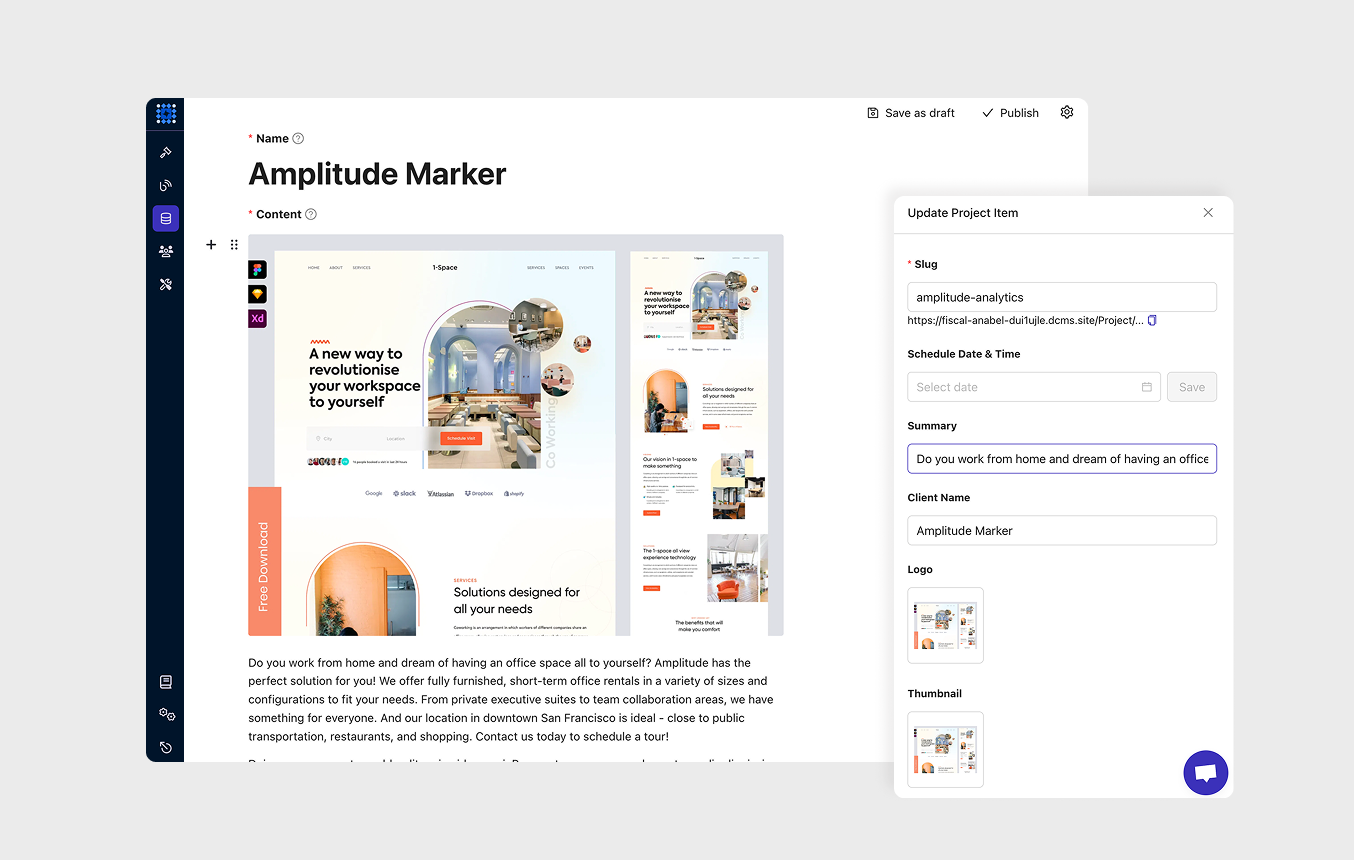
Test your designs instantly. Generate 5 to 15 dummy items automatically. See how your layouts work with real content before adding your actual data.
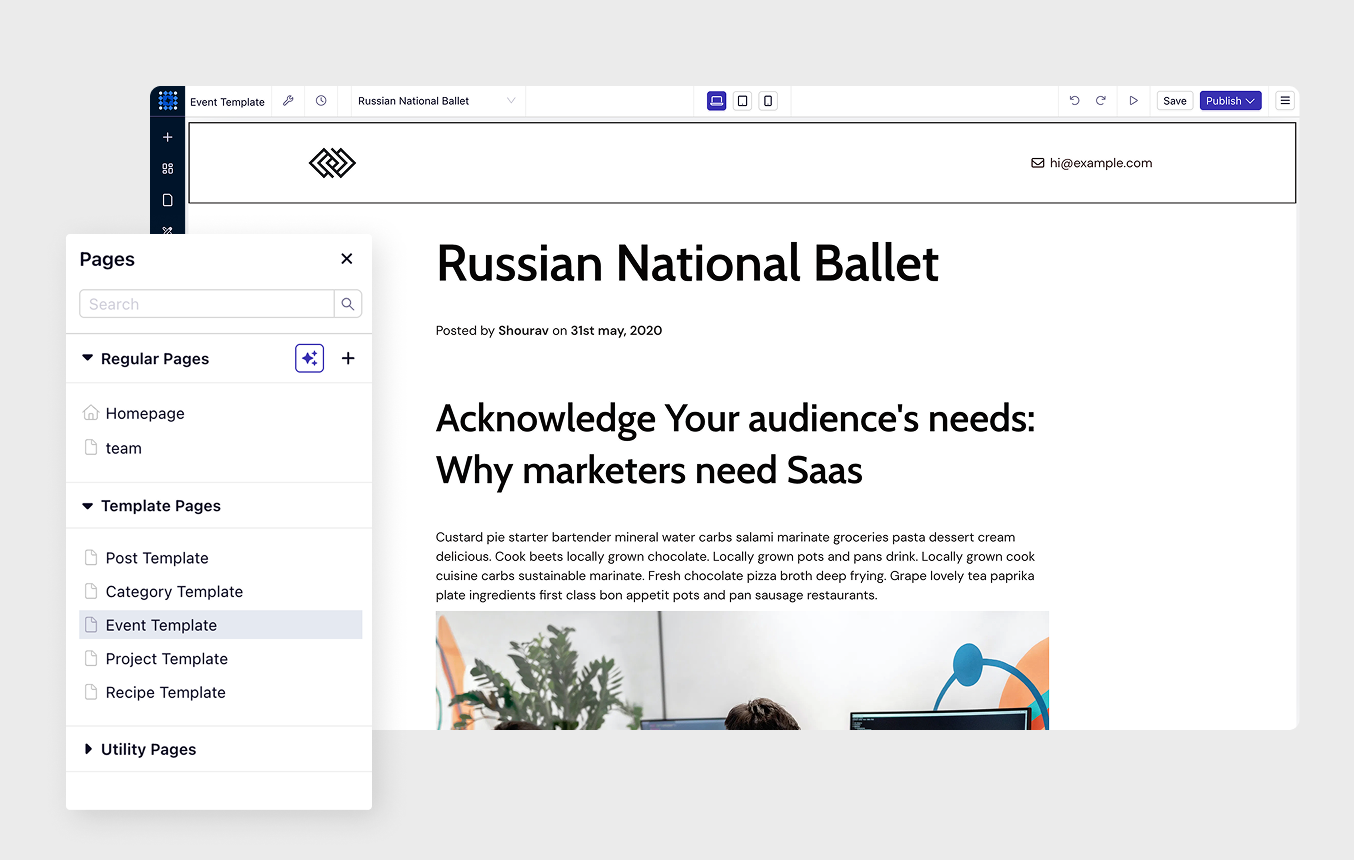
Create a single template. Watch it generate unique pages for every collection item. Each product, team member, or project gets its own URL automatically.
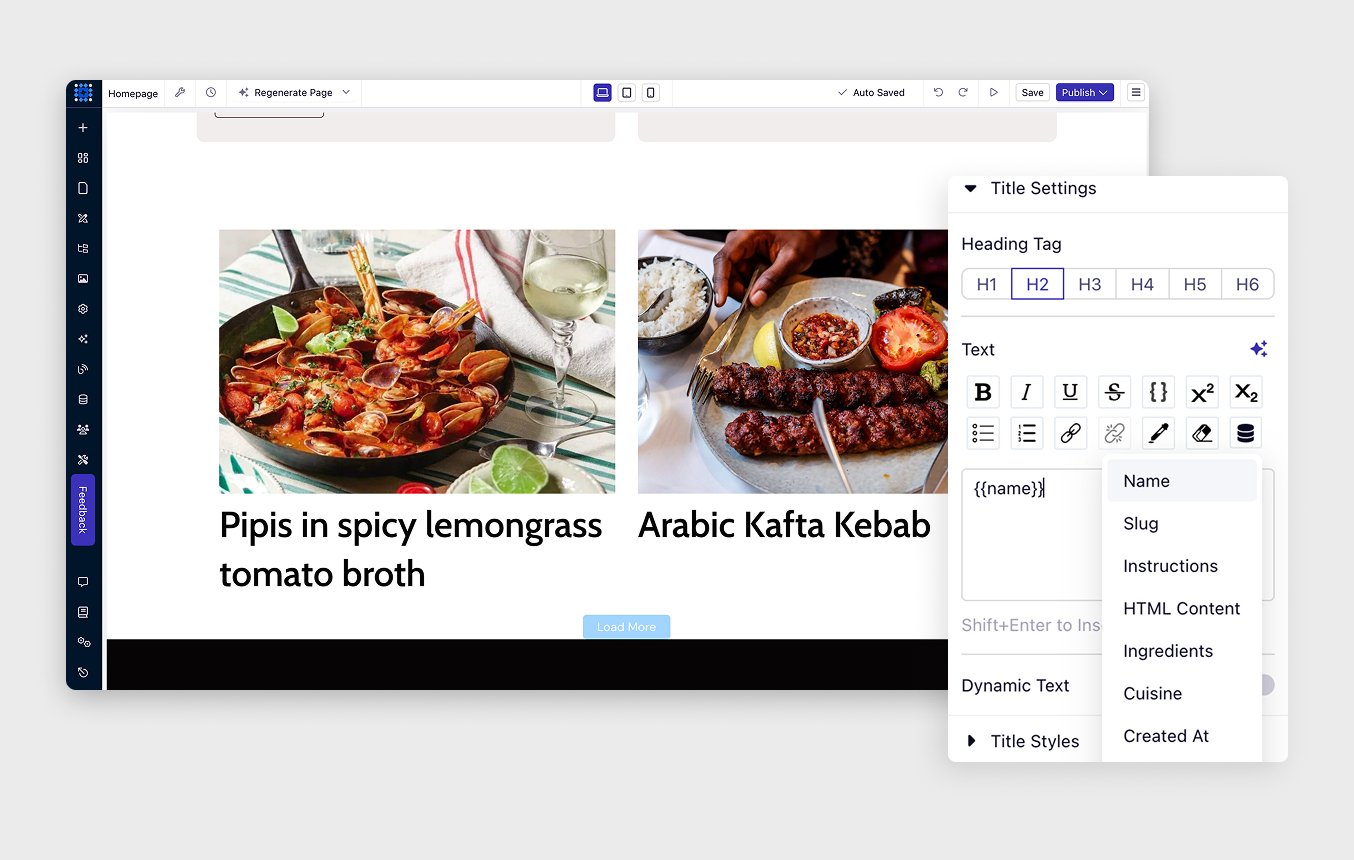
Drag elements onto your template. Connect them to collection fields with one click. Text, images, links, and rich content all populate automatically from your database.
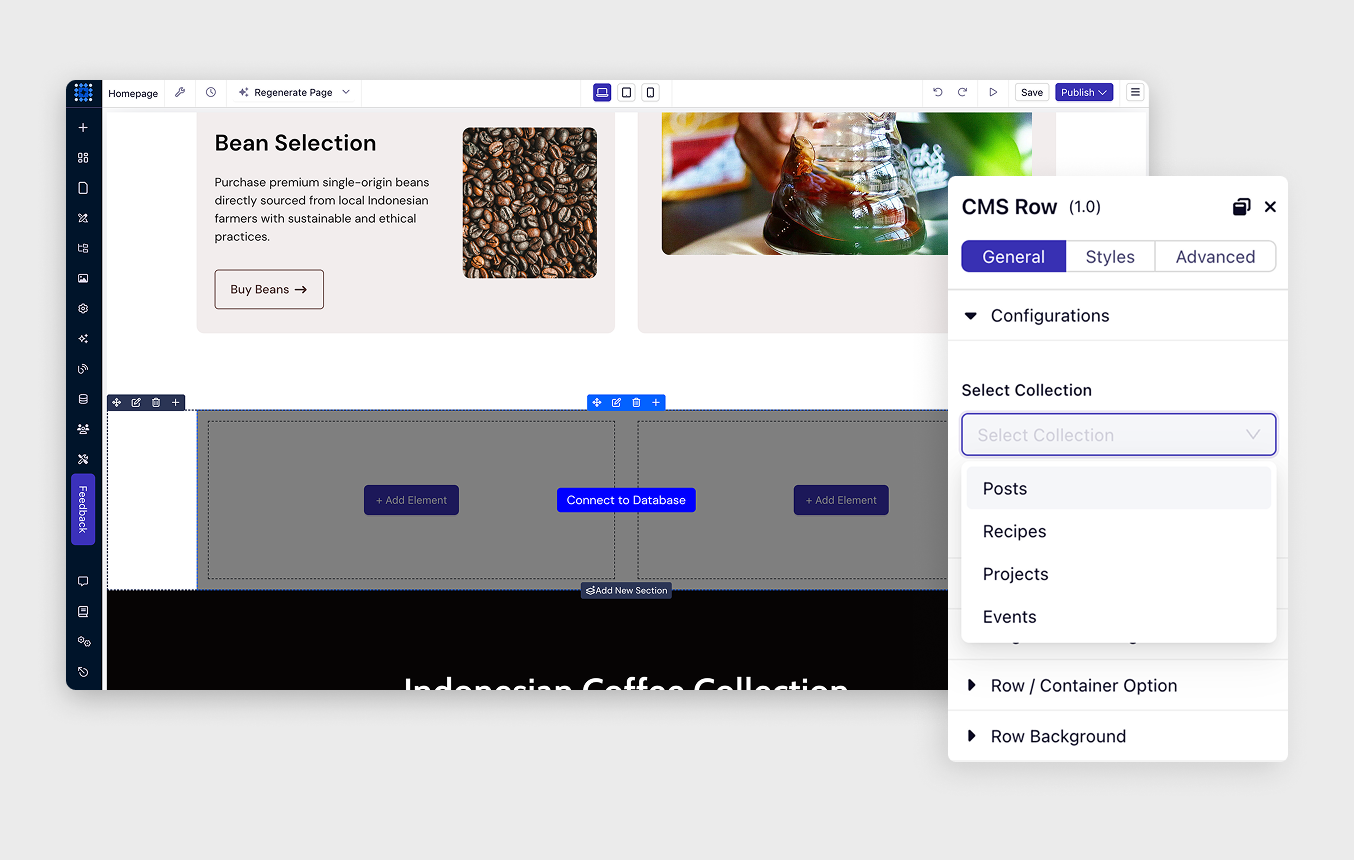
Show your content on any page. Add collection lists to homepages, landing pages, or category pages. Design once, display everywhere.
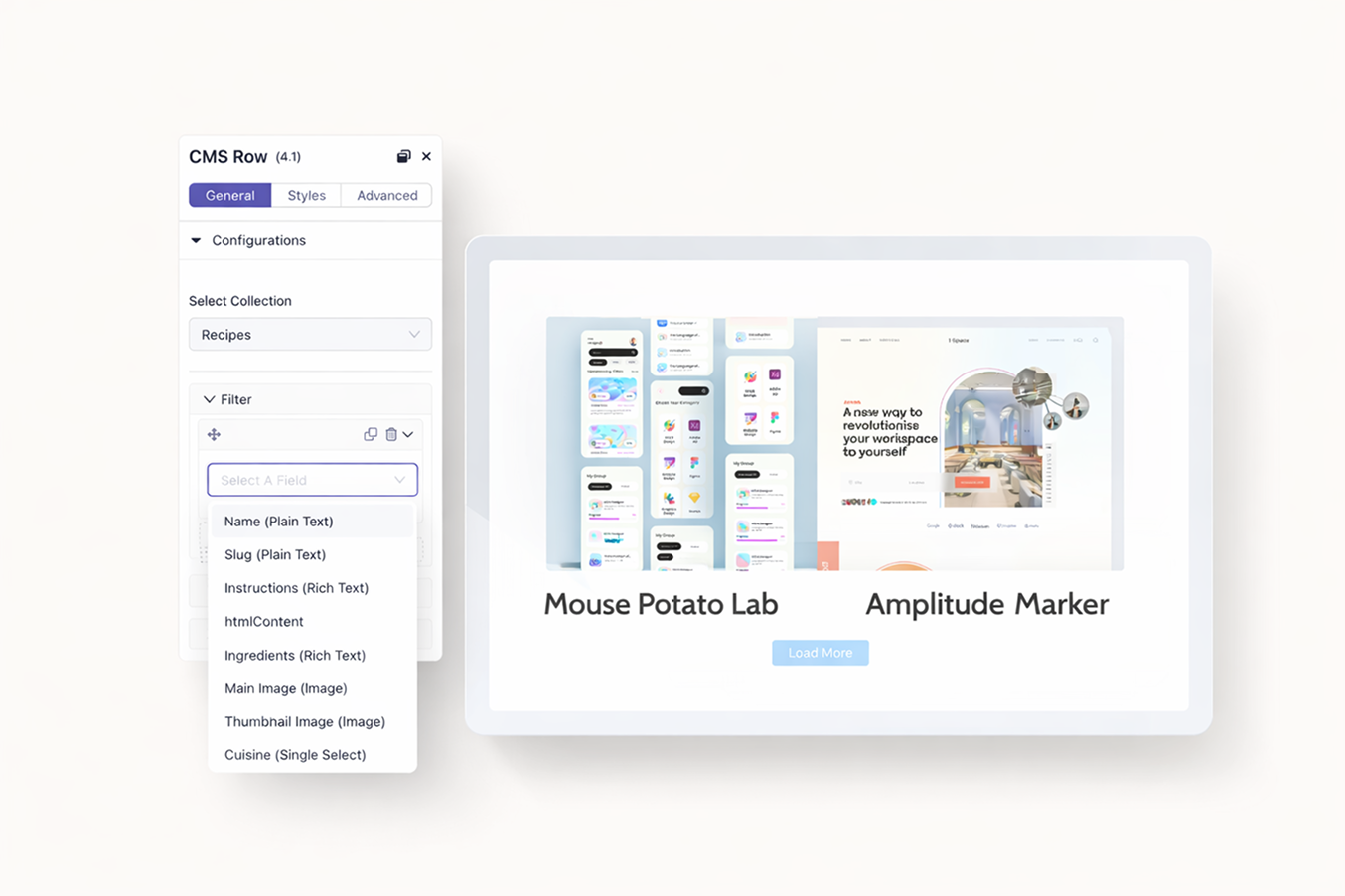
Equal, contains, greater than, before date, starts with, is empty. Combine multiple filters for precise control. Show only the content that matters for each page.
Show related content automatically. On a product page, display matching accessories. On an author page, show their articles. Context-aware filtering handles the logic.
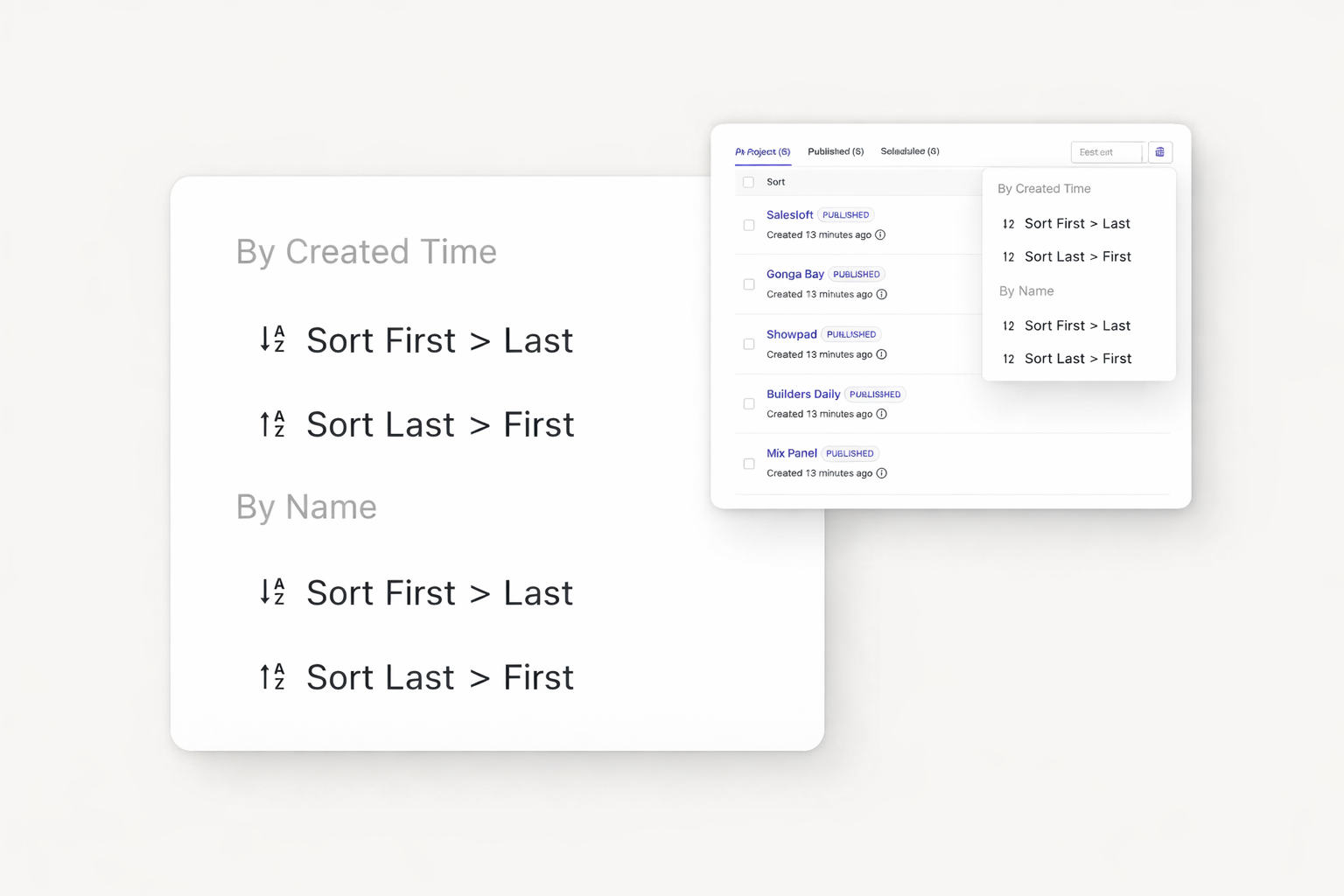
Sort alphabetically, by date, or by custom fields. Limit items per page. Add pagination with Load More buttons or Next/Previous navigation.
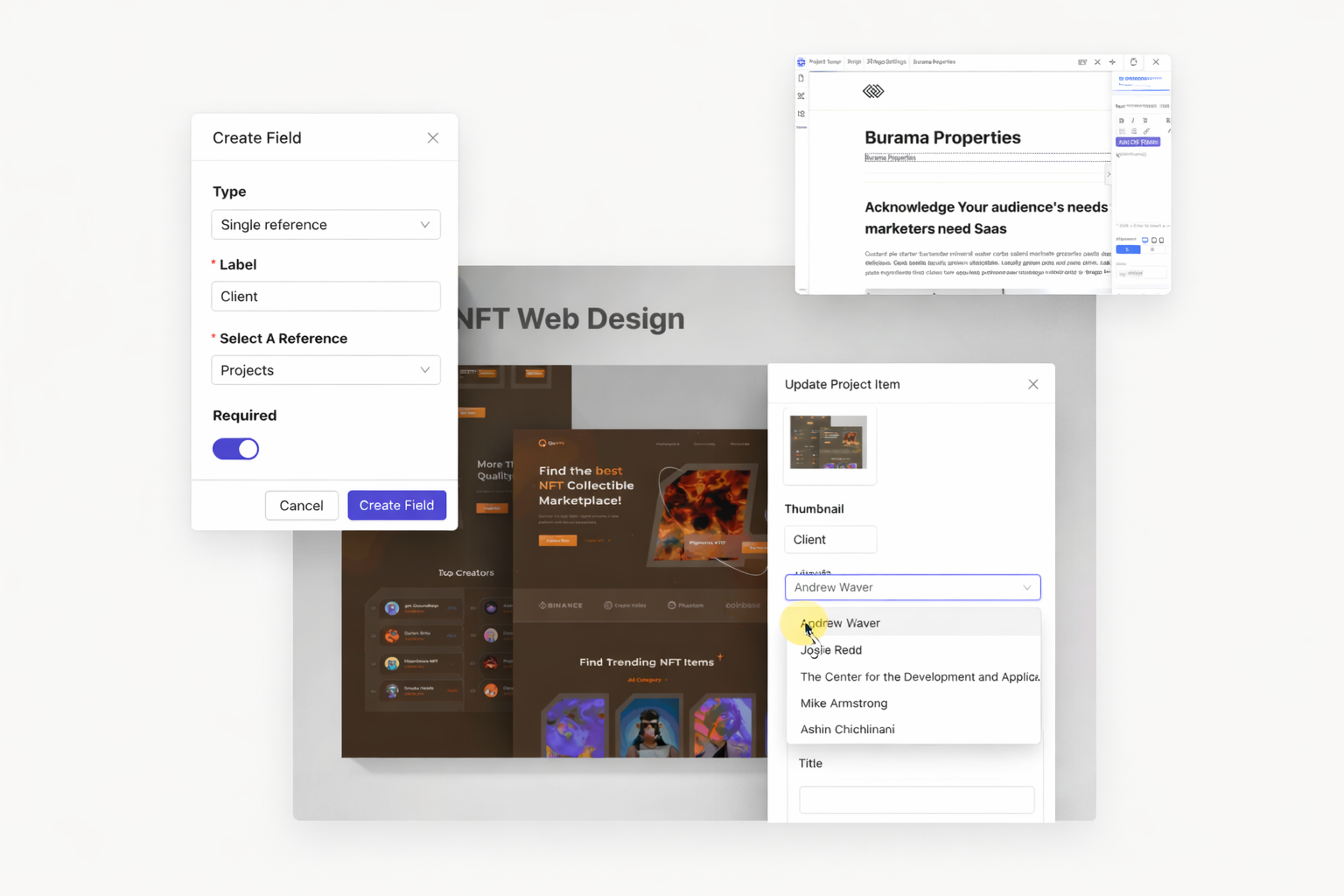
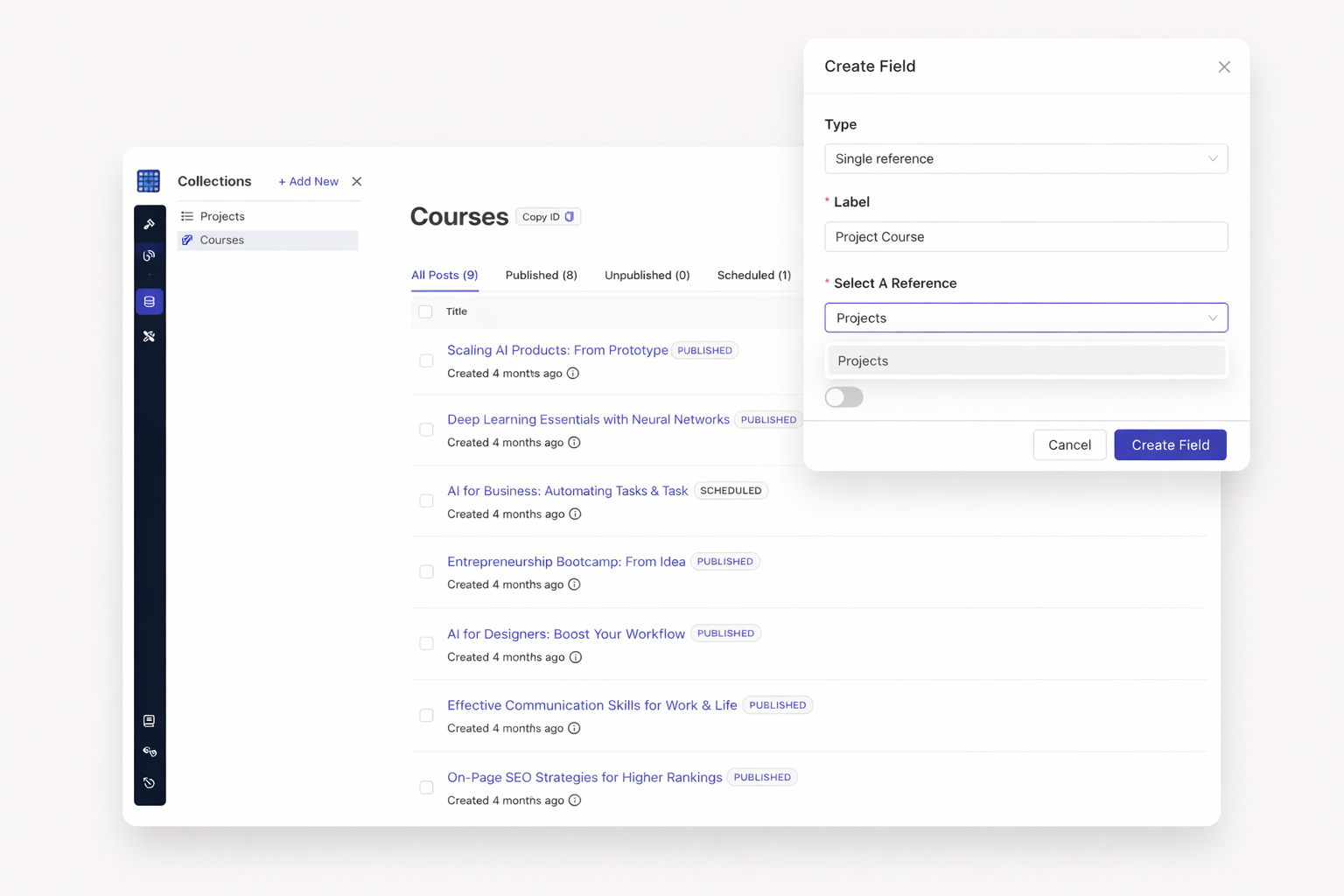
Connect one item to another. Link blog posts to their author. Link products to their category. One-to-one relationships keep your data organized.
Multiple reference fields handle complex connections. Link articles to multiple tags. Connect team members to multiple projects. Display related content from any direction.
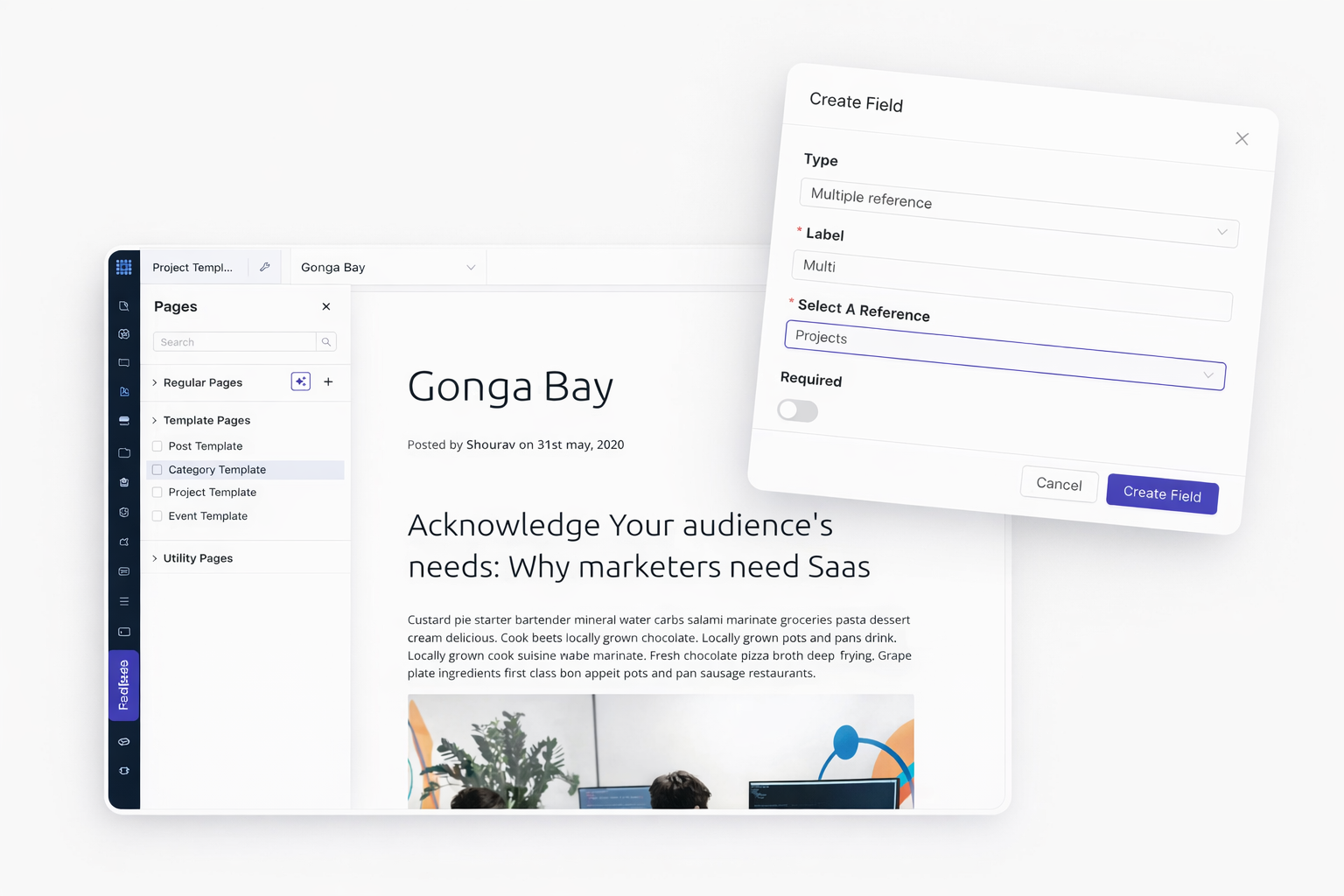
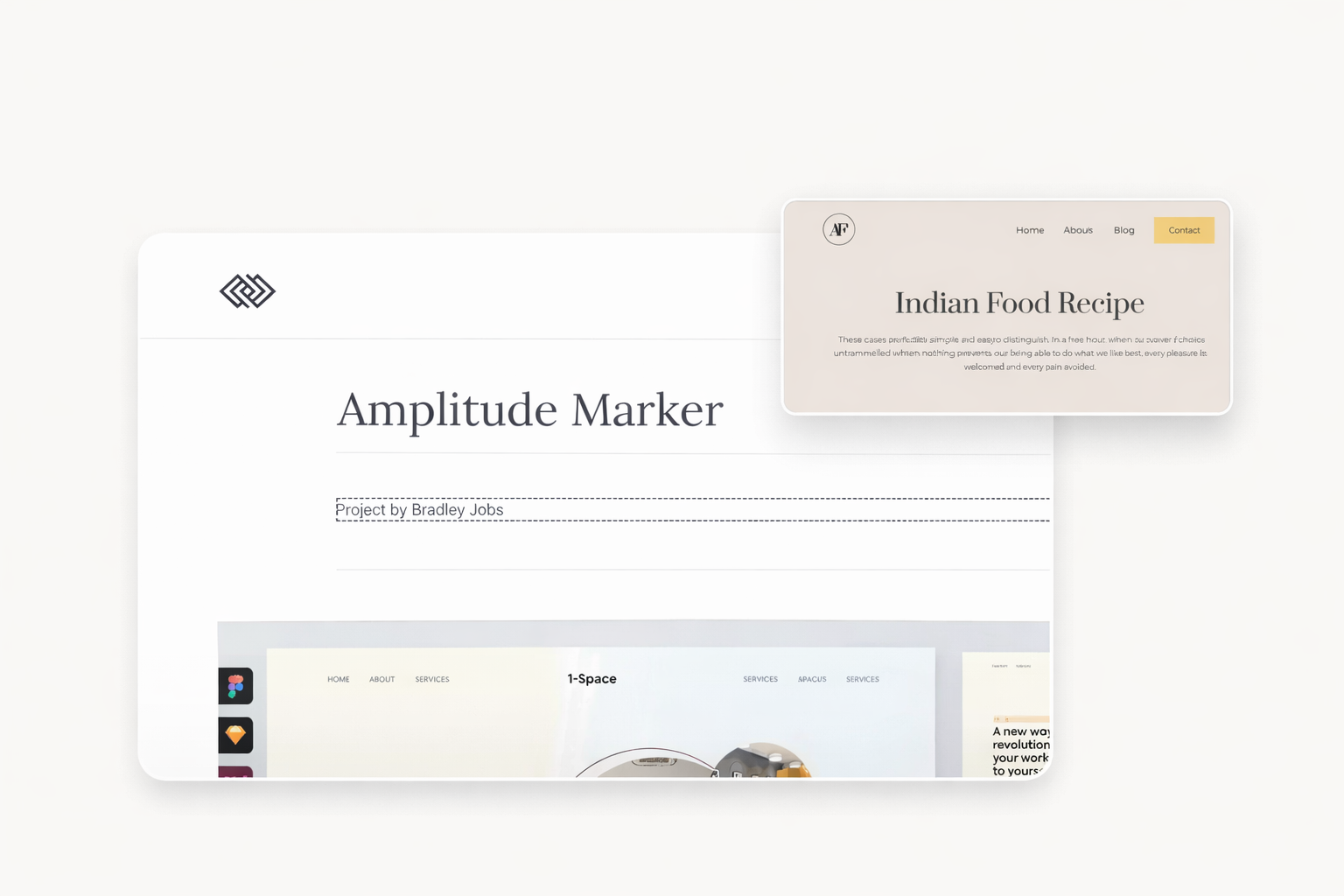
Change data in one place. Watch it update everywhere. Edit an author's bio once. Every post showing that author reflects the change instantly.
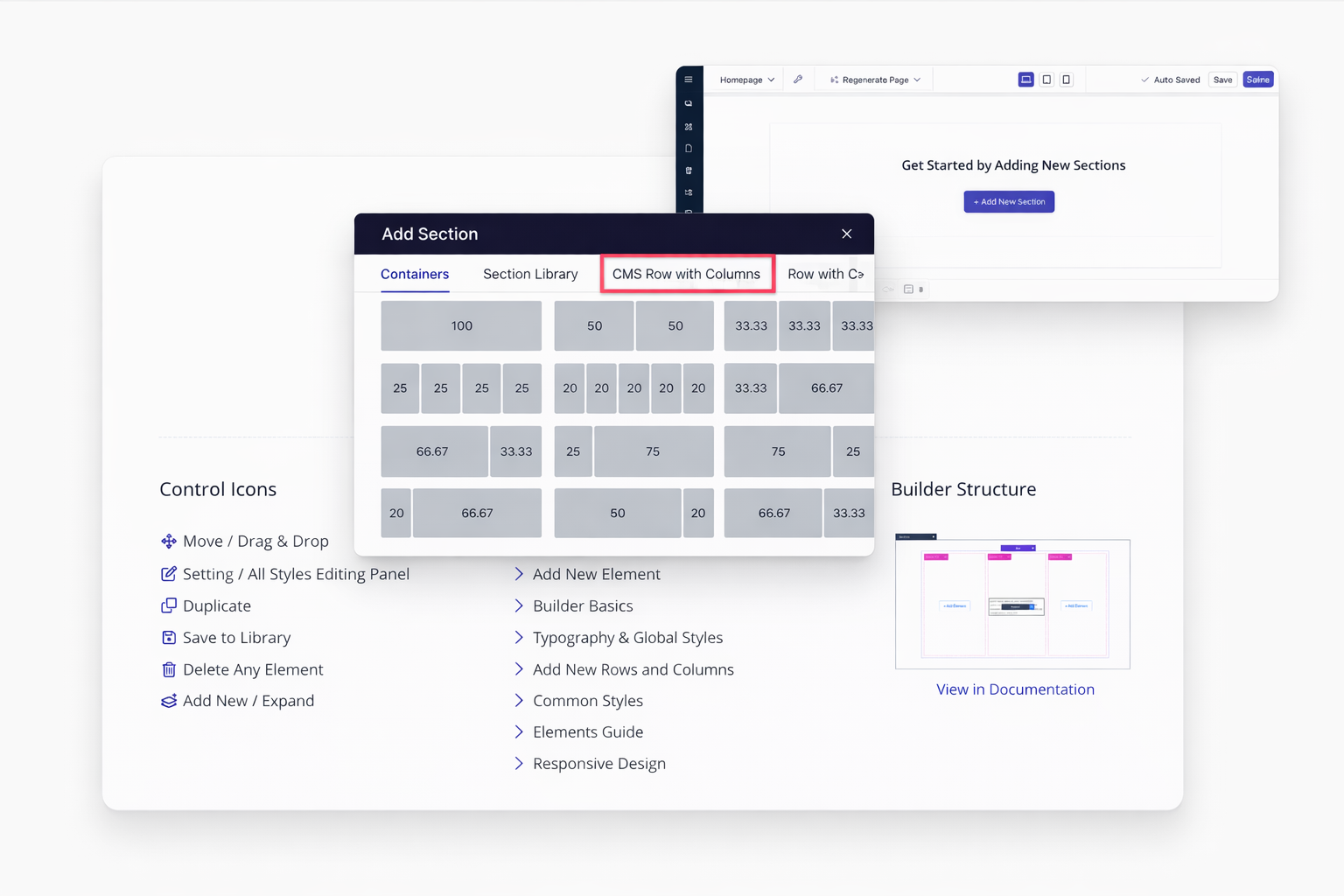
CMS rows connect directly to your collections. Add columns inside for flexible layouts. Each item in your collection creates a new row automatically.
Display related items inside item pages. Show product reviews on product pages. List team members within department sections. Nested CMS rows make it possible.
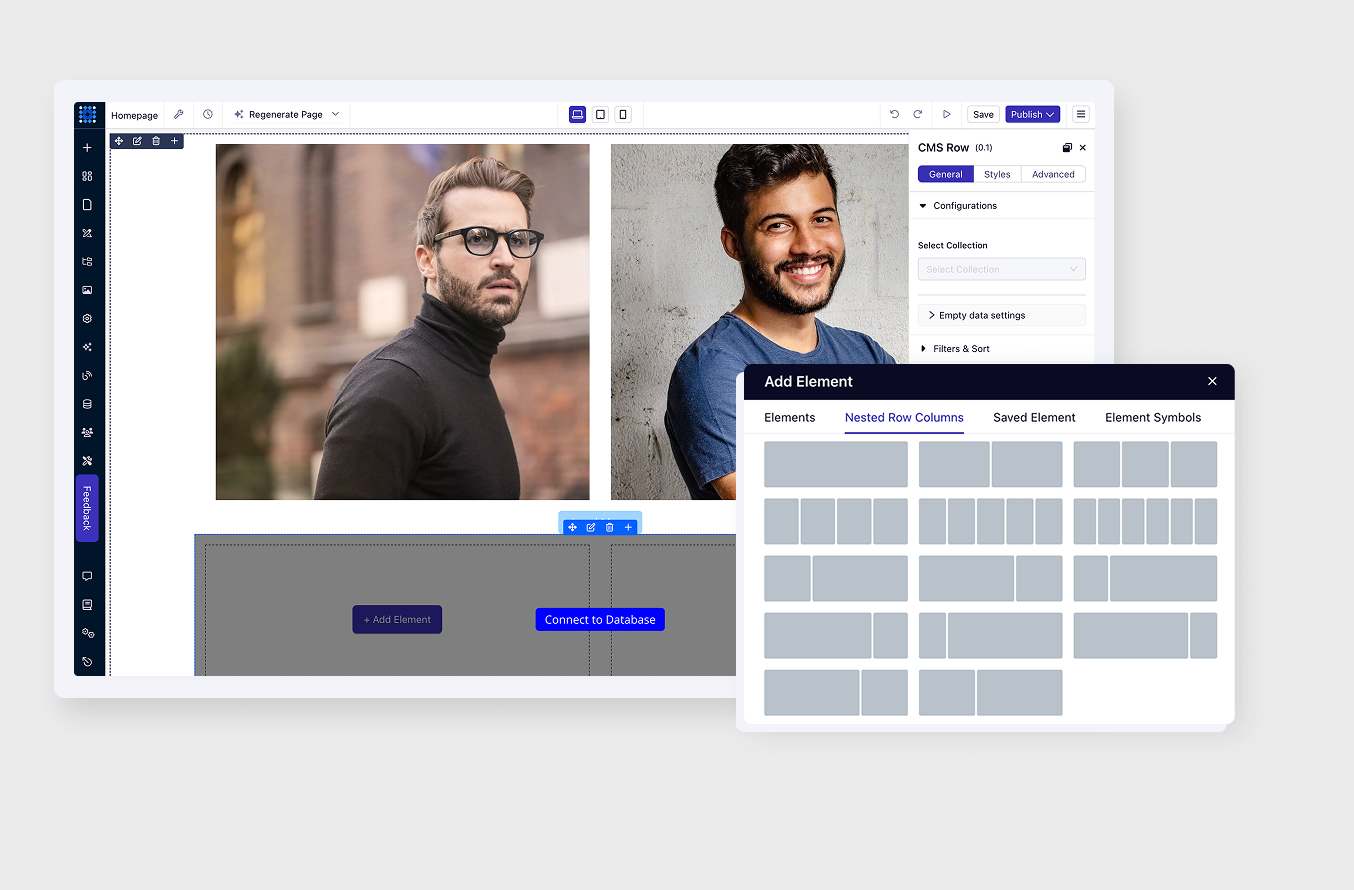
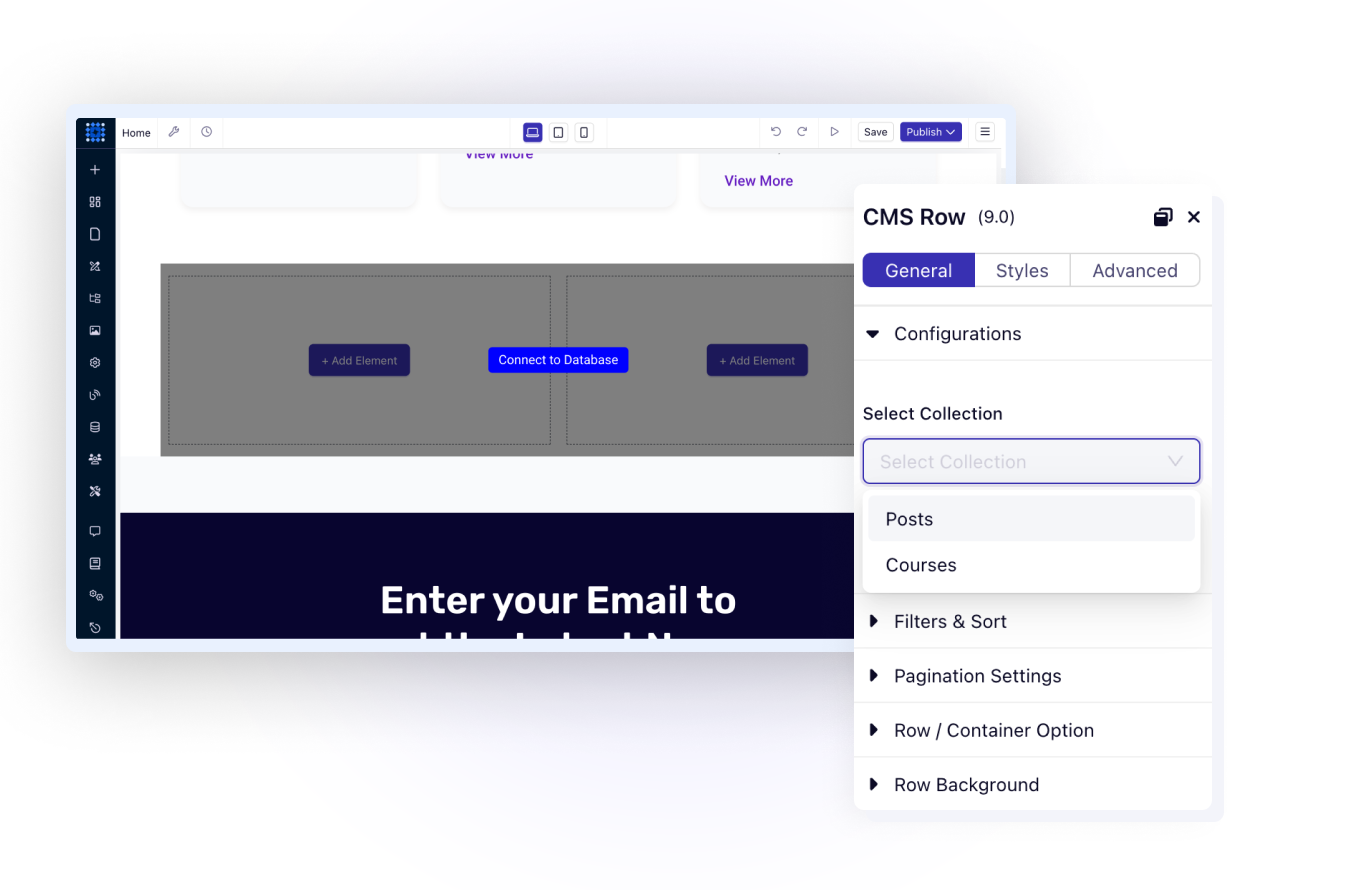
Any section can pull from your CMS. Headers, feature blocks, testimonials. Connect once and content updates flow through your entire site.
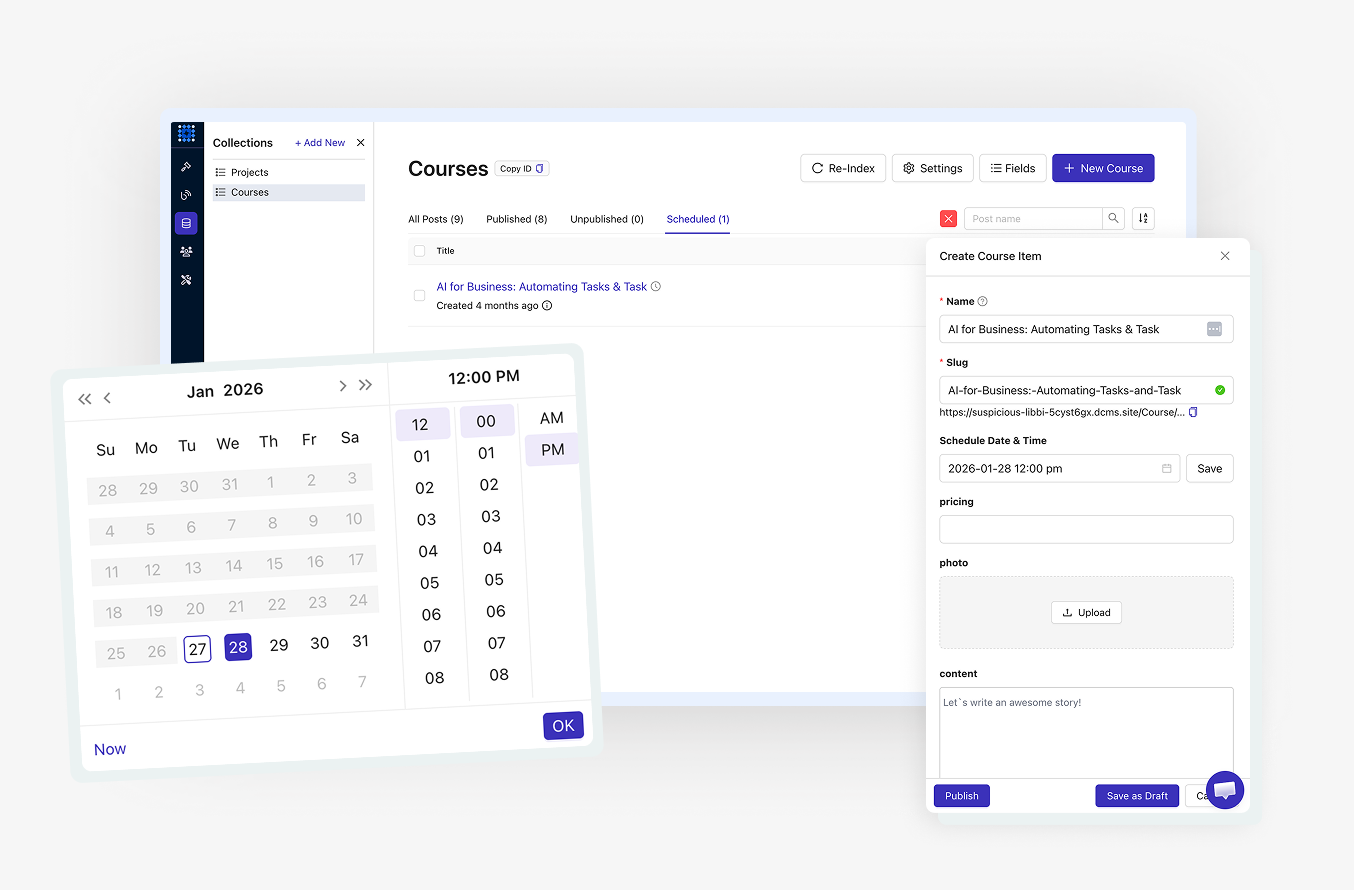
Write content when inspired. Schedule it for the perfect moment. Blog posts and collection items publish automatically at your chosen date and time.
See exactly where every piece of content stands. Draft items stay hidden. Scheduled content waits for its moment. Published items go live instantly.
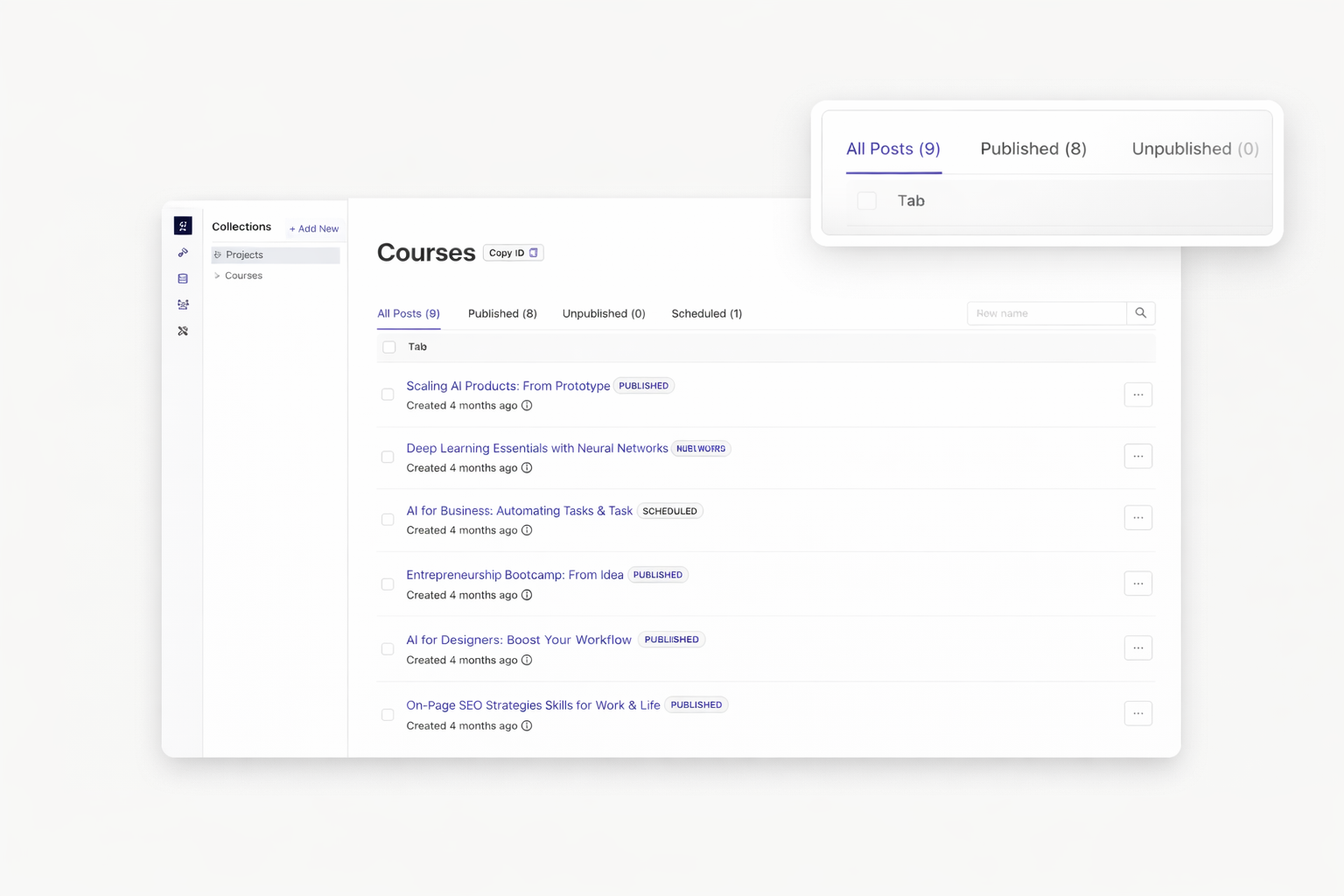
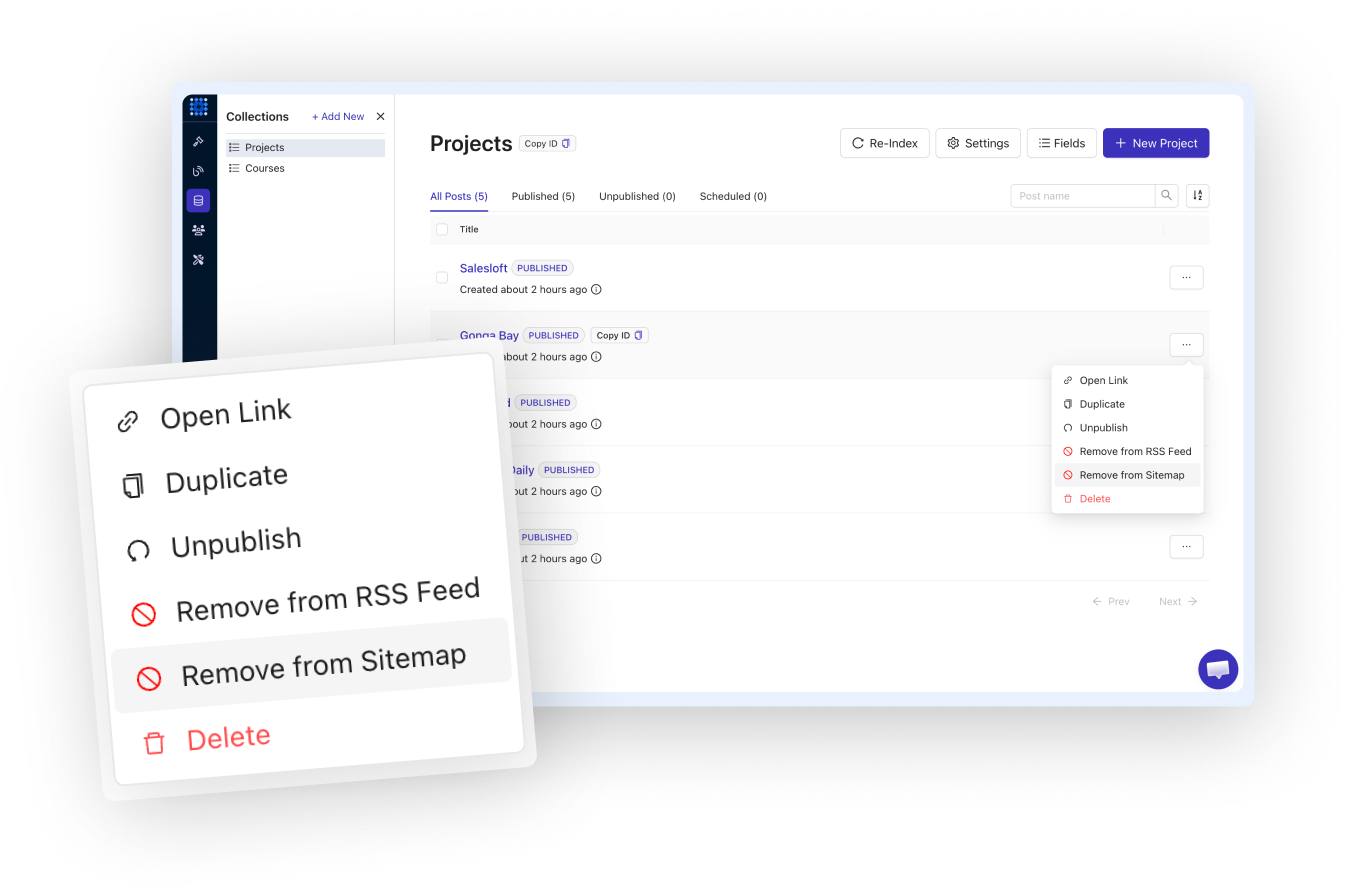
Not every item belongs in search results. Exclude test items or private content. Include public items for maximum visibility. You control what search engines see.
Choose which items appear in your RSS feed. Newsletter subscribers see only the content you want them to receive. Exclude drafts, internal pages, or archived items.
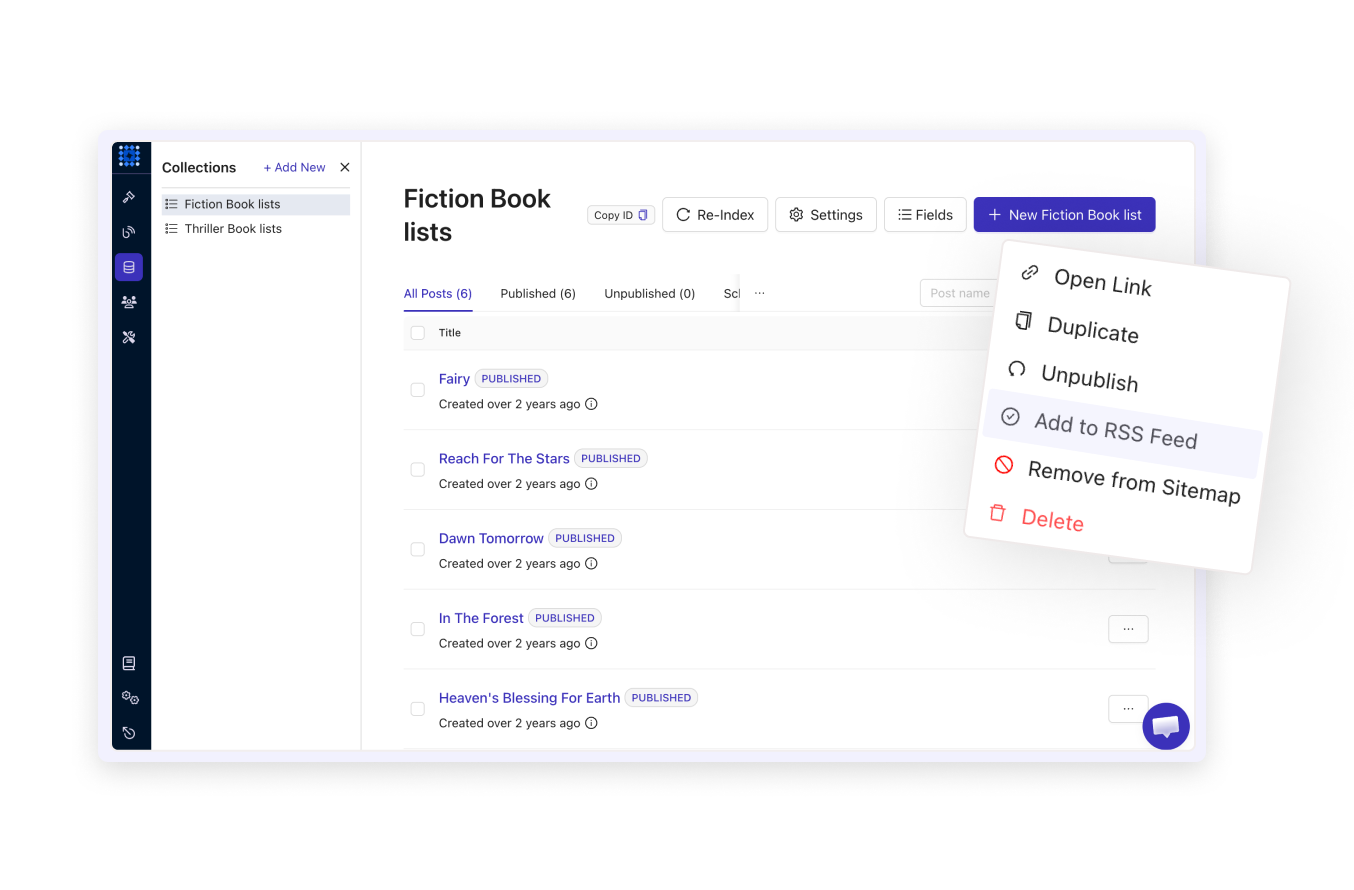
Every collection item gets its own meta title, description, and custom slug. Optimize each page individually. Rank for targeted keywords across your entire site.
Your content deserves a CMS that grows with you. Create collections, design templates, and launch dynamic websites. Start free and upgrade as you scale.
Your plan determines collection limits. Free trial includes 2 collections with 20 items per site. Personal plan expands to 5 collections with 200 items per site. Business and Agency plans offer unlimited collections for large-scale projects.
Yes. Import blog posts from WordPress, Ghost, Medium, and Substack. Your existing content transfers with formatting intact. No need to recreate posts manually.
Yes. Business and Agency plans include API access. Fetch collection data, items, and fields programmatically. Connect external applications through REST endpoints. The API is currently in beta with expanding capabilities.
Yes. Set password protection on any page. Visitors enter the password to access content. This works separately from the membership system for simple protection needs.
Single reference links one item to one other item. A blog post connects to its author. Multiple reference links one item to many. An article connects to several tags. Choose based on your relationship needs.
Yes. Duplicate entire CMS sites to create reusable templates. Perfect for agencies building similar client sites. Start new projects from proven structures.
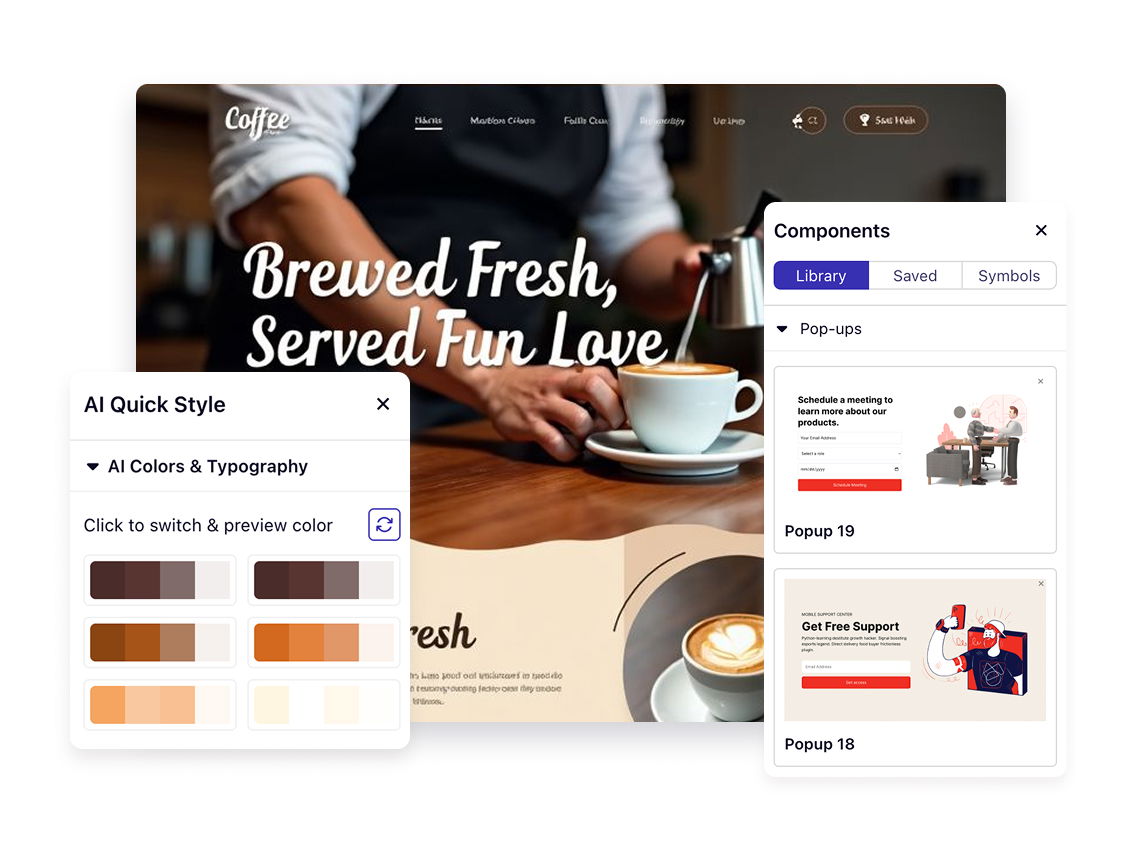

❤️ This website is built with Dorik, without writing any code

© 2026 Dorik, Inc. All rights reserved