🛠️ Advanced Elements
Stop searching for plugins. Every element you need is already built into Dorik's visual editor. Add interactive sliders, forms, countdown timers, and more without touching code.
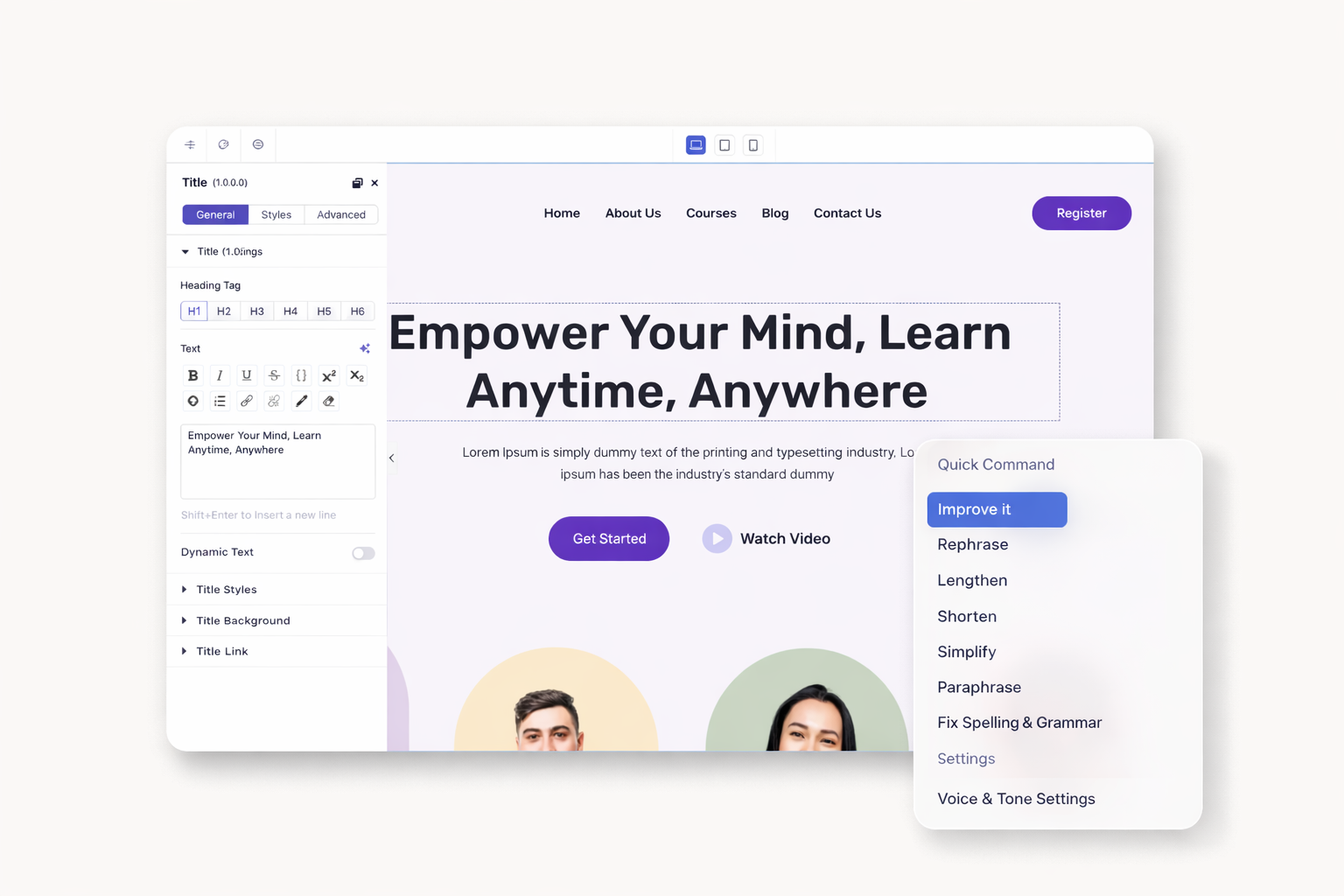
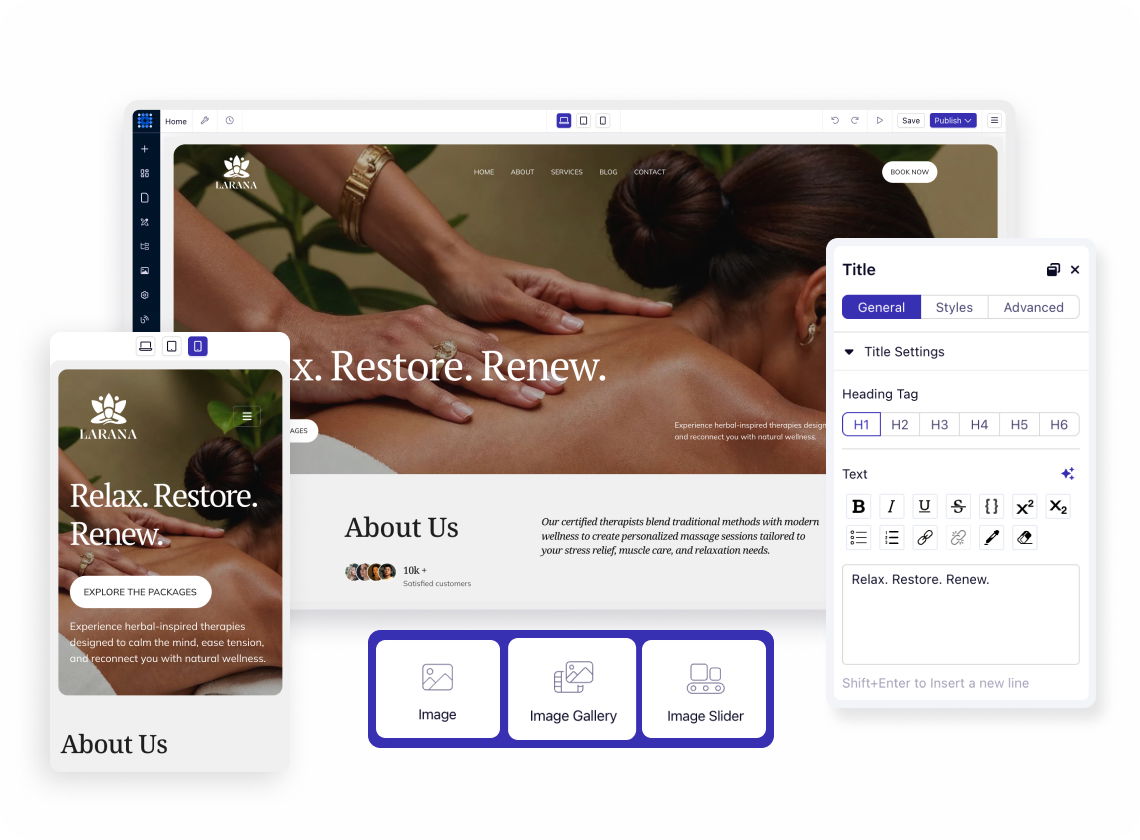
Craft compelling headlines with AI writing assistance built in. Format paragraphs, lists, and rich text blocks without switching tools. Style every character to match your brand.
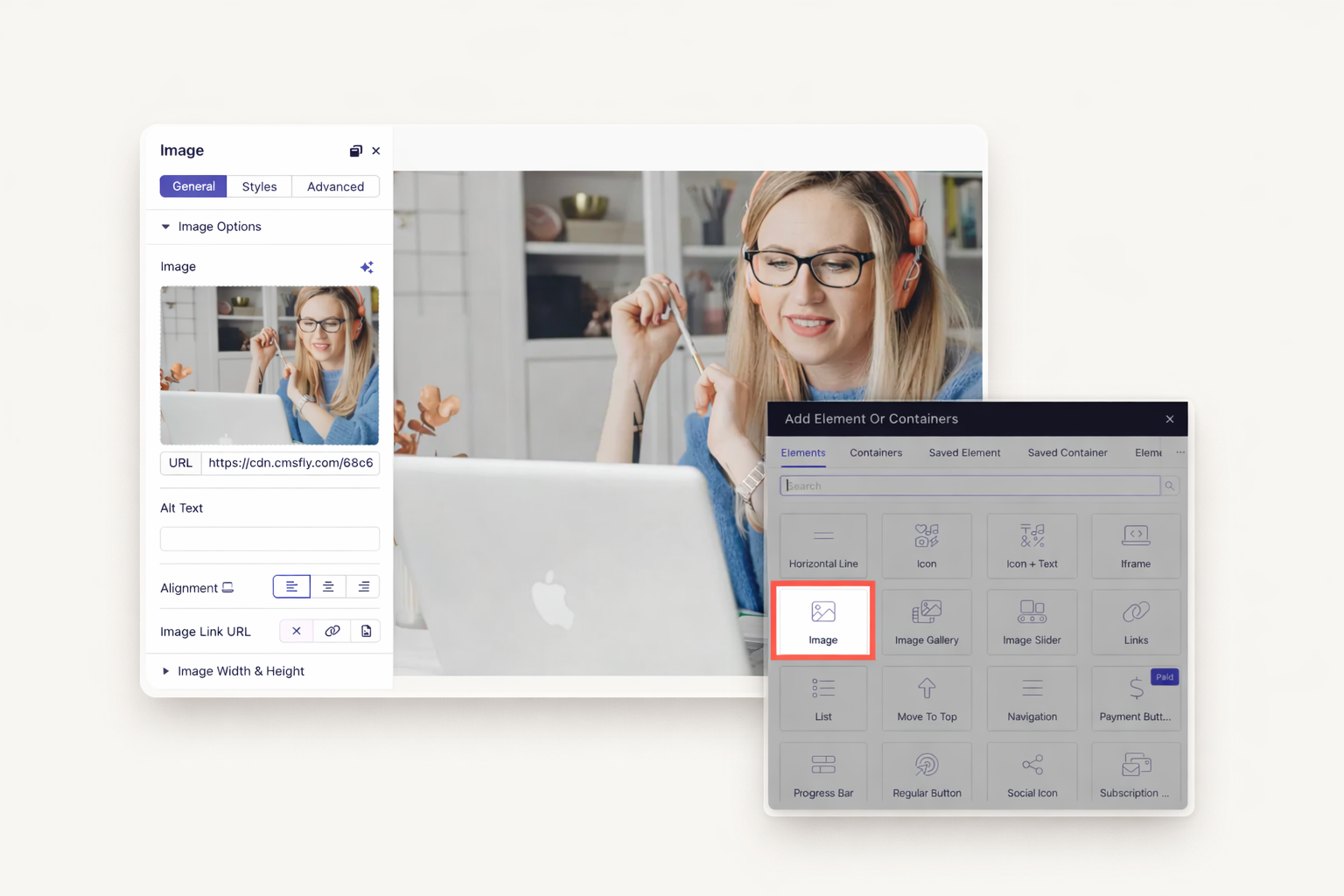
Upload images with automatic optimization. Embed videos from YouTube or Vimeo. Add custom iframes for external content. Your media loads fast on every device.
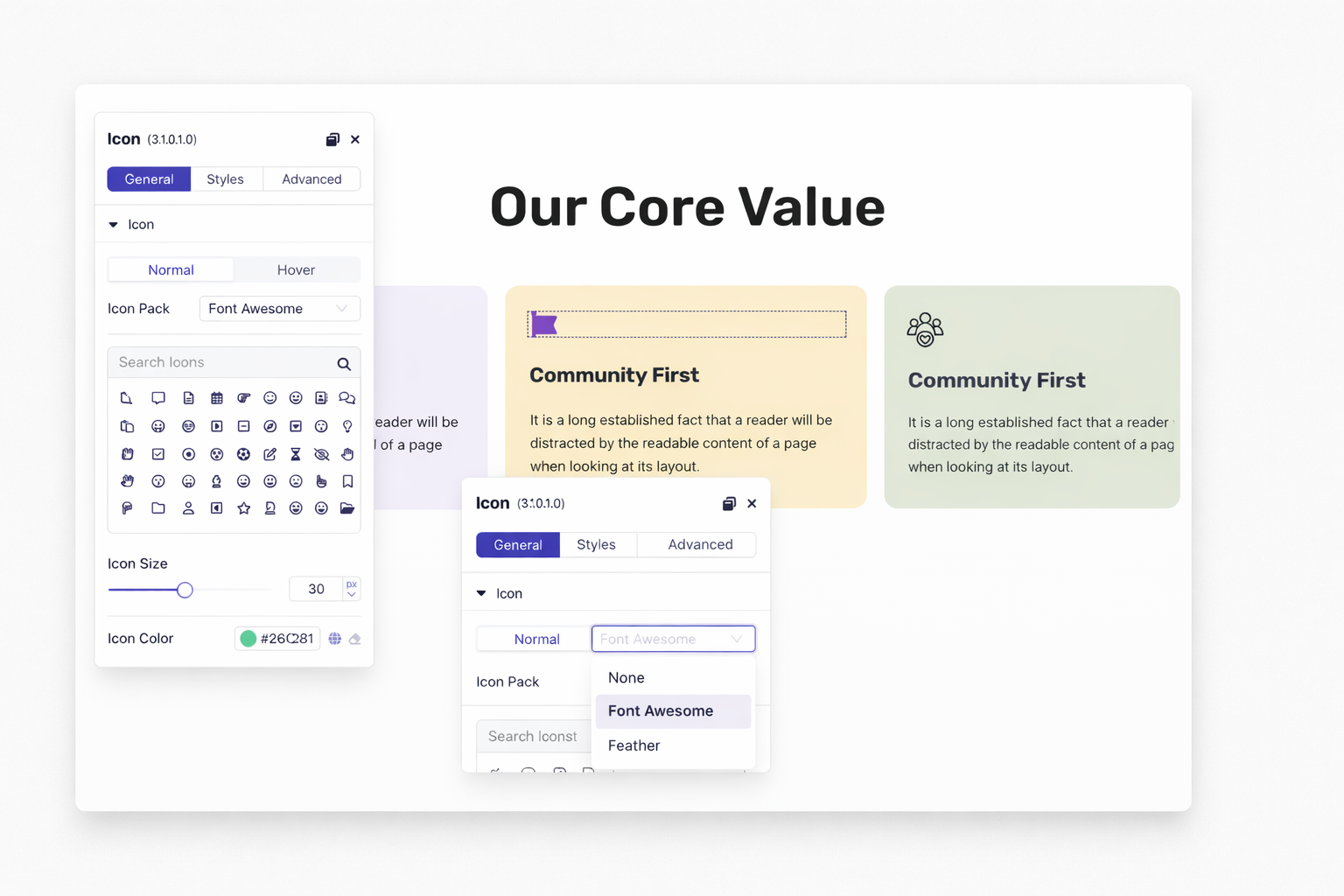
Choose from hundreds of vector icons. Pair icons with text for feature highlights. Add social media icons with one click. Customize colors and sizes instantly.
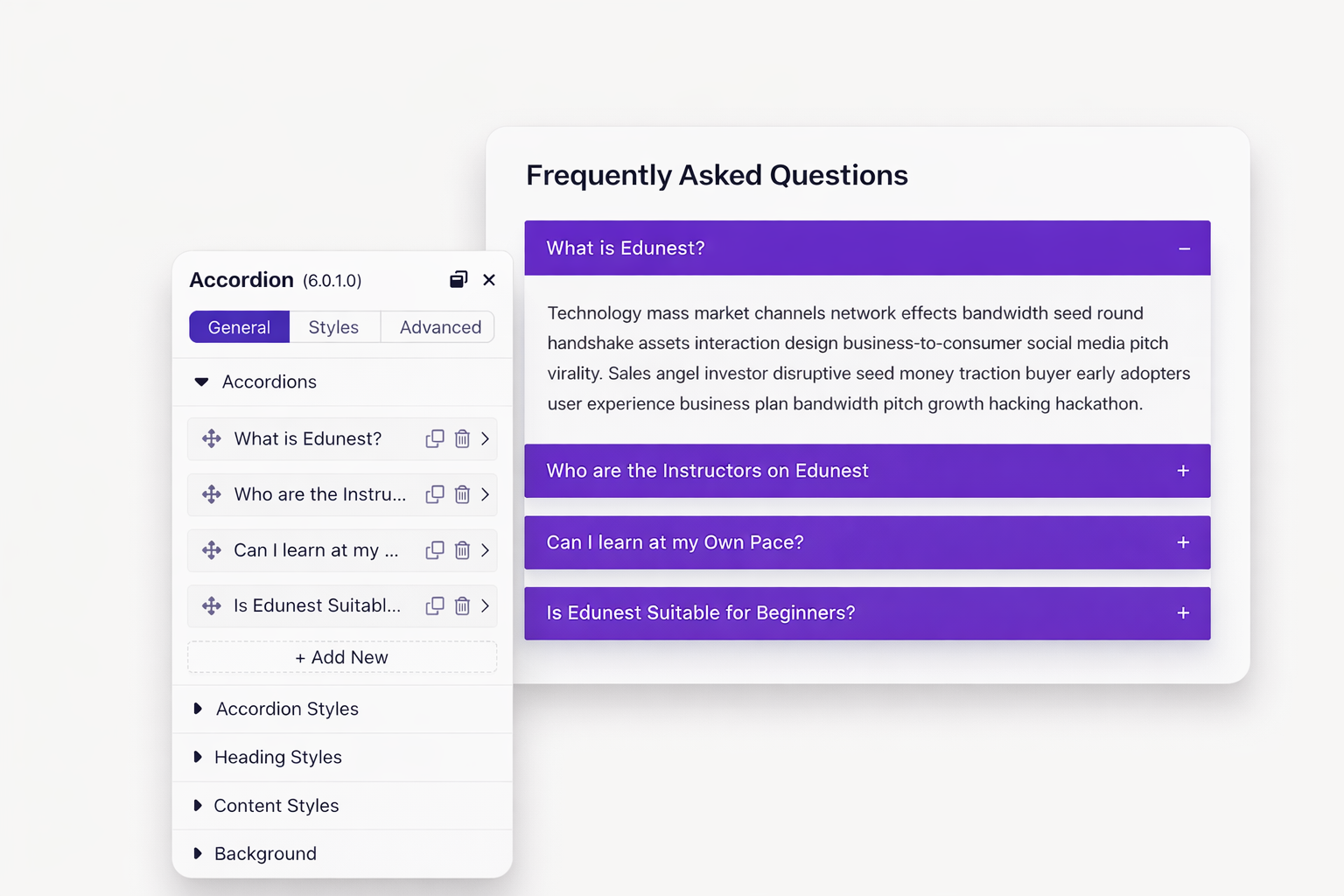
Collapse long content into expandable sections. Perfect for FAQs and product details. Visitors click to reveal what interests them. Keep pages clean while showing more.
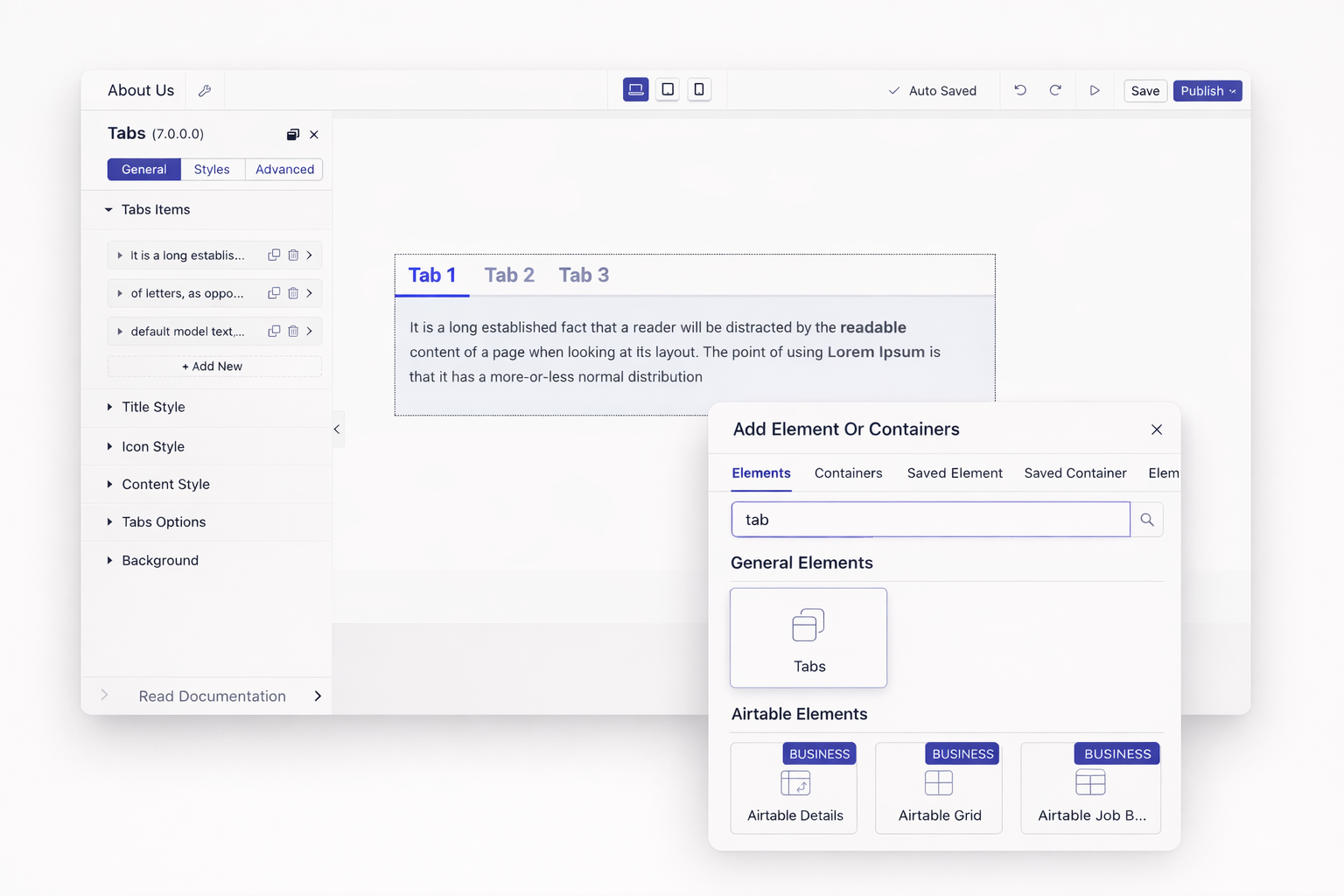
Display multiple topics in the same space. Visitors navigate without leaving the page. Ideal for product features or service categories. Reduce scrolling dramatically.
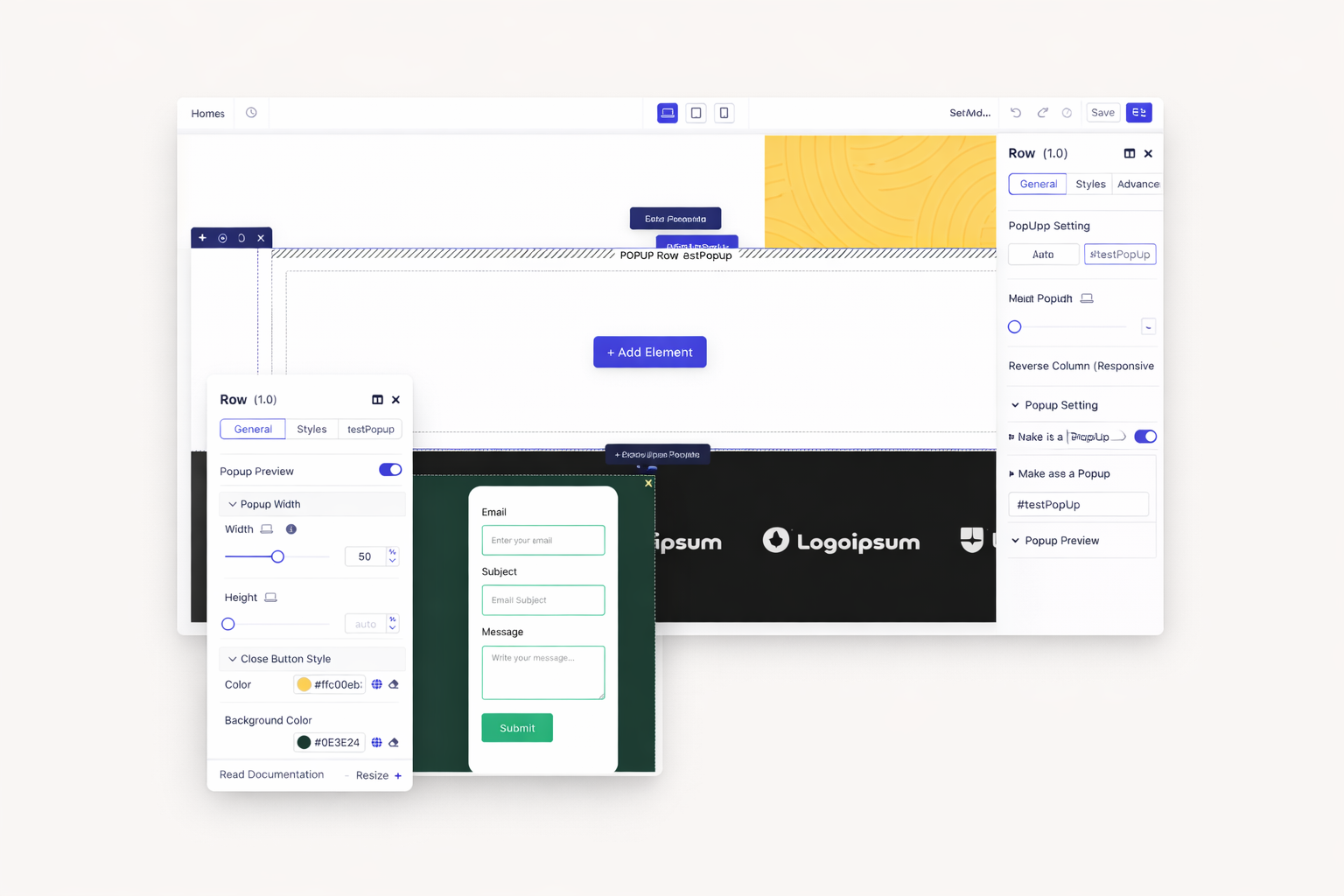
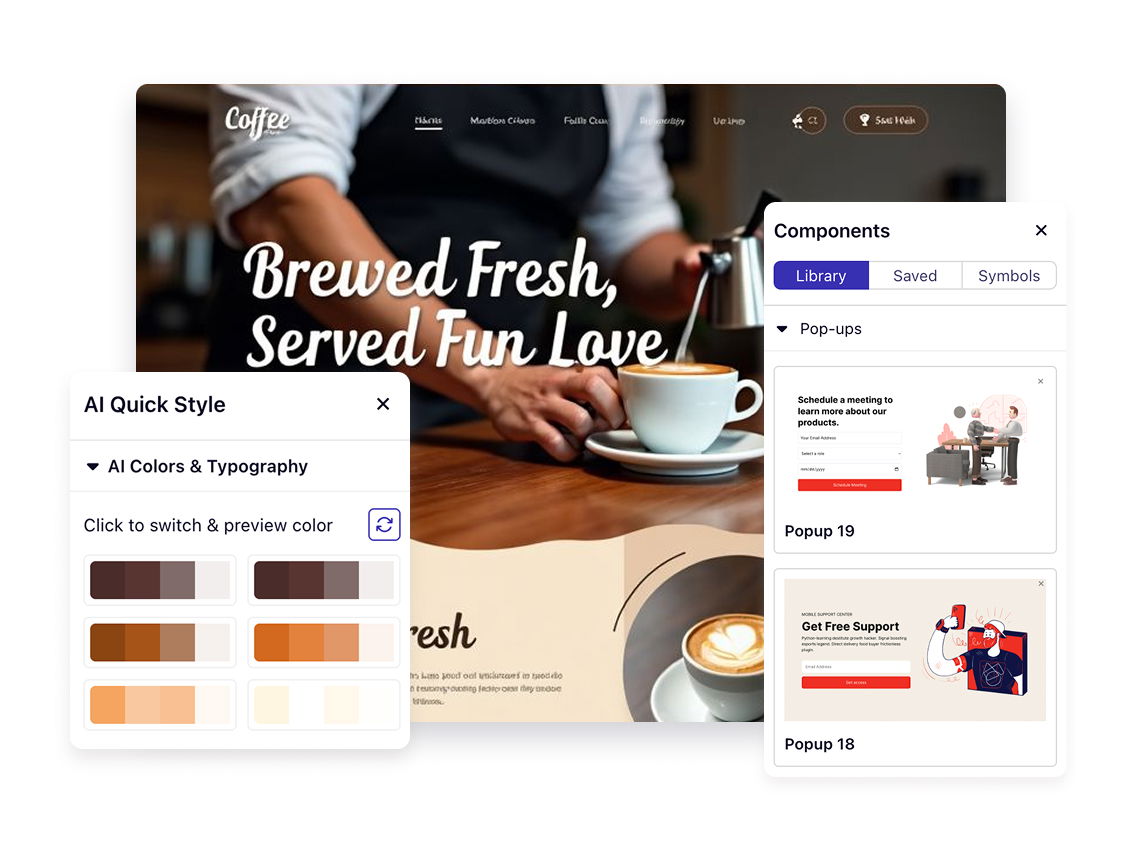
Trigger messages on exit intent, page load, or click. Promote offers before visitors leave. Collect emails at the perfect moment. Control exactly when pop-ups appear.
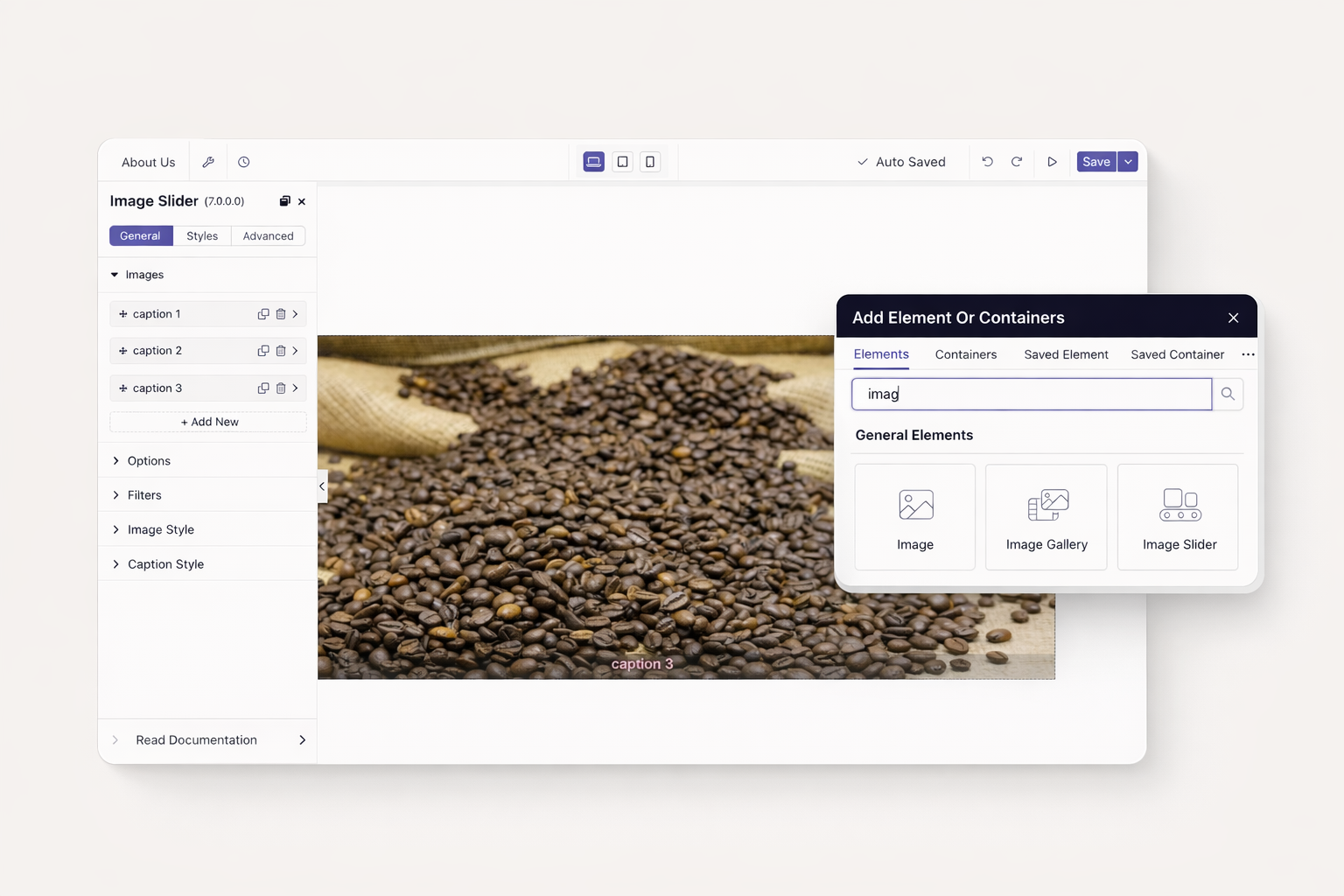
Display portfolios in smooth carousels. Add captions and links to each image. Touch-swipe works on mobile devices. Present galleries without cluttering pages.
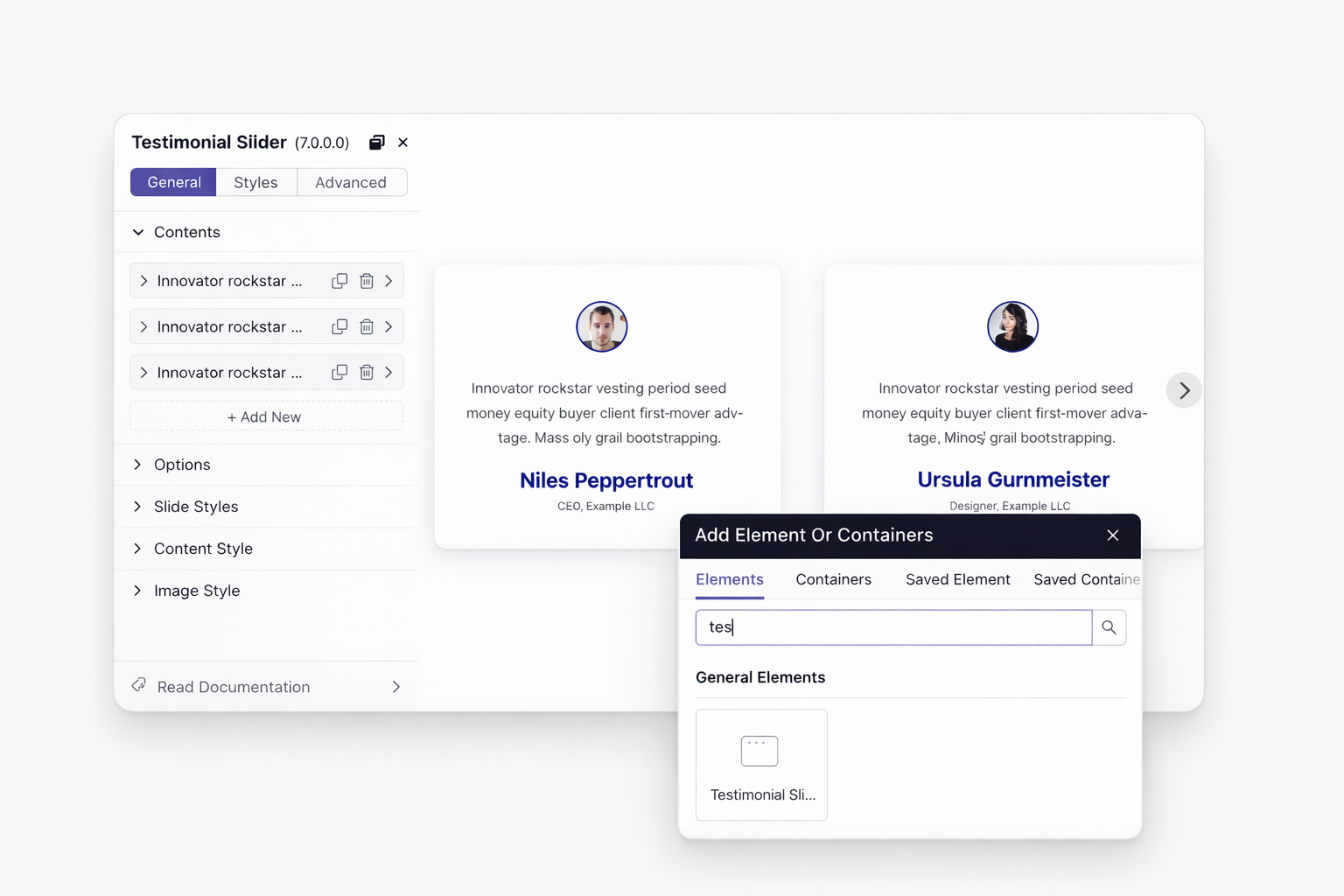
Rotate customer reviews automatically. Show faces and company names with quotes. Build trust through social proof. Update testimonials without redesigning.
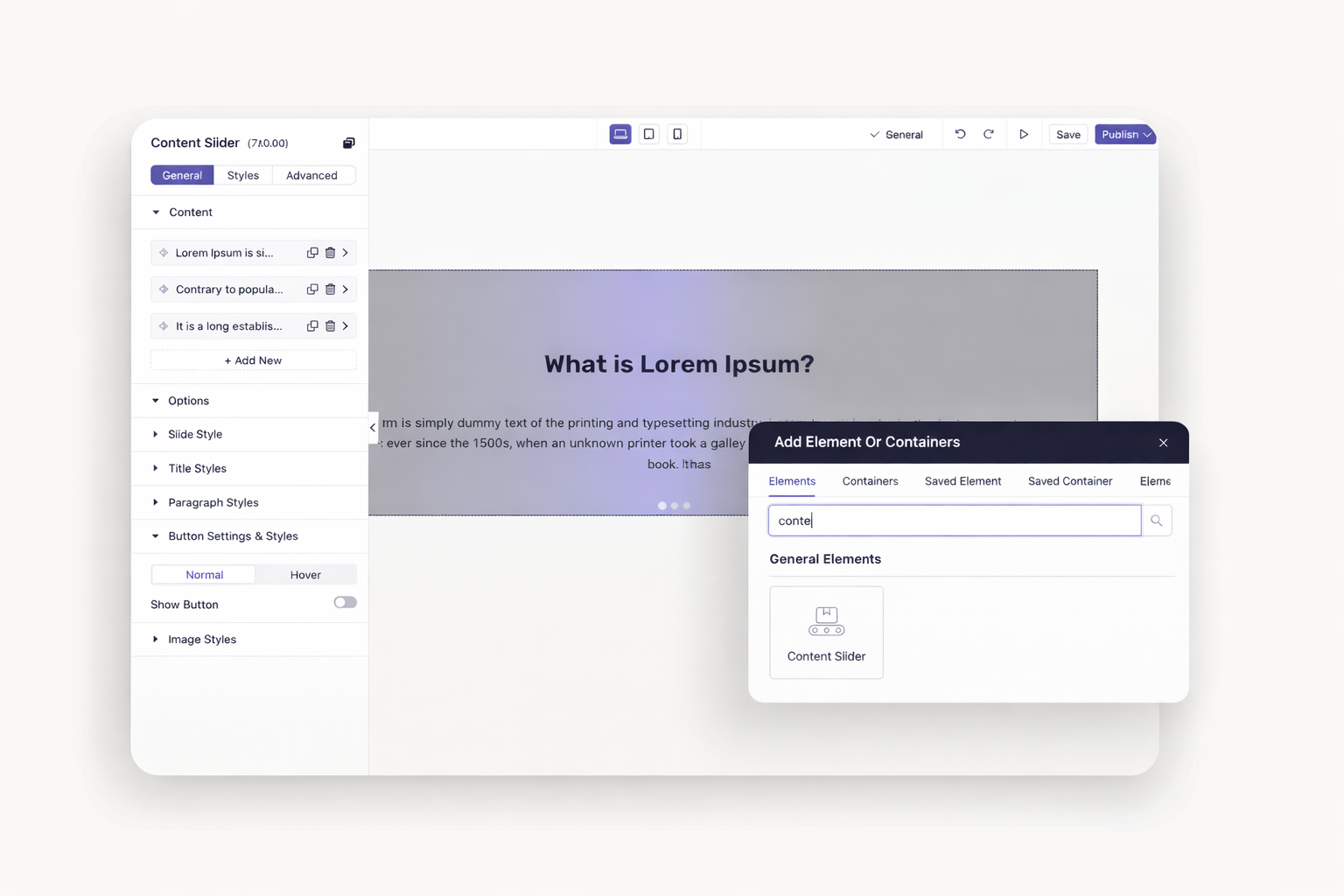
Slide text, images, and buttons together. Design promotional banners that cycle. Feature multiple offers in one section. Keep hero areas fresh and engaging.
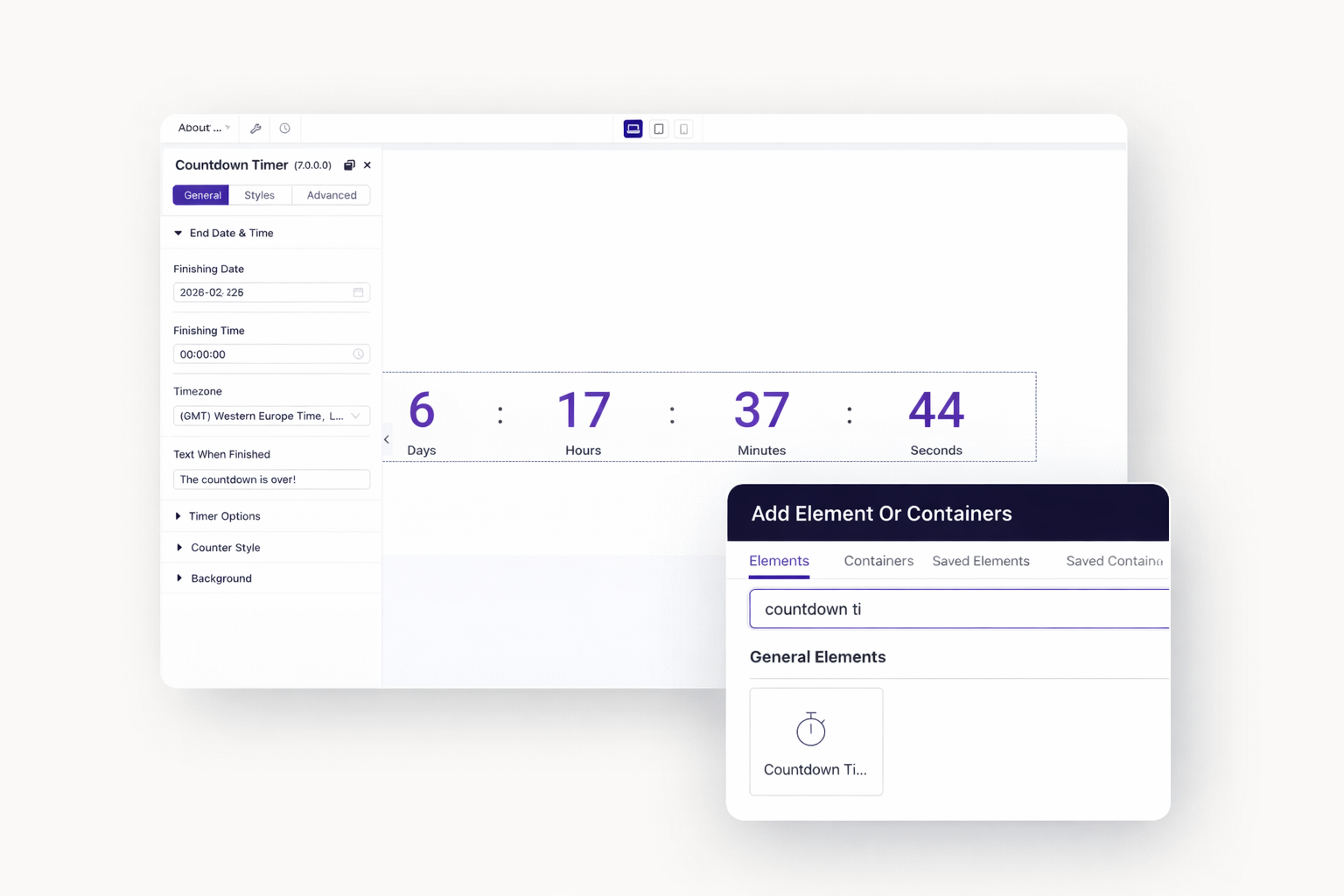
Display time remaining until sales end. Motivate purchases before deadlines expire. Show days, hours, minutes, and seconds. Boost conversions through scarcity.
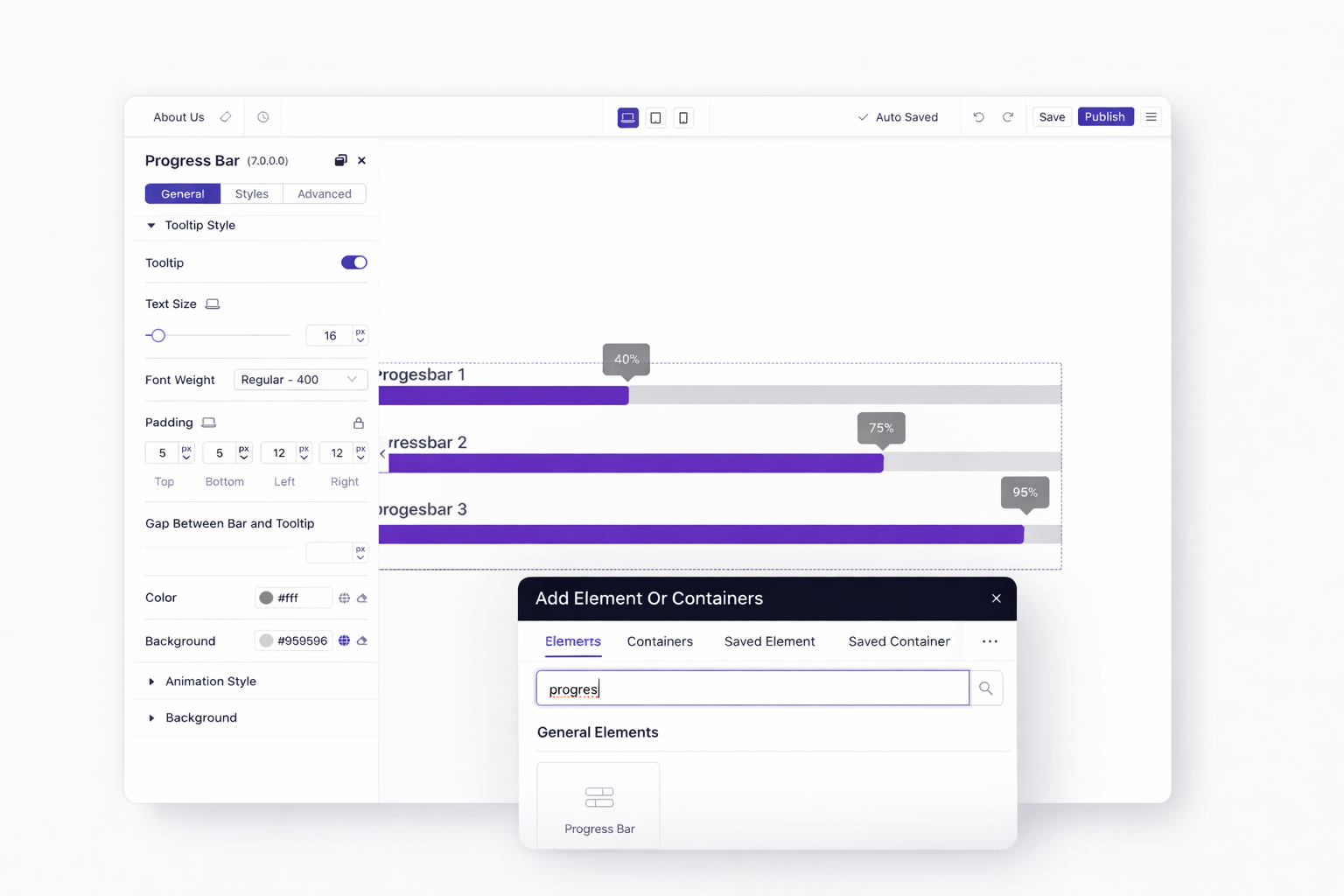
Show fundraising goals or skill levels. Animate progress as visitors scroll. Display statistics that tell your story. Make numbers memorable and visual.
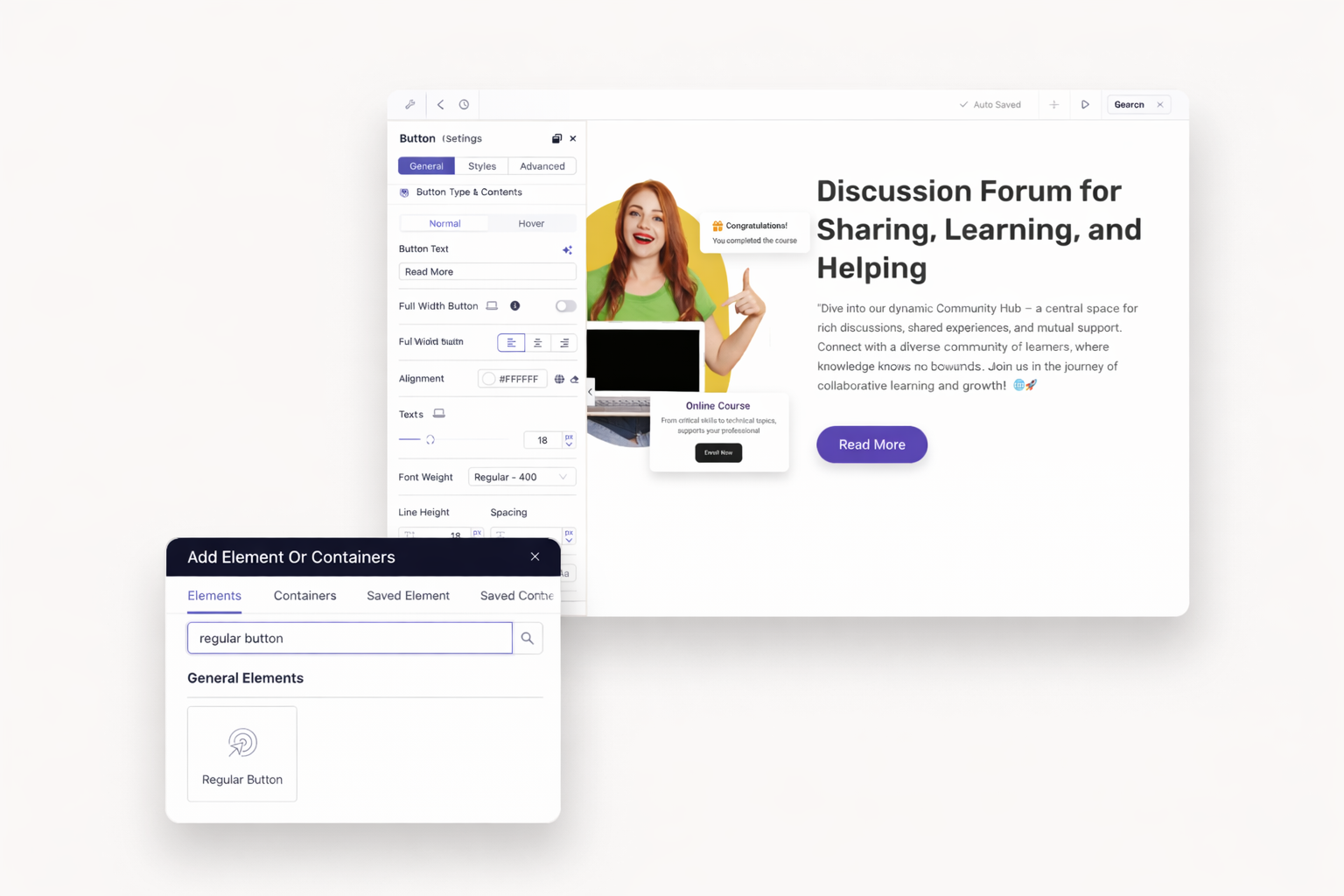
Choose from multiple button styles. Add hover effects without code. Link to pages, sections, files, or actions. Create calls-to-action that stand out.
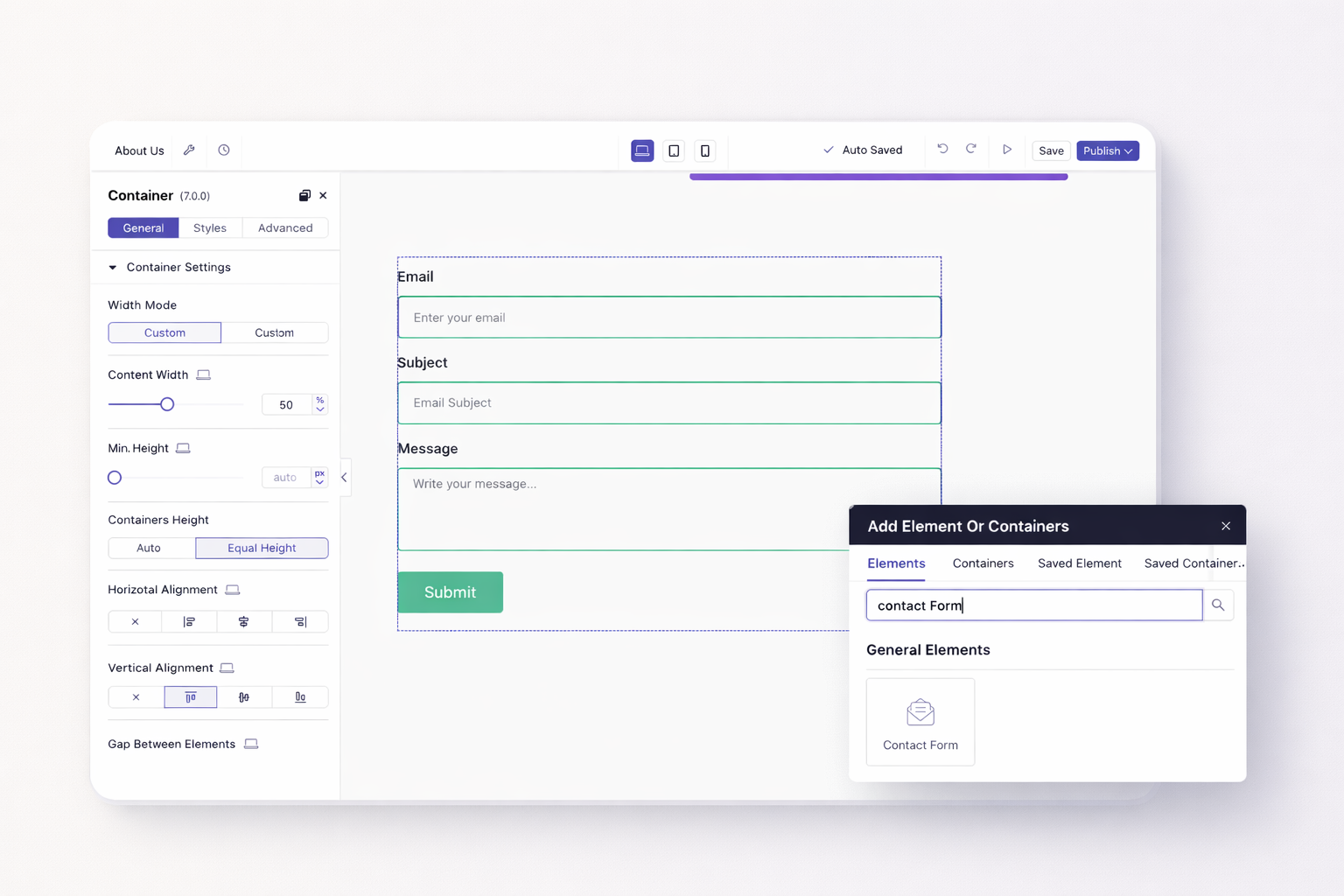
Build contact forms with flexible fields. Add email, phone, and dropdown options. Connect to MailChimp, ConvertKit, or Zapier. Receive submissions instantly.
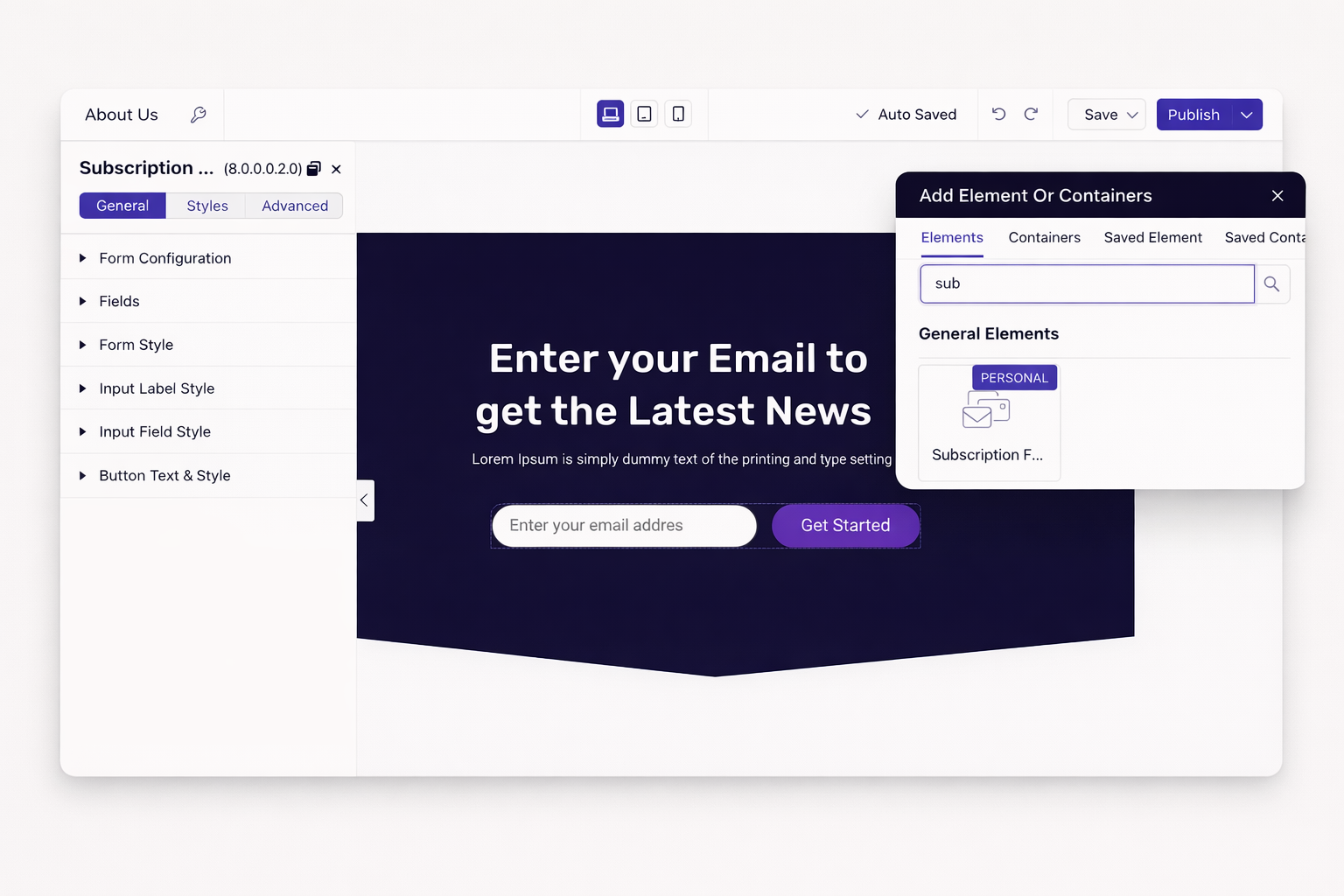
Capture emails with minimal friction. Style signup boxes to match your brand. Integrate with major email marketing platforms. Convert visitors into subscribers.
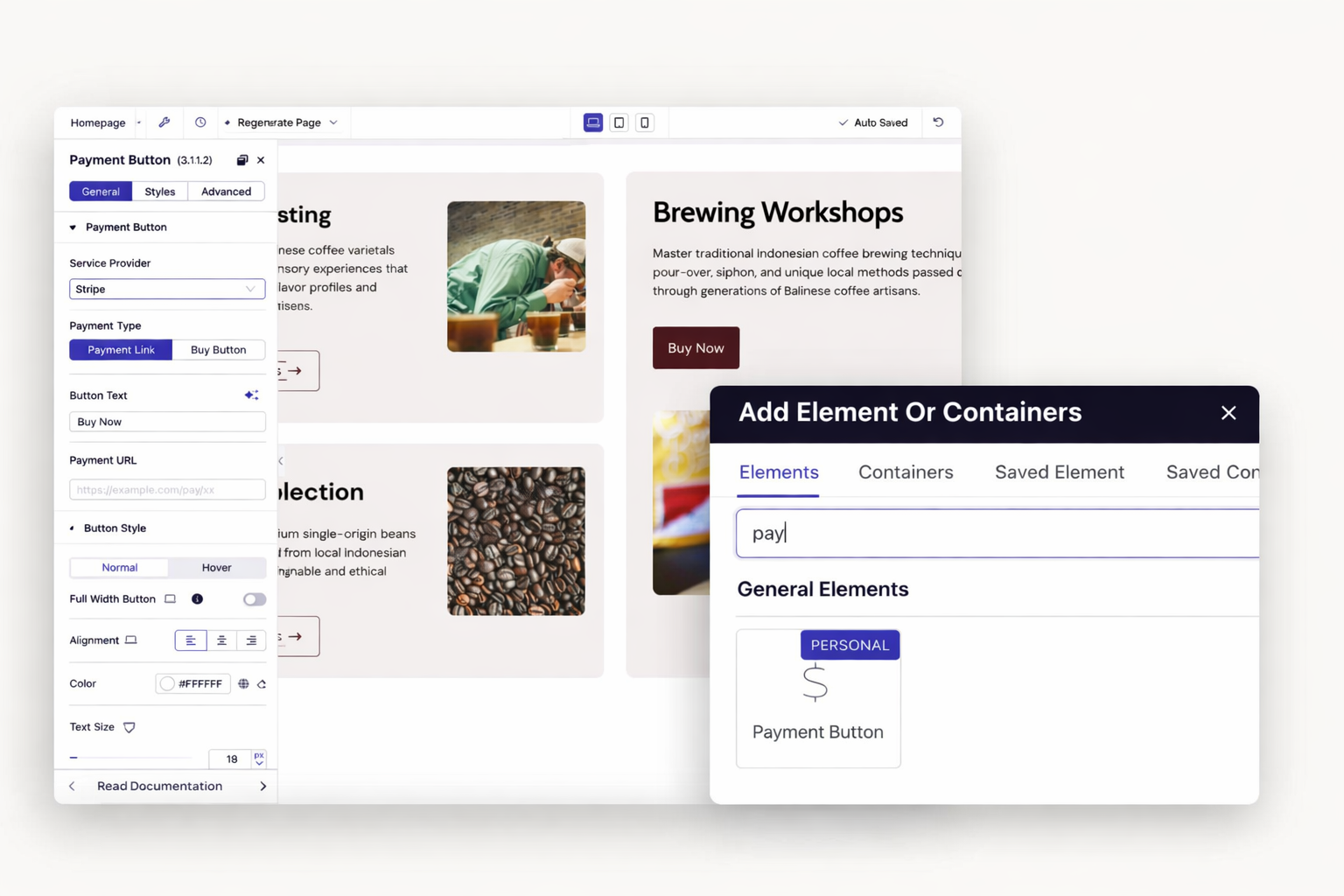
Add Stripe or PayPal buttons anywhere. Sell products, services, or memberships. Process payments securely through trusted providers. No developer required.
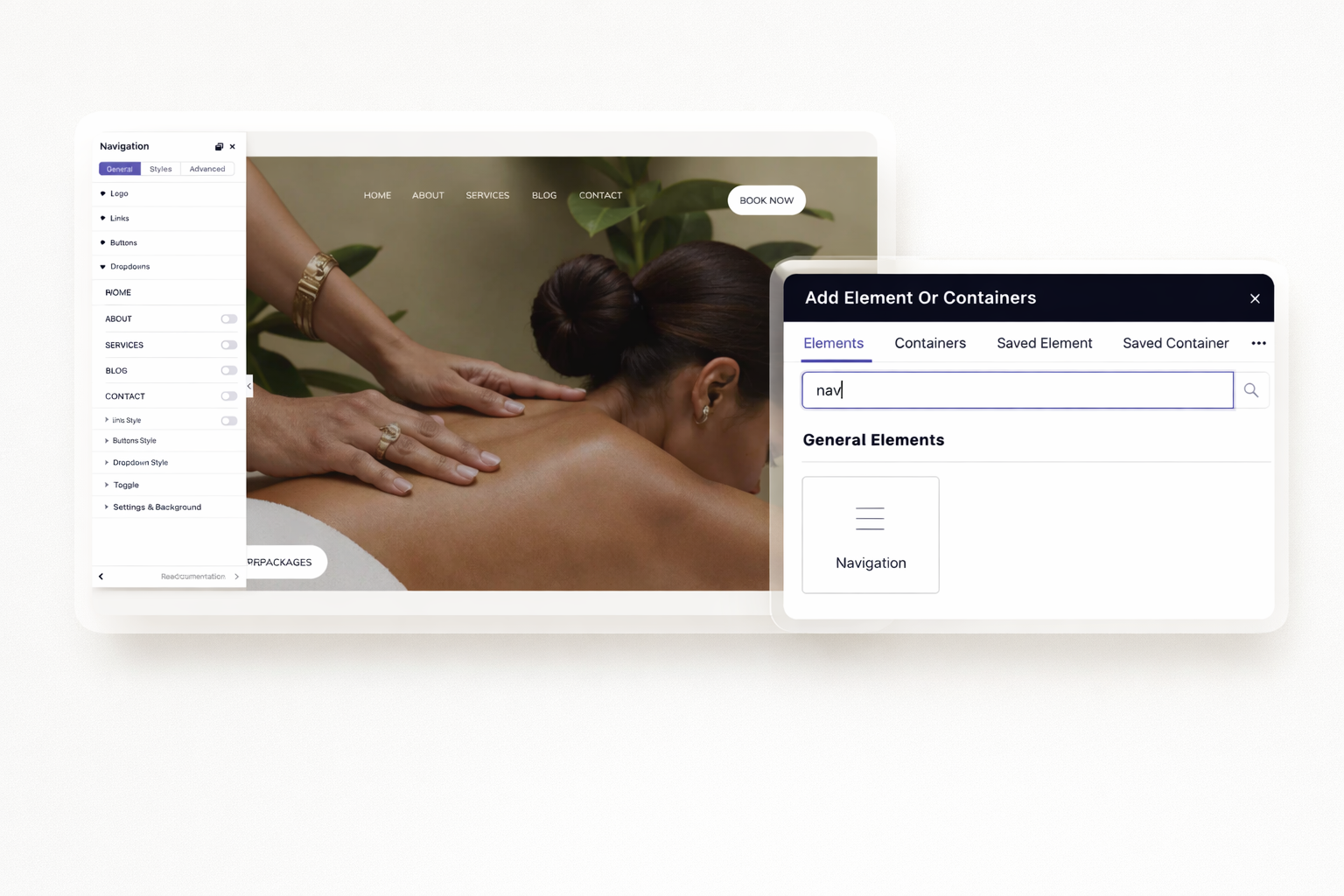
Create multi-level dropdown menus. Make navigation sticky as visitors scroll. Design mobile-friendly hamburger menus. Guide visitors through your site effortlessly.
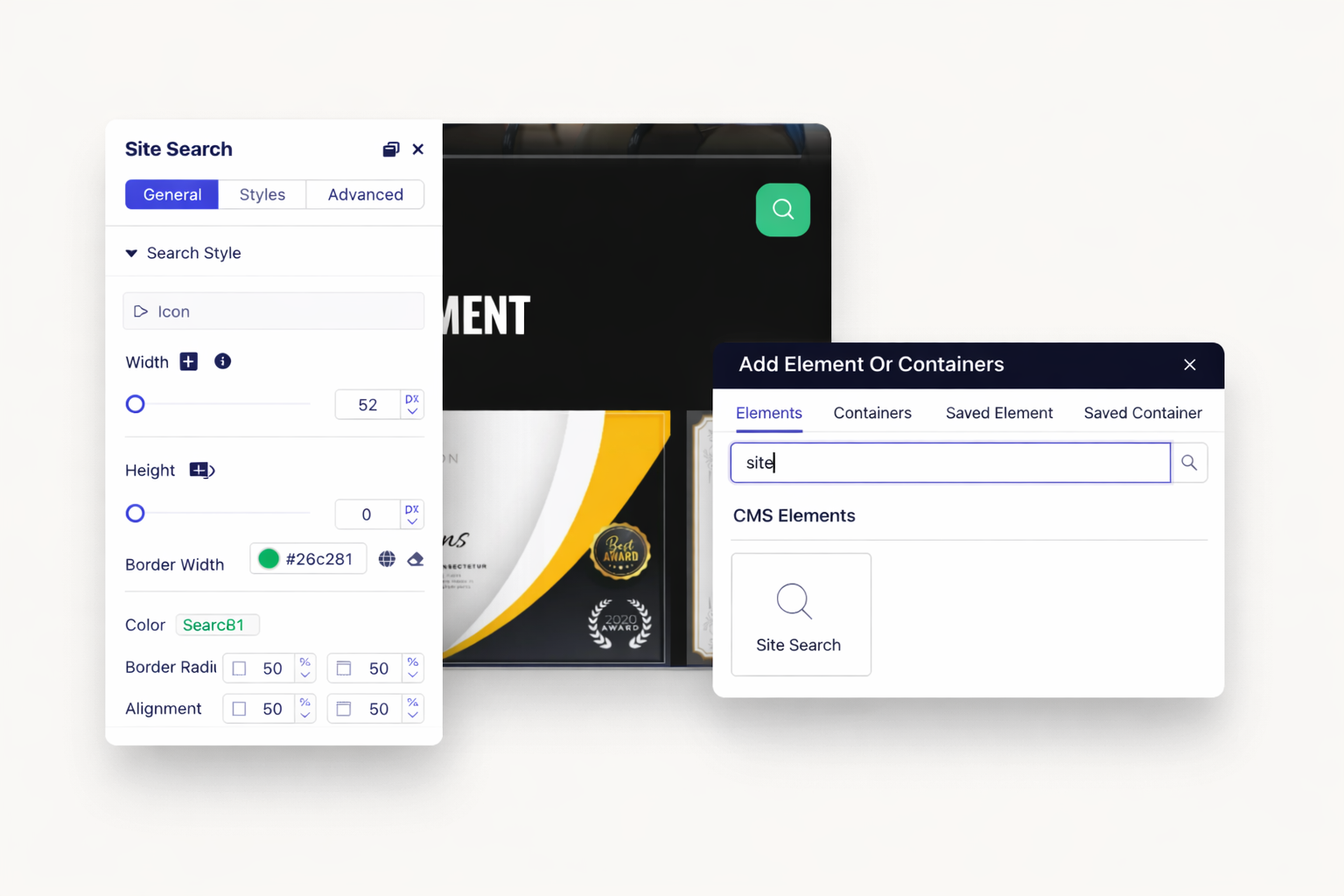
Add global search across collections. Let visitors filter your CMS content. Display results instantly as they type. Improve user experience significantly.
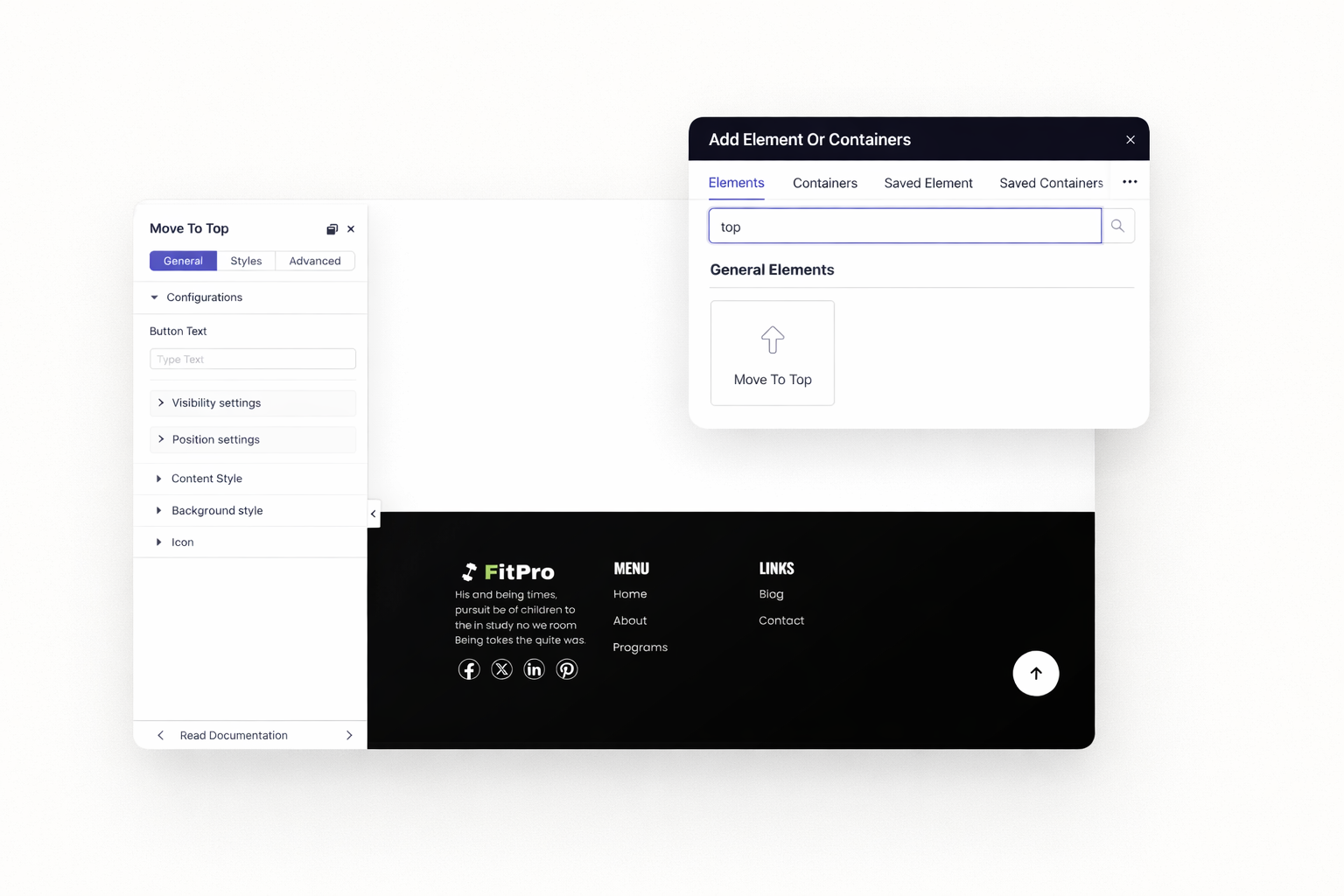
Add scroll-to-top buttons automatically. Help visitors return to navigation quickly. Style buttons to match your design. Improve usability on long pages.
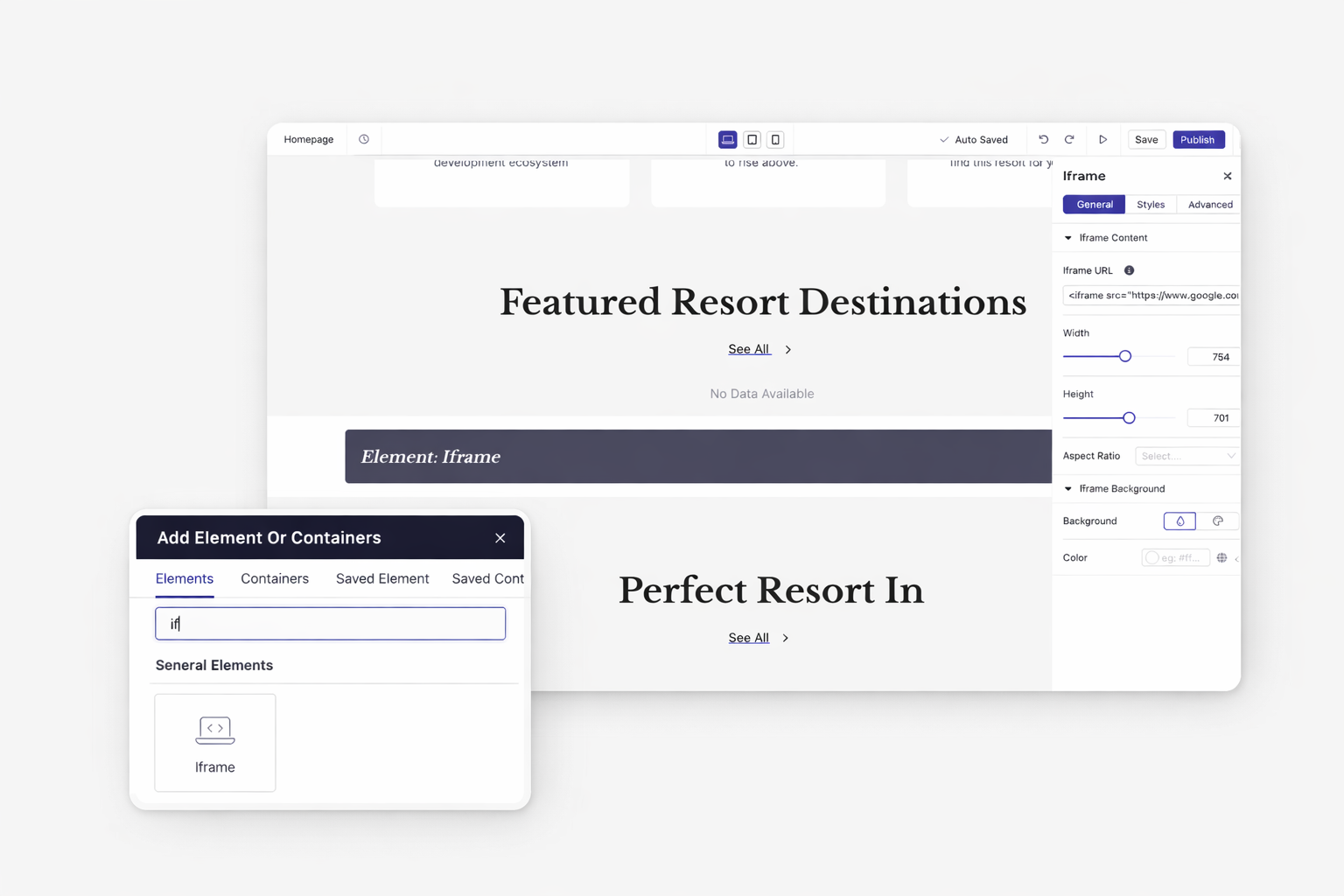
Display maps, calendars, or external tools. Integrate Google Maps with multiple markers. Embed Calendly booking widgets. Add any web content to your pages.
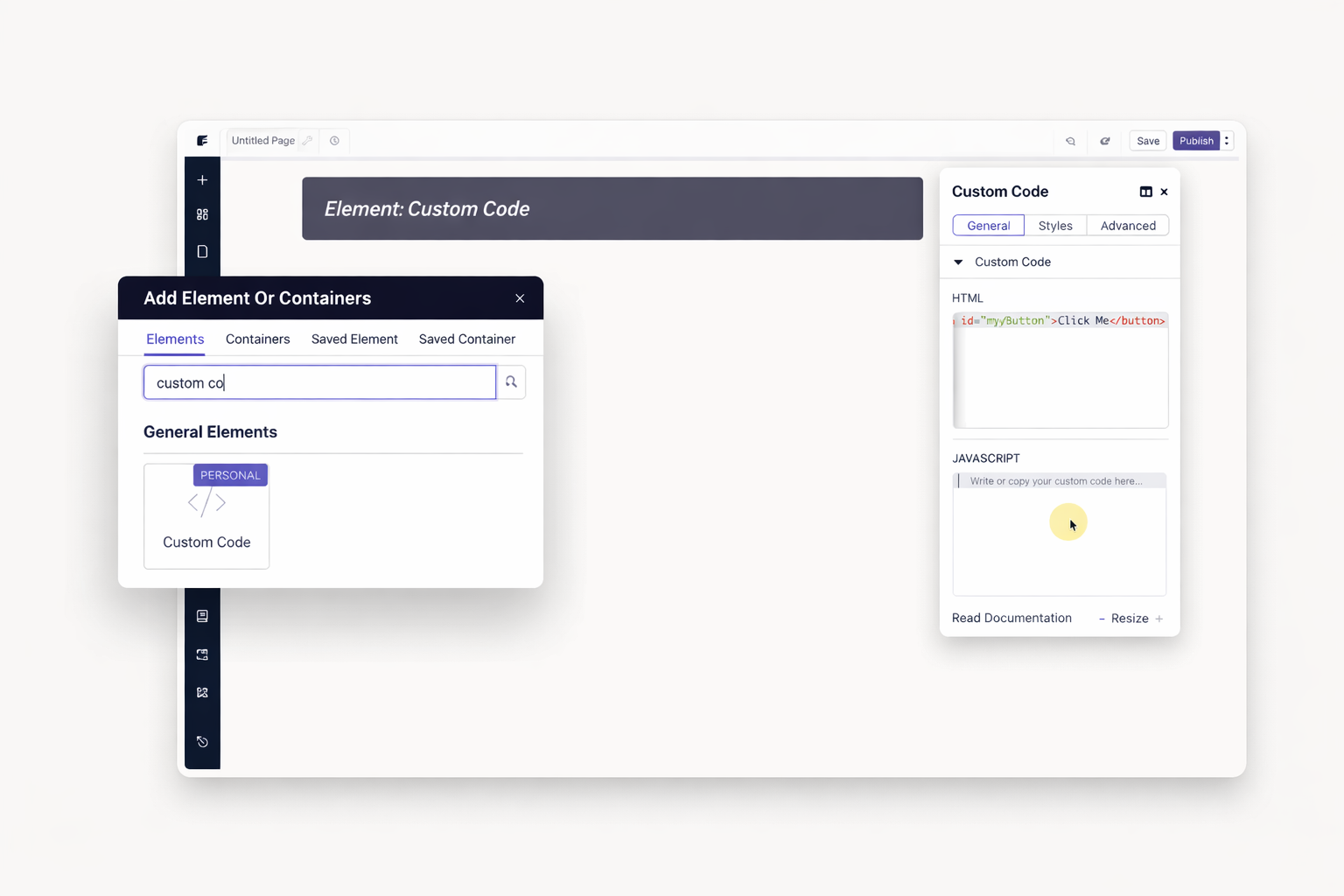
Insert HTML, CSS, or JavaScript anywhere. Extend functionality beyond built-in elements. Connect third-party widgets seamlessly. Maintain full creative control.
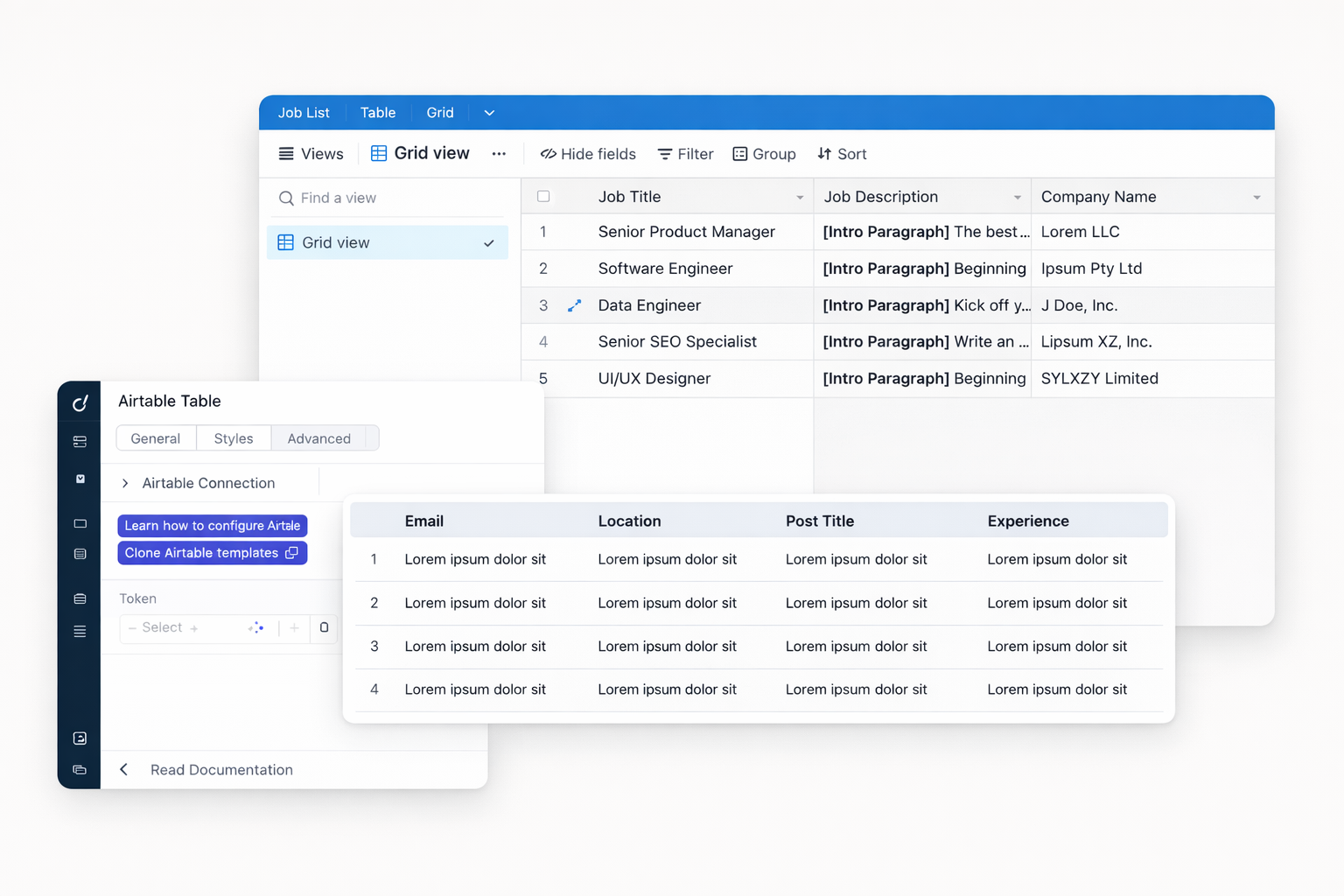
Display dynamic data from Airtable bases. Create job boards and directories. Filter and search records live. Build data-driven pages without development.
Every element you need is waiting in your editor. Drag, drop, customize, and publish. No plugins, no extra costs, no limits on creativity.
Dorik provides over 35+ drag-and-drop elements. These cover text, media, interactive components, forms, navigation, and utility functions. All elements work without plugins or additional costs.
Yes. Dorik includes image sliders, content sliders, video sliders, and testimonial carousels. Configure slides, transitions, and autoplay settings visually. No JavaScript knowledge required.
Dorik popups are fully responsive and work on all devices. You can set different triggers for mobile and desktop. Control when popups appear based on exit intent, time delay, or clicks.
Yes. Add payment buttons connected to Stripe, PayPal, Gumroad, or Paddle. Process one-time payments or subscriptions. Dorik takes zero commission on your transactions.
Drag a form element onto your page and configure fields. In settings, connect to MailChimp, ConvertKit, MailerLite, or Zapier. Submissions sync automatically to your email list.
Yes. The countdown timer element lets you set any end date and time. Display days, hours, minutes, and seconds. Create urgency for sales, launches, or events.
All Dorik elements are responsive by default. You can hide or show specific elements per device. Adjust spacing and sizing separately for desktop, tablet, and mobile.
Yes. Use the iframe element for embedded content or the custom code element for JavaScript widgets. Add maps, calendars, chat tools, or any third-party service.


❤️ This website is built with Dorik, without writing any code

© 2026 Dorik, Inc. All rights reserved