🤝 Team Collaboration
Your writer needs blog access. Your developer needs the code editor. Your client just wants to look around. Give everyone exactly the access they need with custom roles and permissions. No more sharing passwords or holding your breath.
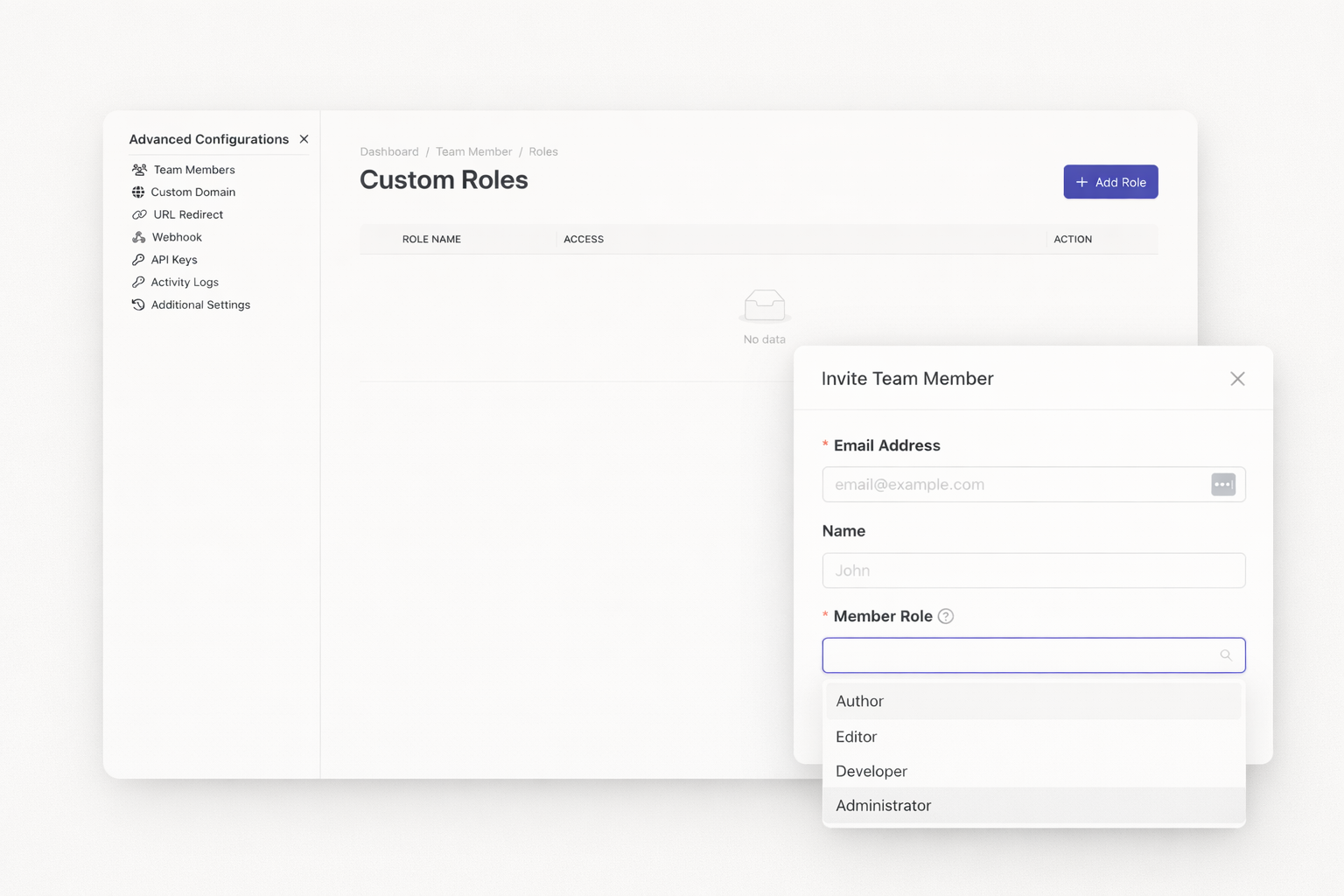
Four predefined roles make team setup fast. Administrators control everything. Developers access the builder and design tools. Editors manage content and collections. Authors create and edit their own posts only.
Standard roles not enough? Create custom ones. Define exactly what each team member can do. Name your role anything you want. Add descriptions so everyone understands their responsibilities.
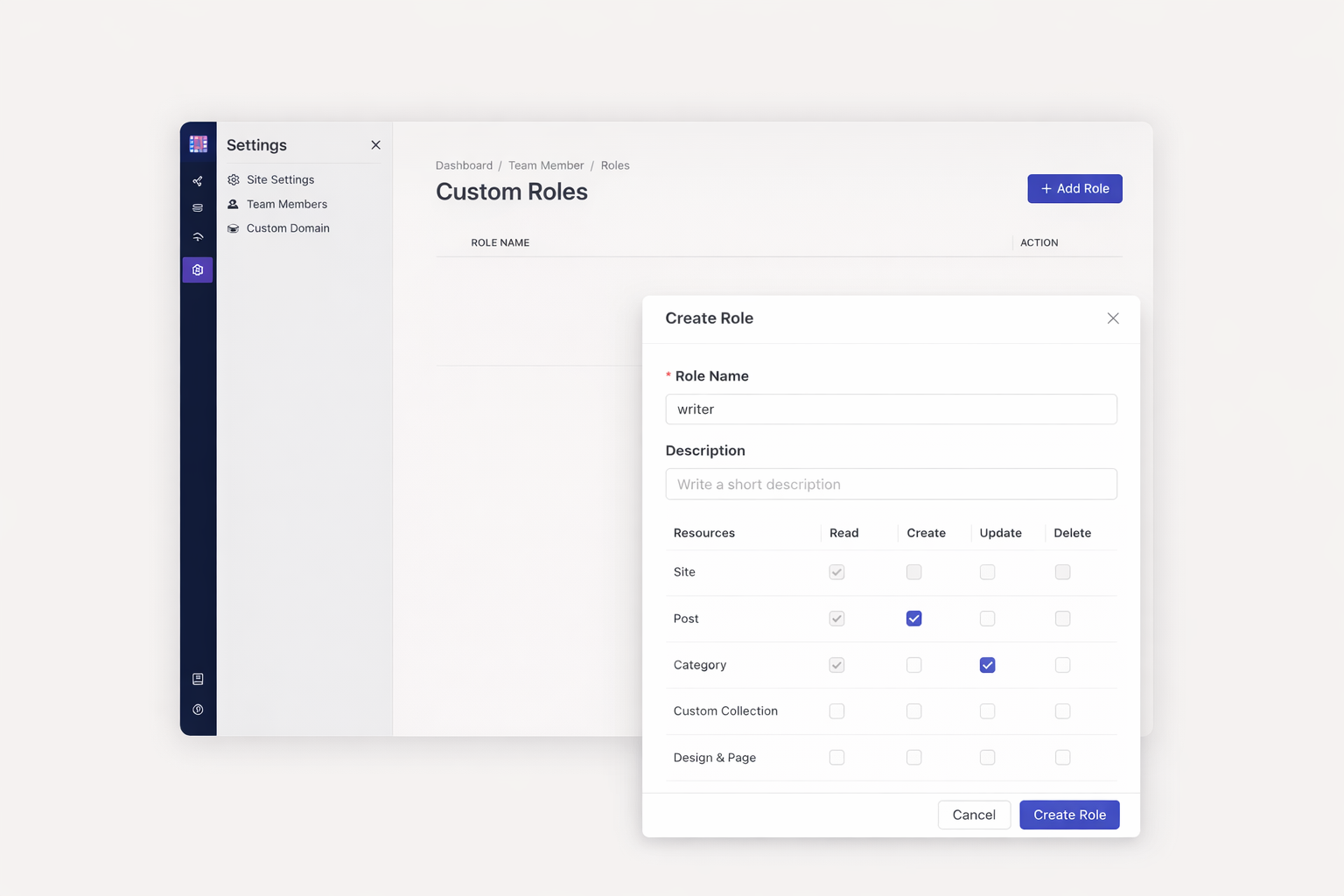
Grant permissions at the module level. Choose Create, Read, Update, or Delete actions for each feature. Your marketing manager edits blog posts but cannot touch site settings. Your developer accesses design tools but skips billing. Granular control prevents accidents.
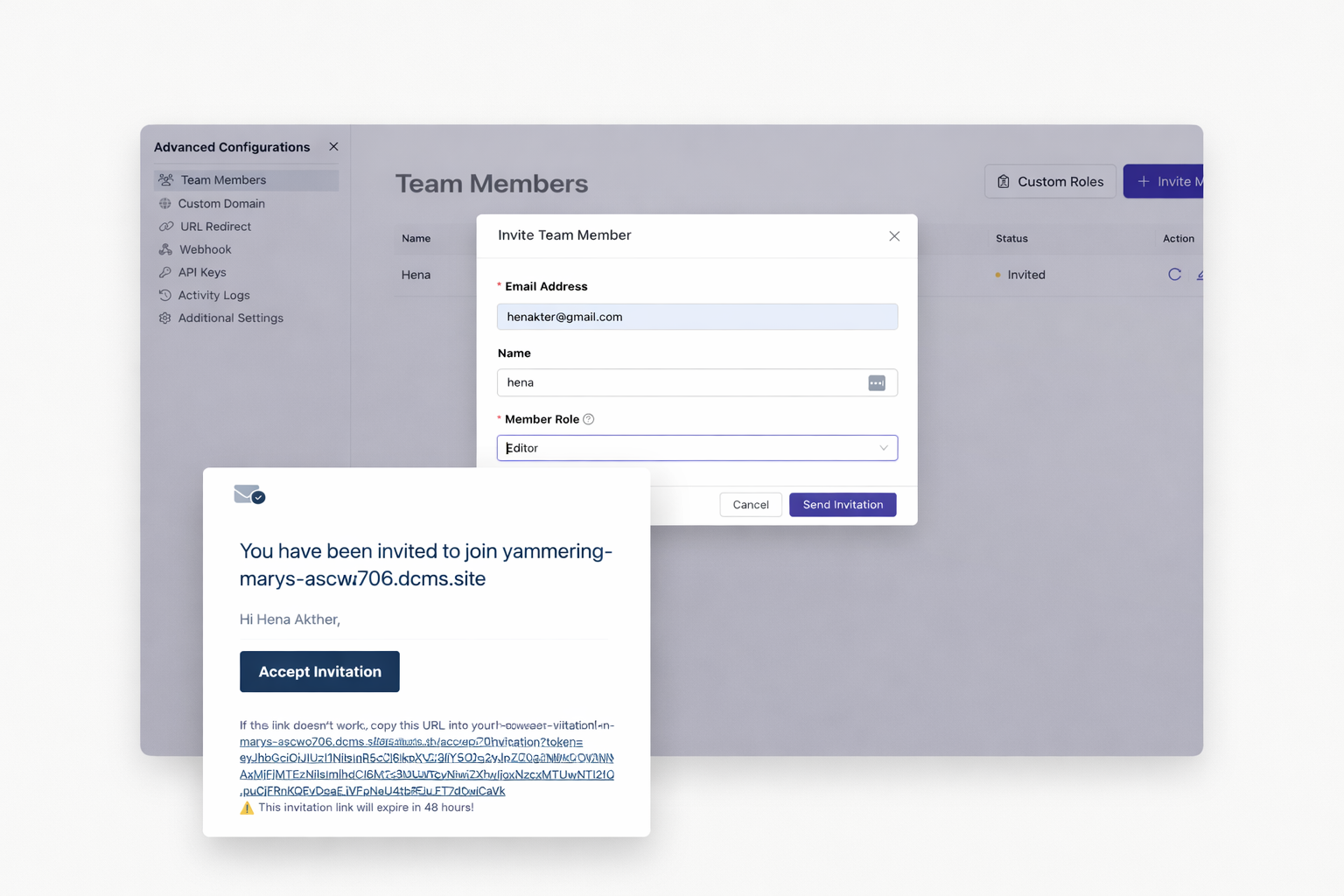
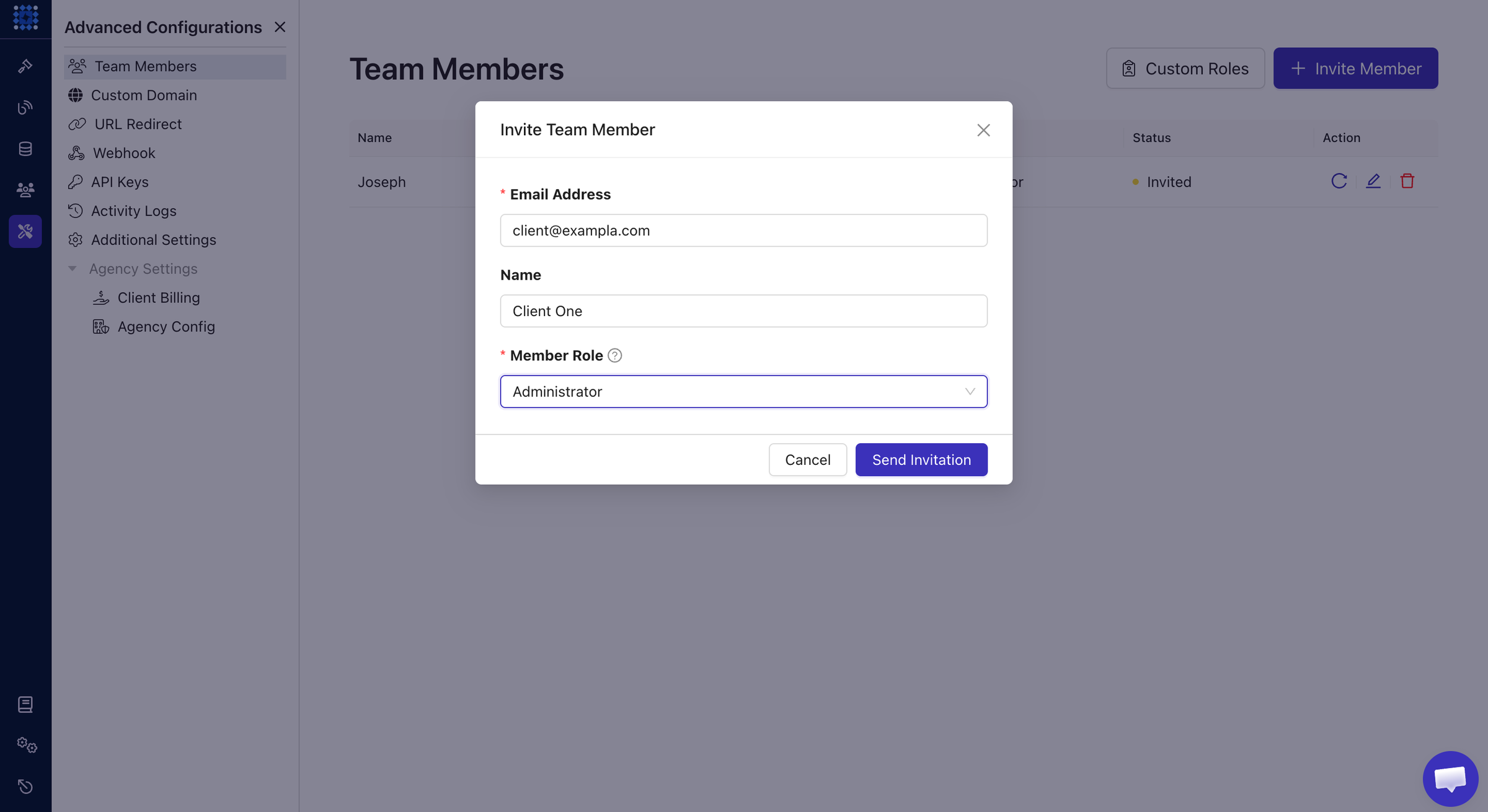
Skip complicated onboarding. Enter an email address. Send the invitation. Your team member clicks one link and gains immediate access. No passwords to create. No accounts to configure. Magic link authentication handles everything securely.
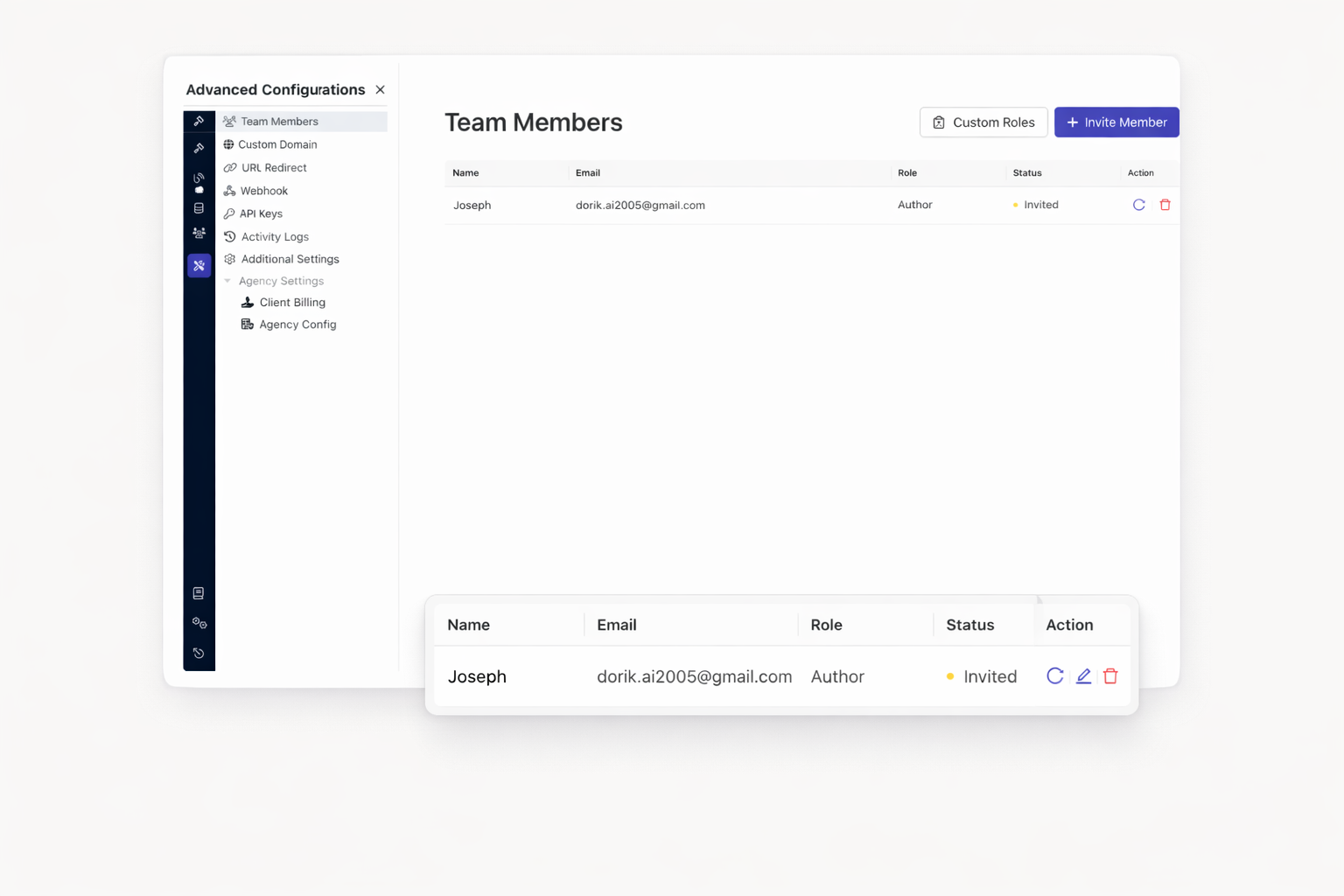
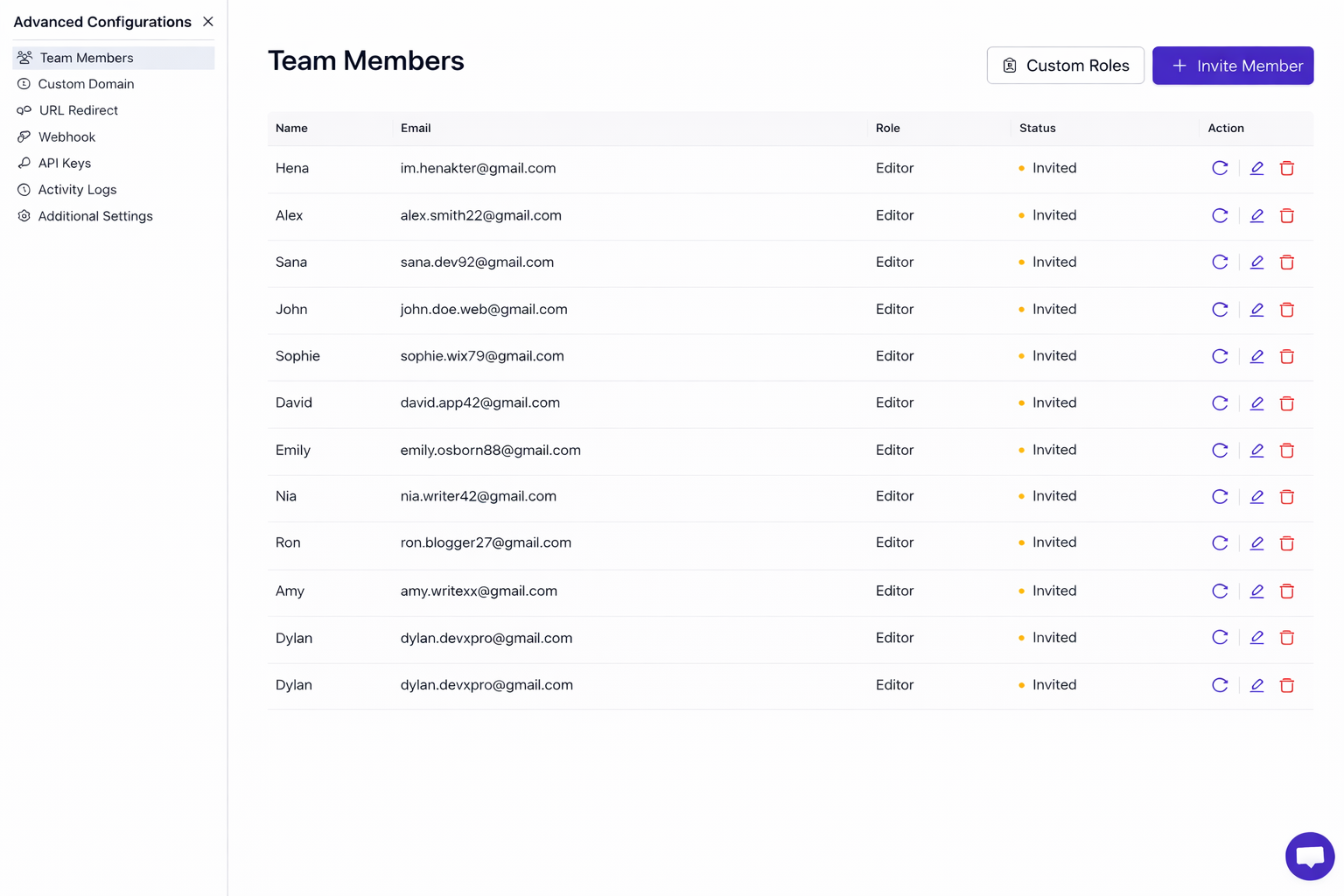
View all collaborators at a glance. See their roles. Check their activity. Reassign permissions when responsibilities shift. Remove access when projects end. Your team management stays centralized and simple.
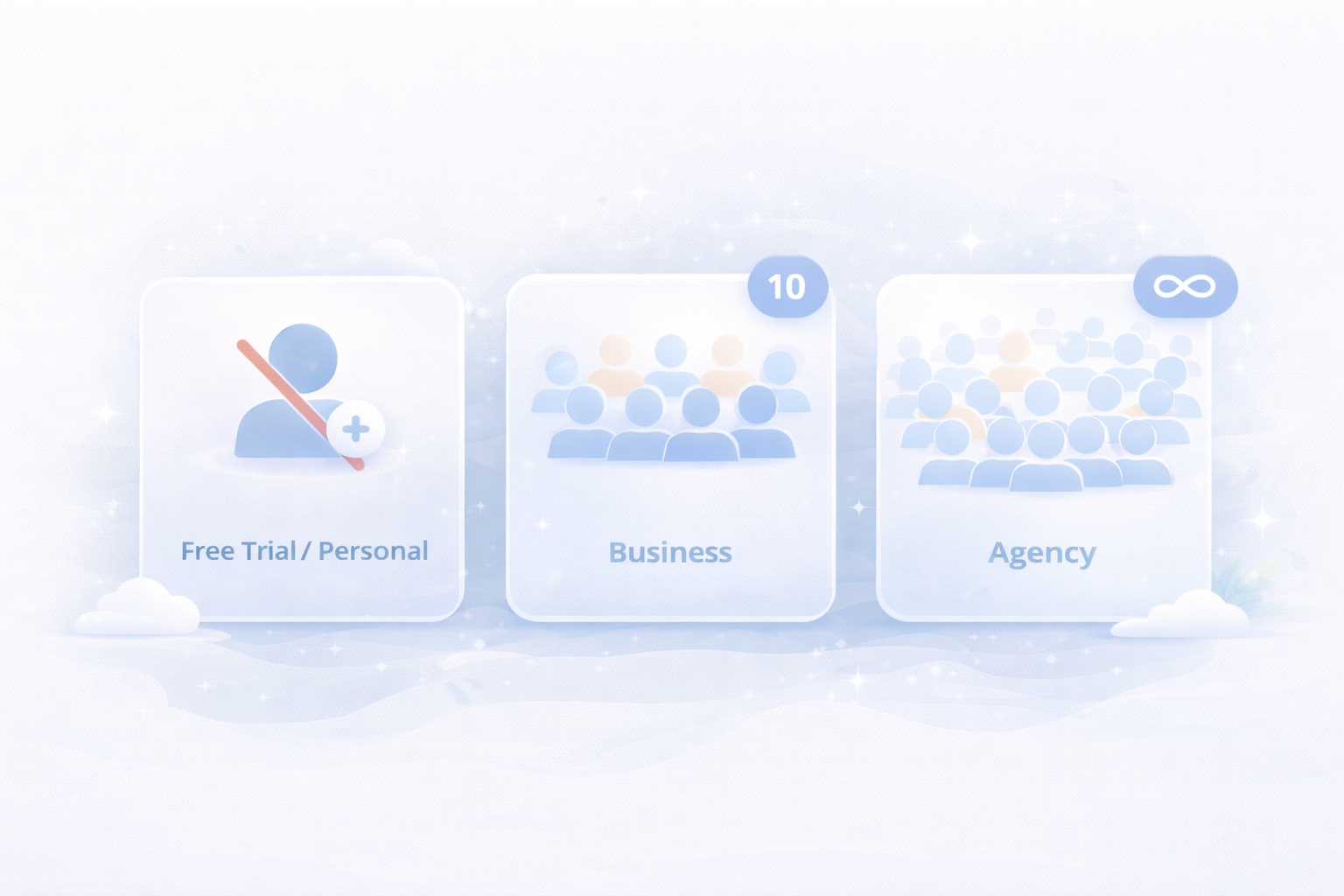
Free trial and Personal plan offer 0 collaborator. Business plans support up to 10 team members. Agency plans remove all limits. Scale your team without switching platforms or rebuilding workflows.
Agencies can invite clients with Administrator access. Clients view and edit their projects. They cannot delete sites or access redirect settings. Your work stays protected while clients stay informed.
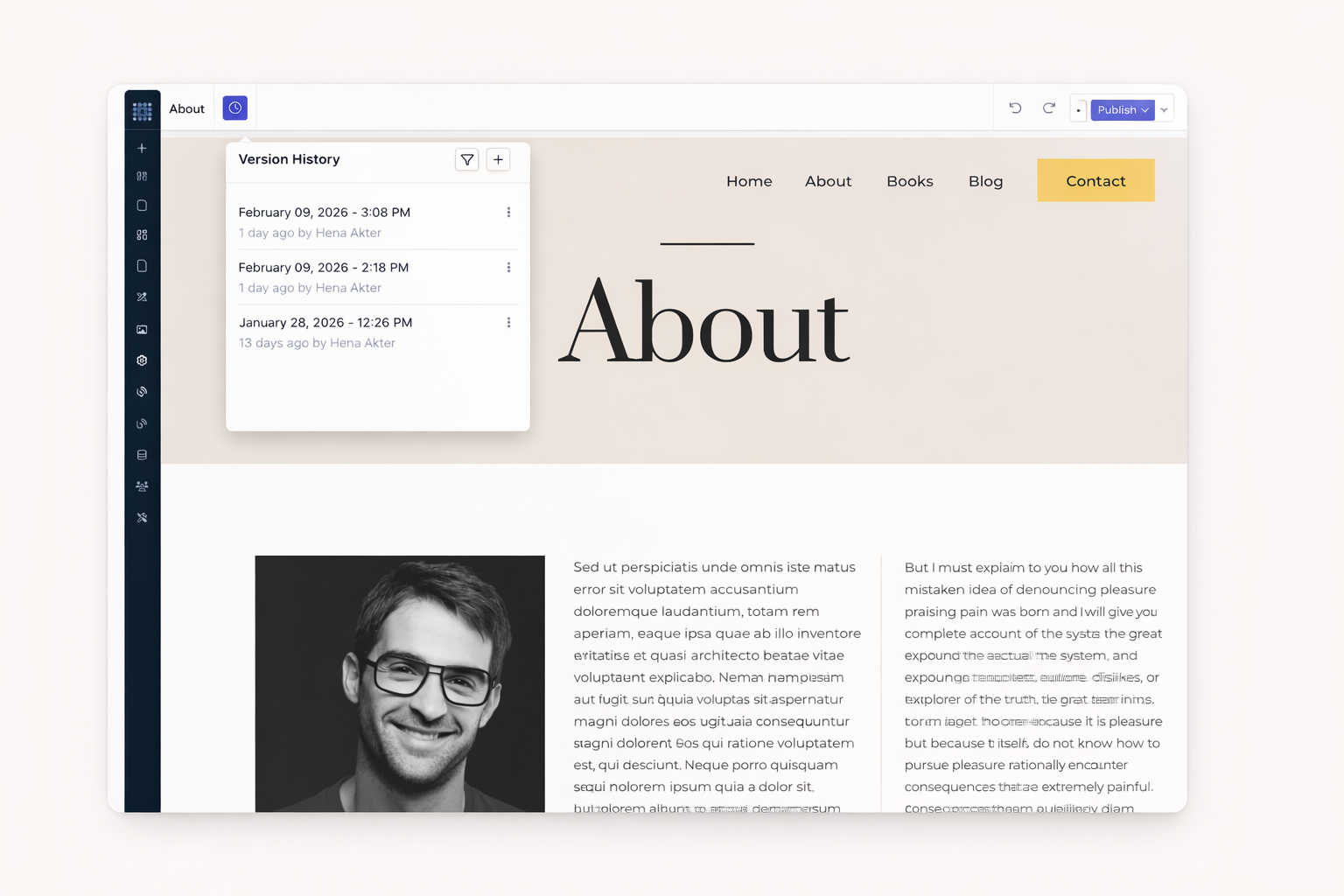
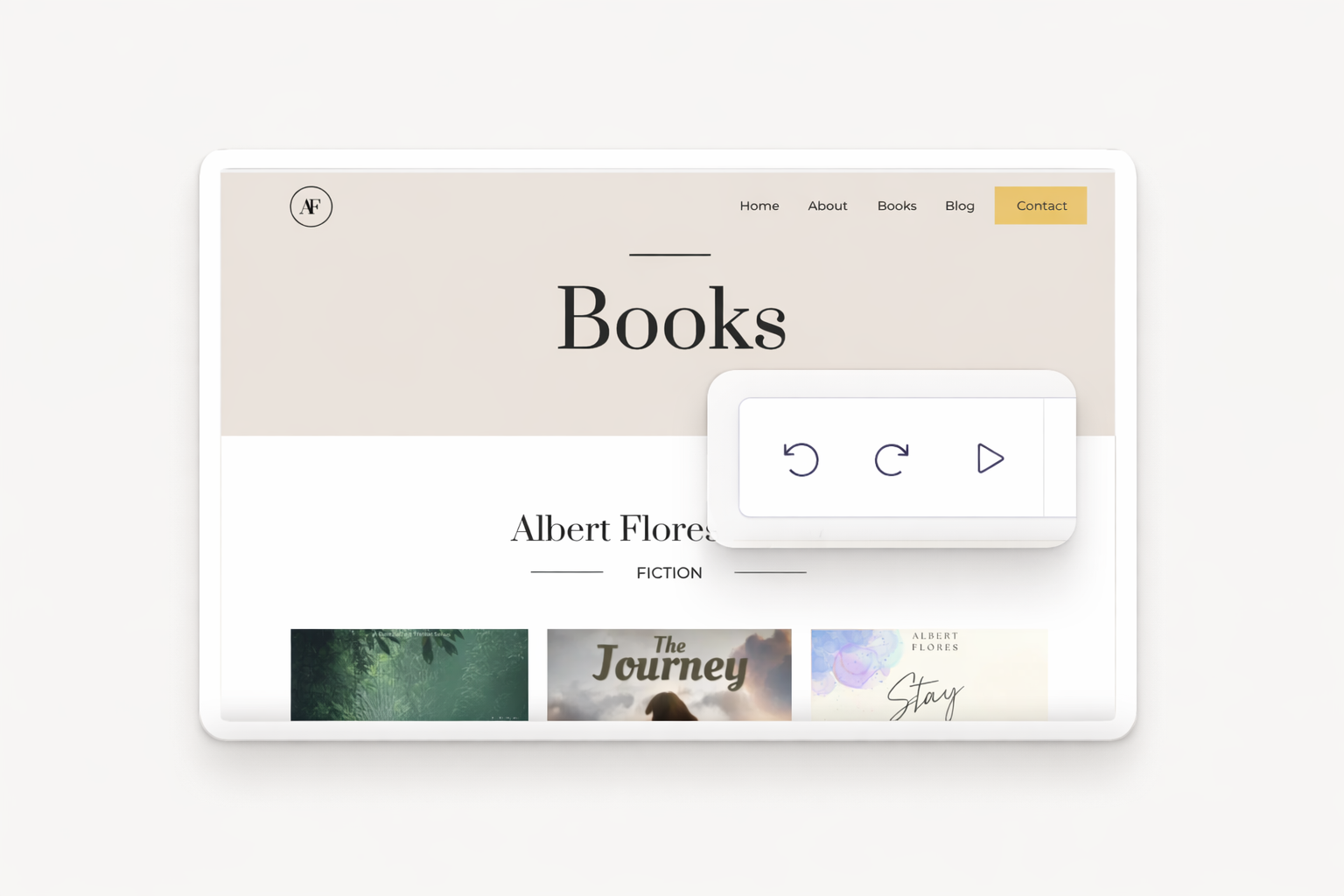
Dorik saves your site every 10 minutes automatically. Save manually anytime with custom version names. Never lose work to browser crashes or accidental deletions. Every change gets recorded and protected.
Something went wrong? Preview any saved version before restoring. One click returns your site to that exact state. AI-generated versions get tracked separately. Your safety net stays always available.
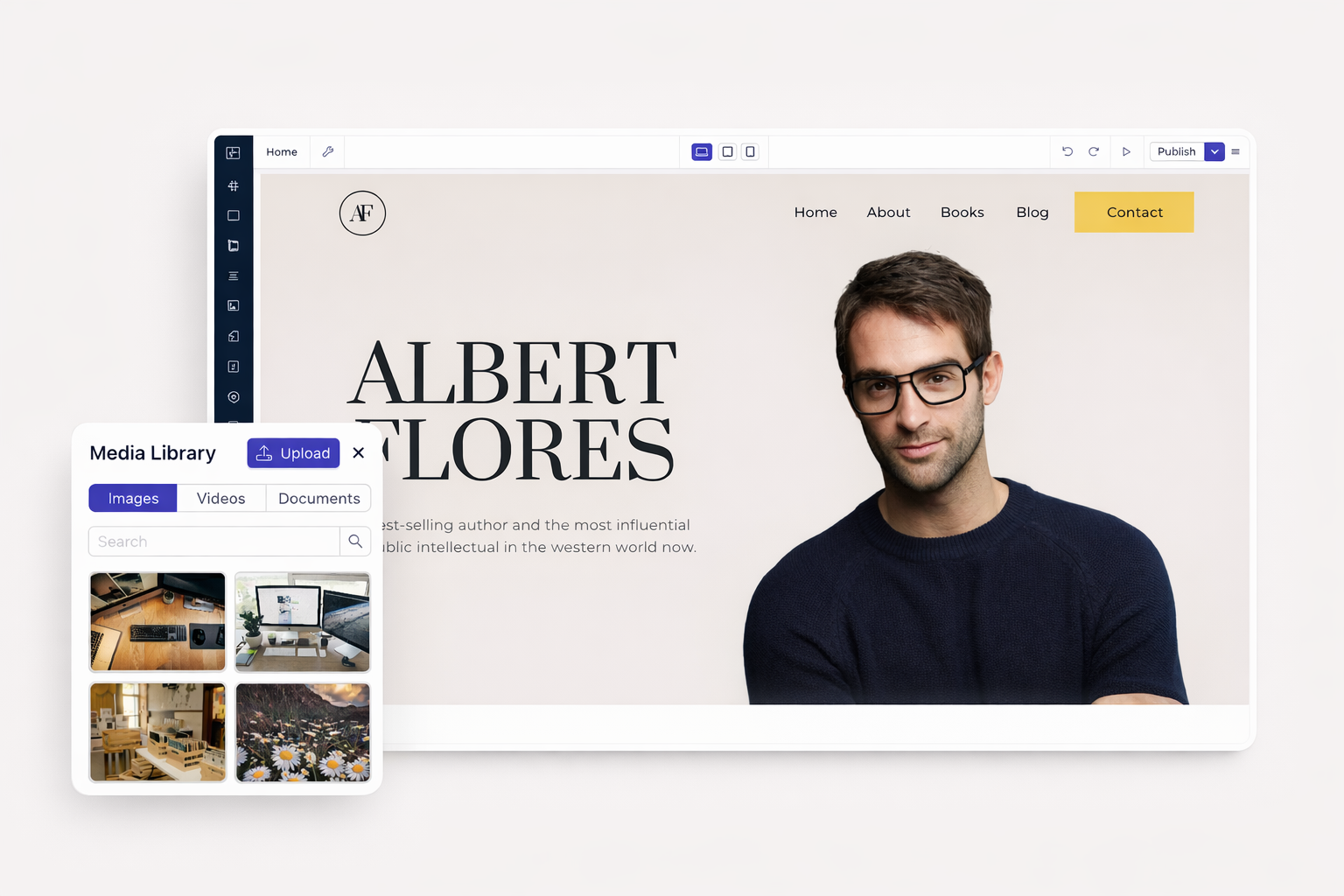
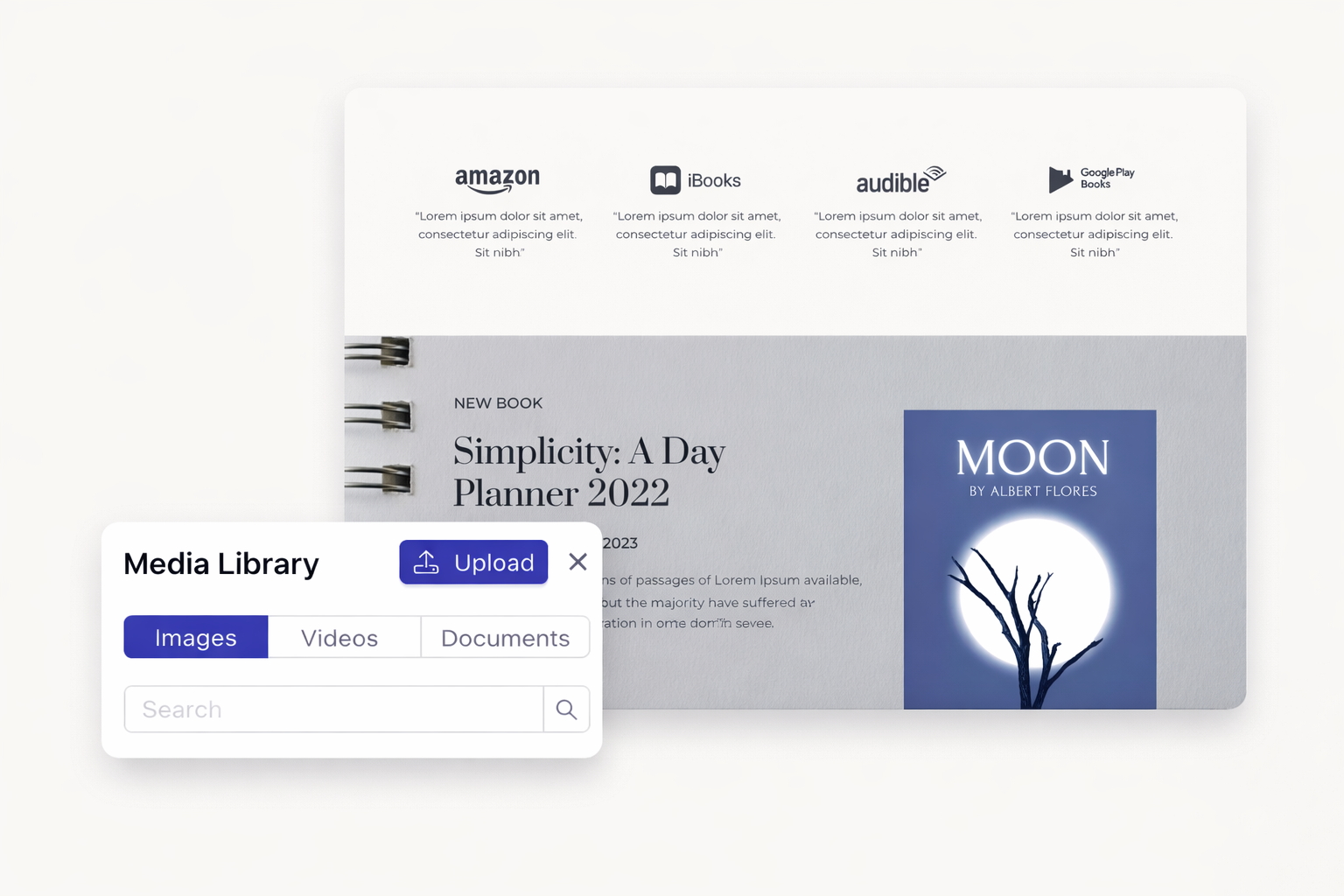
Every team member works from the same image and video library. Upload once. Use anywhere. No duplicate files. No version confusion. AI-generated images save automatically.
Unlimited media storage means no cleanup pressure. Browse assets easily. Select files quickly. Your team finds what they need without hunting through folders or asking colleagues.
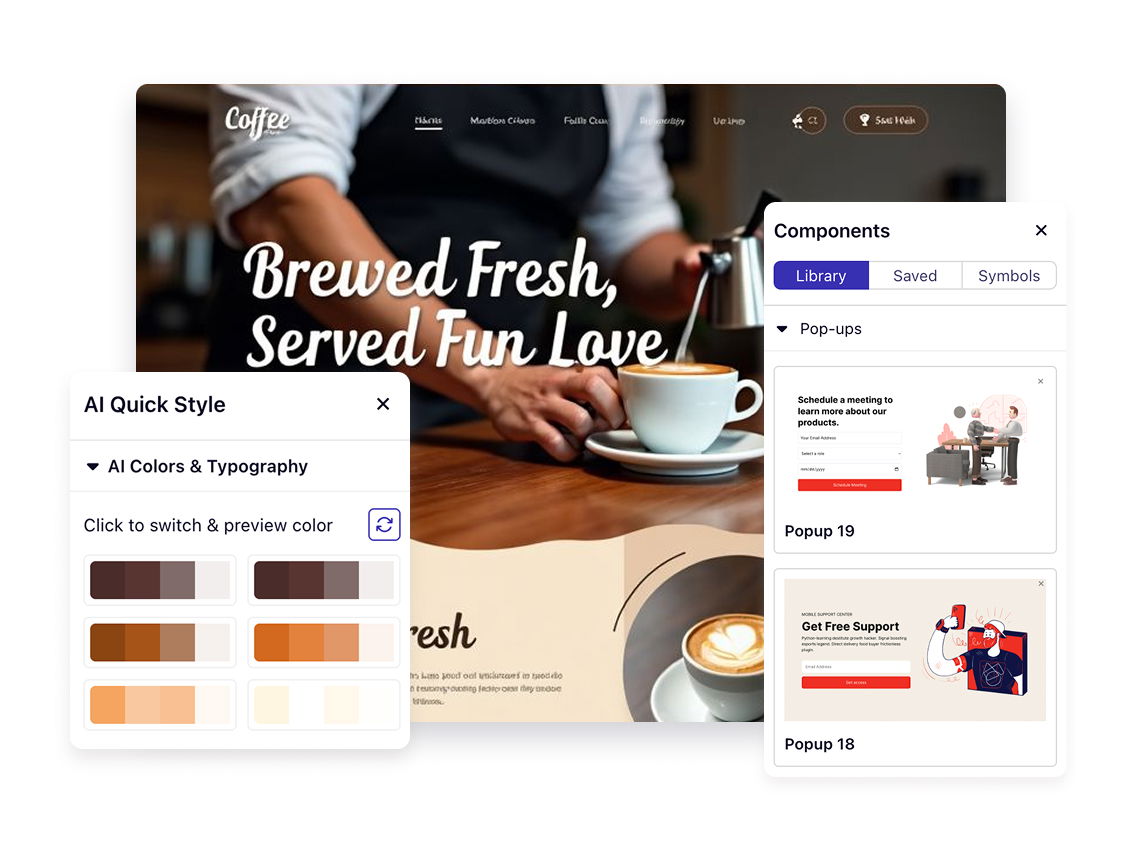
Transform your website ideas into reality in under a minute. No design skills needed. No coding required. Just describe what you want.
Free and Personal plan don't support any collaborator. Business plans allow up to 10 team members. Agency plans offer unlimited collaborators. The site owner counts toward these limits.
Yes. Dorik lets you create up to 20 custom roles per site. Each role includes granular permissions for Create, Read, Update, and Delete actions across different modules.
Team members receive an email with a magic link. Clicking the link grants immediate access without password creation. The authentication process is secure and instant.
Editors can create, edit, and publish any content including blog posts and collections. Authors can only create and edit their own posts with limited publishing capabilities.
Yes. Add clients as Administrators. They receive high-level access but cannot delete the site or modify redirect URLs. This protects your work while keeping clients involved.
Yes. Version control records all changes. You can track team activity, see when saves occurred, and identify which versions to restore if issues arise.

❤️ This website is built with Dorik, without writing any code

© 2026 Dorik, Inc. All rights reserved