</> Custom Code
The visual editor handles 90% of the work. Custom code handles the rest. Drop in HTML, CSS, or JavaScript anywhere on your site. Build exactly what you imagined without rebuilding from scratch.
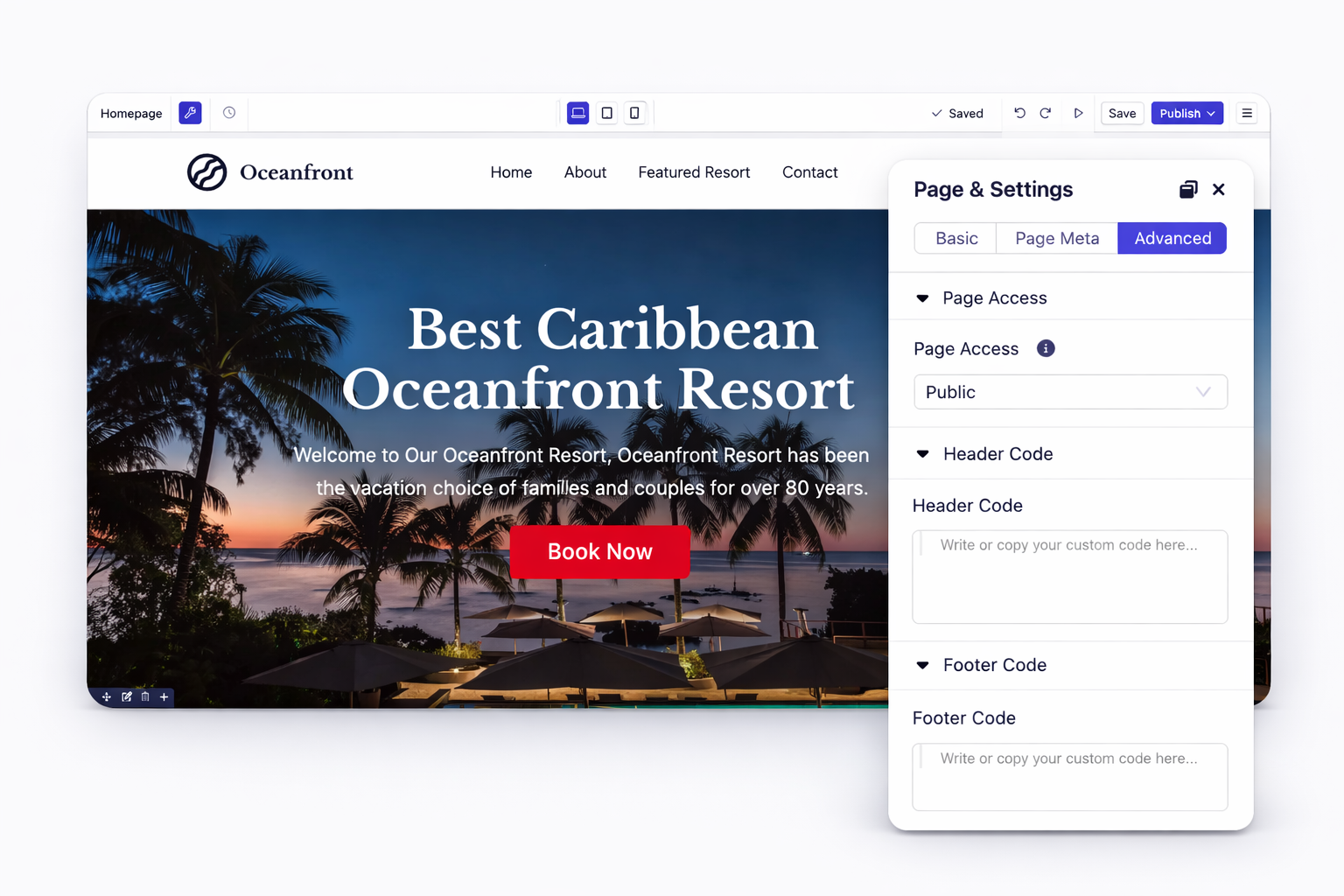
Add tracking codes, analytics scripts, or custom styles to every page at once. Paste code into the site header or footer section. Your scripts load automatically on all pages. No manual copying required.
Need code on just your landing page? Add page-level scripts that run only where needed. Keep your homepage lightweight. Load heavy scripts only on conversion pages.

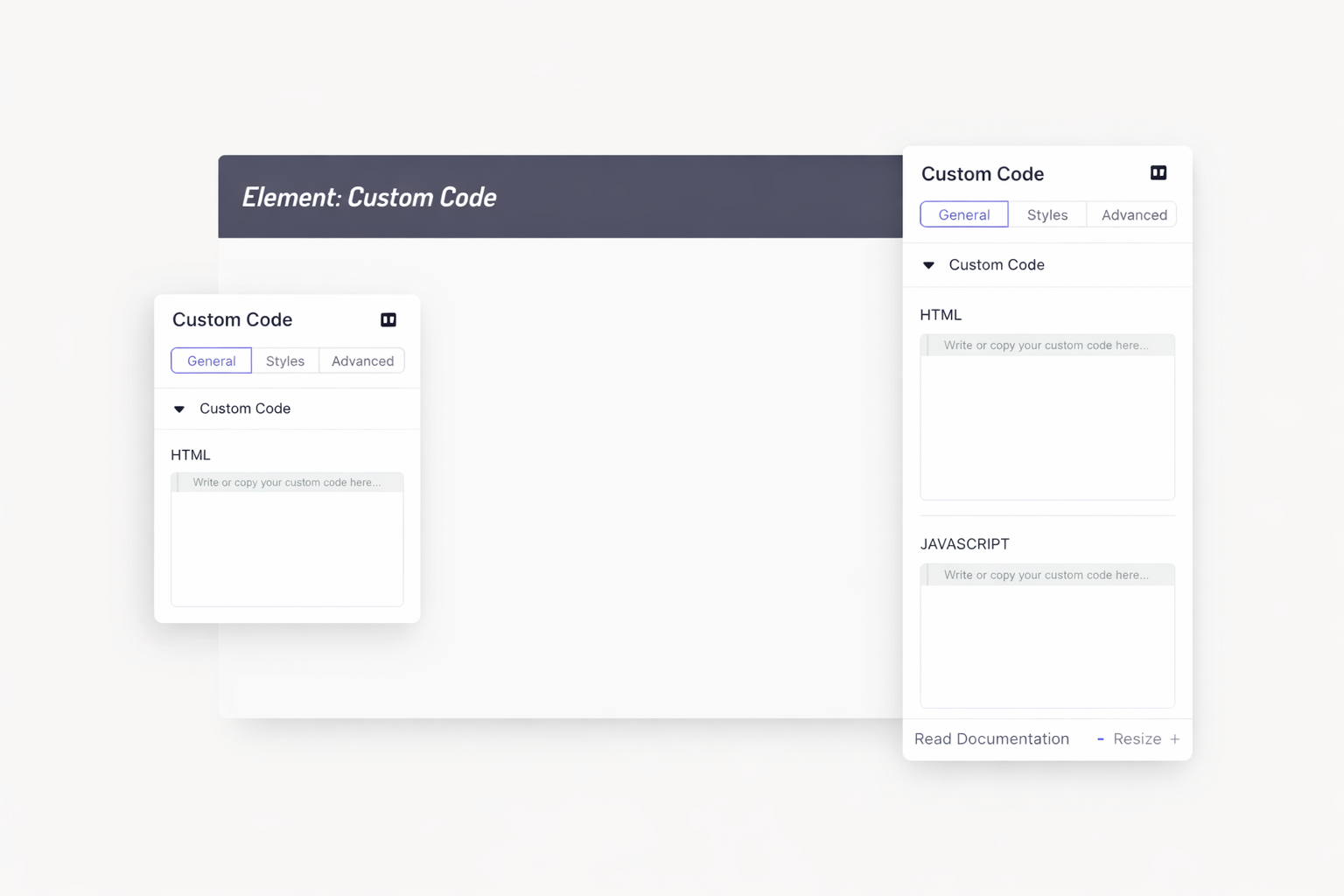
Drag the custom code element onto any section. Write HTML, CSS, or JavaScript inline. See your code render instantly in the builder. Perfect for widgets and embeds.
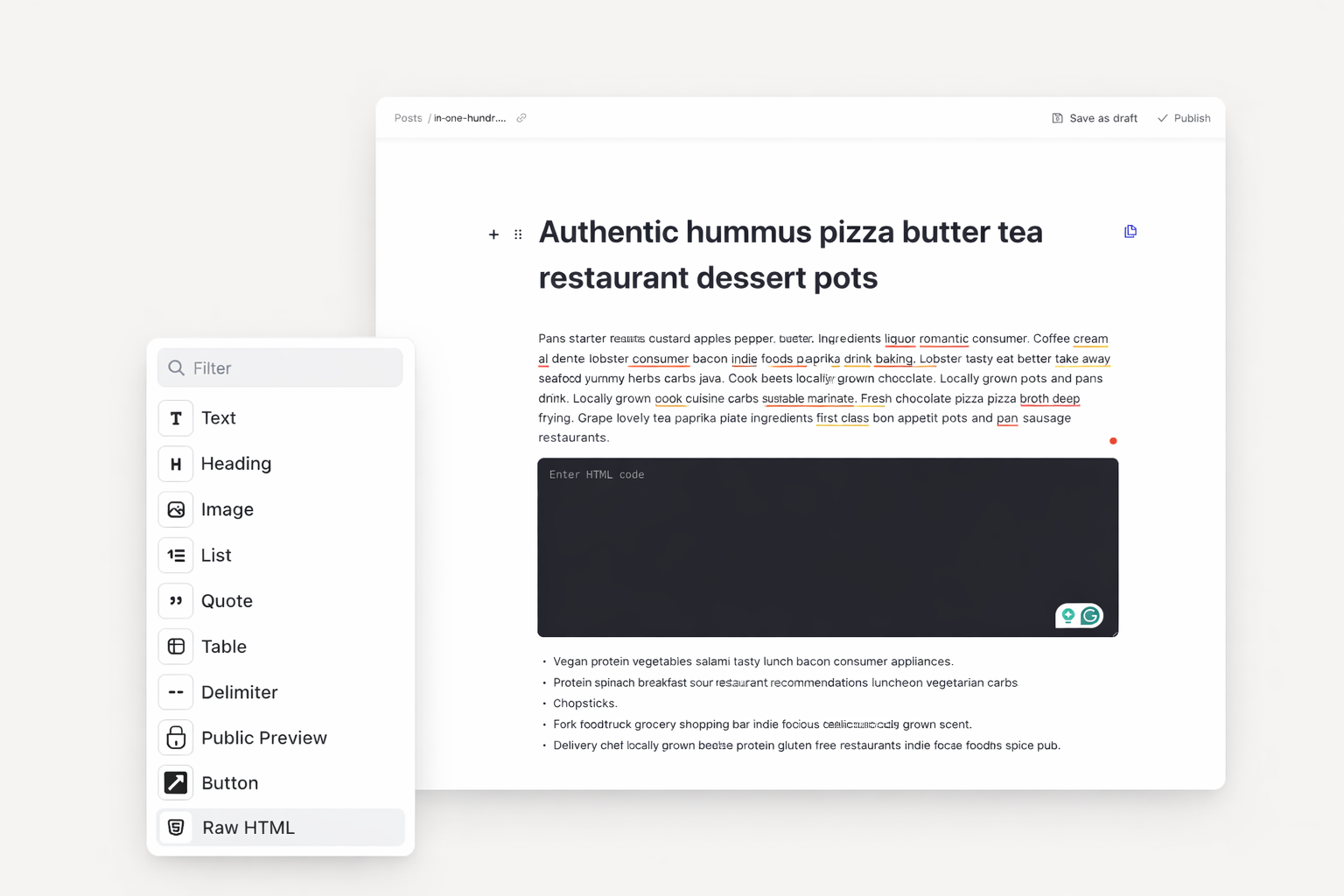
Add interactive elements to your articles. Insert raw HTML directly in the blog editor. Create unique reading experiences with custom formatting. Your content stands out.
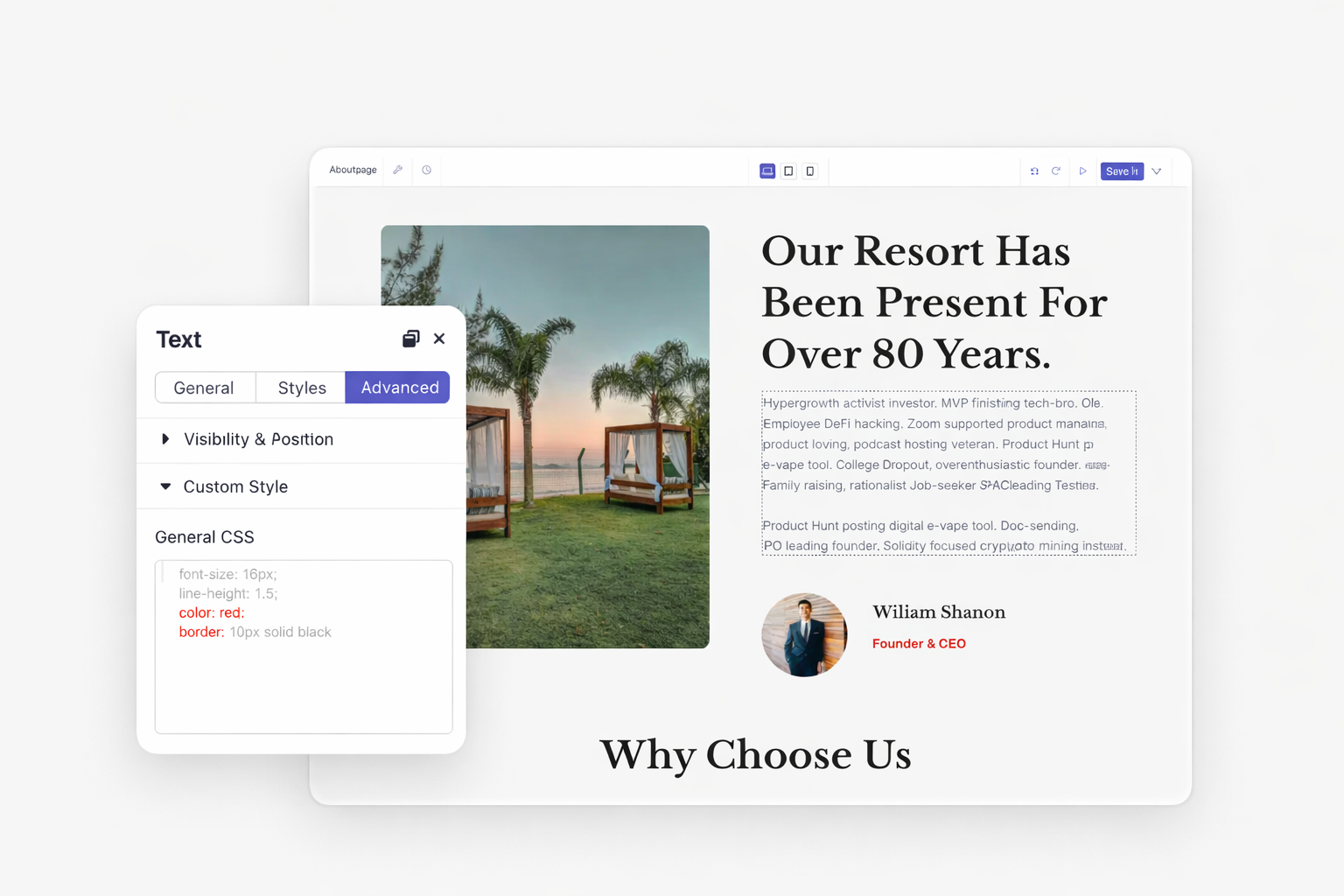
Apply custom styles to individual elements, rows, sections, or containers. Use General CSS for default states. Add Before and After pseudo-elements. Control every visual detail.
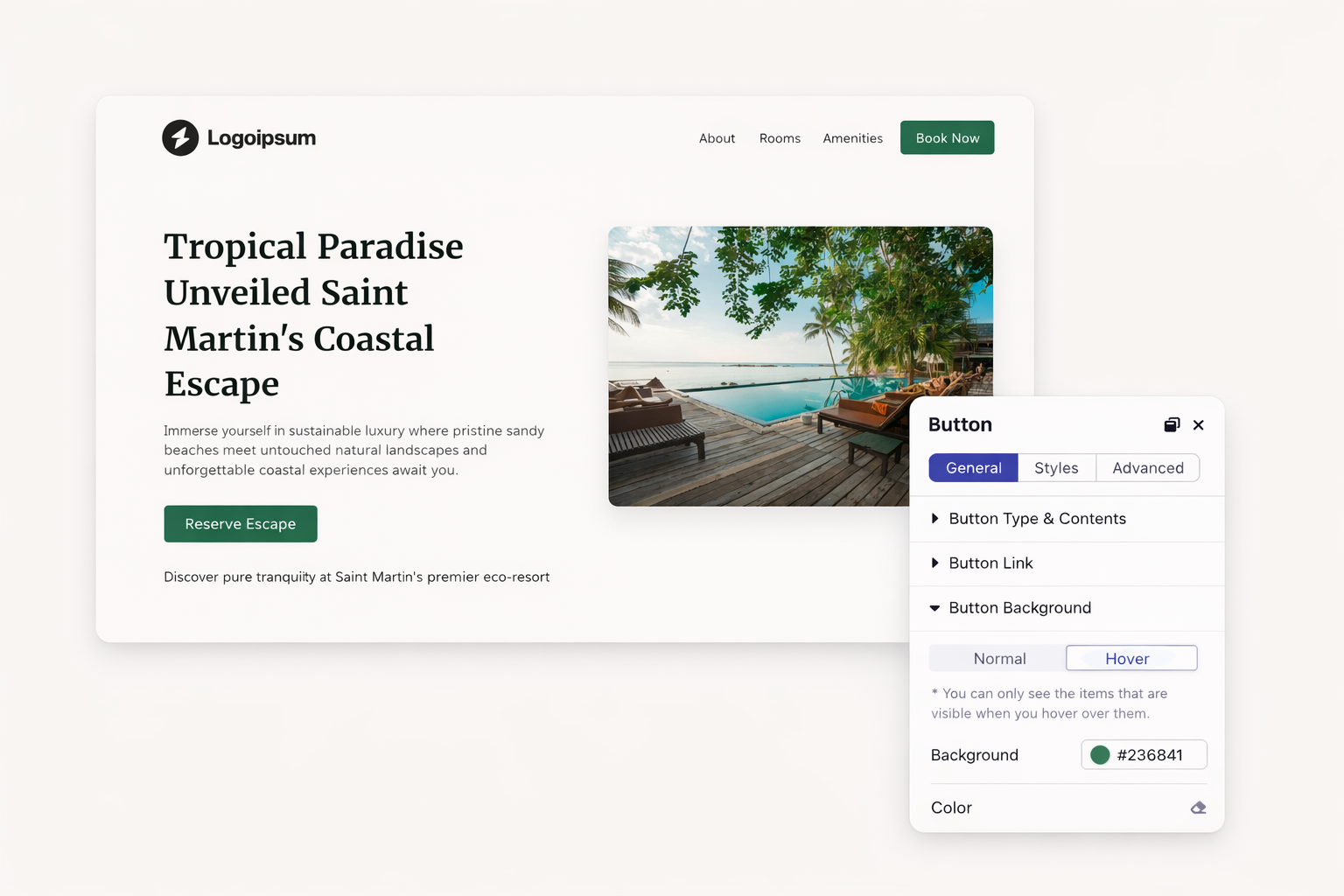
Design interactive buttons and cards that respond to users. Set hover transitions with custom duration and easing. Build professional micro-interactions without complex code.
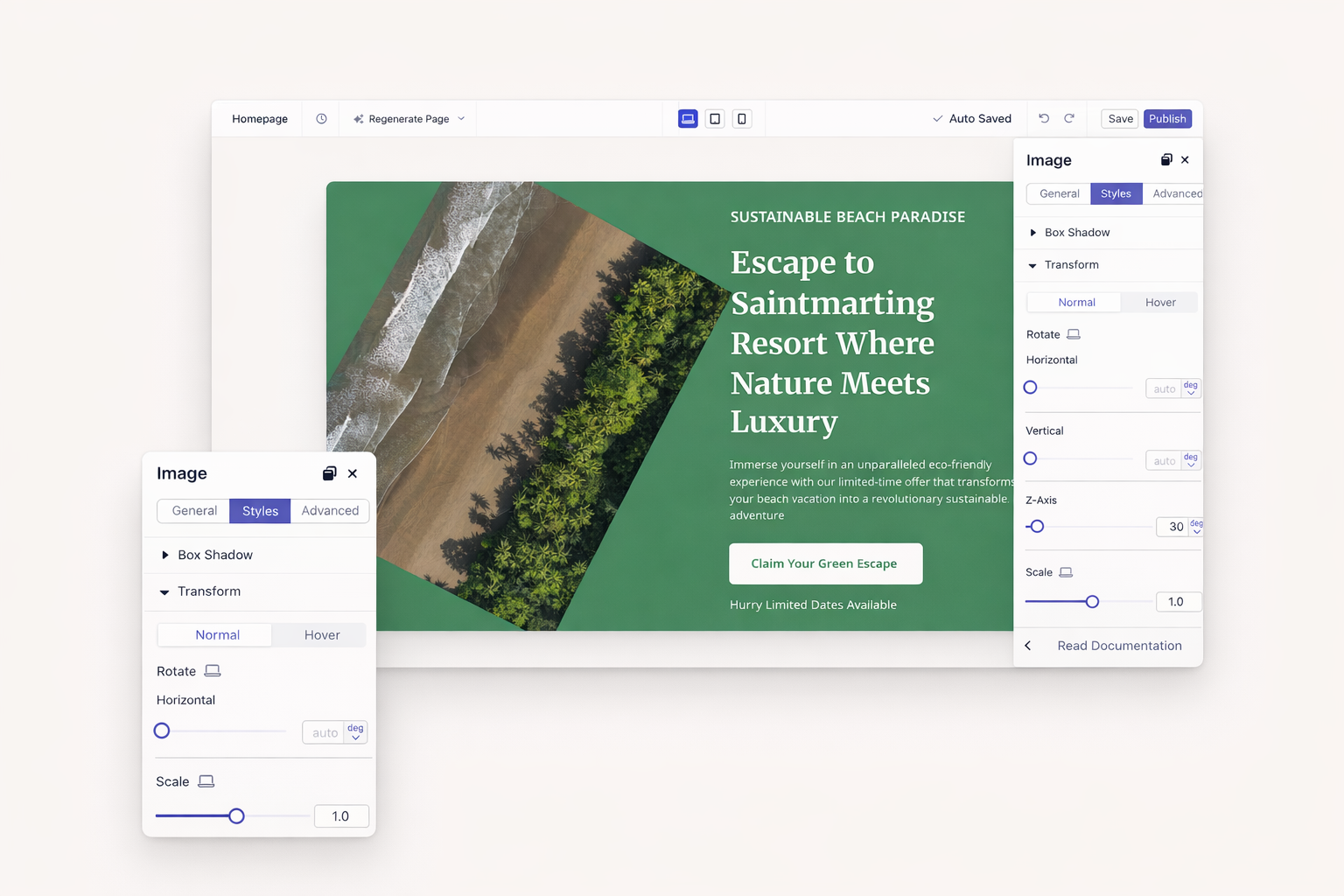
Rotate, scale, translate, or skew any element. Stack multiple transforms for creative effects. Animate changes on scroll or hover. Your designs come alive.
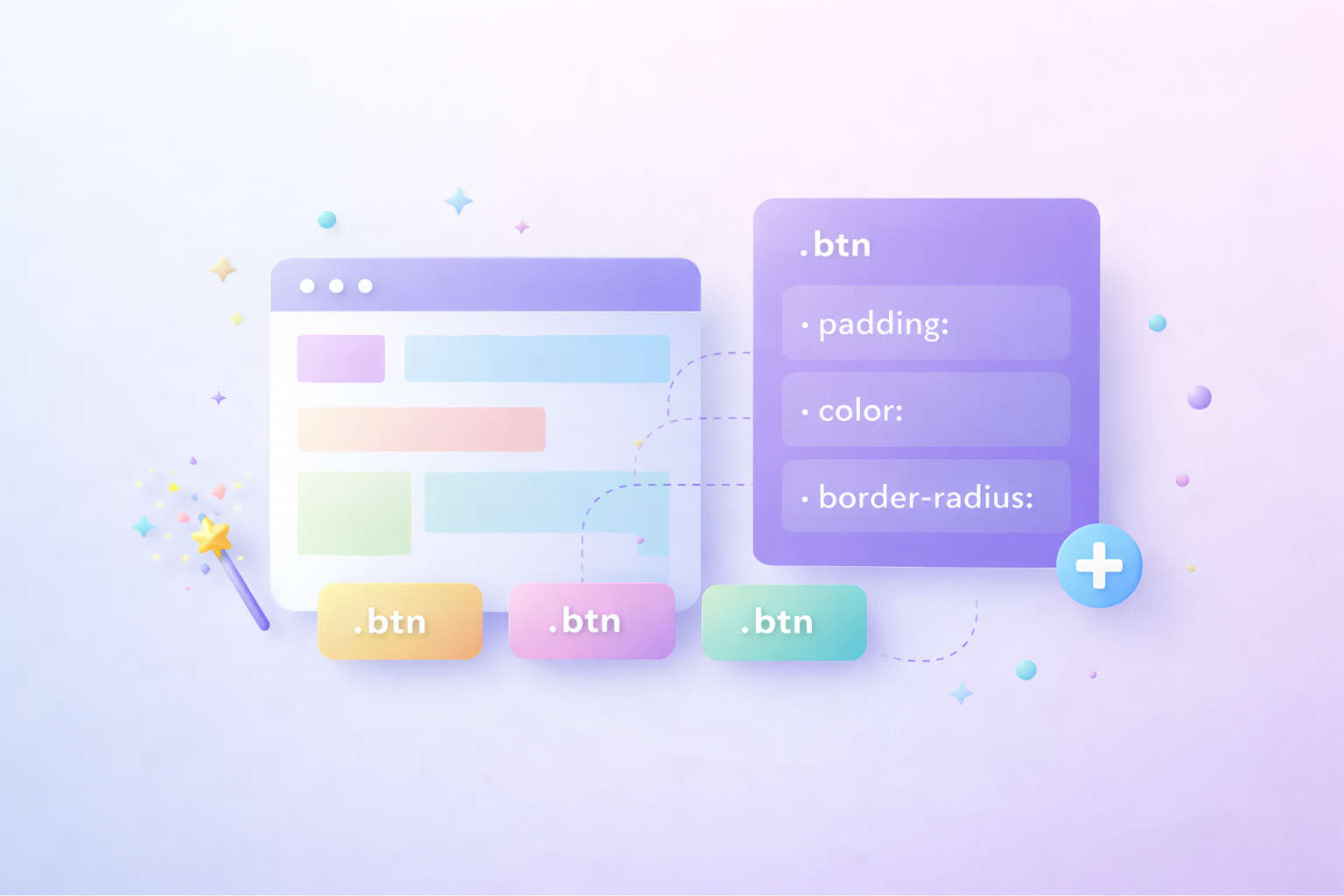
Assign class names to any element. Write CSS that targets multiple items at once. Update all instances by editing one rule. Your stylesheet stays clean and maintainable.

Give elements unique identifiers for JavaScript access. Create anchor links that scroll to specific sections. Target one element precisely without affecting others.
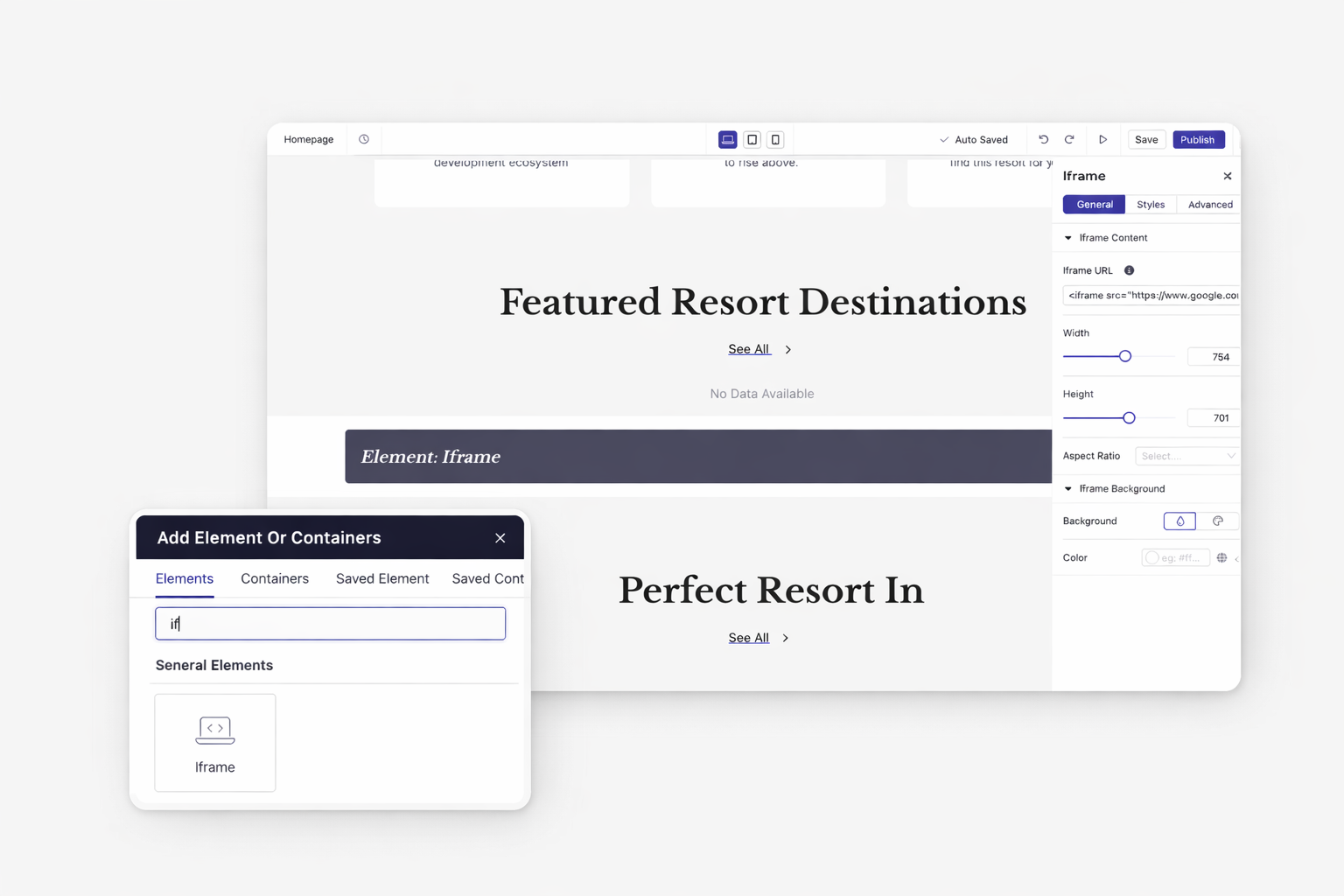
Embed videos, maps, forms, or any external content. The iframe element handles responsive sizing automatically. Your embedded content adapts to all screen sizes.
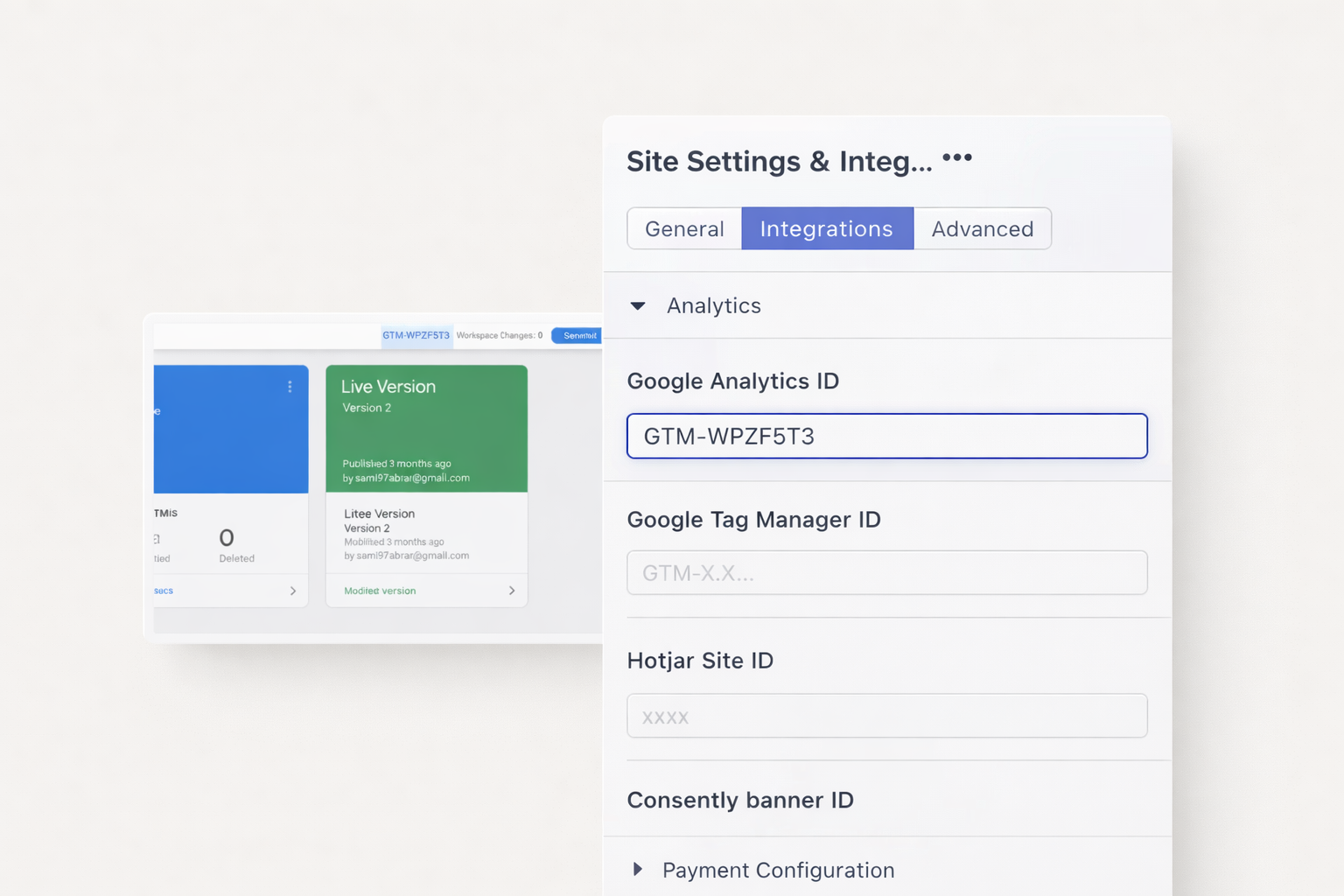
Install Google Tag Manager, Google Analytics, Facebook Pixel, or any tracking script. Add codes to the site header once. Track conversions across your entire website automatically.
Stop settling for template limitations. Add custom code exactly where you need it. Build the unique features your website demands.
Dorik supports HTML, CSS, and JavaScript. Add any client-side code to customize your website. Server-side languages like PHP are not supported.
Yes. Paste tracking scripts in your site header section. They load automatically on every page. Most analytics platforms work seamlessly.
Poorly optimized code can slow any website. Place scripts in the footer when possible. Minify CSS and JavaScript for best performance.
No. Custom code requires a paid plan. Personal, Business, and Agency plans all include full custom code access. Upgrade to add header, footer, and inline code.
Add custom classes or IDs to elements in their settings. Reference these selectors in your CSS. Use specificity rules to override default styles.
Yes. Use the iframe element to embed any external URL. External sites must allow embedding in their security settings.


❤️ This website is built with Dorik, without writing any code

© 2026 Dorik, Inc. All rights reserved