🎞️ Animations & Interactions
You have three seconds before visitors decide to stay or leave. Subtle scroll effects and hover transitions make them pause on what matters. Add motion that guides attention without touching a single line of code.
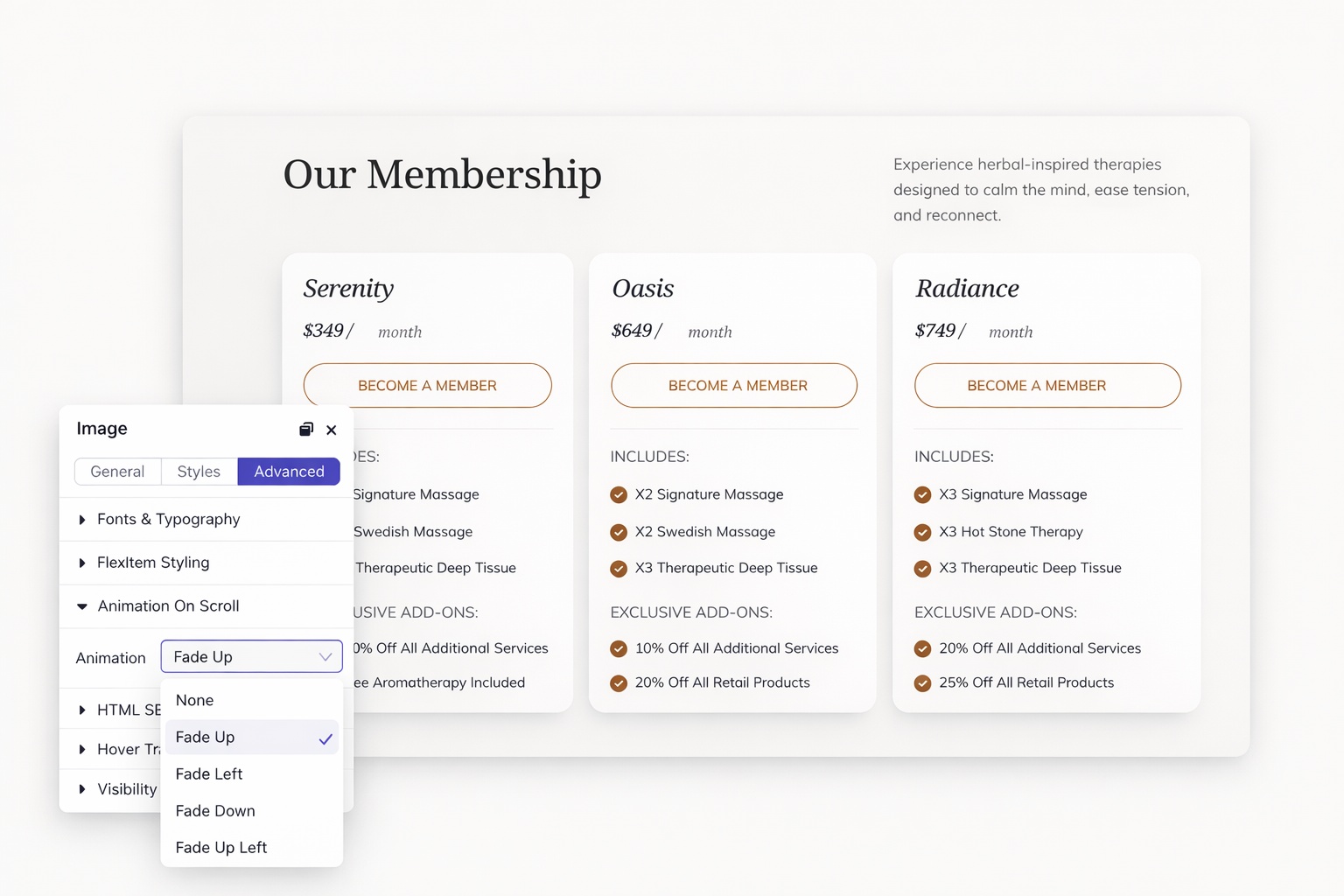
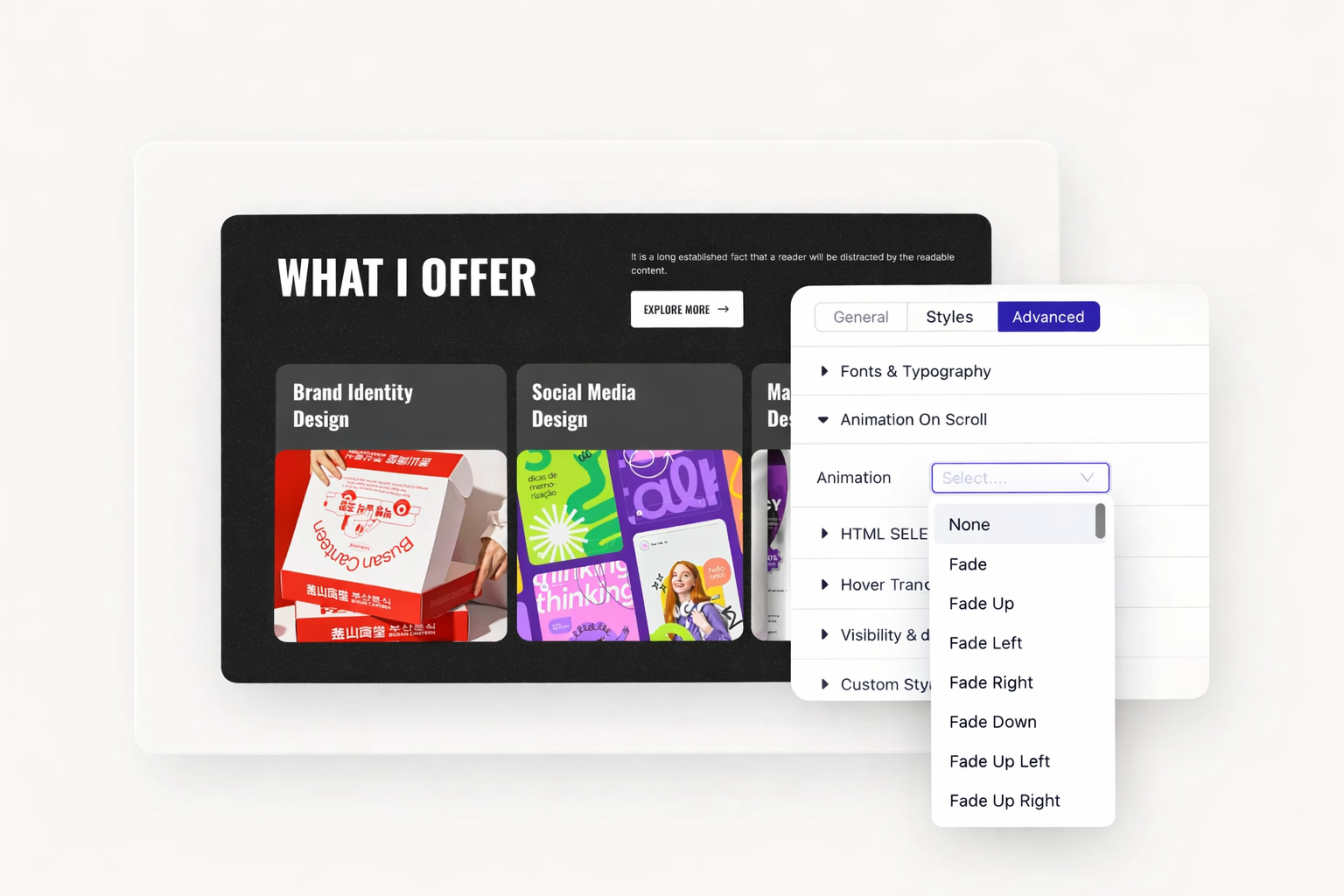
Your content deserves a grand entrance. Elements animate into view as visitors scroll down your page. Choose from fade, slide, zoom, flip, and other animation styles. Each section captures attention at exactly the right moment.
Timing matters for engagement. Set the viewport offset to control exactly when animations trigger. Your hero section can animate immediately. Content further down reveals as visitors approach. Create a storytelling flow that keeps people scrolling.
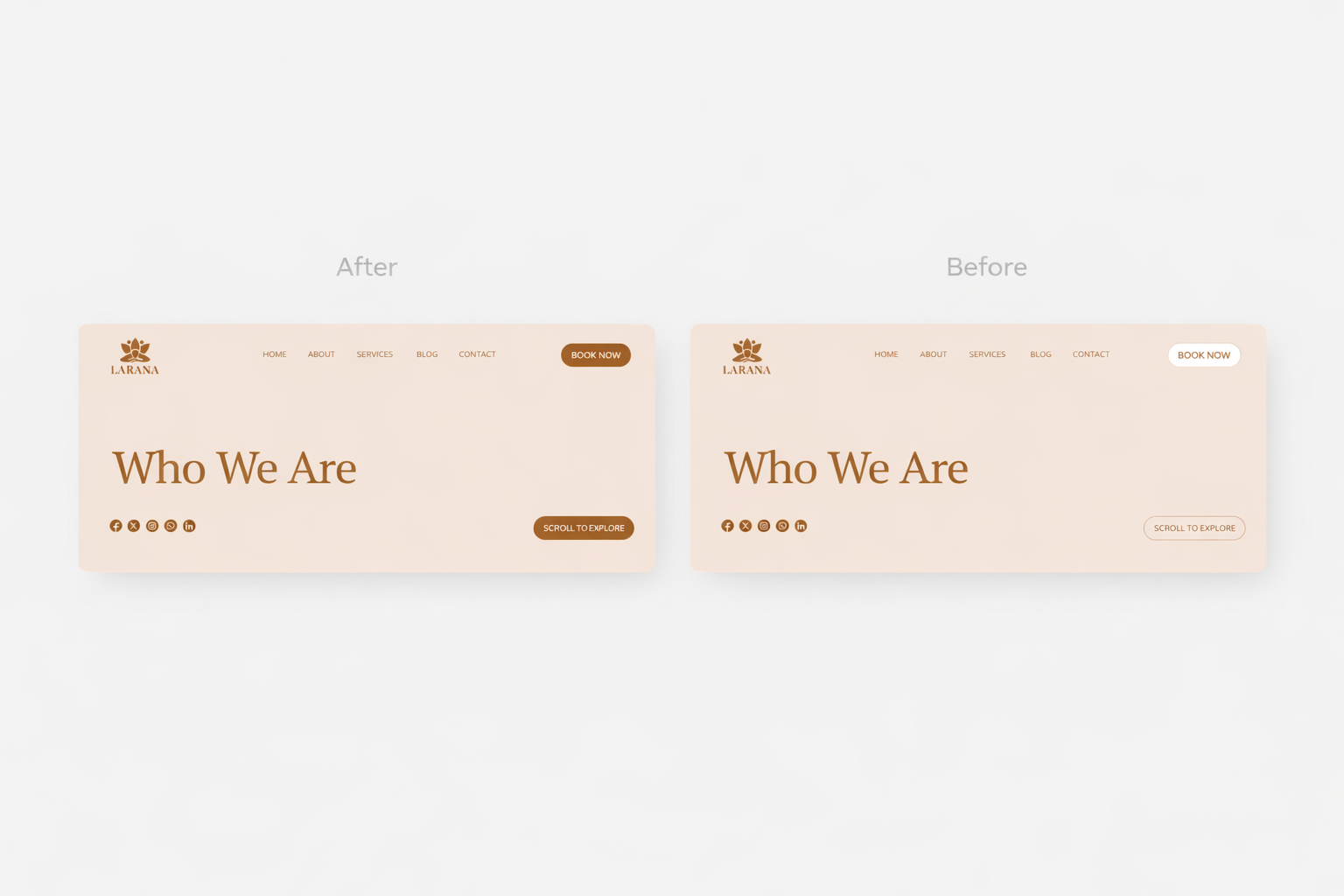
Hover effects tell visitors something is clickable. Buttons change color. Images reveal overlays. Cards lift with subtle shadows. These micro-interactions build trust and guide navigation.
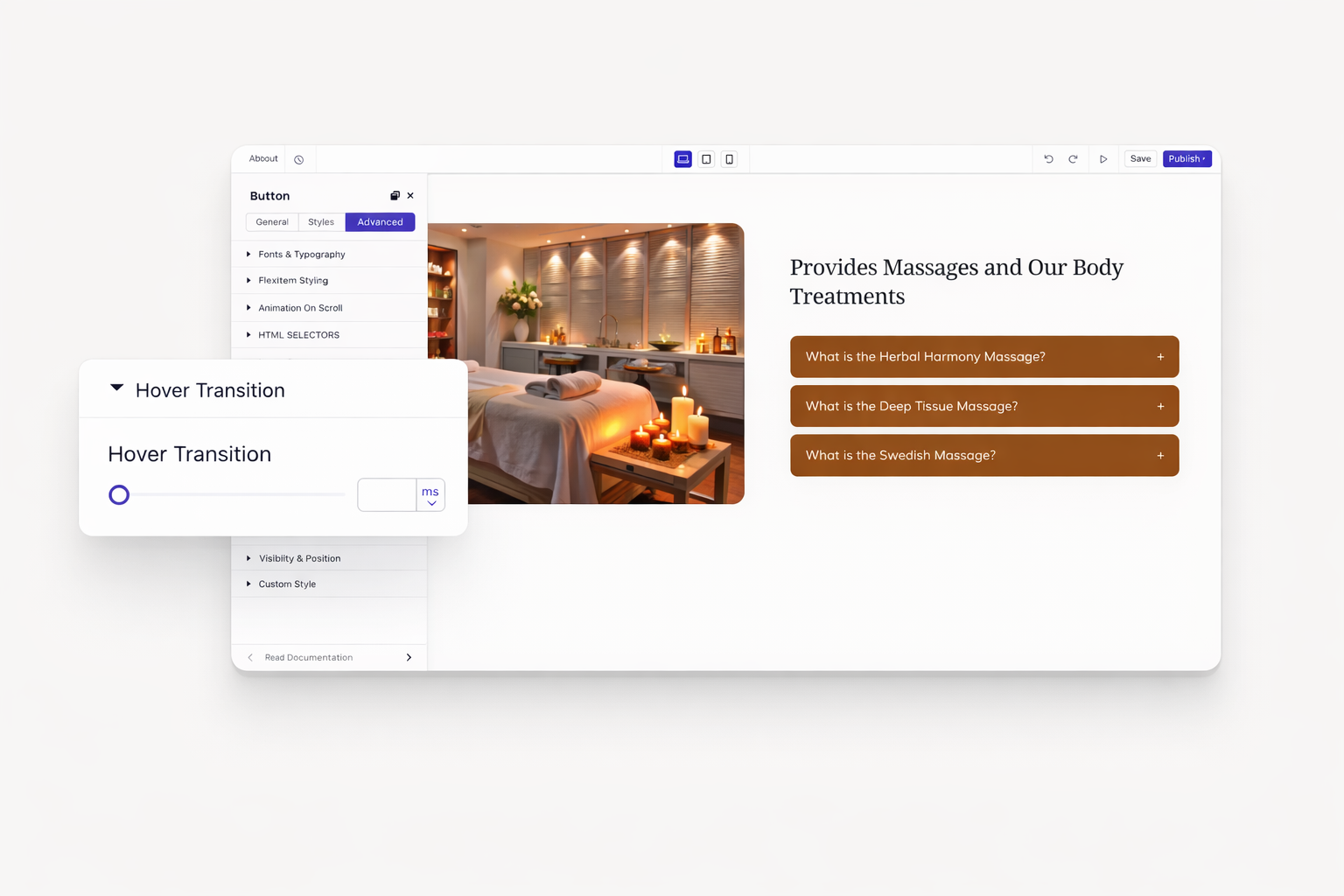
Abrupt changes feel jarring. Smooth transitions feel professional. Control how quickly elements respond to mouse movements. Set transition duration for natural, polished interactions. Your site feels responsive without being distracting.
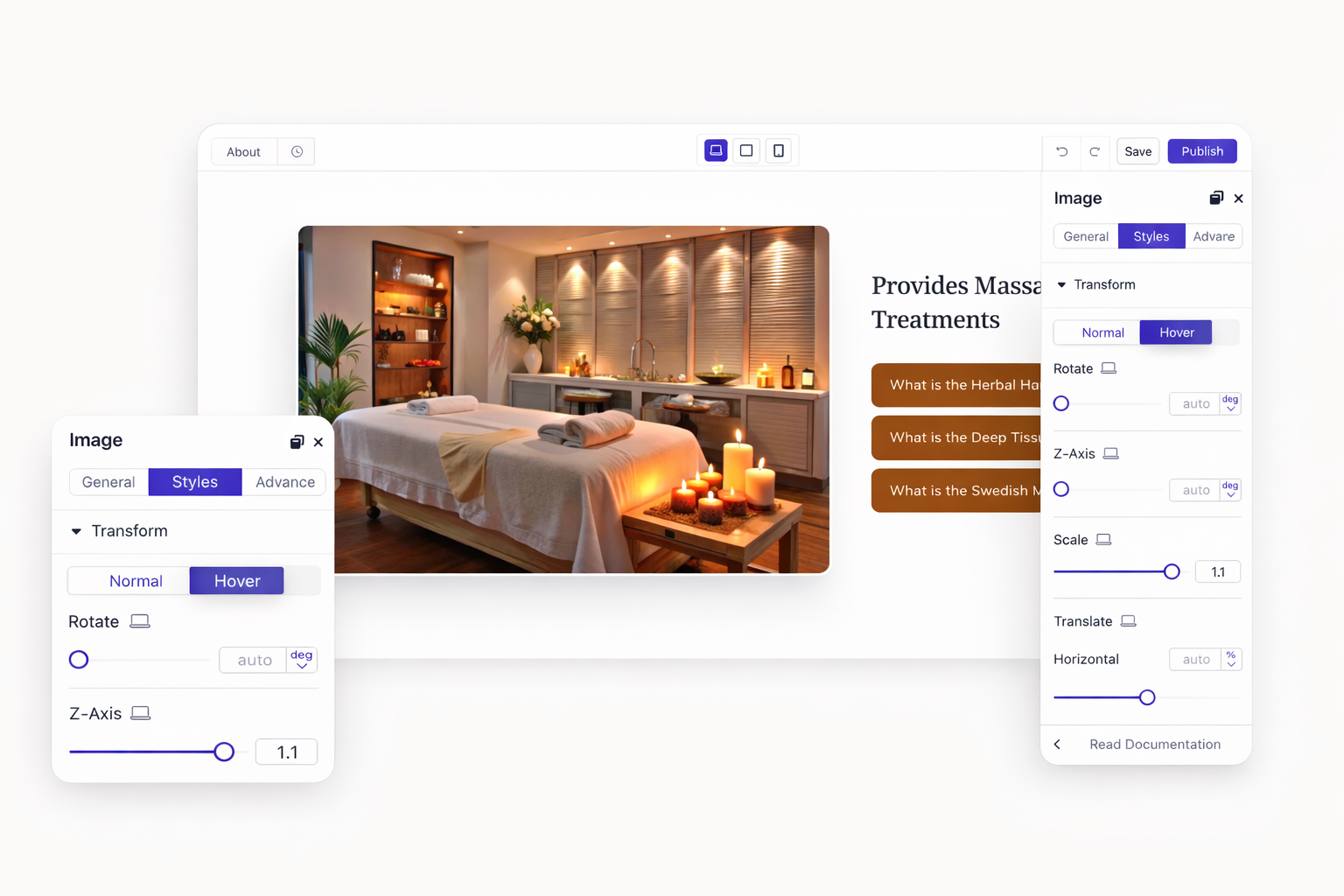
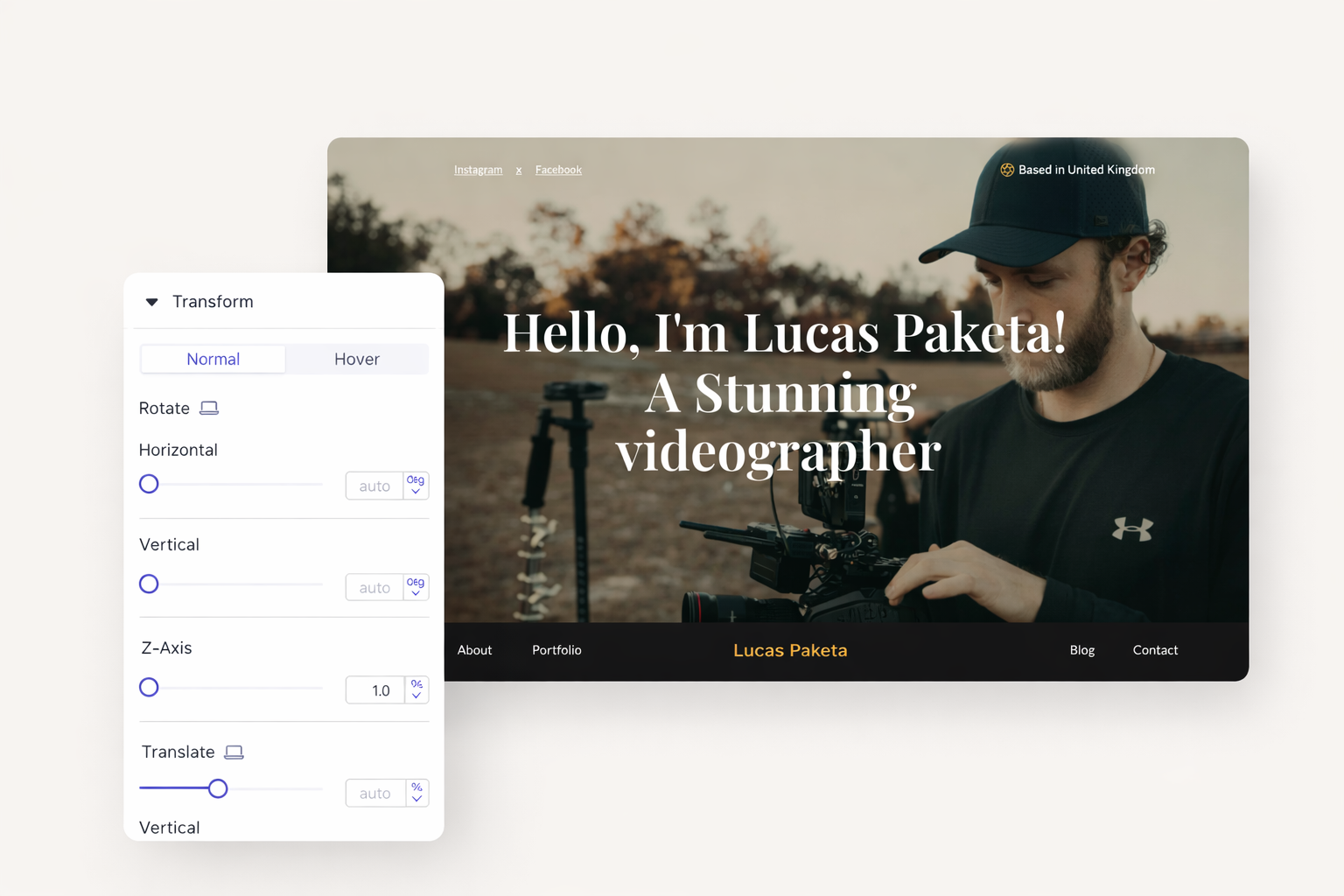
CSS transforms unlock creative possibilities. Rotate images for dynamic layouts. Scale elements for emphasis. Translate elements to create offset effects. Skew text for stylized headings. All without touching code.
Single transforms are just the beginning. Stack rotation with scaling. Add translation to skewed elements. Create unique visual effects that match your brand personality. Preview changes instantly before publishing.
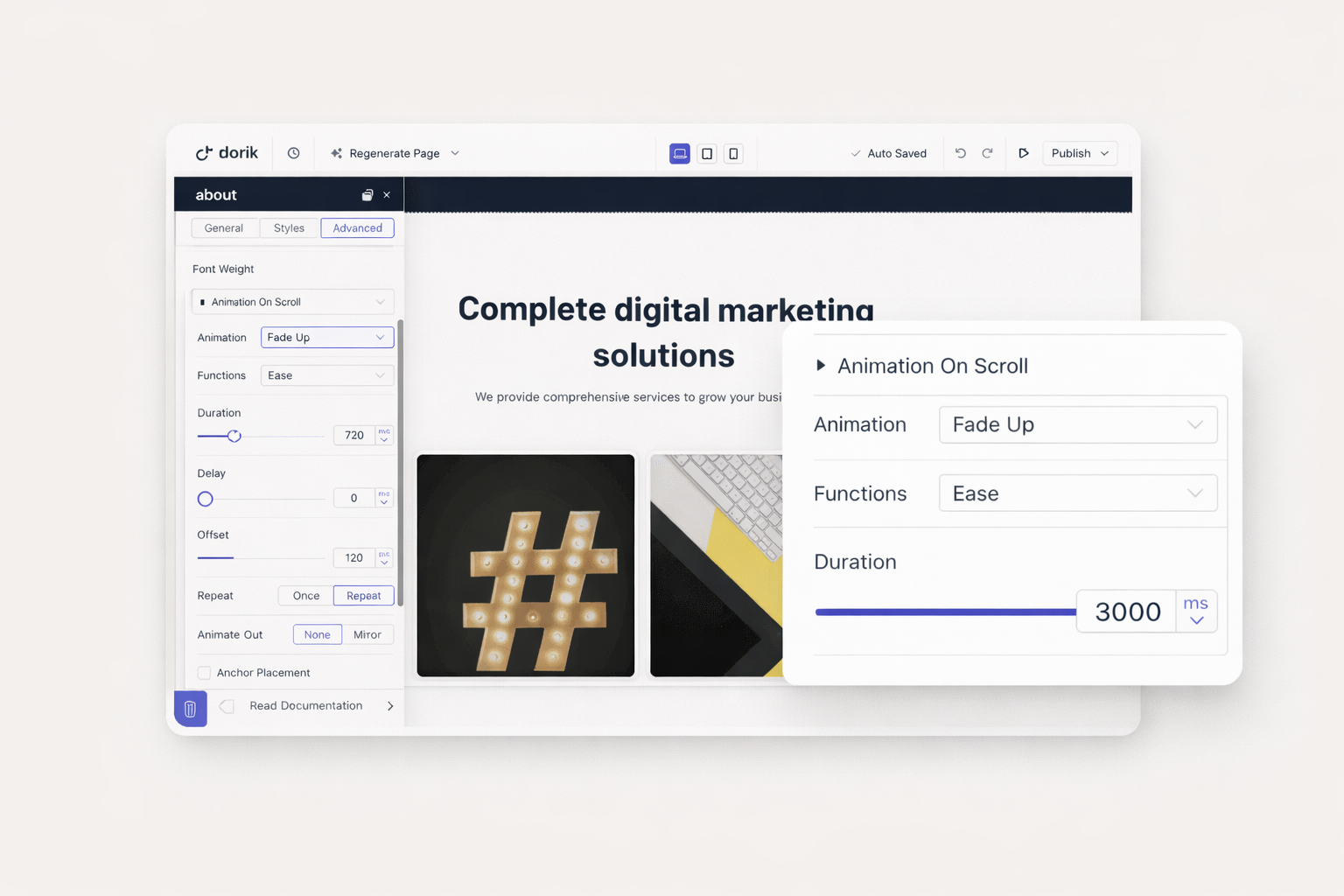
Animation speed affects user experience. Fast animations feel snappy and modern. Slower animations feel elegant and deliberate. Adjust duration in milliseconds for precise control. Match animation speed to your brand's personality.
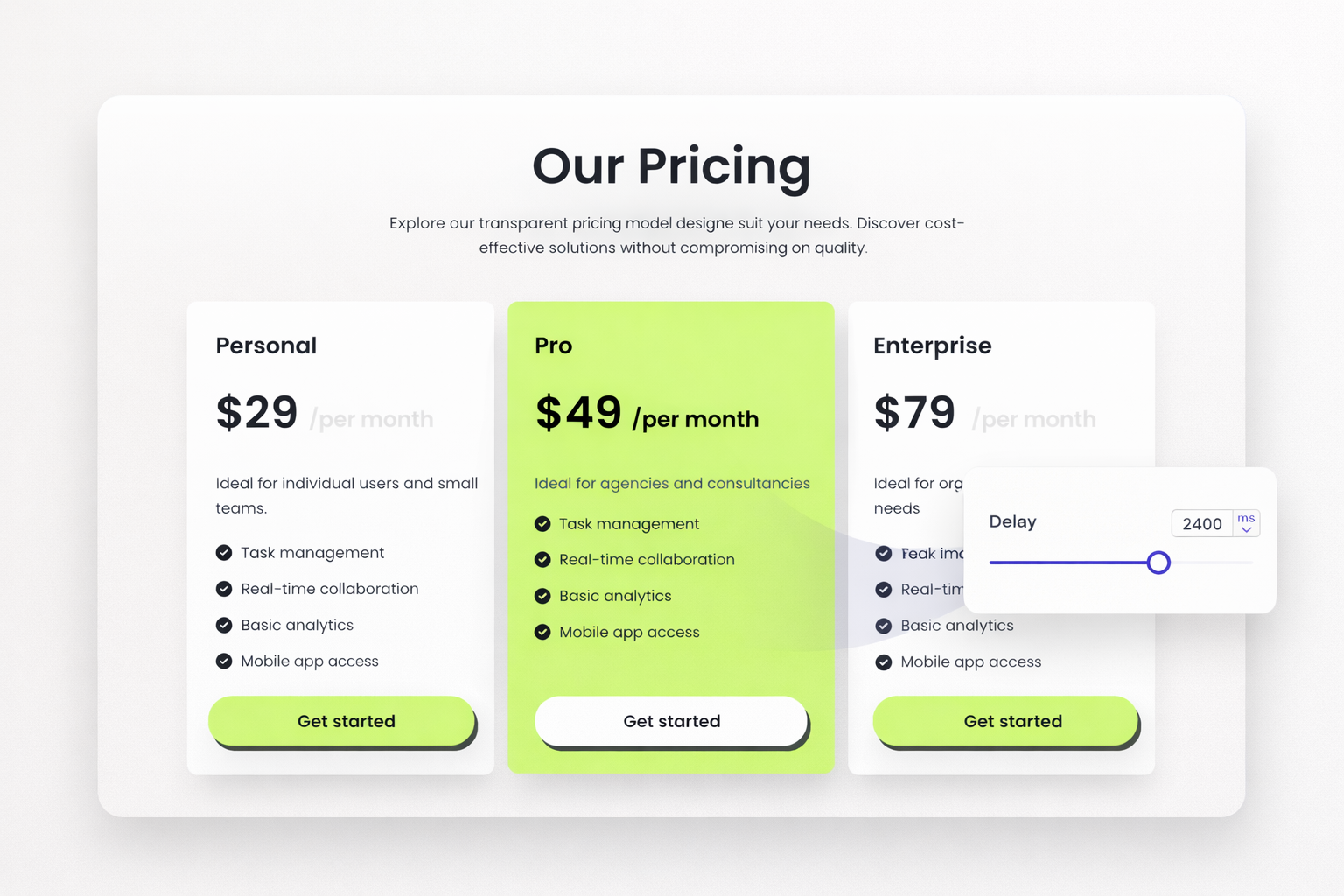
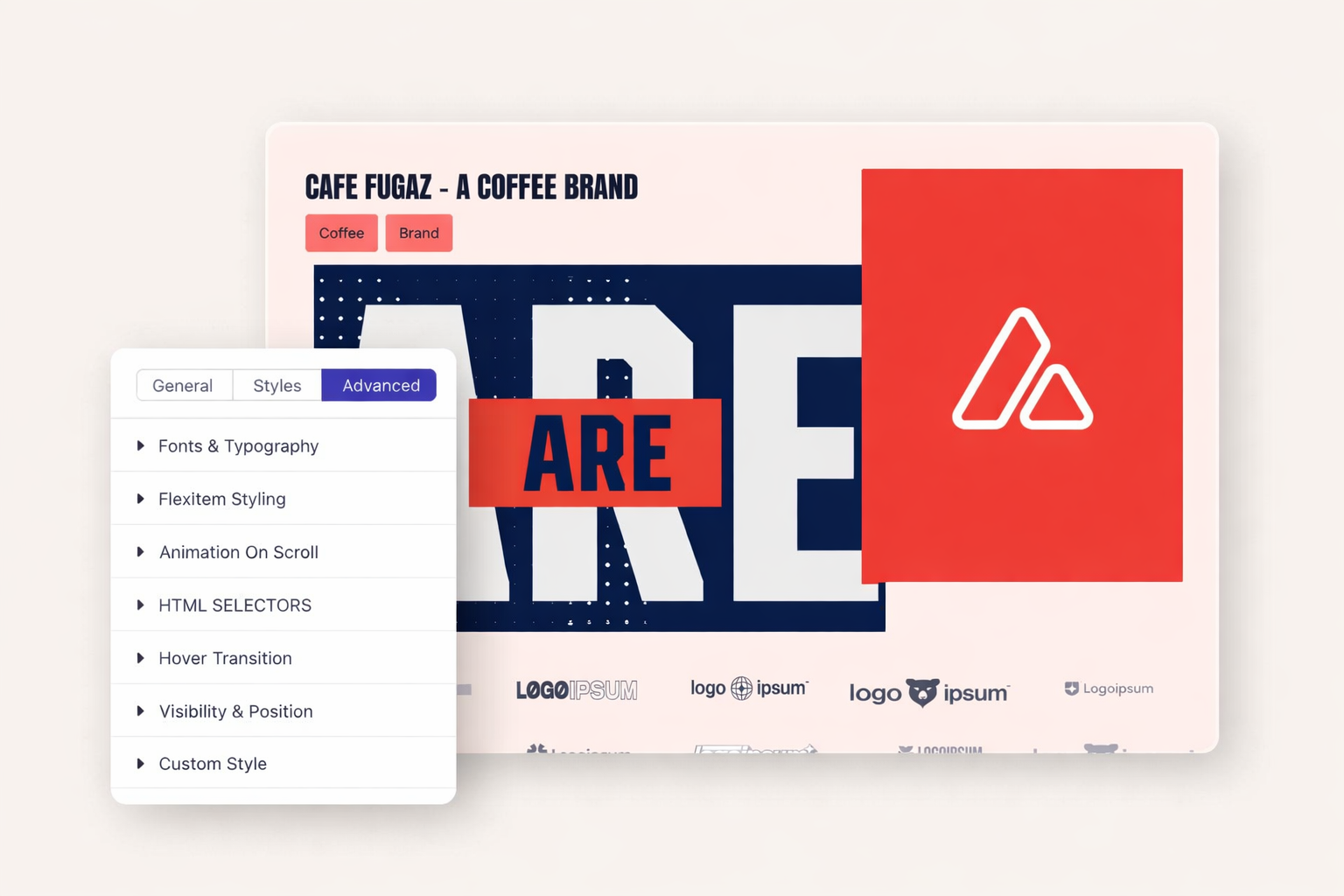
Linear animations feel robotic. Easing creates natural motion. Elements accelerate and decelerate like real objects. Choose from ease-in, ease-out, or custom easing curves. Your animations feel organic and polished.
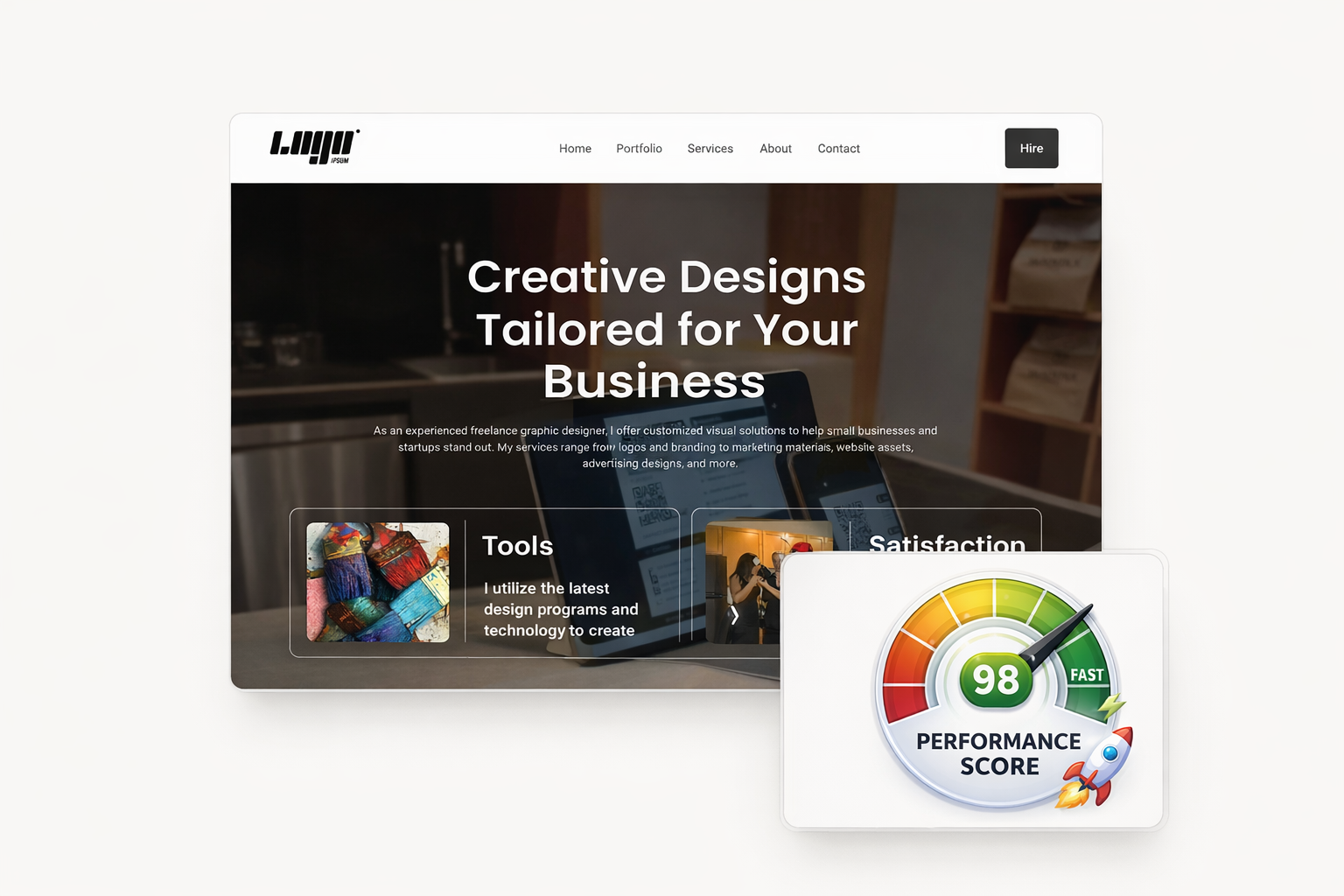
Performance matters for engagement. Heavy animations slow page loads. Dorik's animations use optimized CSS. Your site stays fast while looking dynamic. Visitors enjoy smooth experiences without waiting.
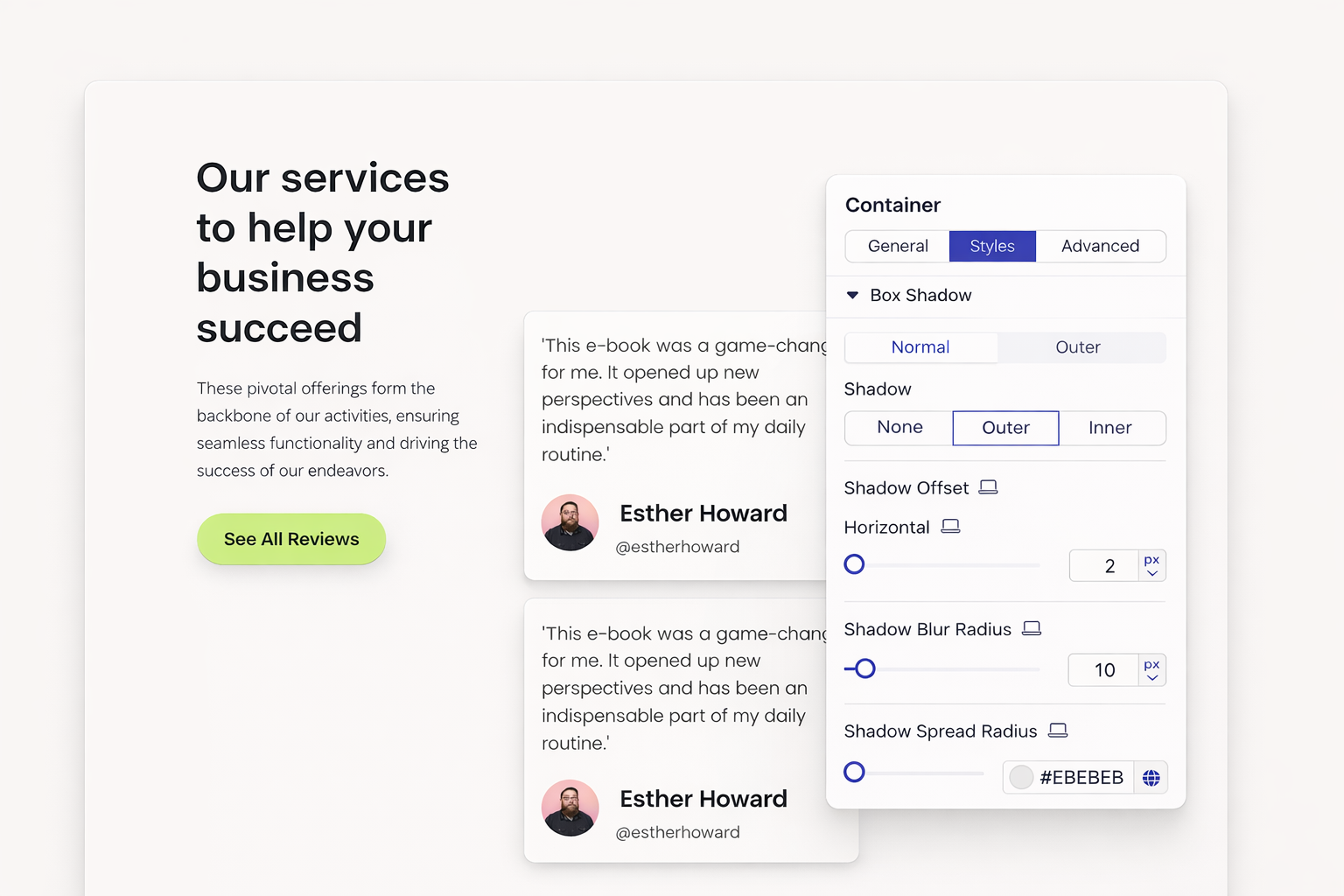
Flat design needs subtle depth. Box shadows lift elements off the page. Cards float above backgrounds. Buttons appear clickable. Control shadow color, blur, spread, and offset. Create consistent depth across your design.
Staggered animations create visual rhythm. Delay the second element. Delay the third a bit more. Content reveals in sequence, guiding attention naturally. Your page feels choreographed, not chaotic.
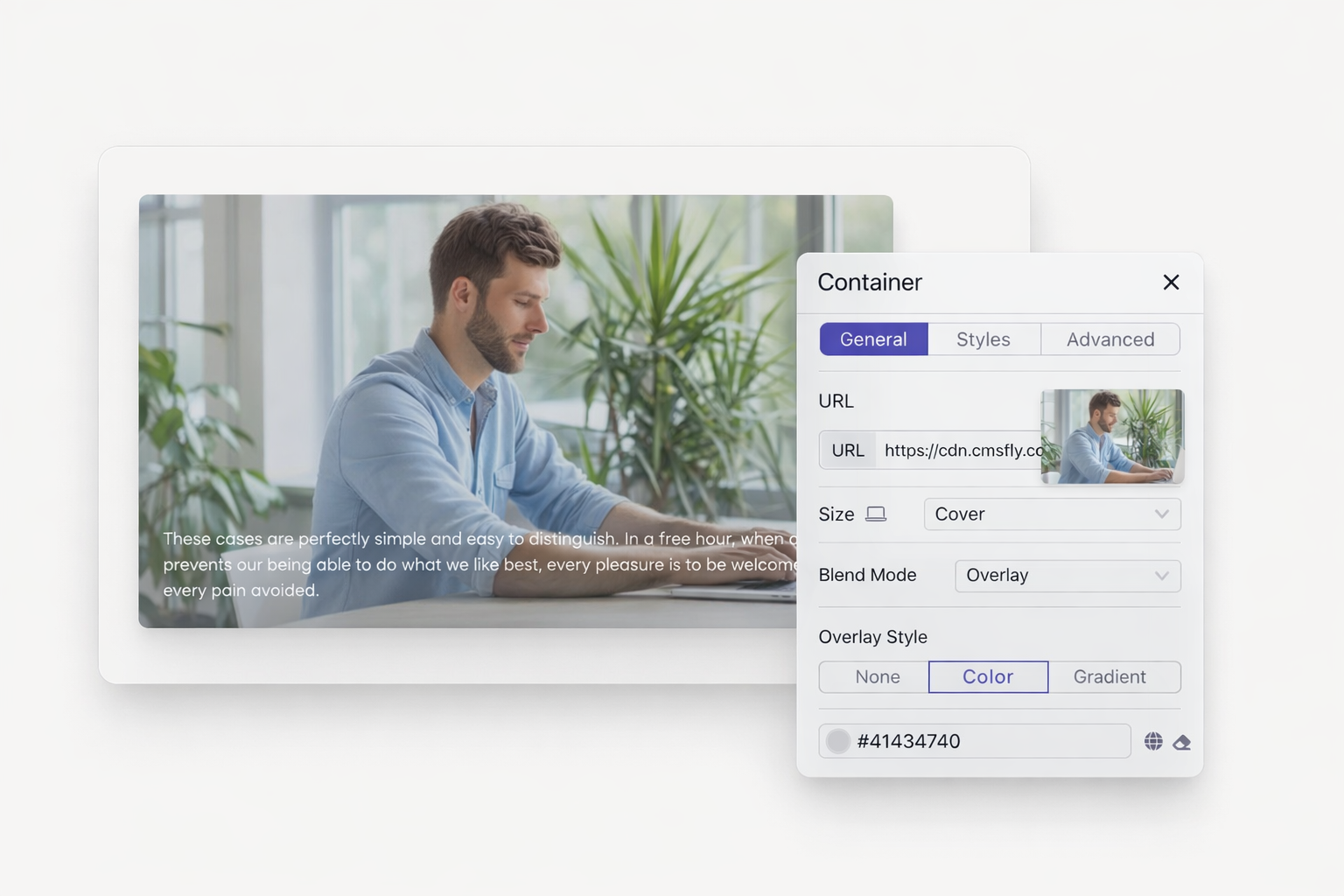
Transform your static pages into dynamic experiences. Scroll animations, hover effects, and transforms bring your content to life. No coding required. Start building with motion that captures attention.
Dorik uses CSS-based animations optimized for performance. They run smoothly without impacting page load times. Your site remains fast while delivering engaging visual effects.
Yes. You can hide animated elements on specific devices. This ensures optimal performance on mobile while maintaining desktop effects. Control visibility per breakpoint.
Choose from fade, slide, zoom, flip, and rotate effects. Each type includes directional options. Slide animations can enter from left, right, top, or bottom. Customize to match your design vision.
Select your button element and access the Styles tab. Configure background color, text color, or transform effects for the hover state. Set transition duration for smooth changes.
Yes. Apply animations to any element including sections, containers, images, and text. Use delay settings to create sequenced reveals. Build coordinated animations across your entire page.
Absolutely. Dorik's animations complement custom CSS. Add parallax effects or advanced motion through code injection. Combine built-in features with your own creative touches.

❤️ This website is built with Dorik, without writing any code

© 2026 Dorik, Inc. All rights reserved