📊 Airtable Integration
Stop copying data between spreadsheets and websites. Connect your Airtable base to Dorik and display job boards, directories, or product catalogs that update themselves. Edit in Airtable, publish everywhere.
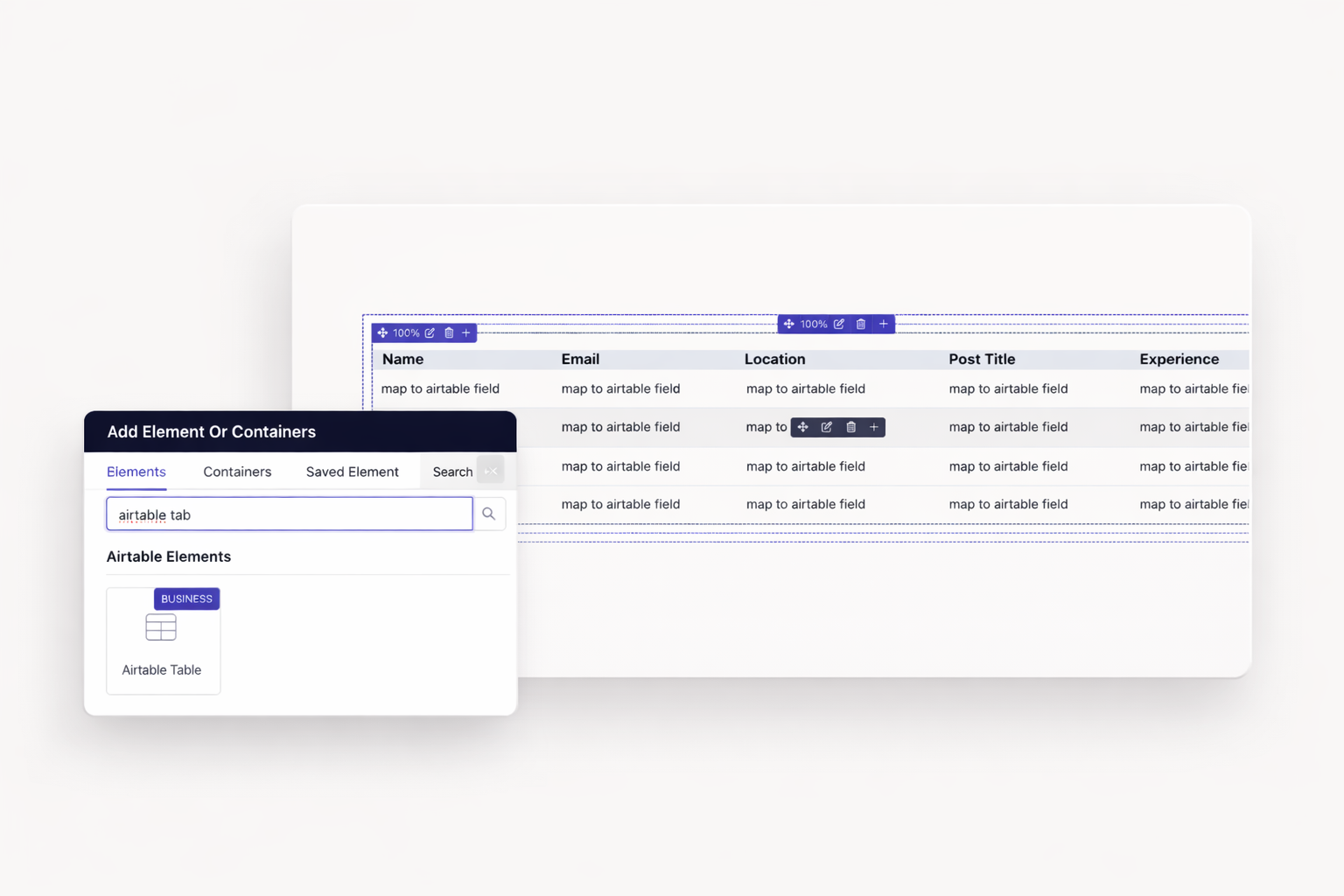
Present structured information in familiar rows and columns. Sort by any field. Search across all columns. Perfect for pricing tables, specifications, or comparison charts.
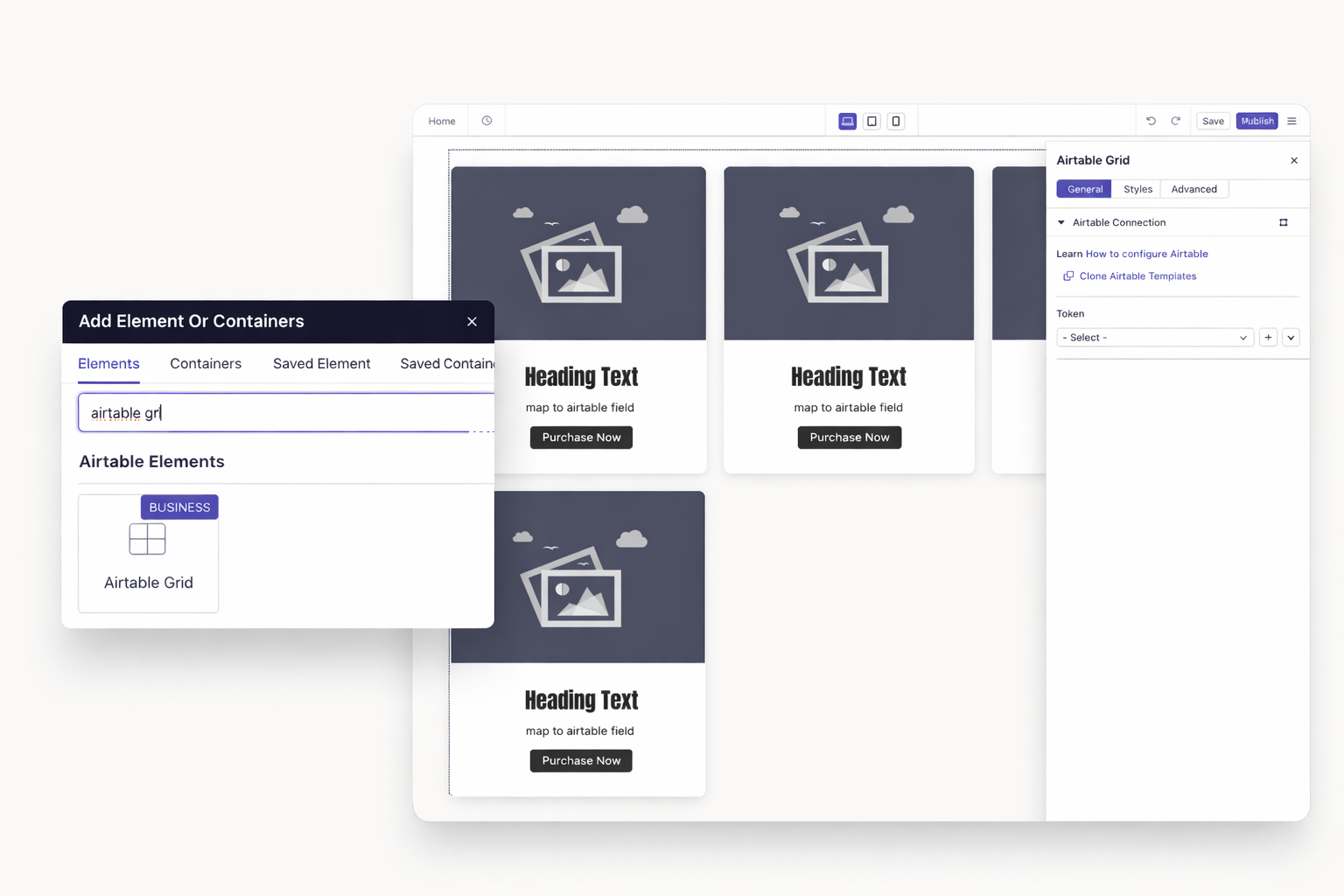
Display images, cards, and thumbnails in responsive layouts. Ideal for portfolios, product galleries, or team directories. Visitors browse visually before clicking for details.
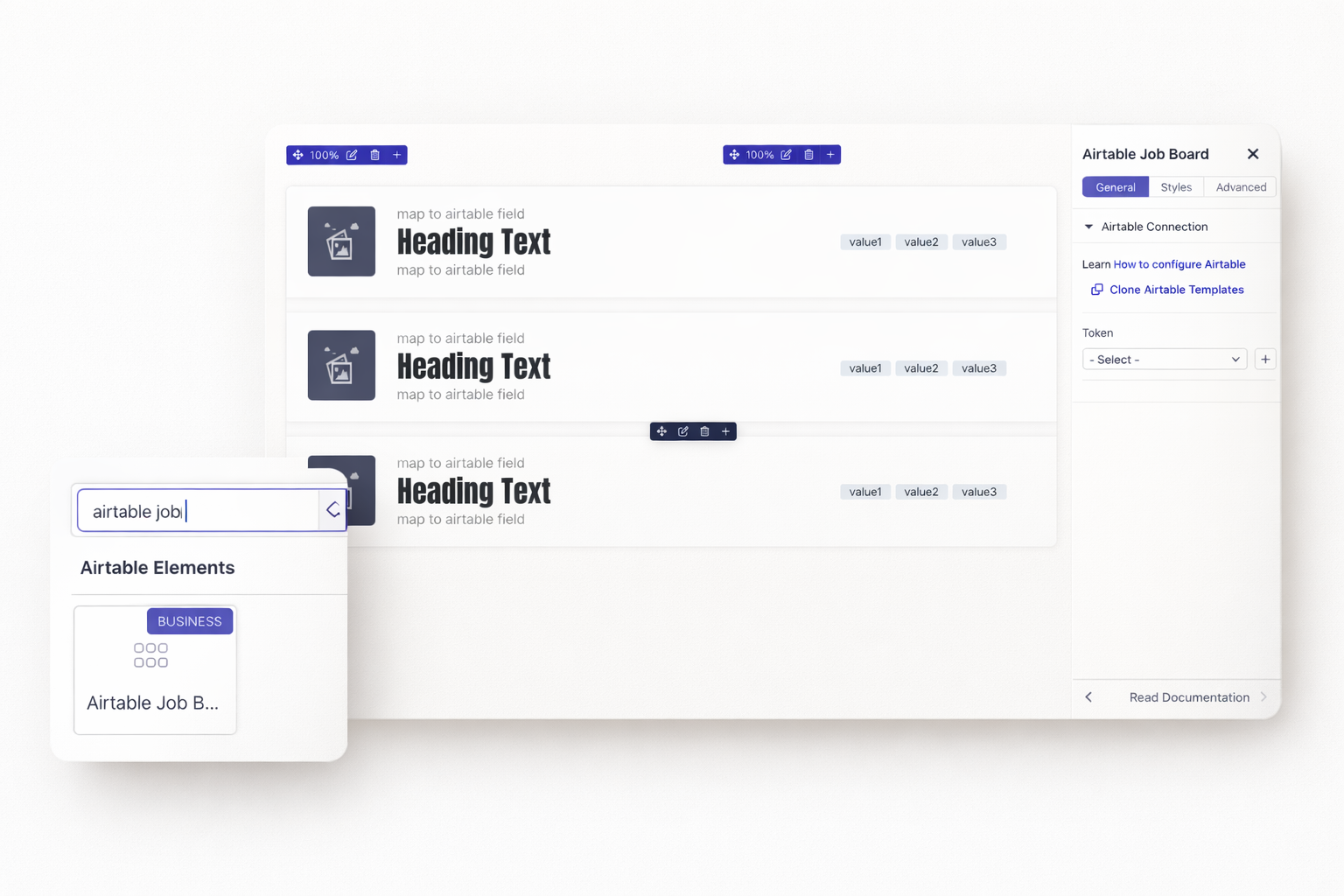
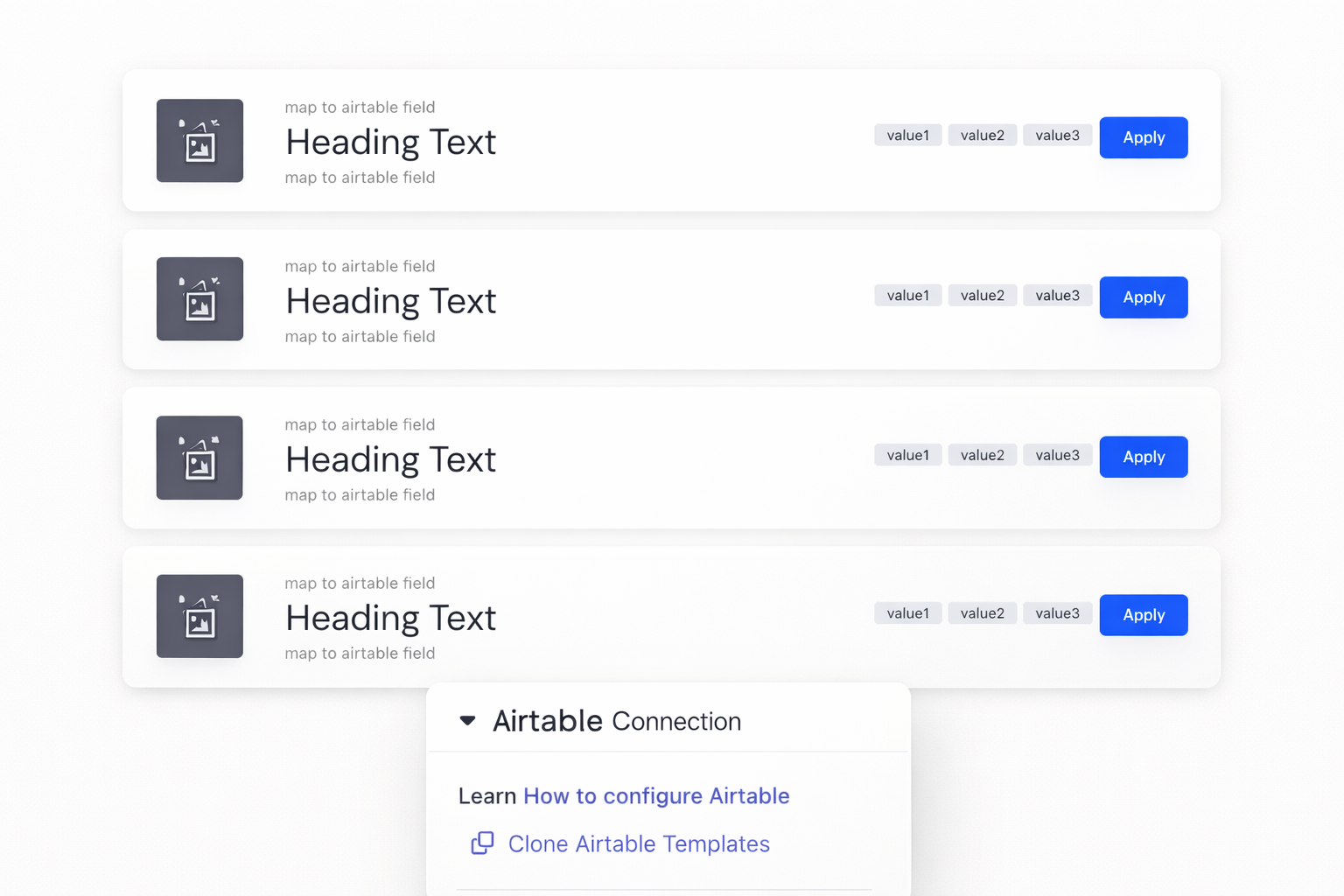
Purpose-built element for job listings. Includes location, department, and job type filters out of the box. Professional design matches any website style.
Create dedicated pages for individual records. Display all fields from your Airtable base. Add rich formatting and media. Build the complete picture for each item.
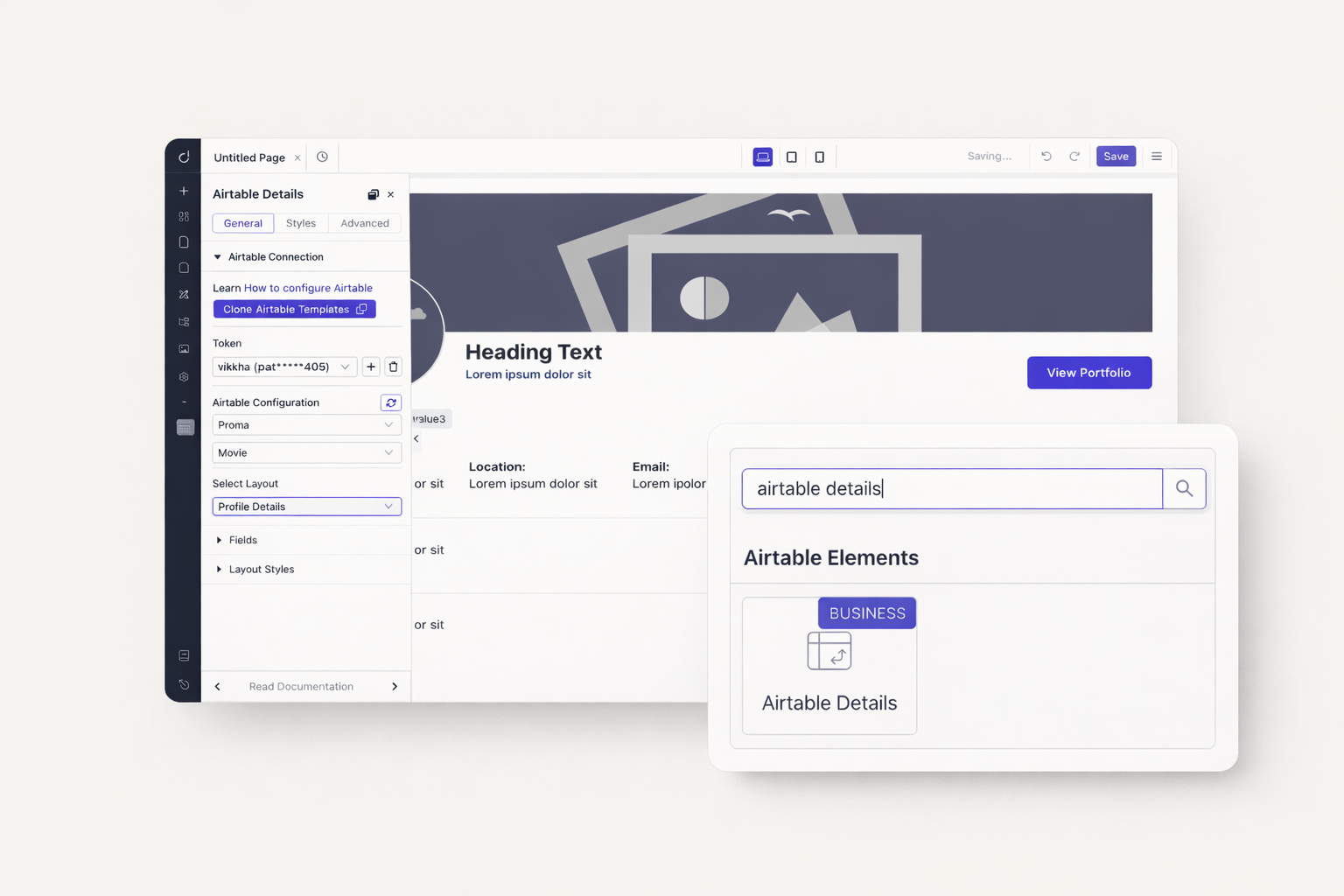
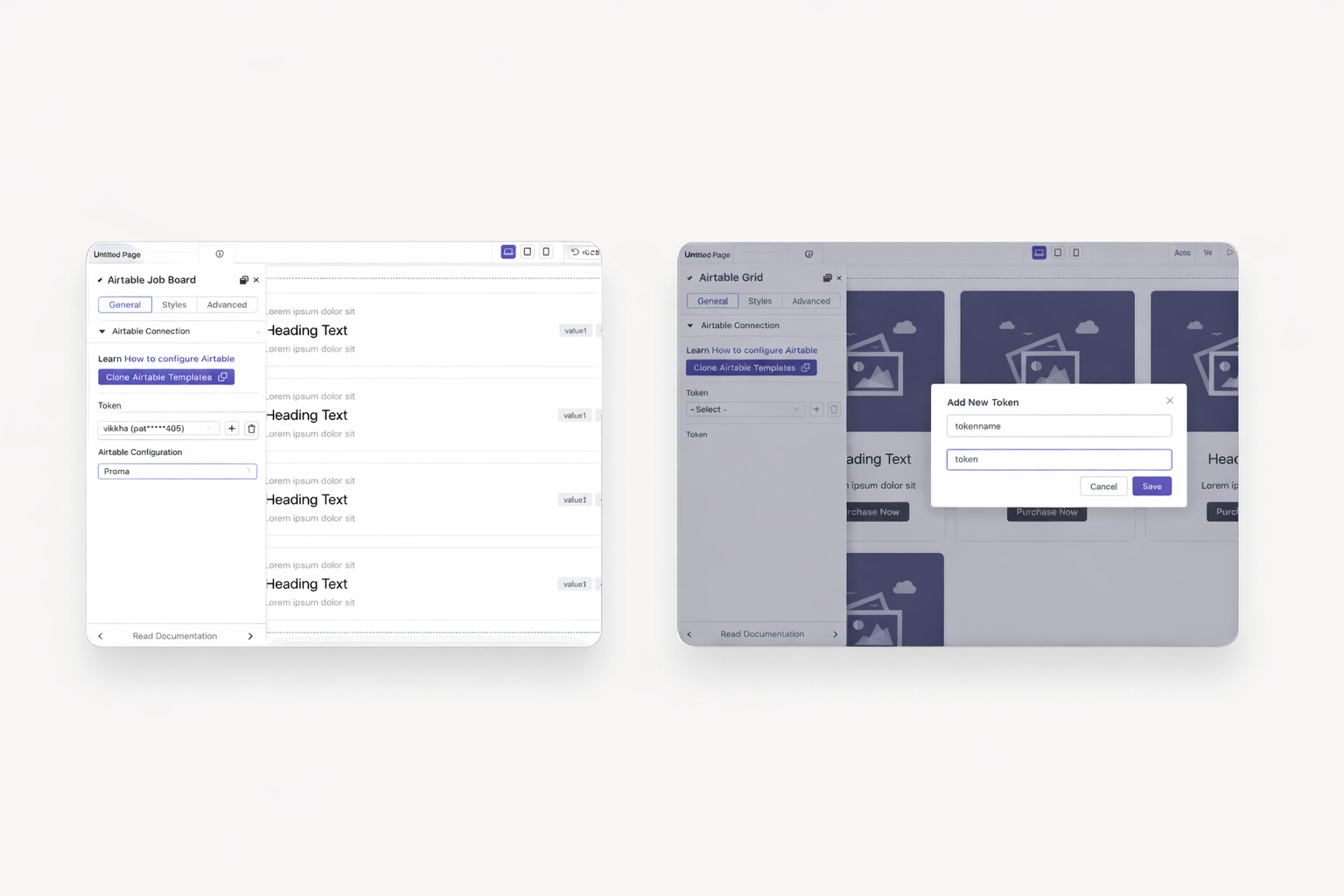
Skip complex API configurations. Copy your Airtable Personal Access Token and paste it into Dorik. Select your base and table. Your data appears immediately. The entire connection process takes under five minutes.
Not sure how to structure your Airtable base? Clone our pre-built templates with sample data. Experiment with different layouts and field types. When ready, swap in your own data. Zero risk experimentation.
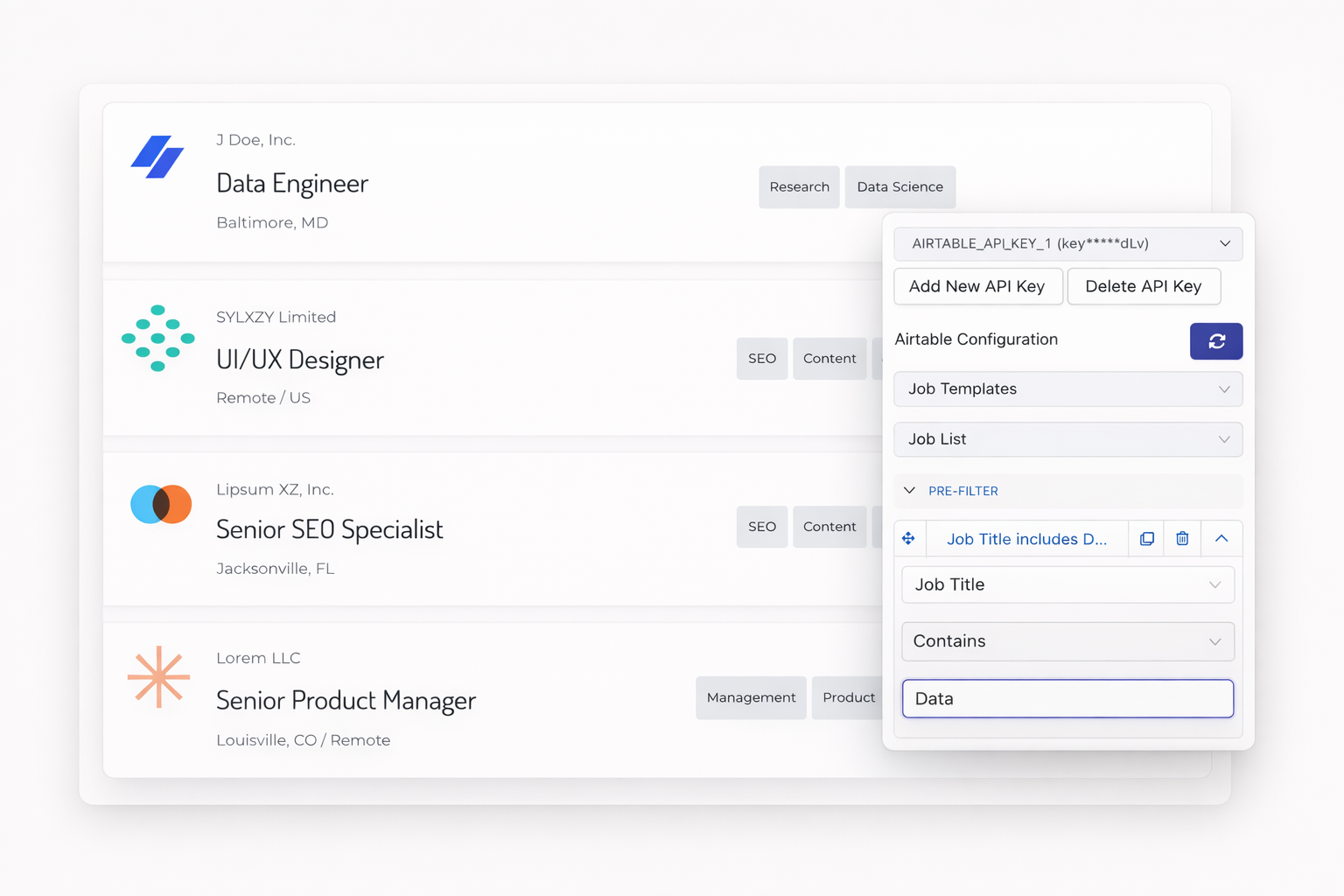
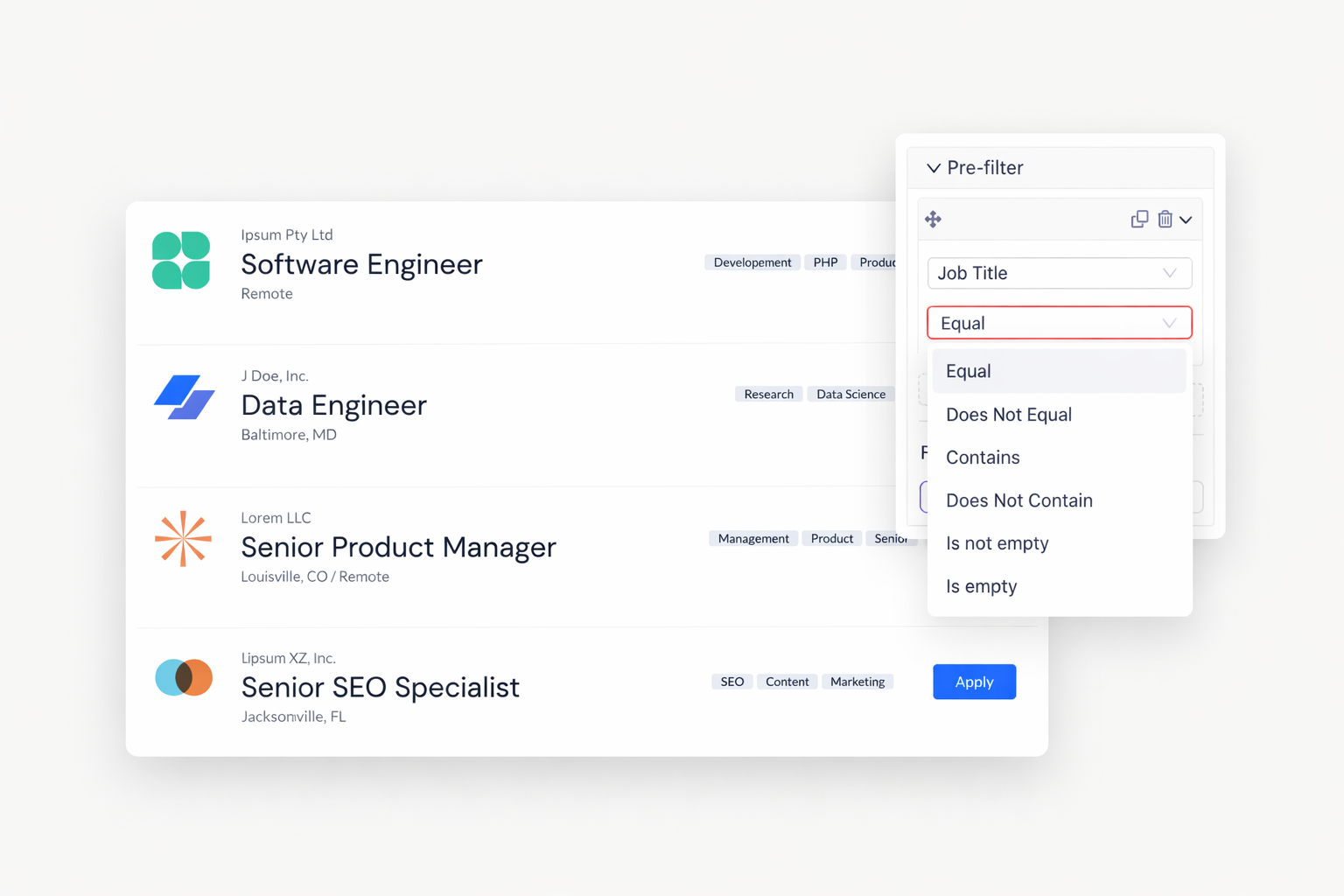
Control what visitors see using pre-filter options. Show only active job listings. Display products in a specific category. Hide draft items automatically. Six filter types handle any condition you need.
Add interactive search and filter controls to any Airtable element. Visitors narrow results by typing keywords. They select from dropdown filters. Multiple conditions combine for precise results.
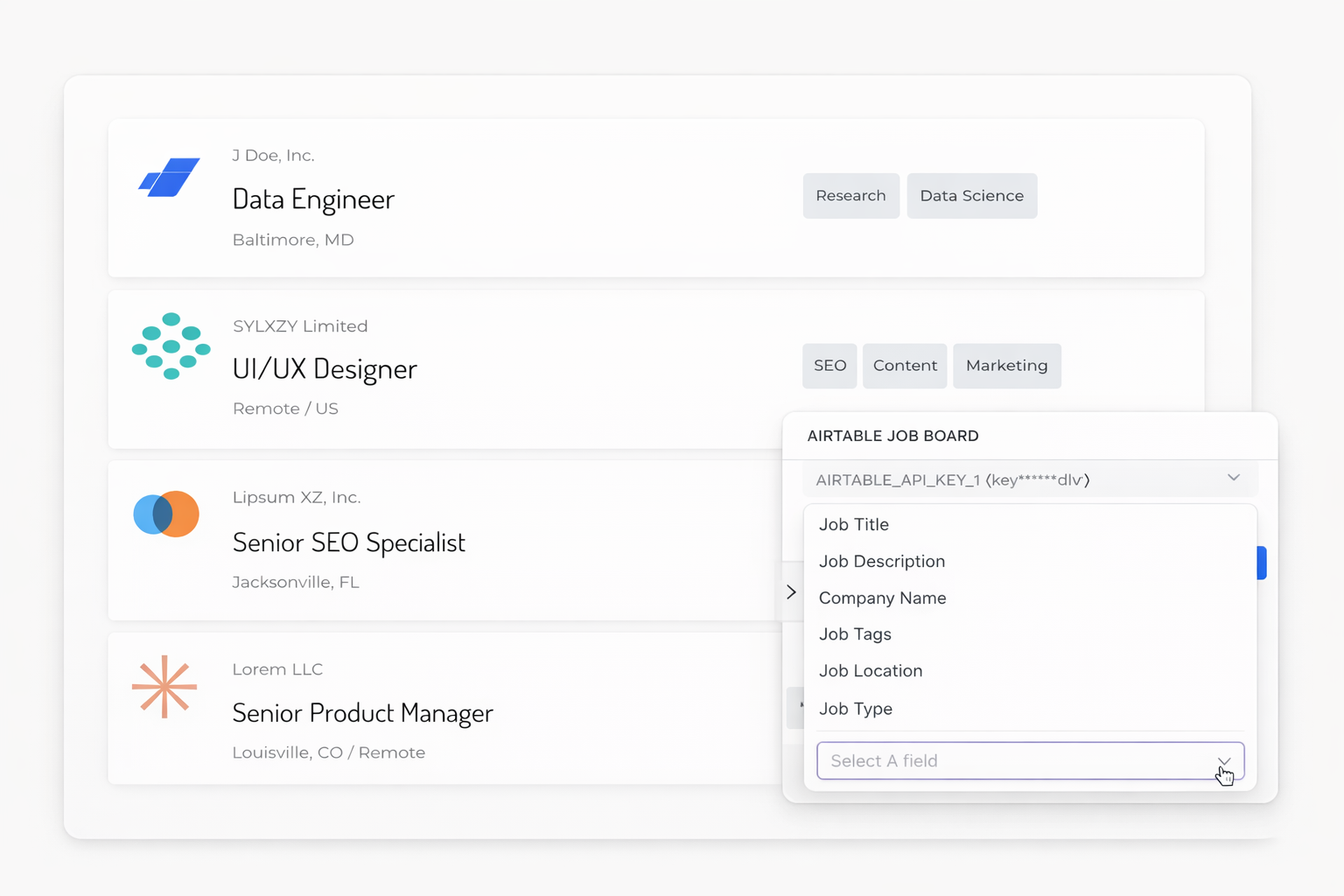
Display Formula fields with calculated values. Show Rollup totals from linked records. Pull Lookup data from connected tables. Dorik handles the complexity. You just select which fields to display.
Capture leads, applications, or submissions through Dorik forms. Route responses directly to your Airtable base using Make/Integromat. No manual data entry required.
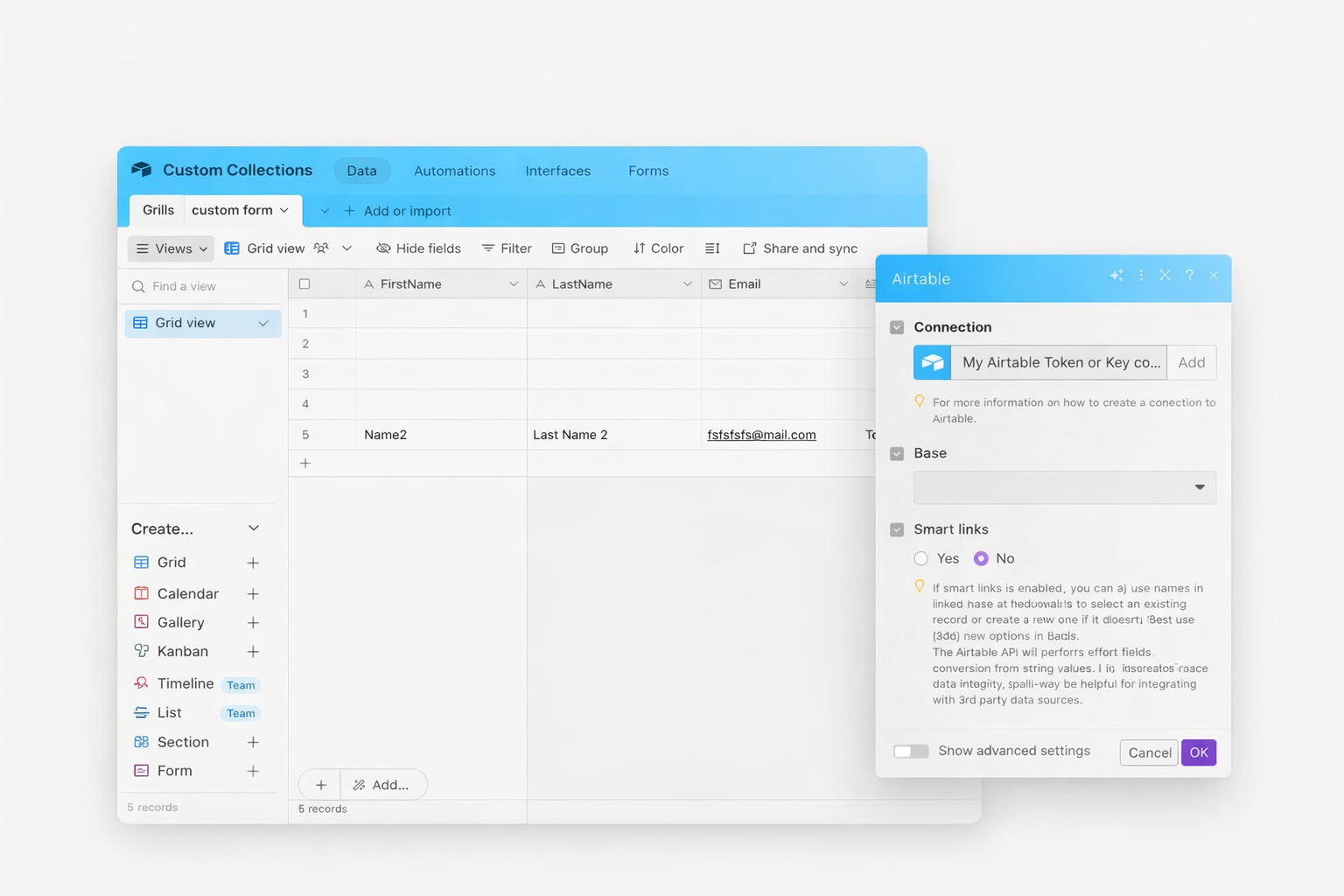
Connect your Airtable base to Dorik in minutes. Display dynamic data without writing code. Build job boards, directories, and data-driven pages that update automatically.
No coding required. Copy your Personal Access Token from Airtable and paste it into Dorik. Select your base and table from dropdown menus. The visual builder handles everything else.
Changes sync in real-time. Add a new record to Airtable, and it displays on your site immediately. Update a field, and visitors see the change without any republishing.
Dorik displays Airtable data as read-only content. For data collection, use Dorik forms connected to Airtable via Make/Integromat. This keeps your database secure while capturing submissions.
Dorik supports standard fields plus advanced types including Formula, Rollup, and Lookup fields. Attachments display as images. Linked records show related data.
Yes. Apply pre-filters to show only records matching specific conditions. Use six filter types including equal, contains, greater than, and date comparisons. Visitors never see filtered-out records.
No artificial limits on records displayed. Performance depends on your Airtable base size. For large datasets, use filtering to show relevant subsets.
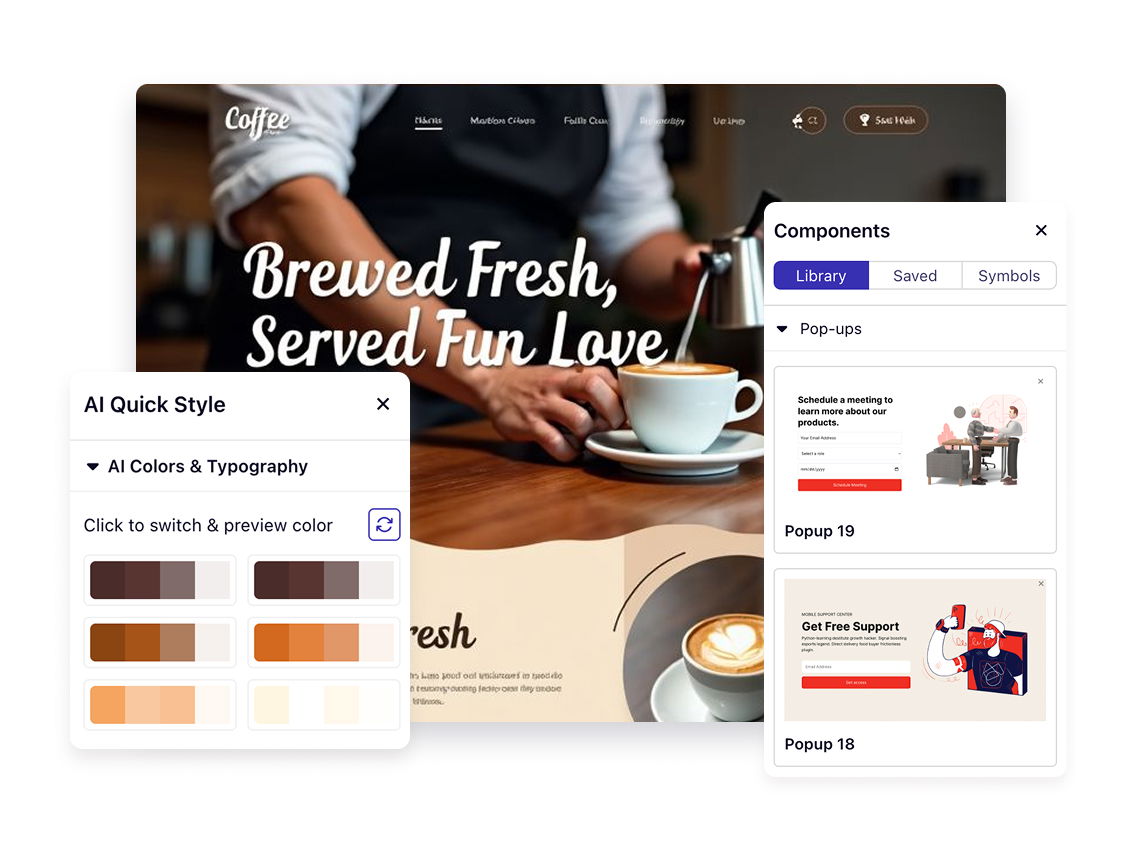


❤️ This website is built with Dorik, without writing any code

© 2026 Dorik, Inc. All rights reserved