Can I organize episodes by season or category?
Yes, Dorik's CMS lets you create custom collections and categories for your episodes. You can structure content by season, topic, guest type, or any organizational system that serves your show's format and helps listeners navigate your archive.
Does the audio player work with all podcast hosting services?
The audio player accepts standard audio file formats and embed codes from major podcast hosting platforms. You can upload audio files directly to Dorik or embed players from services like Spotify, Apple Podcasts, or your preferred hosting provider.
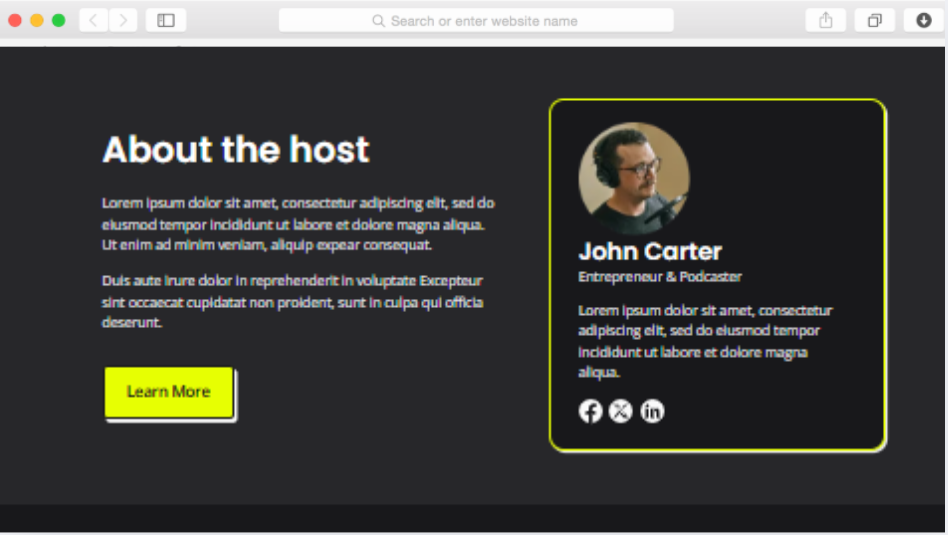
How do I showcase multiple hosts or guests?
The team members section supports unlimited profiles with images, bios, and social links. Add as many hosts, co-hosts, or recurring guests as needed, creating dedicated profiles that help listeners connect with the voices behind your episodes.
Can visitors subscribe to my podcast directly from the site?
Yes, through multiple pathways. Newsletter signup forms capture email subscribers, while social icons link to your podcast on streaming platforms. You can also add subscription buttons in the header, footer, or call-to-action sections directing visitors to Apple Podcasts, Spotify, or other directories.
Is the blog necessary if I only want to share audio content?
No, the blog is optional. However, written content significantly improves search visibility and provides alternative entry points for new listeners. Episode show notes, guest interviews, or topic expansions help search engines understand and rank your podcast content effectively.
How does pagination help with large episode archives?
Pagination divides your episode list into manageable pages, improving load times and user experience. Instead of overwhelming visitors with hundreds of episodes on one page, pagination creates an organized browsing experience while maintaining site performance as your archive grows.
Can I collect listener feedback through the site?
Yes, the contact form provides a direct communication channel for listener questions, guest suggestions, topic requests, and general feedback. This creates engagement opportunities that streaming platforms don't offer, helping you build stronger listener relationships.
Do I need coding skills to customize the template?
No coding required. Dorik's drag-and-drop editor makes all customization visual and intuitive. Change colors, adjust layouts, modify typography, add or remove sections—everything happens through the visual interface. Advanced users can add custom CSS if desired.
How do sponsor logos work with the logo banner section?
The logo banner displays sponsor, partner, or platform logos in an organized grid or carousel format. Upload sponsor images, link them to partner sites, and update the section as sponsorships change. This visibility provides value to sponsors while maintaining professional presentation.
Can I migrate existing episodes from another platform?
Yes, you can manually add existing episodes through the CMS or import content from blogging platforms like WordPress, Ghost, Medium, and Substack. For audio files, you'll upload or embed them into Dorik's system, maintaining your complete episode archive on your new site.