Can I organize my photography portfolio into different categories?
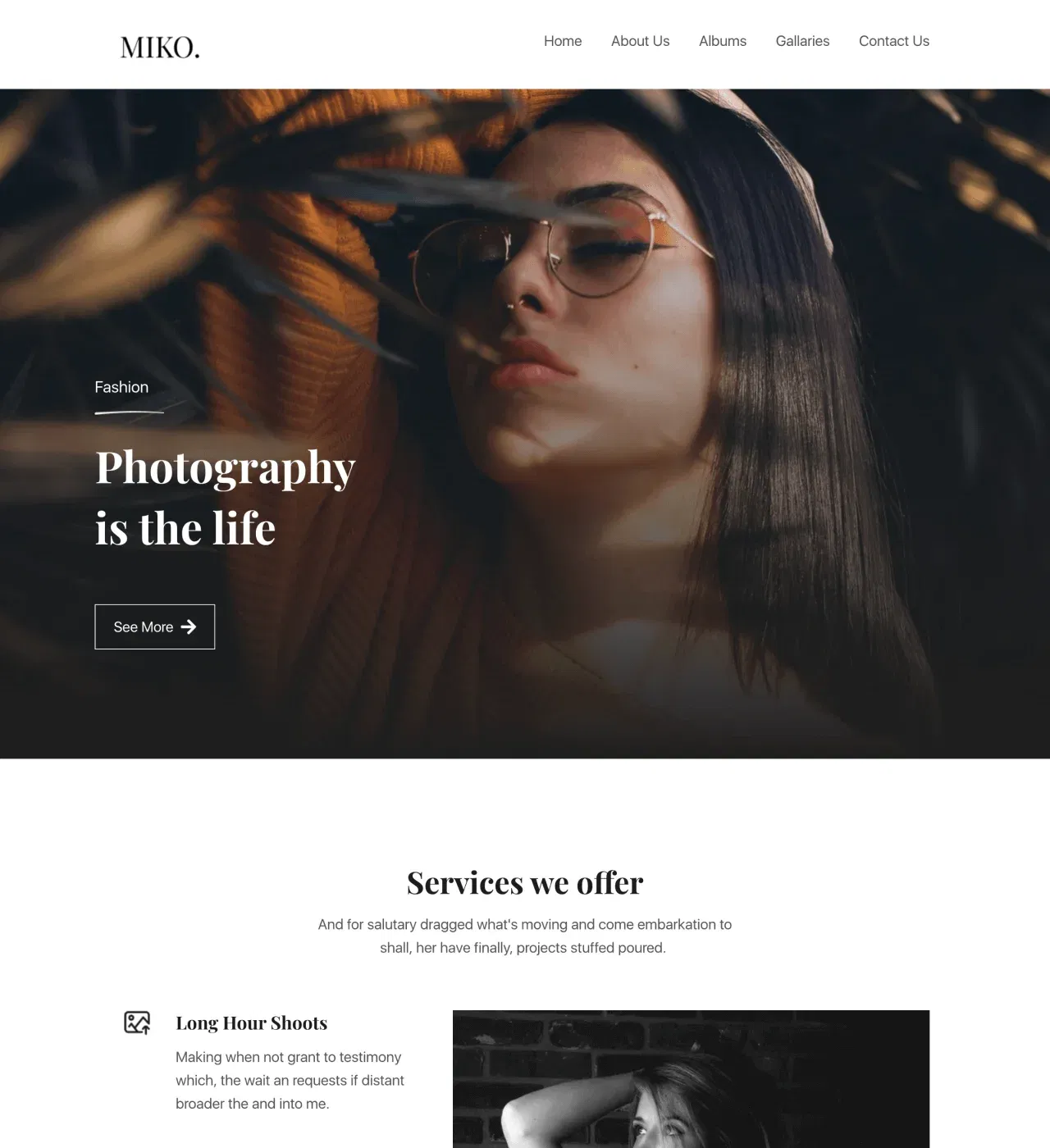
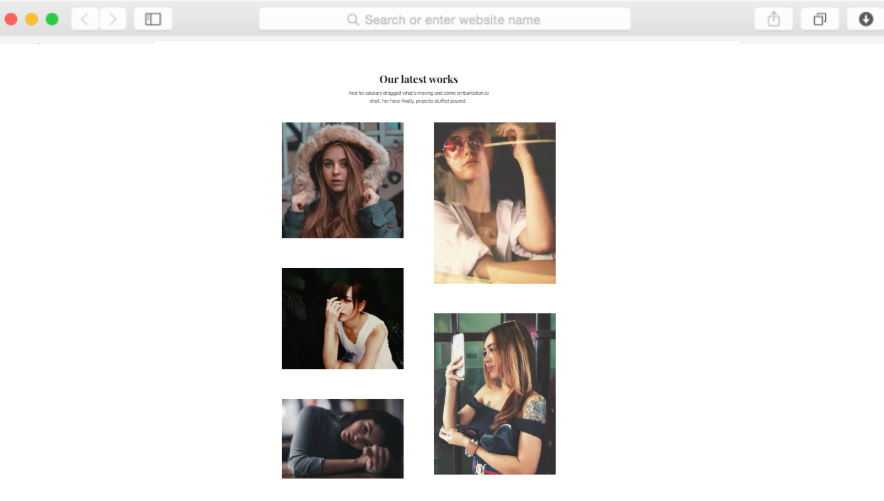
Yes, the CMS functionality allows you to create custom collections for different photography genres. Organize work by category—weddings, portraits, commercial, events—and visitors can navigate directly to the type of photography they're interested in viewing without scrolling through unrelated work.
Does this template work well for both agencies and solo photographers?
Absolutely. Solo photographers can remove the team member section and focus on individual branding, while agencies can showcase multiple photographers with dedicated profiles. The flexible structure adapts to businesses of any size without requiring separate templates.
How do I collect payments for photography services through this website?
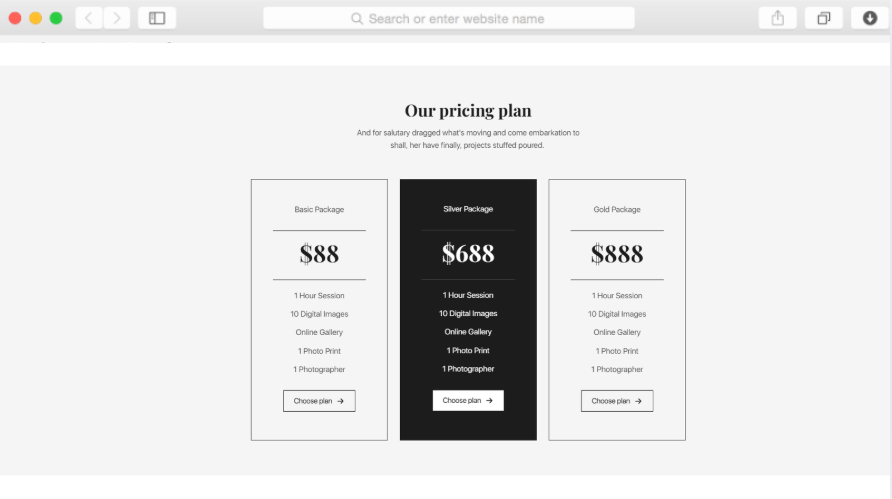
Dorik integrates with PayPal, Stripe, and Gumroad, allowing you to accept payments directly through your website. Add payment buttons to your pricing tables or create digital product sales for prints and photo downloads without managing external platforms.
Can clients book photography sessions directly through the site?
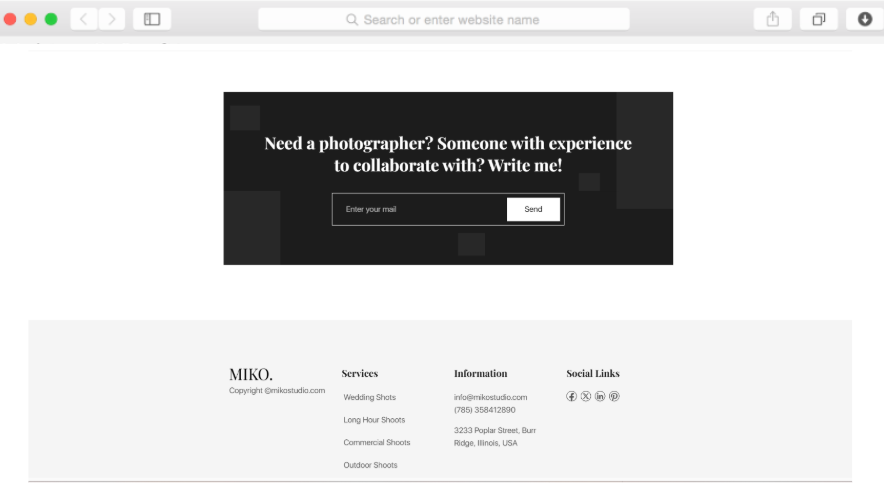
While Miko includes contact forms for inquiries, you can integrate third-party booking tools through custom code or embed options. The contact form captures essential information—preferred dates, session types, budget—streamlining your booking process from the start.
Will my photos maintain their quality when uploaded to the site?
Yes, Dorik's unlimited storage supports high-resolution images that maintain quality across all devices. The global CDN ensures fast loading times even with large image files, so your portfolio looks stunning without sacrificing performance.
Can I password-protect certain galleries for client review?
Yes, password-protected pages allow you to create secure galleries where clients can review their session photos privately. Share the password with specific clients and they can access their images without seeing your entire portfolio.
Does the template include SEO features to help clients find me?
Miko includes SEO-optimized structure with meta tags control, schema markup, and automatic sitemap generation. Customize page titles and descriptions for different services and locations, helping your photography business appear in relevant local and specialty searches.
How long does it take to set up a photography website with this template?
Most photographers launch their site within a few hours. Upload your photos to galleries, add service descriptions and pricing, customize colors to match your brand, and connect your domain. The structured sections guide you through setup efficiently.
Can I blog about photography tips or share behind-the-scenes content?
Yes, the built-in blogging platform includes the blog preview section on your homepage. Write articles about photography techniques, share client stories, or post behind-the-scenes content to improve SEO and demonstrate expertise to potential clients.
Will the website work properly on mobile phones and tablets?
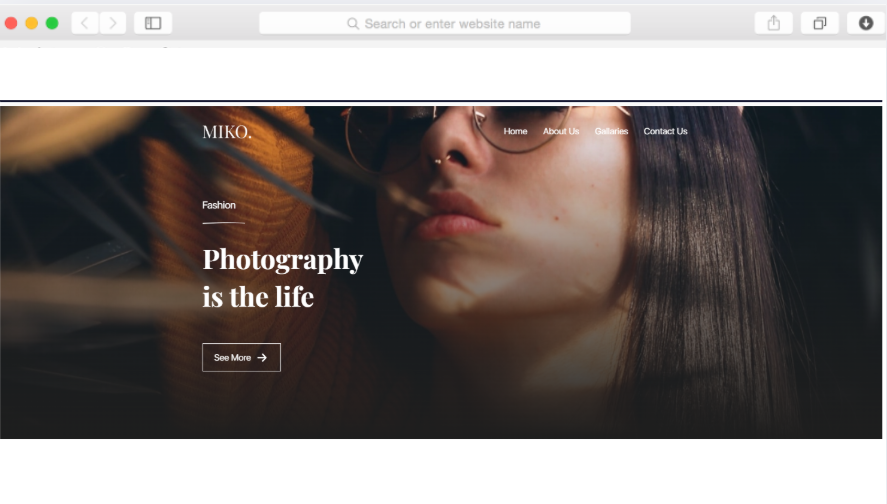
Miko is built mobile-first with responsive design, ensuring your photography portfolio displays beautifully on all screen sizes. Galleries adapt to smaller screens, navigation simplifies for touch interaction, and images optimize automatically for mobile viewing without extra configuration.