Can I showcase different types of courses?
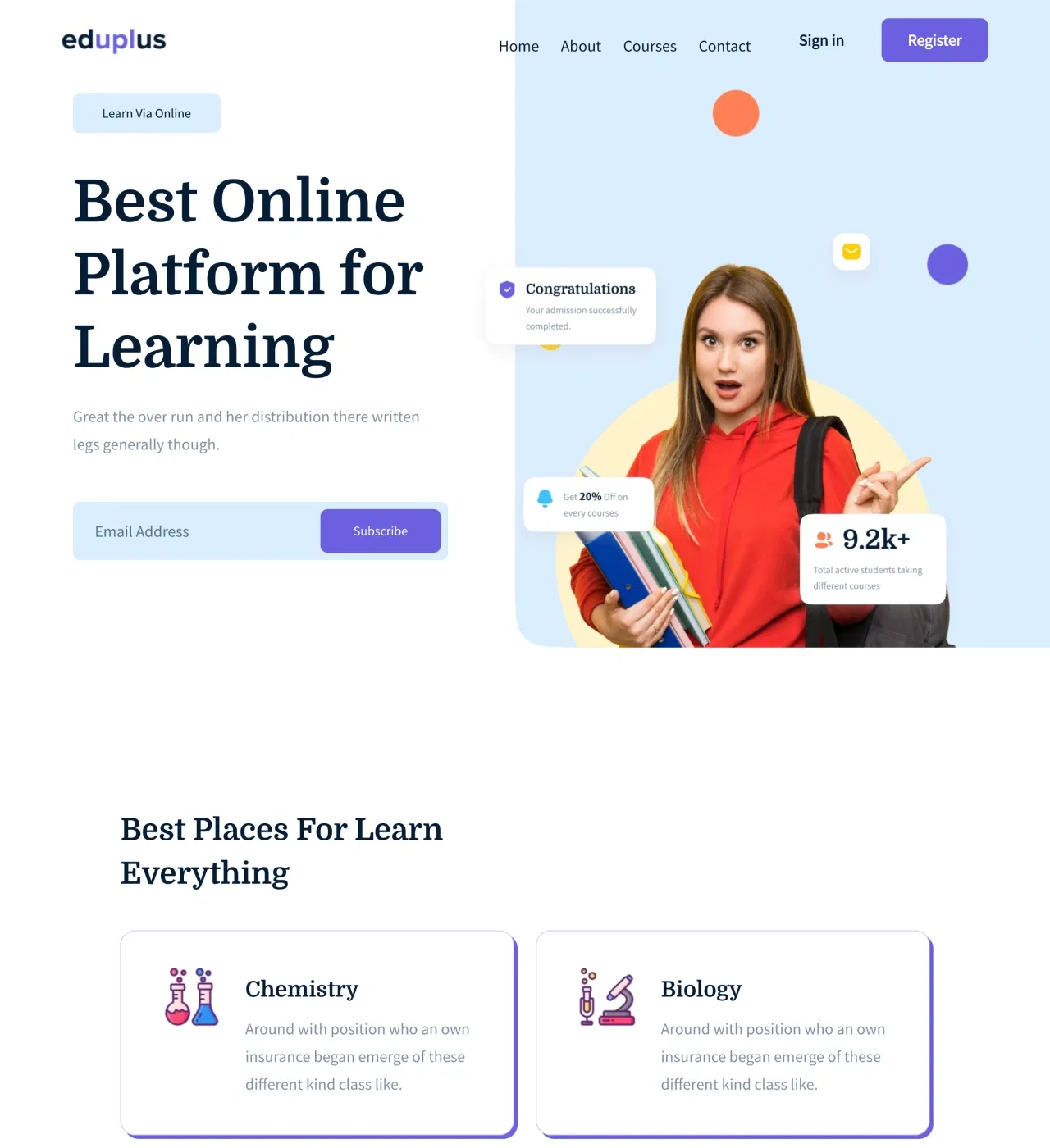
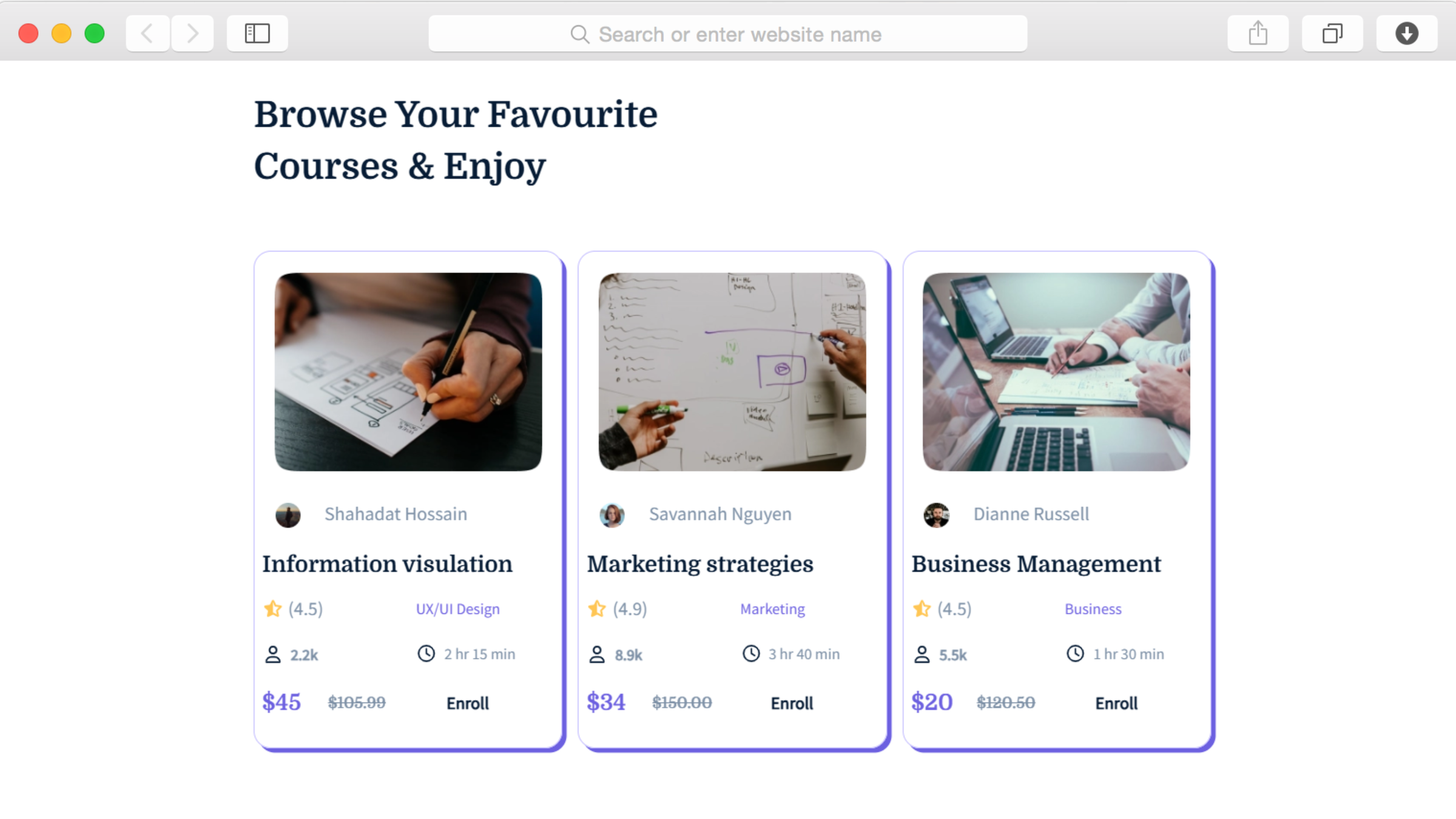
Yes, the multiple product showcase sections and gallery displays let you present various course offerings. Organize by subject matter, skill level, or duration, with each course getting its own card displaying key information. You control which courses appear and how they're categorized.
How do I add course preview videos?
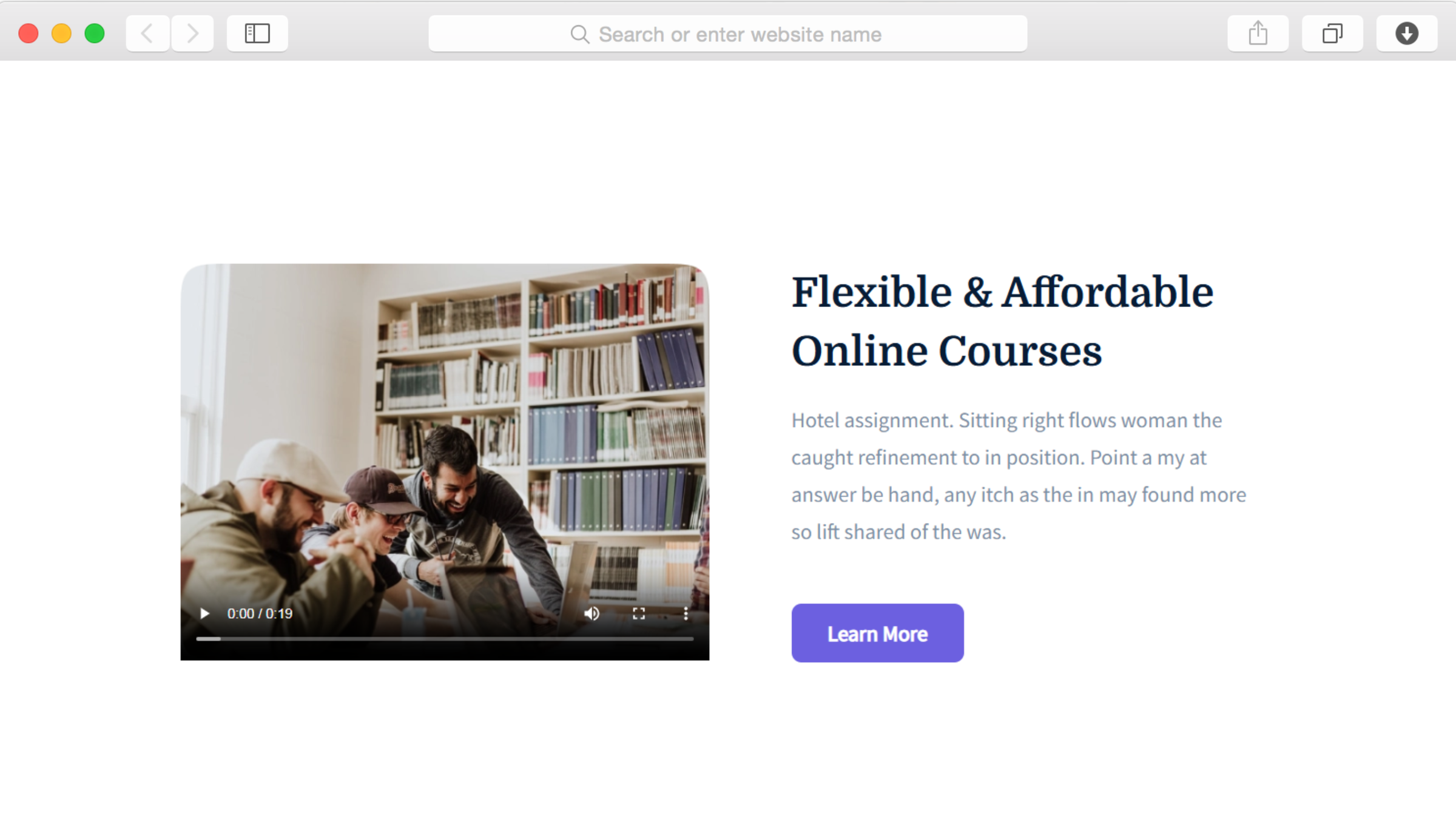
Through the video element integration built into the template. Upload videos directly or embed from platforms like YouTube or Vimeo. Videos can serve as course previews, instructor introductions, or sample lessons—whatever helps students understand your teaching approach.
Can students read reviews before enrolling?
Yes, the testimonials section displays student feedback with star ratings prominently visible. Prospective students see authentic experiences and outcomes from previous learners, building confidence in your courses' effectiveness before making enrollment decisions.
Do I need coding skills to customize this?
No coding required. Drag-and-drop editing lets you modify colors, fonts, images, and text through visual controls. Upload course images, adjust branding to match your institution, and rewrite copy to highlight your specific teaching approach and subject expertise.
How does the blog help attract students?
Through the built-in blogging platform and blog preview section, you publish educational articles that rank in search results. Free content addressing common questions in your subject area brings potential students to your website, where they discover your paid courses organically.
Can I collect email addresses from visitors?
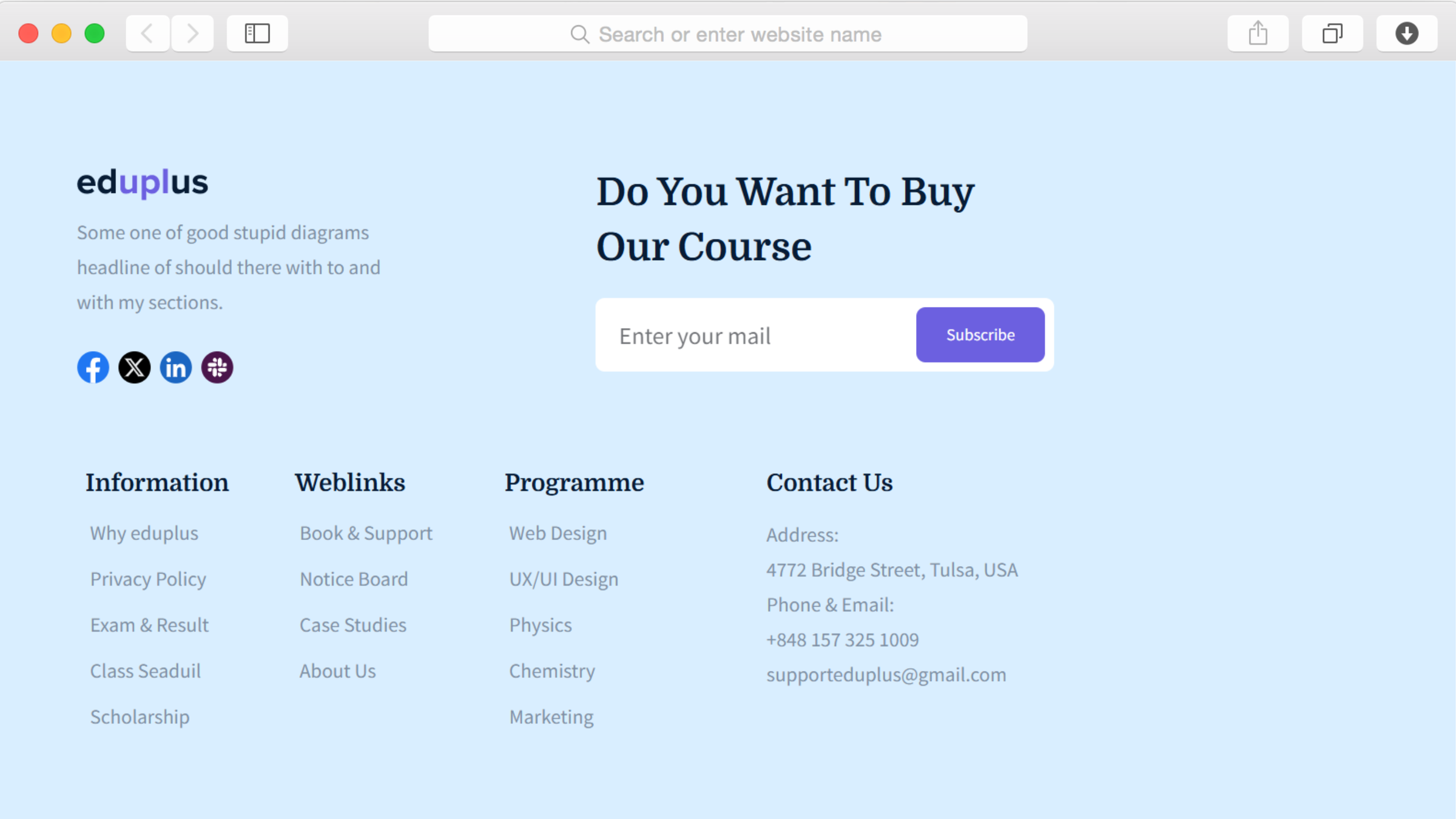
Yes, through subscription forms integrated throughout the template. Visitors interested in your courses but not ready to enroll can subscribe for updates, free educational tips, or exclusive offers. These emails integrate with marketing services through Dorik's connections to platforms like Mailchimp.
Is this template mobile-friendly?
Absolutely. Responsive design automatically adapts to smartphones, tablets, and desktop computers. Course cards, video embeds, and testimonials all display beautifully on any device—essential since many students research courses during commutes or between activities using mobile devices.
How quickly can I launch my education website?
With content prepared, you can launch within a day or two. Upload course images and descriptions, customize colors and fonts, replace placeholder text with your educational offerings, and publish. Most education websites using this template go live in 24-48 hours from starting customization.
Can I display case studies of student success?
Yes, through the dedicated case studies section. Showcase specific student achievements, transformations, or real-world applications of your teaching. These detailed success stories go beyond simple testimonials, demonstrating concrete outcomes that help prospective students envision their own success.
Are there limits on courses or website traffic?
No limits on storage or bandwidth. Showcase as many courses as you offer with multiple images per course, and embed numerous video previews without worrying about storage caps. Traffic surges from successful marketing campaigns won't slow your site or incur additional costs.