Base - Blank Website Template

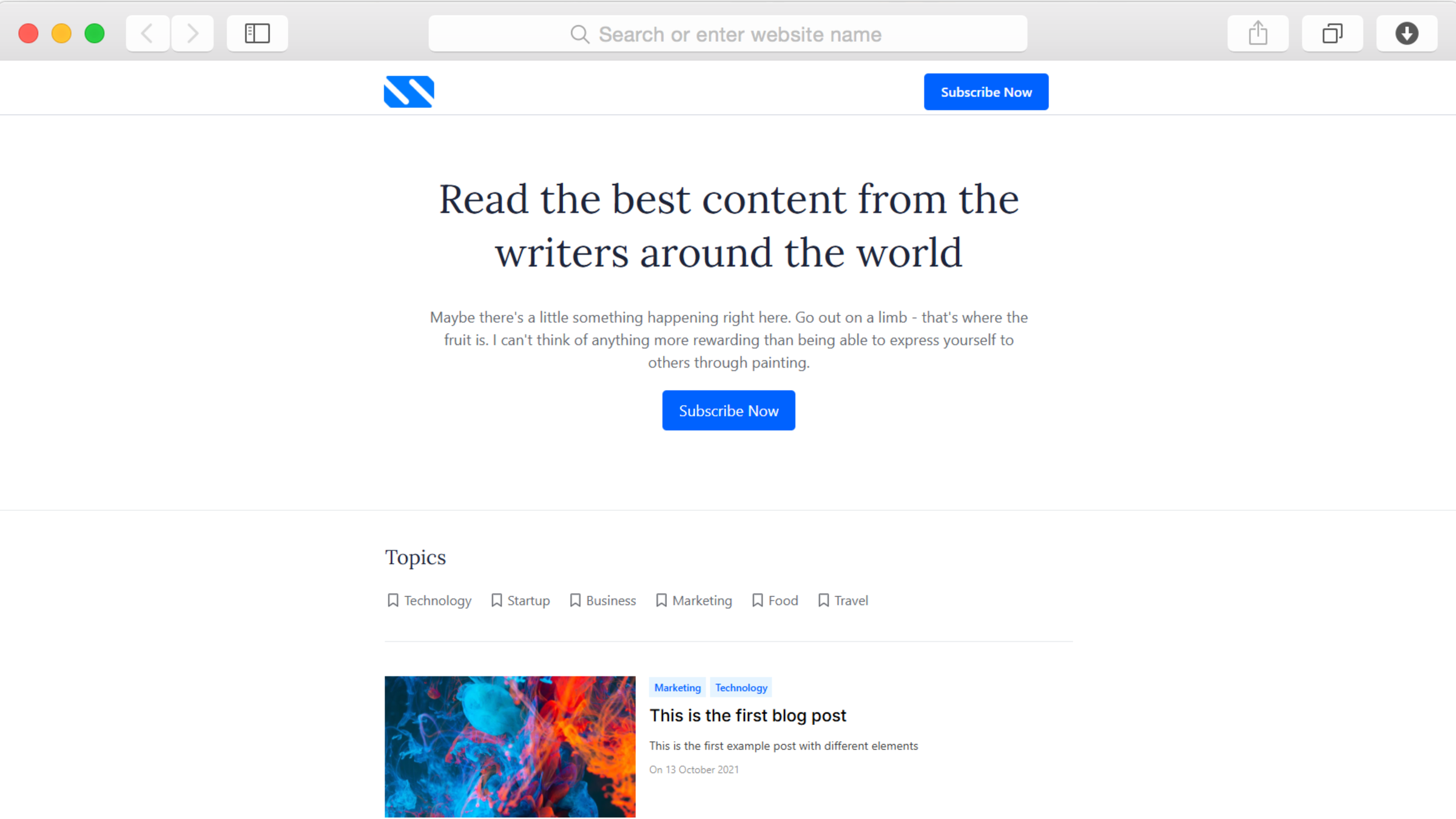
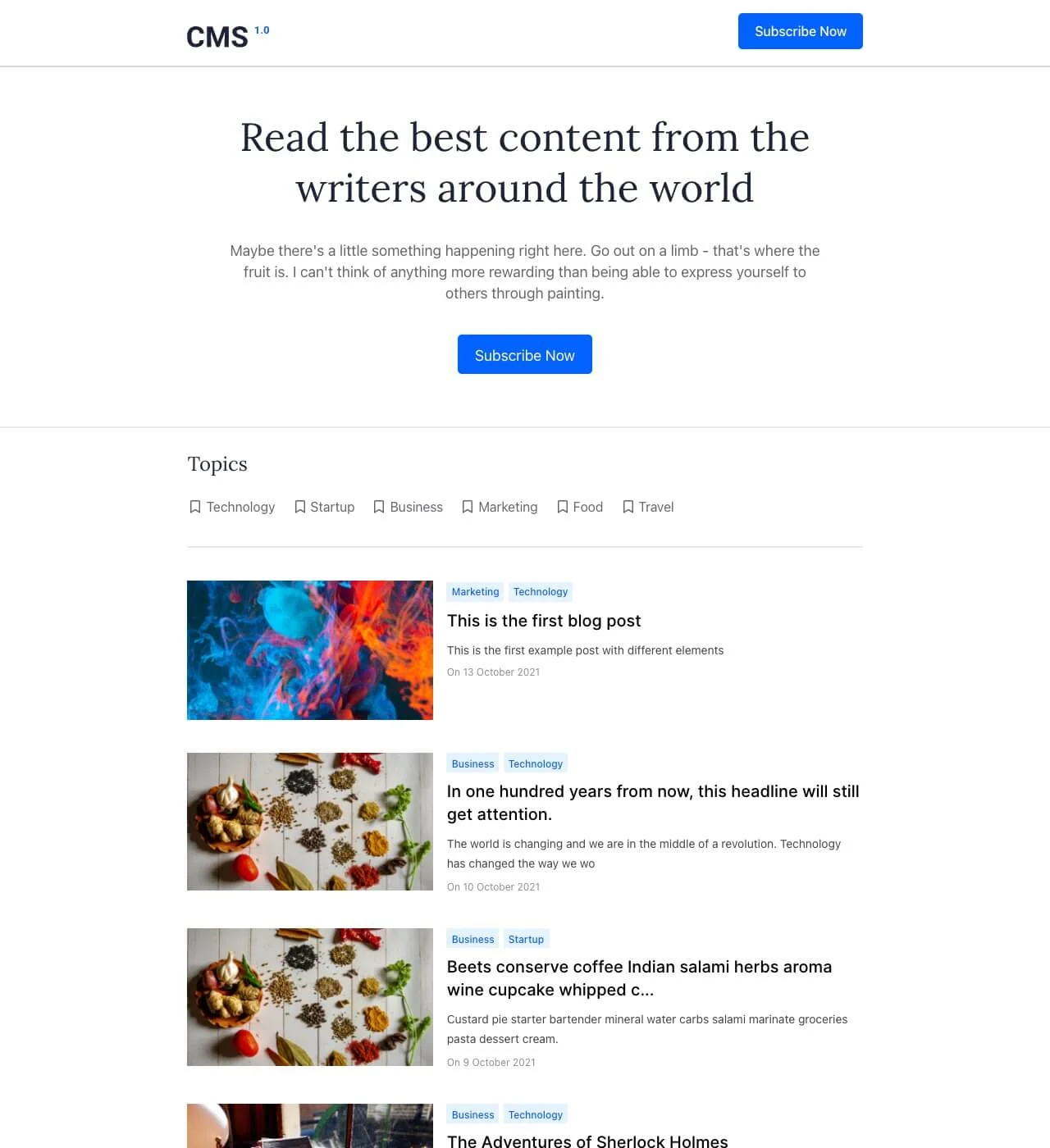
Minimal starting point template for any project. Clean design provides essential sections including blog preview, newsletter signup, and benefits area, giving you the foundation to build exactly what you need.

undefined

Sometimes the best beginning is a simple one. The Base template strips away complexity to provide a clean canvas with fundamental sections already in place—letting you focus on content and customization rather than building from absolute scratch.

This starter template includes the core elements most websites need: a hero section to capture attention, blog preview to surface content, benefits area to communicate value, and newsletter signup to grow your audience. The minimal design ensures nothing distracts from your message while providing structure to guide your design decisions.

Unlike completely blank templates that leave you staring at an empty page, Base offers just enough foundation to accelerate your launch without imposing rigid design constraints. Customize colors, fonts, layouts, and content to create something entirely your own while skipping the tedious setup of basic functionality.

Key Features

Essential Sections Without Overwhelming Choice

undefined

Base includes exactly what you need to start: hero, blog preview, benefits, newsletter signup, and footer. These fundamental sections form the backbone of effective websites across industries, providing clear structure without limiting your creative direction.

Each section serves a distinct purpose—introduce visitors, showcase content, communicate advantages, capture leads, and provide navigation. This intentional simplicity eliminates decision paralysis while ensuring your site includes conversion-focused elements from day one. Add, remove, or modify sections as your needs evolve.

Newsletter-First Lead Capture Built In

undefined

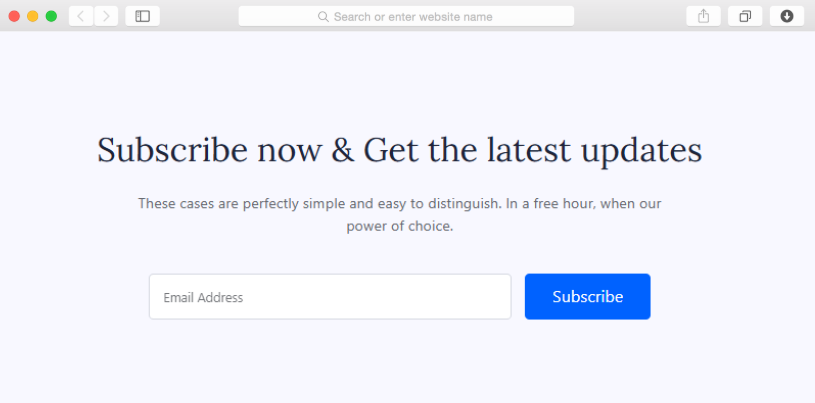
Growing an email list ranks among the most valuable activities for any online presence. Base prioritizes this with a dedicated newsletter signup section, making subscriber capture central to your site rather than an afterthought tucked in a footer.

Position your subscription form prominently to maximize signups from interested visitors. Whether you're launching a blog, promoting a product, or building a personal brand, email subscribers represent direct access to your audience independent of social media algorithms or search engine changes.

Blog Foundation Ready for Content

undefined

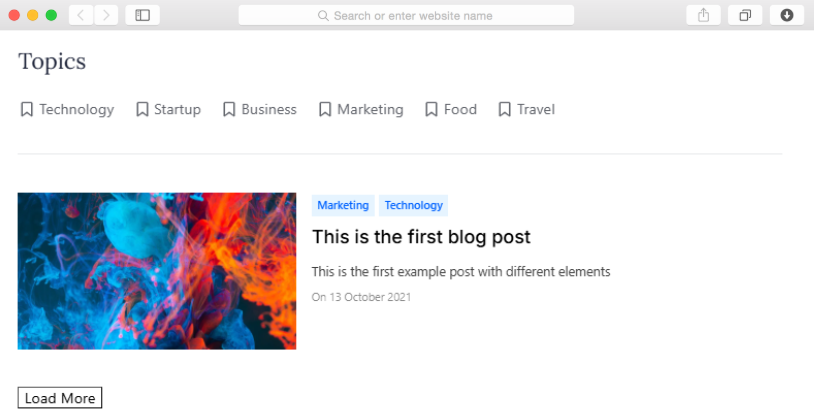
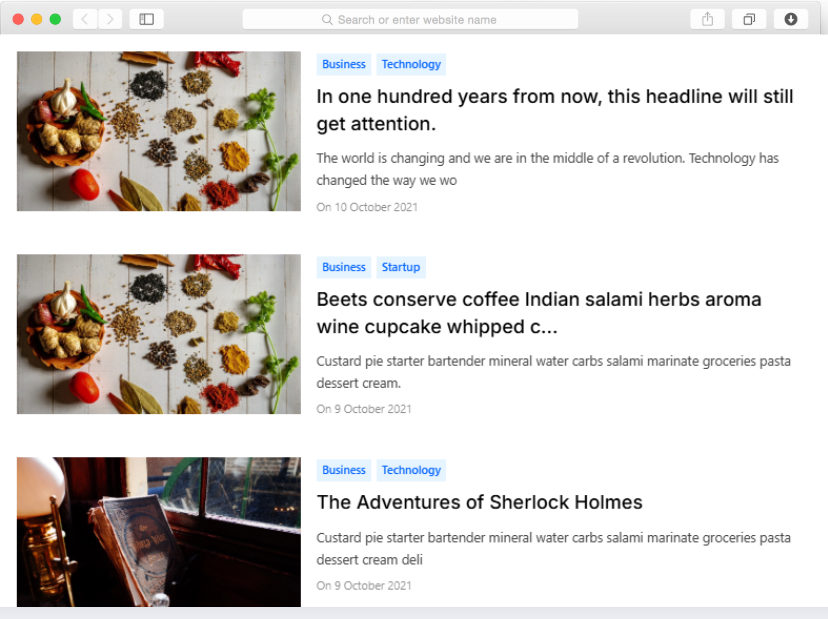
The blog preview section gives you immediate capability to publish and showcase content. Built-in blogging functionality means you can start writing articles, guides, or updates without integrating external platforms or worrying about technical setup.

Content creation drives traffic through search engines and establishes authority in your field. With the blog preview surfacing your latest posts on the homepage, visitors immediately see you're active and sharing valuable information, encouraging them to explore further and return for new content.

Reusable Components

Design one newsletter signup section, then use it across multiple pages without rebuilding. Dorik's reusable components let you maintain consistency effortlessly—update your subscription incentive or form fields once, and watch changes propagate everywhere you've placed that component. Build your site's foundation quickly while ensuring every element matches your overall design system.

Customizations

Base provides maximum flexibility through Dorik's visual editor. Change the blue accent to match your brand colors, adjust typography for better readability, modify section layouts, or restructure content hierarchy—all without touching code. Responsive design automatically adapts to mobile devices. For advanced customization, add custom CSS to achieve precise styling while maintaining complete creative control over your minimal foundation.

Special Features

Unlike templates packed with features you might never use, Base focuses on essentials that matter most. The newsletter signup section positions list-building prominently rather than hiding it in footers. Blog preview functionality comes built-in without requiring external platform integrations. Benefits section provides flexible space to communicate value propositions clearly. This focused approach means faster setup and cleaner final designs since you're not removing unwanted elements—you're adding only what serves your specific goals.

Use Cases

Content Creators Launching Their First Website

You've been creating content on social media but want a permanent home you control. Base gives you a professional starting point without overwhelming design decisions. The blog preview lets you start publishing immediately while newsletter signup begins building your email list. Minimal design keeps focus on your content rather than flashy elements that distract readers.

Startups Testing Minimal Viable Products

You need to validate an idea quickly without investing heavily in web design. This template provides essential sections to explain your concept through the benefits area, share updates via blog preview, and capture interested leads through newsletter signup. Launch fast, gather feedback, then customize as your product direction becomes clearer based on real user input.

Solopreneurs Building Personal Brands

You're establishing yourself as an expert but don't know exactly what your site should include. Base offers proven fundamentals—showcase expertise through blog content, communicate your value proposition in the benefits section, and grow your audience through newsletter signups. The clean design keeps attention on your message while you develop your brand identity over time.

Small Businesses Going Online for the First Time

Your local business needs web presence but you're unsure where to start. This template provides the essentials without confusing options. Use the benefits section to explain your services, blog preview to share updates or tips, and newsletter signup to keep customers informed about promotions. Simple structure makes managing your first website approachable rather than intimidating.

Designers Prototyping Client Concepts

You need a quick foundation to demonstrate layout ideas to clients without building complete designs. Base lets you rapidly prototype structure, show how sections might flow, and gather feedback before investing time in detailed customization. The minimal aesthetic works across industries, making it adaptable for various client presentations while maintaining professional polish.

Why Choose Base - Blank Website Template?

  • Newsletter signup positioned prominently for list-building, not hidden in footer corners where visitors ignore it
  • Blog functionality built into the template by default, no external platform integrations or complex setup required
  • Minimal starting point means faster launch compared to feature-heavy templates requiring extensive content before publishing
  • Unlimited bandwidth supports traffic growth without surprise overage charges as your audience expands
  • AI content generation helps populate sections quickly if you're stuck on copywriting or need inspiration
  • Performance optimization ensures fast loading despite being customizable, maintaining good user experience and SEO rankings
  • Reusable components maintain consistency as you expand beyond the initial foundation, saving time on repetitive design tasks

FAQs

What can I build with this minimal template?

Anything from personal blogs to startup landing pages, portfolio sites to newsletter platforms, or business websites. The minimal foundation adapts to your vision—add sections, customize layouts, and create exactly what you need. Essential elements provide structure while unlimited customization lets you build in any direction without template constraints limiting your creativity.

Do I need design experience to customize this?

No. Dorik's drag-and-drop editor makes customization accessible to beginners. Change colors through visual selectors, adjust fonts from dropdown menus, modify layouts by dragging elements, and add content through simple forms. The minimal starting point actually makes customization easier since you're not overwhelmed by complex existing designs you need to understand before making changes.

Can I add more sections beyond what's included?

Absolutely. Start with Base's foundation, then add galleries, testimonials, team sections, pricing tables, portfolios, or any other components you need. Dorik provides extensive section libraries you can insert anywhere. The minimal template gives you the quickest start while preserving complete flexibility to expand as your requirements become clearer through usage and feedback.

Is this suitable for collecting newsletter subscribers?

Yes, with a dedicated newsletter signup section built in. Connect your preferred email marketing service through Dorik's integrations, customize the form fields and subscription incentive, then start collecting subscribers immediately. Forms integrate with platforms like Mailchimp, automatically adding signups to your mailing list without manual data entry or complex technical setup.

How quickly can I launch with this template?

In hours rather than days or weeks. The minimal structure means less content to create before launch. Write your hero headline, add a few blog posts, list key benefits, customize colors and fonts, then publish. You can refine and expand after launching rather than waiting for perfection before showing your site to the world.

Does minimal design look unprofessional?

Not at all. Minimal design often appears more professional than cluttered alternatives. Clean layouts, ample white space, and focused content communicate confidence and clarity. Many successful brands embrace minimalism precisely because it directs attention to what matters—your message and offerings—rather than decorative elements that serve no functional purpose.

Can I create a blog with this template?

Yes. Blog preview section connects to built-in blogging functionality, letting you publish articles without external platforms. Create posts through Dorik's content management system, organize them with categories and tags, optimize for search engines through built-in SEO tools, and display recent content automatically on your homepage through the blog preview section.

Will this work as a landing page?

Perfectly. Single-page structure works ideally for landing pages focused on one conversion goal. Use the hero section to capture attention, benefits area to communicate value, blog preview to establish credibility, and newsletter signup as your primary call-to-action. Minimal design eliminates distractions that might lead visitors away from your conversion goal.

What makes this different from starting completely blank?

Base provides proven section structure without forcing specific designs. Starting completely blank means deciding what sections to include, where to place them, and how they should function—decisions that overwhelm beginners and slow experienced designers. This template handles structural decisions while preserving complete creative freedom for visual customization and content direction.

Can I use this for multiple projects?

Yes, on Dorik's multi-site plans. The minimal foundation adapts to diverse purposes—create a blog with one copy, a portfolio with another, and a newsletter platform with a third. Customize each differently to serve distinct audiences and goals while benefiting from the quick setup Base provides each time you start a new project.

Categories
Styels
  • Clean
Layout
  • Card Layout
  • Boxed Layout
Features
  • Responsive Design
  • Content Management System (CMS)
  • Fully Customizable
  • SEO Optimized
  • Mobile First
  • Performance Optimized
Sections
  • Hero
  • Call-to-Action Buttons
  • Blog Preview
  • Benefits
  • Newsletter Signup
  • Footer
Pages
  • Home

Build a Website now with AI!

© 2025 Dorik, Inc. All rights reserved