Can I add my own branding and colors to this template?
Absolutely. The template is fully customizable through Dorik's visual editor. Change colors, fonts, images, and content to match your brand identity without touching code. The responsive design ensures your customizations look professional across all devices automatically.
Do I need coding skills to use this template?
No coding required. Dorik's drag-and-drop interface lets you customize everything visually. Add sections, edit text, upload images, and adjust layouts through simple point-and-click actions. Advanced users can add custom CSS if desired, but it's entirely optional.
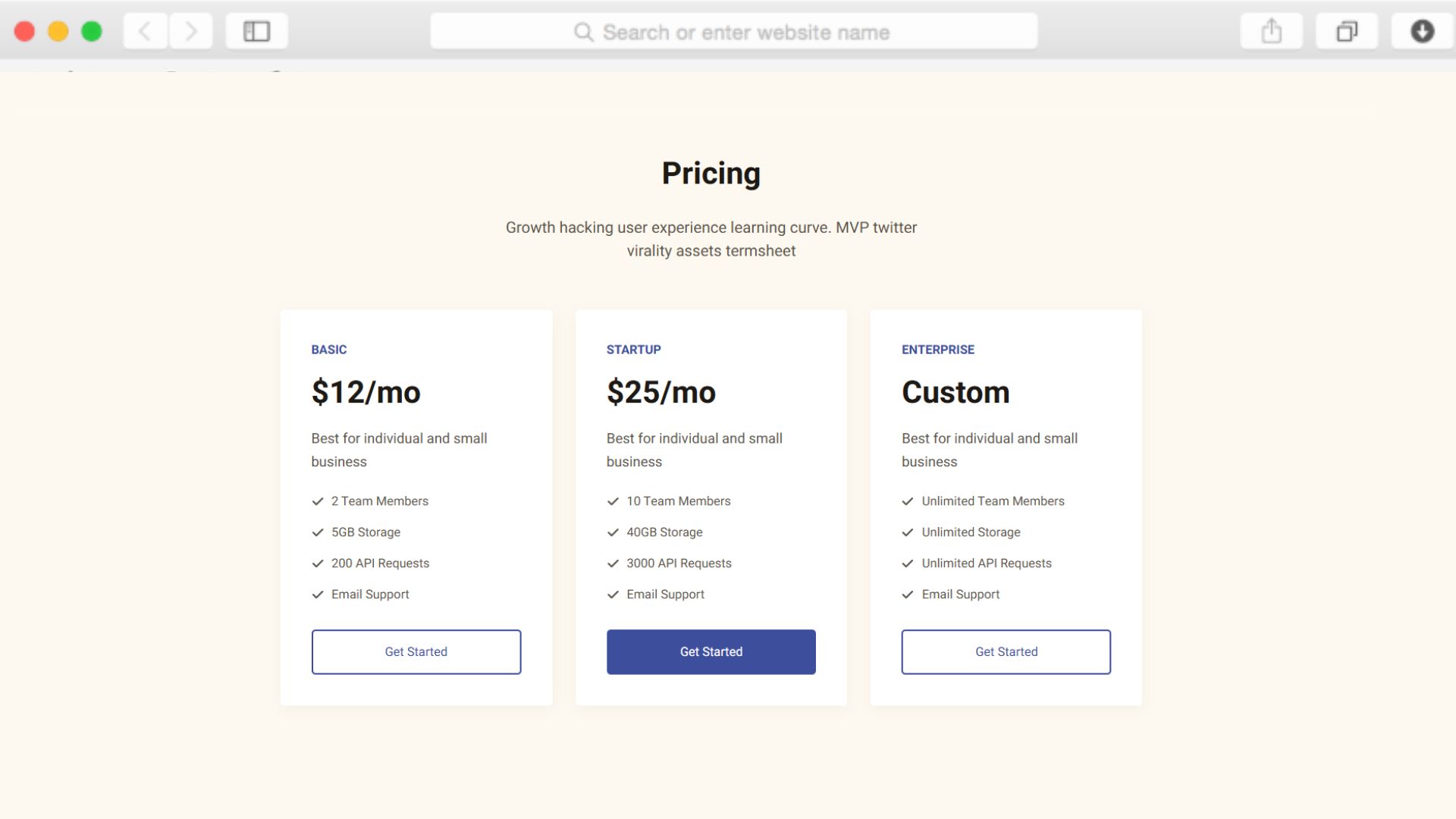
How do the pricing tables work?
The pricing tables section displays your subscription plans side-by-side with feature comparisons. Edit the plans, pricing amounts, and feature lists directly in the editor to match your actual offerings. Buttons in each pricing tier can link to your checkout or signup flow.
Can I collect leads through this template?
Yes, through two methods. The contact form section lets prospects reach out directly with questions or demo requests. The newsletter signup captures email addresses from visitors not ready to buy but interested in staying informed. Both forms integrate with your preferred email marketing tools.
Is the template optimized for mobile devices?
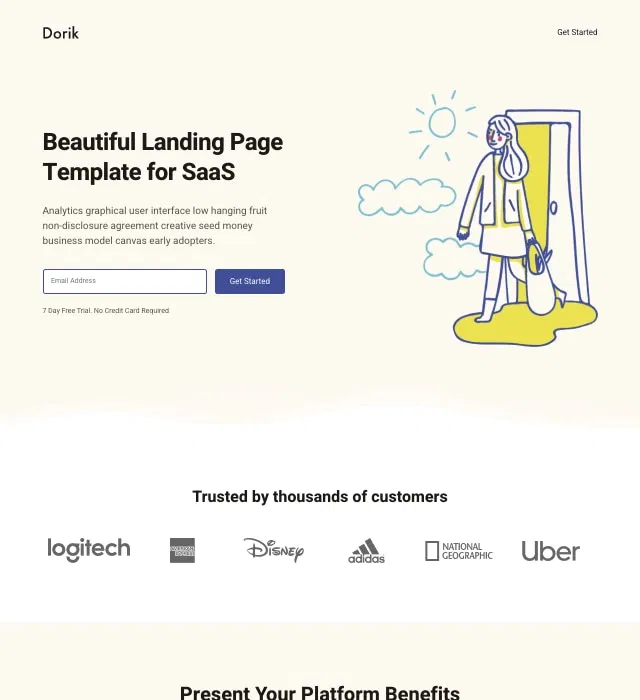
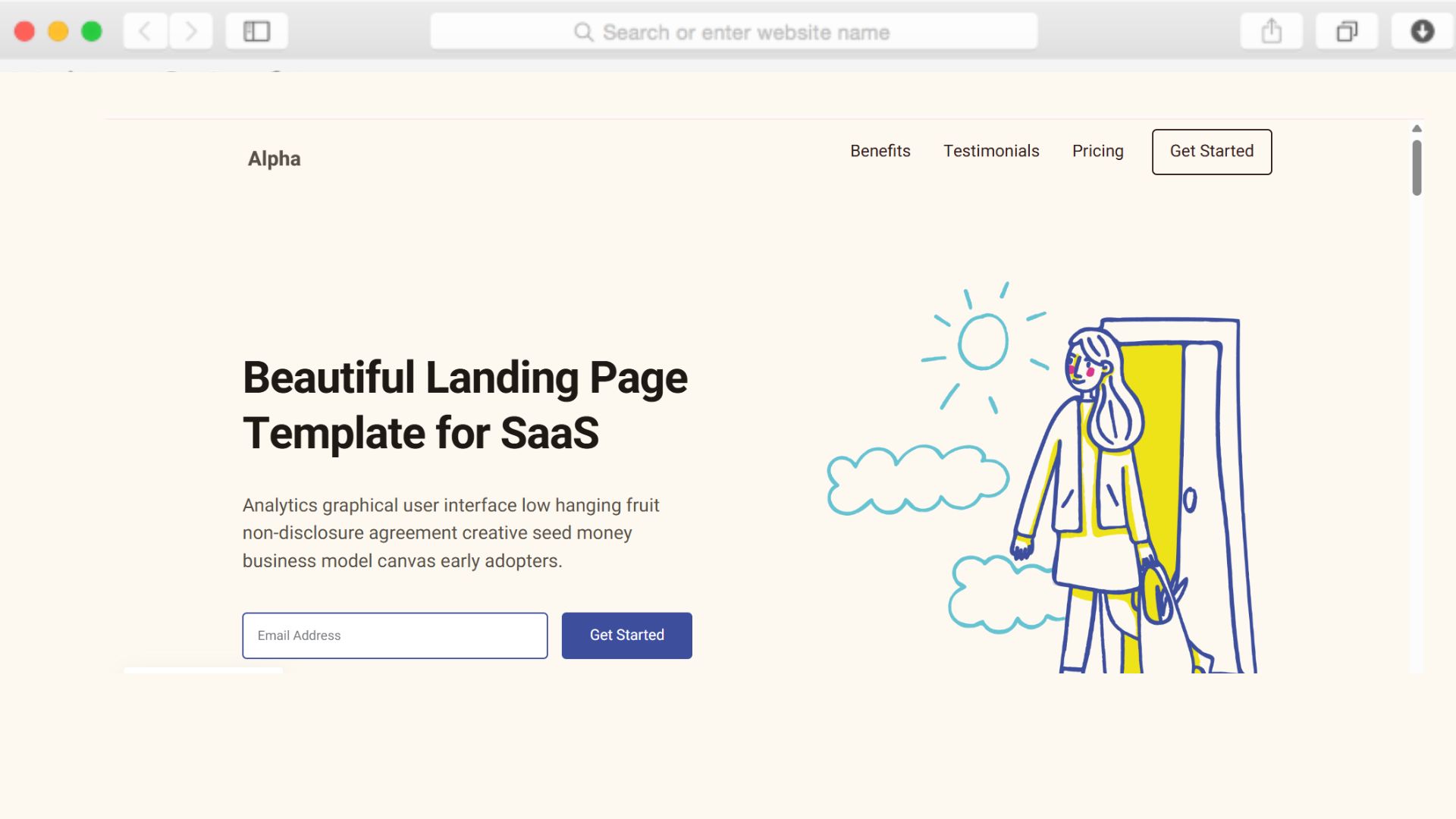
The template uses a mobile-first approach, ensuring excellent performance and appearance on phones and tablets. All sections—from the hero to pricing tables—automatically adapt to smaller screens without requiring separate mobile versions or additional configuration work.
How do I add customer testimonials?
The testimonial slider section lets you add multiple customer reviews that rotate automatically. Simply edit the slider component through the visual editor, adding names, quotes, and photos for each testimonial. The slider handles the rotation behavior without needing plugins or code.
Can I integrate this with my email marketing platform?
Dorik offers integrations with popular email marketing services including Mailchimp, GetResponse, ActiveCampaign, and others. Connect your newsletter signup form to your preferred platform to automatically capture and manage subscriber lists. Integrations are configured through your Dorik dashboard.
Does the template include analytics tracking?
You can add Google Analytics, Google Tag Manager, or other analytics platforms through Dorik's integration settings. This lets you track visitor behavior, conversion rates, and campaign performance without manually editing code or managing script tags.
How quickly can I launch with this template?
Most users customize and launch within a few hours. Add your content, upload images, adjust colors, and connect your domain. The pre-built sections and single-page structure eliminate complex decision-making, letting you focus on messaging rather than design architecture.
Can I add more sections if needed?
While the template includes essential SaaS landing page sections, Dorik's drag-and-drop editor lets you add more as your needs evolve. Insert additional benefits sections, add more call-to-action areas, or include comparison tables—all through the visual interface without starting from scratch.