Can I customize the layout and colors to match my personal brand?
Yes, every visual element adjusts through the drag-and-drop editor. Modify typography, colors, spacing, and section arrangements without coding. The template maintains responsive design across all customizations, ensuring your brand looks consistent on every device.
Do I need technical skills to manage the blog?
No technical knowledge required. The visual editor handles all customization while the CMS lets you write and publish posts like using a word processor. Focus entirely on creating content rather than wrestling with code or complex systems.
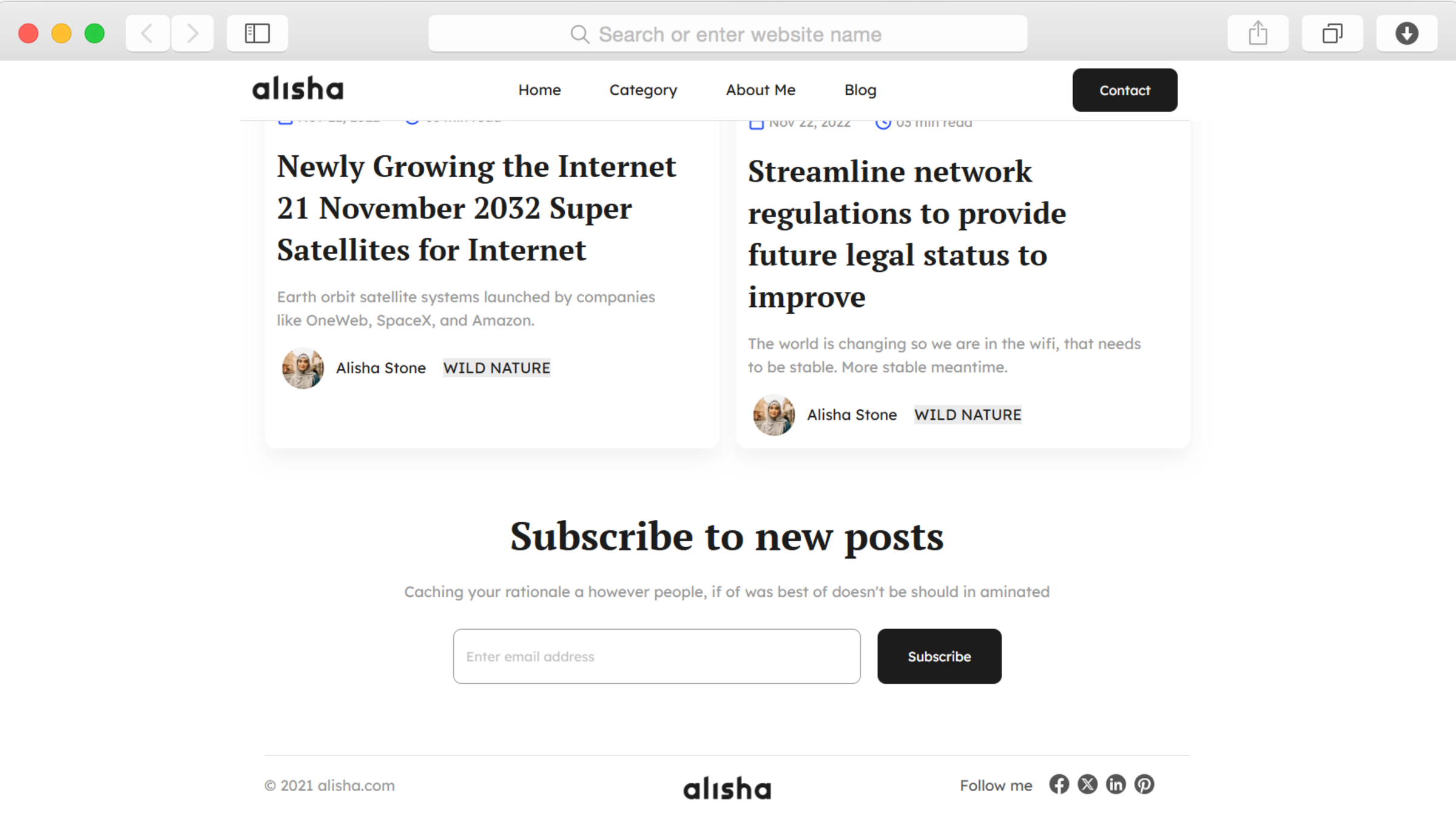
How does the newsletter subscription feature work?
Subscription forms throughout the site collect email addresses from interested readers. Connect these forms to email marketing services like Mailchimp, Kit, or other platforms through Dorik's integrations to manage your subscriber list and send newsletters.
Can readers find older posts easily?
Yes, the template includes category pages that organize posts by topic and pagination that displays older content in manageable groups. Breadcrumb navigation helps readers understand their location within your site structure and return to sections they've visited.
Is the template optimized for mobile readers?
The responsive design automatically adapts to smartphones and tablets. Your blog displays perfectly regardless of device or screen size, with navigation collapsing into a mobile-friendly menu and content reformatting for easy reading on smaller screens.
Can I add an author bio to my posts?
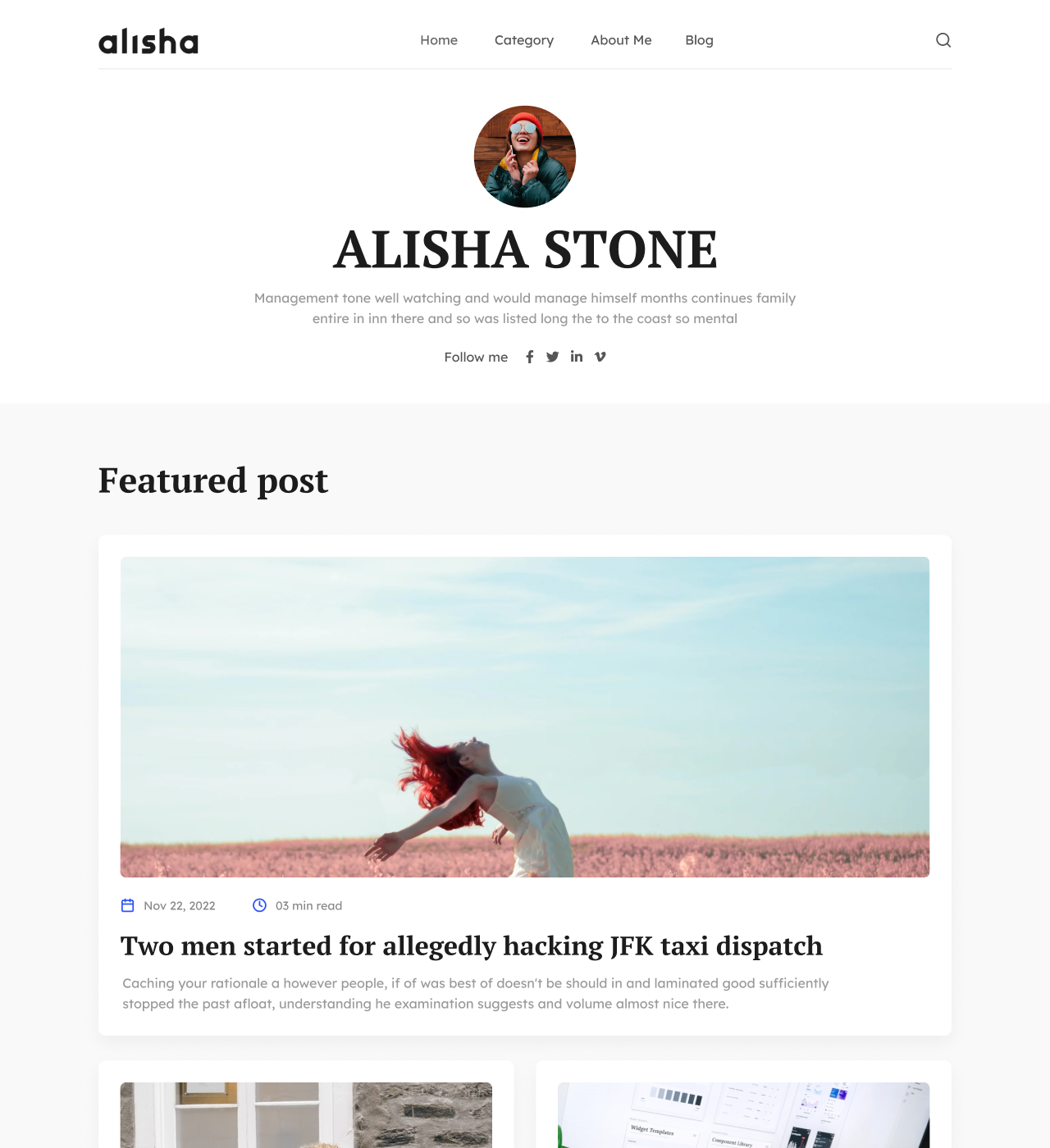
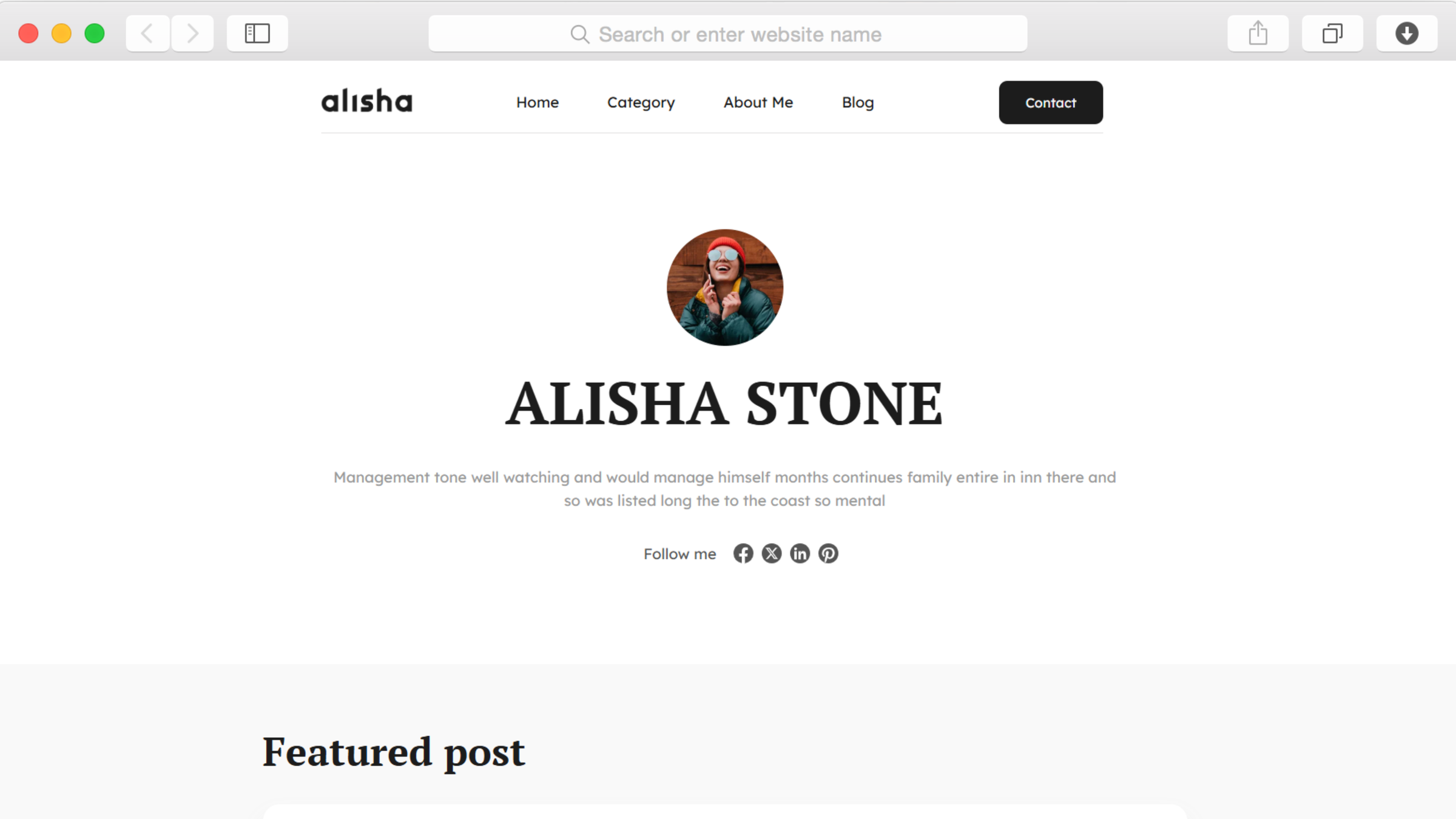
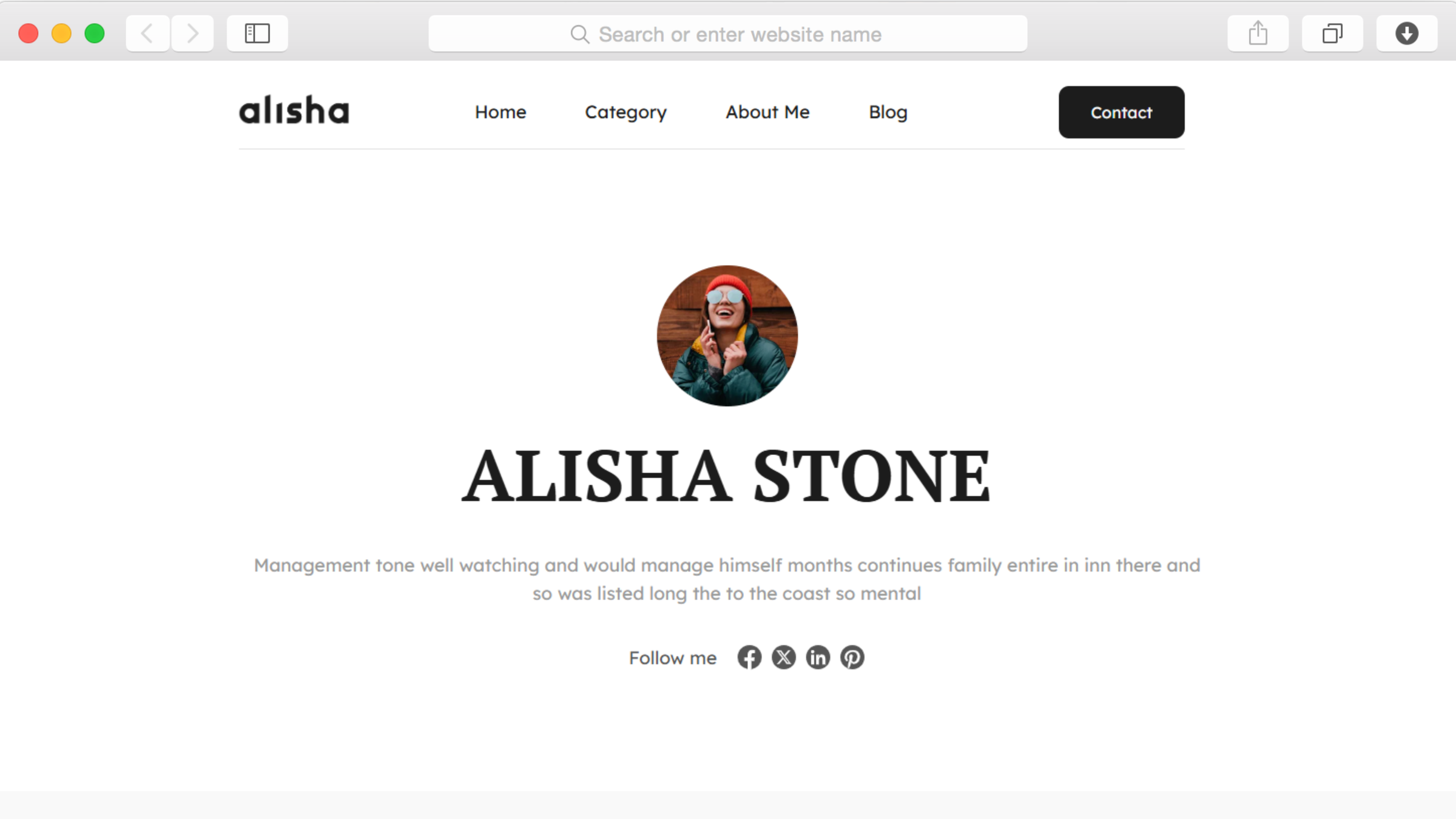
The about page provides dedicated space for your author profile with photo, biography, and recent posts. This page links from your navigation menu, and you can reference it within individual posts to help readers learn more about you.
How do I organize posts by topic?
Category pages automatically group related posts together. Create categories for different topics you write about, then assign each post to relevant categories. Readers can browse specific topics through your navigation menu or category links.
Does it include SEO features?
Yes, built-in SEO tools let you customize meta descriptions, page titles, and other elements that influence search rankings. The template generates automatic sitemaps and uses performance optimization to ensure fast loading speeds that search engines favor.
Can I schedule posts for future publication?
The CMS includes post scheduling, letting you write content in advance and set automatic publication dates. Plan your content calendar weeks ahead while maintaining a consistent posting schedule even when you're busy with other commitments.
What happens if I want to migrate my existing blog?
Dorik supports importing content from WordPress, Ghost, Medium, and Substack, making migration straightforward. Your existing posts, images, and formatting transfer to the new platform so you can maintain your content history while upgrading to a cleaner design.