
A free website builder with custom domain connection is a platform that lets users create and publish a website at zero cost while linking their own branded URL (e.g., yourbusiness.com) instead of a platform-assigned subdomain.
Only 4 platforms out of 20+ popular website builders offer this feature on genuinely free plans: Dorik, Google Sites, HubSpot CMS, and Kit (formerly ConvertKit).
Most free website builders, including Wix, Squarespace, Webflow, and WordPress.com, restrict custom domain connection to paid plans starting at $14–$17/month.
This forces users who want a professional branded URL to upgrade before publishing a single page. The platforms listed in this guide remove that barrier entirely.
The breakdown below covers features, limitations, pricing, and ideal use cases for each platform, with a side-by-side comparison table to identify the strongest option by category.
Which Free Website Builders Allow Custom Domain Connection?
Five website builders allow custom domain connection on their free plans: Dorik, Google Sites, HubSpot CMS, and Kit.
Each platform targets a different use case.
From full-featured website building to single-page landing pages and ecommerce storefronts.
| Feature | Dorik (Free) | Google Sites | HubSpot CMS (Free) | Kit (Free) |
|---|---|---|---|---|
| Custom Domains | Unlimited | 1 | 1 | 1 |
| Pages | Unlimited | Unlimited | 30 | Landing pages only |
| Blog | Unlimited posts | No | Yes (limited) | No |
| Templates | 120+ | ~10 | Marketplace | Limited |
| CMS | Yes (10 collections) | No | Yes | No |
| SEO Tools | Sitemap, redirects, Open Graph, robots.txt, LLMs.txt | None | SEO recommendations | None |
| Ecommerce | Payment button | No | No | Digital products |
| Storage | Unlimited | Unlimited | Limited | Limited |
| AI Features | AI site generation (2 uses) | No | AI content assistant | No |
| SSL | Free (Let's Encrypt) | Free | Free | Free |
| Platform Branding | Yes | Minimal | Yes | Yes |
The comparison below covers features, limitations, and ideal user profiles for each option.
1. Dorik: Best Overall Free Website Builder with Custom Domain
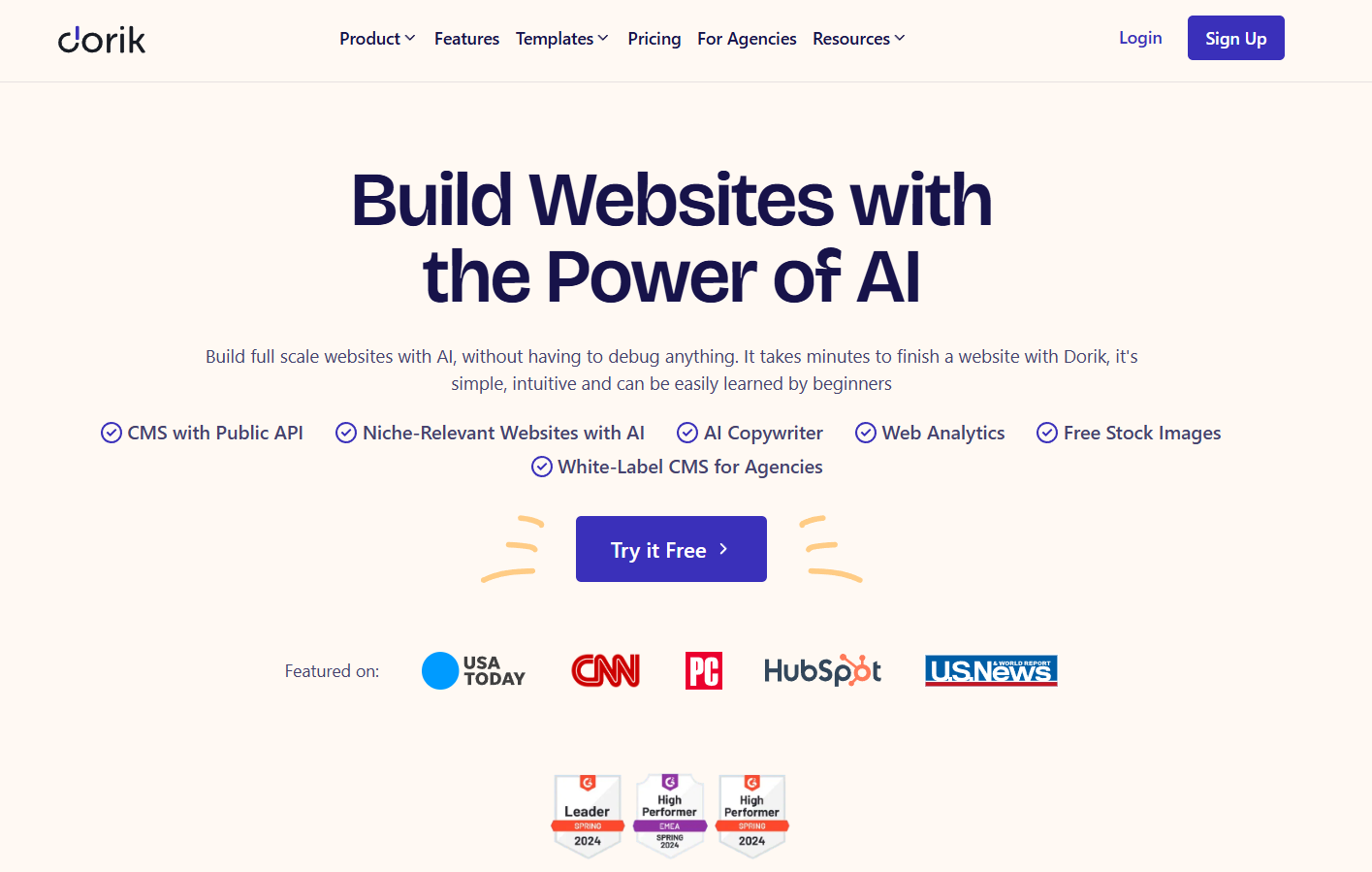
Dorik is an AI-powered no-code website builder that offers unlimited custom domain connections on its free plan.
The free tier includes unlimited websites, unlimited pages, unlimited blog posts, unlimited storage, unlimited bandwidth, and unlimited pageviews, a feature set that no competing free plan matches in scope.
Free plan features:
-
Unlimited custom domains with free SSL certificates via Let's Encrypt
-
Unlimited websites, pages, and blog posts
-
Unlimited storage and bandwidth
-
120+ professionally designed templates and 250+ UI blocks
-
AI website generation (limited to 2 generations)
-
Built-in
-
Contact forms and subscription forms
-
CMS with 10 collections and unlimited collection items per site
-
Global CDN for fast page load times across all regions
-
Drag-and-drop
Free plan limitations:
-
Dorik branding displayed on published sites
-
0 collaborators per site (solo use only)
-
No code export
-
No white-label dashboard or client billing
-
AI website generation capped at 2 uses
Paid plan upgrades:
The Pro plan costs $39/month (billed annually at $468/year) or $49/month on monthly billing. It removes branding, adds 10 collaborators per site, enables unlimited AI website generation, and unlocks 60 code exports.
The Agency plan costs $79/month (billed annually) or $99/month, adding unlimited collaborators, unlimited code export, client billing, white-label CMS dashboard, and agency branding features.
Custom domain setup process:
Dorik supports domain connection from any registrar. Users add a single DNS A record pointing to Dorik's servers, and SSL activates automatically once DNS propagates.
Both www and non-www versions can be configured, with automatic redirects between them. Subdomains (e.g., blog.yoursite.com) are also supported.
DNS propagation takes 1–4 hours on average, with full global propagation completing within 48 hours.
Ideal for: Small businesses, freelancers, bloggers, and agencies that need a full-featured website with branded domains, blogging capabilities, and SEO tools at zero cost.
2. Google Sites: Best Free Website Builder for Google Workspace Users
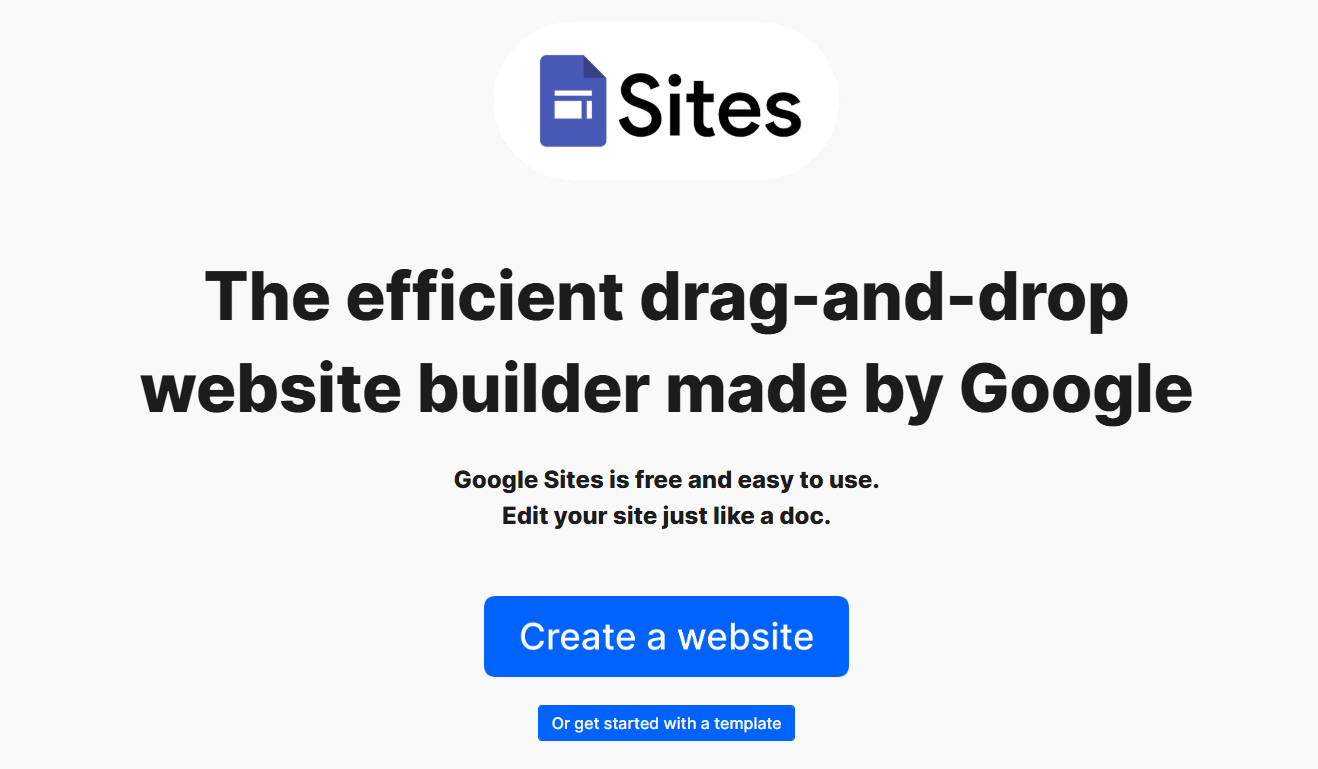
Google Sites is a completely free website builder provided by Google. It allows custom domain connection at no cost through Google Workspace domain settings or standard DNS configuration.
The platform integrates directly with Google's product ecosystem, such as Calendar, Docs, Sheets, Slides, Forms, Maps, and Drive.
Free plan features:
-
Custom domain connection through DNS configuration
-
Unlimited pages
-
Drag-and-drop editor (simplified, document-style interface)
-
Embeds for Google products (Calendar, Maps, YouTube, Docs, Sheets, Slides, Forms)
-
Real-time collaboration with Google account users
-
Responsive mobile layouts (automatic)
-
No storage limits on New Google Sites (does not count against Google Drive quota)
-
No platform branding (small "i" icon only)
Free plan limitations:
-
No blogging functionality
-
No ecommerce features
-
No CMS or content management system
-
Limited to approximately 10 basic templates with minimal customization
-
No SEO tools (no sitemap control, no meta description editing, no schema markup)
-
No contact forms (must embed Google Forms separately)
-
No analytics integration without manual code injection
-
No membership or password protection features
-
Subdomain format: sites.google.com/view/yoursite/ (without custom domain)
Paid plan upgrades:
Google Sites itself has no paid tier. Google Workspace (starting at $7.20/month per user) provides enhanced admin controls, greater storage, and dedicated support.
The website builder functionality remains identical across free and Workspace accounts.
Custom domain setup process:
Users map a custom domain through their DNS provider by adding an A record and a TXT record for domain verification. The process requires access to the domain registrar's DNS management panel.
Ideal for: Internal team sites, school projects, simple informational pages, and users already embedded in the Google Workspace ecosystem who need a basic web presence without third-party tools.
3. HubSpot CMS: Best Free Website Builder with Built-in CRM
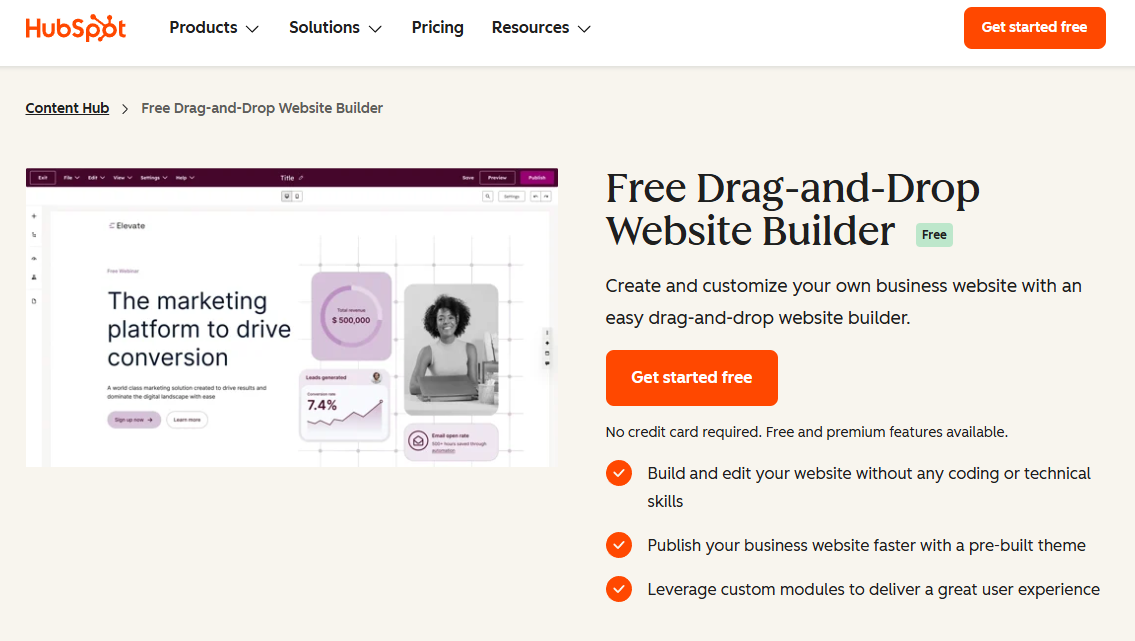
HubSpot's free Content Hub includes a website builder with custom domain connection at no cost. The platform bundles the website builder with a CRM, email automation, forms, and a team inbox, making it a marketing-first website solution rather than a design-first builder.
Free plan features:
-
Custom domain connection with free SSL
-
Up to 30 website pages
-
Drag-and-drop page editor
-
Blog functionality with AI content assistant
-
Built-in CRM with contact tracking
-
Email marketing automation (limited sends)
-
Forms and lead capture tools
-
Live chat and chatbot builders
-
SEO recommendations engine
-
Templates from HubSpot and ThemeForest marketplace
Free plan limitations:
-
HubSpot branding on all pages
-
Limited to 30 website pages
-
Restricted email sends per month
-
Basic reporting and analytics
-
Limited design customization compared to dedicated website builders
-
No ecommerce functionality
-
Smaller template selection than competitors like Wix or Squarespace
Paid plan upgrades:
Content Hub Starter begins at $20/month, removing branding and expanding page limits.
Professional ($500/month) adds A/B testing, dynamic content, and advanced analytics.
Enterprise ($1,500/month) includes custom objects, partitioning, and adaptive testing.
Custom domain setup process:
HubSpot provides a guided domain connection wizard inside the dashboard. Users add CNAME records at their domain registrar. SSL activates automatically after DNS verification completes.
Ideal for: Small businesses that prioritize lead generation, CRM integration, and marketing automation alongside their website. HubSpot excels when the website serves as a conversion funnel rather than a content-heavy publication.
4. Kit (formerly ConvertKit): Best Free Landing Page Builder with Custom Domain
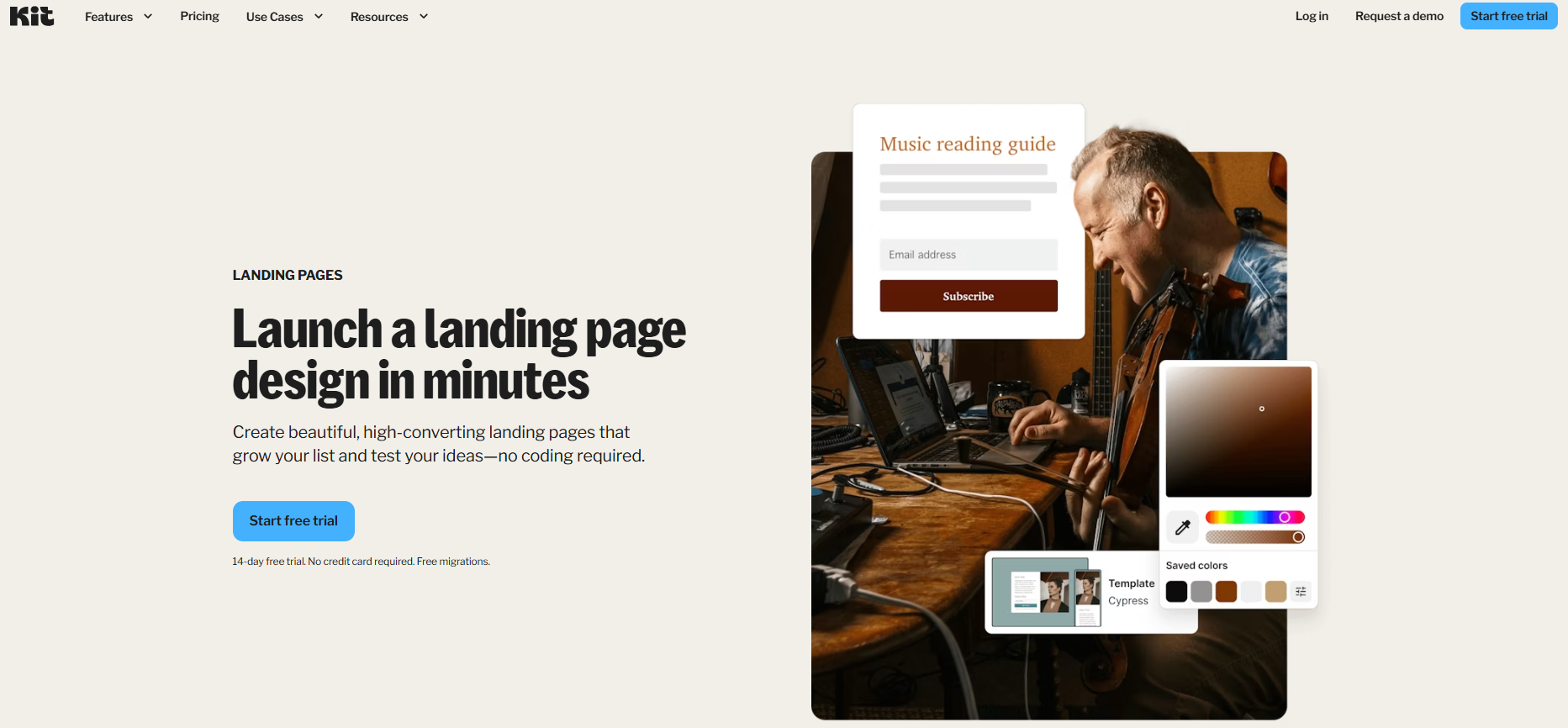
Kit is an email marketing platform that includes a free landing page and website builder with custom domain support. The platform's core strength is email list management, with the website builder serving as a complementary tool for subscriber acquisition.
Free plan features:
-
Custom domain connection
-
Unlimited landing pages and forms
-
Email broadcasts to up to 10,000 subscribers
-
Digital product and subscription sales through Stripe
-
Pre-designed landing page templates (limited selection)
-
Subscriber management dashboard
-
Webhook integrations
Free plan limitations:
-
No multi-page website support (landing pages only)
-
Limited template customization
-
No blogging functionality
-
No visual drag-and-drop editor (content-block based)
-
No SEO tools
-
Kit branding on published pages
-
1 account per person
Paid plan upgrades:
The Creator plan starts at $29/month (for up to 1,000 subscribers), adding automation sequences, third-party integrations, and premium support.
The Creator Pro plan ($59/month) includes advanced reporting, subscriber scoring, and Facebook custom audiences.
Custom domain setup process:
Users add DNS records through their domain registrar. Kit provides specific instructions for configuring the connection.
Ideal for: Content creators, newsletter operators, course sellers, and solopreneurs who need a landing page on a branded domain to capture email subscribers and sell digital products.
How Does Dorik Compare to Other Free Website Builders for Custom Domain Support?
Dorik delivers the most complete free website builder experience with custom domain connection. The platform provides unlimited domains, unlimited pages, unlimited storage, unlimited bandwidth, built-in SEO tools, CMS functionality, and 120+ templates, all at $0/month. No other free plan matches this combination.
Google Sites offers the simplest setup but lacks blogging, SEO tools, and design flexibility.
HubSpot CMS provides marketing automation and CRM integration, but caps pages at 30 and restricts design customization.
Kit builds landing pages for email marketing, not full websites.
Dorik's free plan functions as a complete website building platform, capable of producing portfolio sites, business websites, blogs, and landing pages with professional SEO configuration, all under unlimited custom domains.
What Should You Look for in a Free Website Builder with Custom Domain Support?
A free website builder with custom domain support must meet 6 functional requirements to deliver professional results: SSL certification, SEO tool access, responsive templates, sufficient storage, CMS or blogging capability, and no restrictive page limits.
-
SSL certification encrypts data between the visitor's browser and the server. Search engines penalize sites without SSL in rankings, and browsers display security warnings on unencrypted pages. Every builder in this guide includes free SSL through Let's Encrypt or equivalent providers.
-
SEO tool access determines whether a website can compete in search results. Essential SEO features include sitemap generation, meta tag control (title, description, Open Graph), URL redirect management, schema markup support, and robots.txt editing. Among the 4 free builders listed, only Dorik provides all of these features on the free plan.
-
Responsive templates ensure the website displays correctly on mobile devices, tablets, and desktops. Google uses mobile-first indexing, meaning the mobile version of a website determines its search ranking. Builders with limited or outdated templates produce sites that underperform on mobile devices.
-
Storage and bandwidth caps restrict how much content a website can hold and how many visitors it can serve. Free plans with 500MB storage and 1GB bandwidth limits (common on Wix and Webflow free tiers) support only small sites with minimal media. Dorik's unlimited storage and bandwidth on the free plan removes this constraint entirely.
-
CMS or blogging capability enables content marketing, the primary organic traffic driver for most websites. A CMS (content management system) allows structured content creation with collections, custom fields, and dynamic pages. Dorik's free plan includes a CMS with 10 collections and unlimited collection items per site, plus unlimited blog posts.
-
Page limits determine the scale of the website a builder can produce. HubSpot's 30-page cap restricts larger sites. Kit supports only single-page landing pages. Dorik and Google Sites impose no page limits on their free plans.
How Do You Connect a Custom Domain to a Free Website Builder?
Connecting a custom domain to a free website builder requires 3 steps:
-
Purchasing a domain from a registrar
-
Configuring DNS records at the registrar
-
Verifying the connection inside the website builder's dashboard.
The entire process takes 15–30 minutes of active work, with DNS propagation completing within 1–48 hours.
Step 1: Purchase a domain name.
Register a domain through a registrar such as Namecheap ($8.88/year for .com), Cloudflare ($9.15/year), GoDaddy ($12.99/year), or Porkbun ($9.73/year).
The domain is the only cost involved; the website builder and hosting remain free.
Step 2: Configure DNS records.
Log into the domain registrar's DNS management panel. Add the records specified by the website builder. Most builders require an A record pointing to their server IP address. Some require a CNAME record for www subdomain routing.
Dorik requires a single A record and handles the rest automatically.
Step 3: Verify and activate.
Return to the website builder's dashboard and confirm the domain connection. The platform verifies DNS resolution and provisions an SSL certificate. The website begins serving under the custom domain once propagation completes.
DNS changes propagate through the global DNS system in 1–4 hours for most registrars. Full propagation across all ISPs and regions can take up to 48 hours. During propagation, the website may load intermittently as different DNS servers update their caches.
What Is a Custom Domain Connection in a Website Builder?
A custom domain connection is a DNS-based feature that links a user-owned domain name (purchased from a registrar like Namecheap, GoDaddy, or Cloudflare) to a website hosted on a third-party builder platform. The connection replaces the default platform subdomain (e.g., yoursite.dorik.com) with a branded URL (e.g., yoursite.com) while the builder continues to host and serve the website files.
Custom domain connection operates through DNS record configuration.
The user adds an A record or CNAME record at their domain registrar, pointing the domain to the website builder's servers. The builder detects the DNS change, verifies ownership, and begins serving the website under the custom URL.
SSL certificates activate automatically on most modern platforms through Let's Encrypt or similar certificate authorities.
The distinction between "custom domain connection" and "free domain included" matters.
Custom domain connection means the builder allows users to link a domain they already own. A "free domain included" offer means the platform registers a new domain on the user's behalf, typically bundled with an annual paid plan.
These are separate features with different cost implications.
A branded domain improves click-through rates by 30–50% in email campaigns compared to platform subdomains. Search engines treat custom domains as independent entities with their own authority signals, while subdomains inherit (and dilute) the platform's domain authority.
For any website intended to rank in search results or establish brand credibility, a custom domain connection is a foundational requirement.
Why Do Most Free Website Builders Block Custom Domain Connection?
Most free website builders block custom domain connection because custom domains are the primary upgrade trigger in freemium business models.
Platform analytics consistently show that domain connection is the feature that free users request most frequently, making it the highest-converting upsell point between free and paid tiers.
-
Wix's free plan does not allow a custom domain connection. Users must upgrade to the Light plan at $17/month to connect a domain they own.
-
Webflow's free plan publishes only to a webflow.io subdomain, with custom domains requiring the Basic plan at $14/month.
-
WordPress.com's free plan assigns a wordpress.com subdomain, with custom domain support starting at the Personal plan.
-
Squarespace does not offer a free plan at all. Its lowest tier starts at $16/month.
The freemium revenue model depends on this restriction. Users build their site for free, invest time in design and content, then encounter the domain restriction when they attempt to launch professionally. The switching cost at that point (rebuilding on another platform) drives conversions to paid plans.
The 4 platforms listed in this guide use alternative monetization strategies.
-
Google Sites generates revenue through its broader Workspace ecosystem.
-
HubSpot monetizes through CRM and marketing tool upsells.
-
Kit converts users who outgrow the subscriber cap.
-
Dorik monetizes through its Pro plan (collaborator access, code export, branding removal) and Agency plan (white-label dashboard, client billing). These features matter for professional and agency use cases rather than for individual website owners who simply need a branded domain.
Is a Free Website Builder with Custom Domain Enough for a Business Website?
A free website builder with custom domain connection is sufficient for launching and validating a business website, building an initial online presence, and publishing content to attract organic traffic.
The 4 platforms in this guide produce functional, SSL-secured websites on branded domains that rank in search engines and serve unlimited visitors.
The free tier works well for freelancers, consultants, solopreneurs, local businesses, portfolio sites, blogs, and early-stage startups that need a professional web presence without upfront investment.
Dorik's free plan, with its unlimited pages, blog posts, storage, and SEO tools, supports content-heavy business websites that competing free plans cannot accommodate.
Upgrading becomes necessary when a business requires team collaboration (Dorik's free plan includes 0 collaborators), branding removal, code export, white-label client dashboards, or advanced features like Airtable integration.
Dorik's Pro plan at $39/month (annual billing) addresses all of these needs while maintaining unlimited sites and domains.
The cost structure favors starting free and upgrading as the business grows.
A domain name costs $9–$15/year. Combined with Dorik's free website builder, the total first-year cost of a professional business website is under $15, compared to $168–$204/year for equivalent plans on Wix, Squarespace, or Webflow.
Start Building Your Free Website with a Custom Domain
Dorik's free plan provides unlimited custom domains, unlimited pages, unlimited blog posts, unlimited storage, and built-in SEO tools; everything required to launch a professional website on a branded URL at zero cost.
Over 100,000 users have built with Dorik, and the platform requires no credit card to start.


